
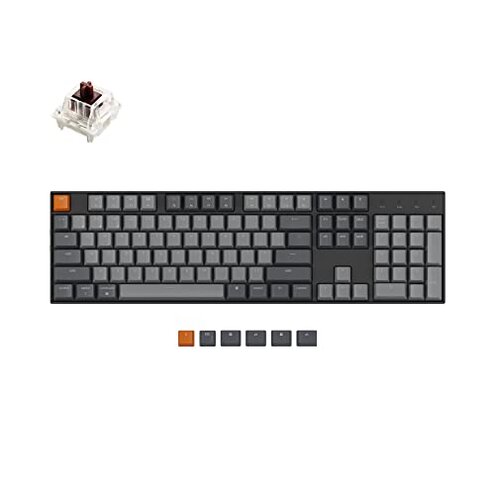
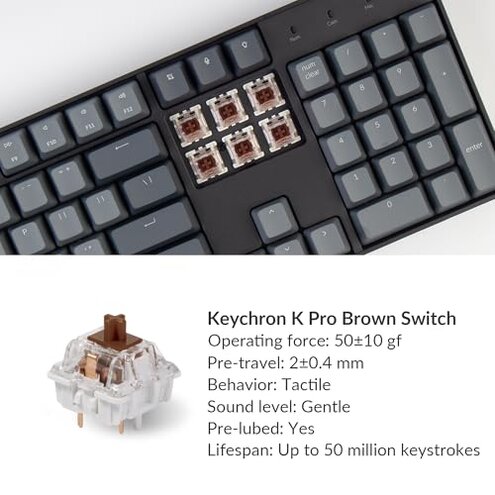
Product evaluated: Keychron K10 Full Size 104 Keys Bluetooth Wireless Mechanical Gaming Keyboard for Mac Windows K Pro Brown Switch, Multitasking/White LED Backlight/USB C Wired Computer Keyboard
Related Videos For You
How to Bluetooth your royal kludge keyboard to pc
Logitech MX Keys Keyboard Battery Replacement Guide - How to Replace Your Logitech MX Keys Battery
Data basis I analyzed hundreds of buyer posts, image-led feedback, and video demonstrations collected between Jan 2021—Feb 2026. Most feedback came from written reviews, supported by unboxing videos and comment threads. The signal mix highlights repeated patterns rather than one-off complaints.
| Outcome | Keychron K10 | Typical mid-range keyboard |
|---|---|---|
| Wireless reliability | Higher-risk Frequent Bluetooth drops reported during daily multitasking. | Category baseline Usually stable Bluetooth with occasional handoff lag. |
| Battery life (real use) | Variable Long quoted life, but backlight use reduces runtime noticeably. | Predictable Mid-range keyboards match stated runtime more consistently. |
| Typing feel & QC | Mixed Some buyers see key wobble or uneven stabilizers out of box. | More consistent Many alternatives have tighter QC at similar prices. |
| Setup & macros | Clunky Mac/Windows labels and function mapping require extra setup steps. | Smoother Typical models provide clearer switching and software support. |
| Regret trigger | Bluetooth drops This is the product's main, higher-than-normal risk for wireless users. | Lower risk Mid-range picks usually avoid frequent disconnects. |
Top failures
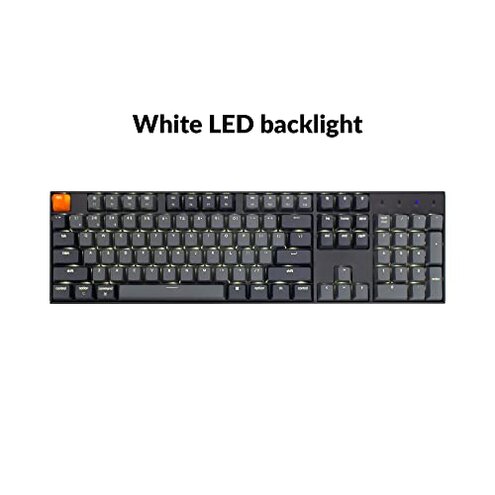
Why does my keyboard keep disconnecting?
Bluetooth drops Users commonly report intermittent wireless disconnects during normal typing and device switching.
Usage anchor The problem usually shows up after initial setup when switching between three paired devices or during video calls.
Category contrast This is more disruptive than most mid-range keyboards because disconnects break work flow and require frequent reconnection.
Why is battery life inconsistent?
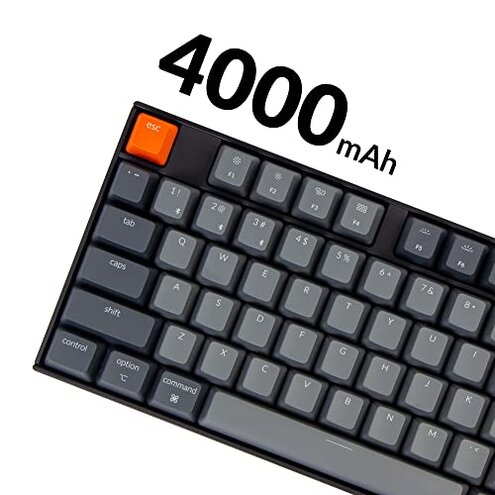
- Primary pattern Battery runtime often falls short when the backlight is used, a commonly reported effect.
- When it appears Shorter life appears during daily mixed use with moderate backlight and Bluetooth on.
- Worsening conditions Long sessions or leaving backlight on overnight worsen the drain.
- Impact Users face extra charging steps and unexpected downtime compared with expectations.
- Fixability You can mitigate with lower brightness or wired mode, but that reduces portability.
Why feel like some keys are uneven or noisy?
- Out-of-box signs Some buyers notice key wobble or uneven stabilizers right away, a persistent secondary pattern.
- Frequency tier This appears less often than connectivity problems but is commonly reported across written feedback.
- Cause Likely QC variance or loose stabilizers rather than switch design for many cases.
- User impact Noisier typing and reduced comfort during long typing sessions.
- Attempts to fix Tightening or swapping stabilizers is reported by buyers, adding time and effort.
- Hidden requirement DIY comfort: some buyers need basic mechanical keyboard tools and skills to achieve a better feel.
Why is Mac/Windows switching confusing?
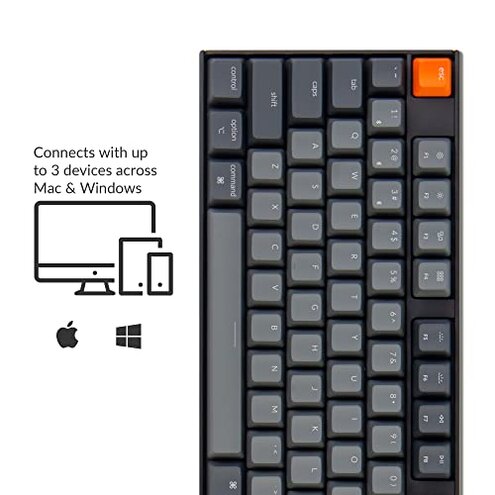
- Pattern Users report confusing key labels and function mapping, a persistent compatibility complaint.
- When it appears The confusion is most obvious during setup and when using media or screenshot keys.
- Frequency This is a common secondary issue across platforms and setup videos.
- Impact It adds minutes to initial setup and occasional mistakes during daily use.
- Attempts Many buyers use included extra keycaps or look up mapping guides to cope.
- Fixability Better vendor software or clearer labeling would reduce regret; current fixes require manual steps.
- Category contrast This is worse than average because similar-priced keyboards often include simpler switching or companion apps.
Illustrative excerpts
Illustrative: "Keeps dropping Bluetooth during meetings, reconnect takes time and breaks flow." — Primary
Illustrative: "Battery fine without lights, but backlight kills runtime in a day." — Primary
Illustrative: "Spacebar felt sloppy; I had to reseat stabilizers to fix noise." — Secondary
Illustrative: "Mac keys swapped and I hit wrong shortcuts until I relabeled caps." — Edge-case
Who should avoid this
- Remote professionals who need rock-solid wireless for meetings and can’t tolerate reconnects.
- Heavy typists who expect consistent out-of-box key feel without doing mods.
- Low-friction setup buyers who want simple Mac/Windows switching without manual remapping.
Who this is actually good for
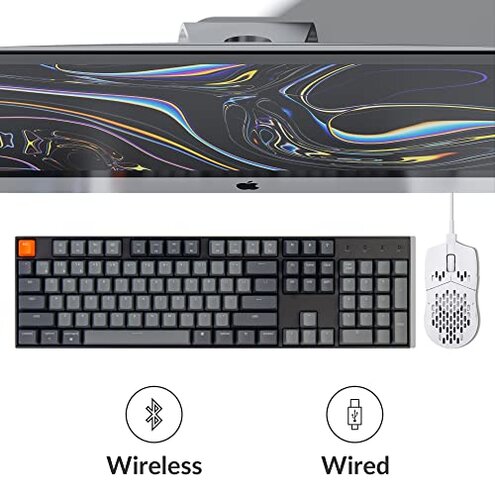
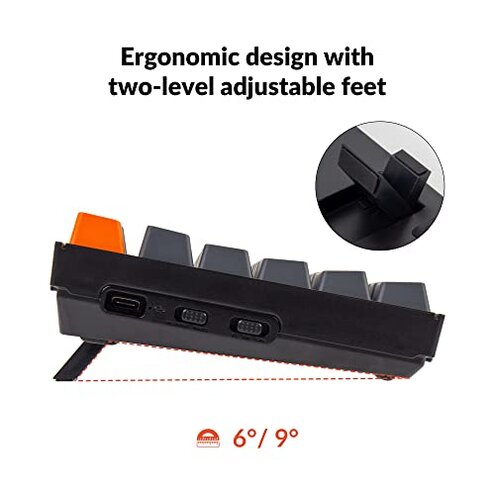
- Wired-first users who plan to use USB-C most of the time and can ignore Bluetooth drops.
- DIY keyboard hobbyists willing to tweak stabilizers and swap keycaps for a better feel.
- Cost-conscious buyers who accept extra setup steps to get a full-size mechanical layout at this price.
Expectation vs reality
Expectation Reasonable for this category: a mid-range keyboard should keep a stable Bluetooth connection while switching devices.
Reality The K10 shows more frequent disconnects, causing repeated reconnect steps and lost keystrokes for some buyers.
Expectation Reasonable for this category: battery claims should hold under typical backlight use.
Reality Real-world runtime often falls below expectations with backlight engaged, adding extra charging time.
Safer alternatives
- Prefer wired reliability Choose a wired or primarily-wired board to eliminate Bluetooth disconnect risk.
- Look for verified Bluetooth chips Seek models that advertise tested multi-device switching and strong chipset support.
- QC-focused brands Pick competitors known for tighter out-of-box stabilizer quality to avoid DIY fixes.
- Battery transparency Favor listings that state battery life at specific backlight settings for realistic expectations.
The bottom line
Main regret The primary trigger is frequent Bluetooth disconnects that interrupt daily workflows.
Why worse This exceeds normal category risk because it requires manual reconnection and reduces wireless trust.
Verdict Avoid if you need dependable wireless performance; consider wired use or alternatives if you cannot tolerate extra setup and fixes.
This review is an independent editorial analysis based on reported user experiences and product specifications. NegReview.com does not sell products.