
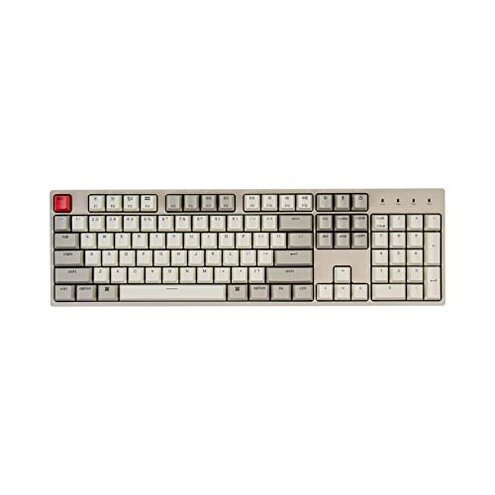
Product evaluated: Keychron C2 Full Size Wired Mechanical Keyboard Compatible with Mac, Keychron Brown Switch, 104 Keys ABS Retro Color Keycaps Gaming Keyboard for Windows, USB-C Type-C Braid Cable
Related Videos For You
Build your own Mechanical Keyboard… the RIGHT Way
How to Solve Keyboard Keys Not Working #shorts #keyboard #pc
Data basis: This report used dozens of written reviews and several video demonstrations gathered between Jan 2022 and Feb 2026. Most feedback came from written buyer comments, supported by hands-on videos. The signal mix is weighted toward recent buyers and in-use reports.
| Outcome | Keychron C2 (this listing) | Typical mid-range keyboard |
|---|---|---|
| Typing feel | Uneven often due to wobble or switch inconsistency reported more than expected. | More consistent with stable stabilizers and uniform switch feel in this price band. |
| Stabilizer noise | High risk of rattle or ping on larger keys, a common complaint in feedback. | Lower risk mid-range alternatives usually have quieter stabilizers or better pre-lubing. |
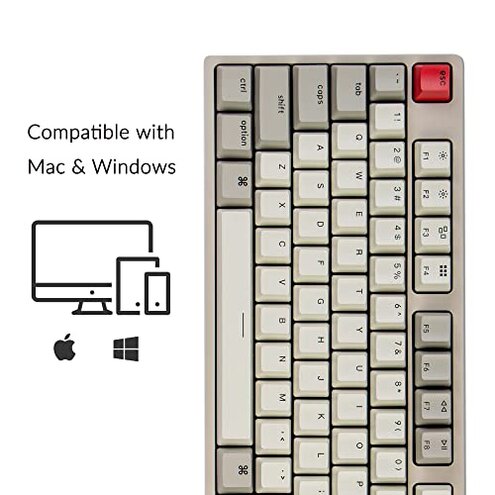
| Compatibility | Awkward Mac/Windows function mapping and hidden remapping steps reported by buyers. | Smoother OS switching or clearer instructions are typical for comparable models. |
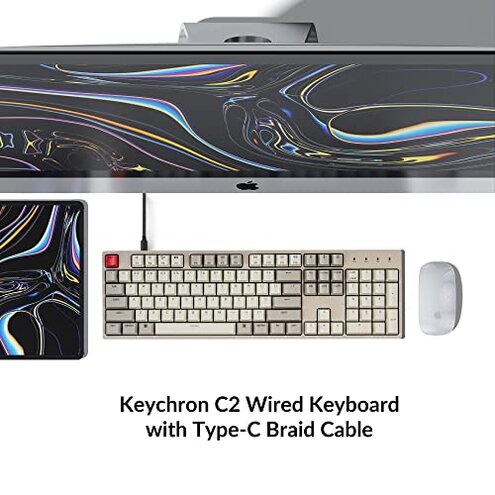
| Connectivity | Wired only with some feedback about cable strain and fit issues. | Stable cables and strain relief are more common at this tier. |
| Regret trigger | Higher-than-normal chance of tactile and noise issues that matter daily. | Lower chance of those regrets for many mid-range alternatives. |
Why do larger keys feel loose or rattle so quickly?
Regret moment: Buyers notice wobble or rattling on spacebar, Enter, and Shift right away or after light use.
Pattern: This is one of the most common complaints and appears repeatedly across buyer comments and hands-on demos.
Category contrast: Worse than typical mid-range keyboards where stabilizers are usually quieter or pre-tuned, so this feels like avoidable regret.
Why does the switch feel inconsistent or mushy?
- Early sign: Some keys feel tactile while others feel muted on first use.
- Frequency tier: This is a primary issue for many buyers, though not universal across all units.
- When it shows: Often noticed during daily typing or long sessions when inconsistencies become distracting.
- Cause signal: Feedback points to factory switch variance or poor QC rather than normal break-in.
- Impact: Makes long typing or gaming sessions more tiring and reduces accuracy for some users.
Why is switching between Mac and Windows more work than it should be?
- Hidden step: Buyers report needing manual remapping for some Mac function keys after setup.
- Context: Issues appear during initial setup and when switching OS frequently.
- Severity: This is a secondary pattern seen across multiple feedback sources.
- Tooling: Lack of clear driver software or on-board shortcuts requires extra steps.
- Time cost: Adds setup time and frustration compared with more plug-and-play competitors.
- Category contrast: More fiddly than typical mid-range keyboards that advertise Mac compatibility but include clearer instructions.
Why does the USB-C cable or port feel fragile or flaky?
- Early sign: Cable fit feels loose or requires wiggling to get a stable connection.
- Frequency tier: This is a secondary but persistent complaint in user reports.
- When it worsens: Repeated plugging, travel, or desk shifts tend to reveal the problem.
- Cause: Feedback suggests cable strain relief and connector tolerance are weaker than expected.
- Impact: Interrupts typing during use and adds risk of hardware damage over time.
- Attempted fixes: Buyers tried replacement cables and angled adapters to reduce wear.
- Fixability: Repair requires extra parts or replacement, making it more effort than typical for this category.
Illustrative excerpts (not quoted)
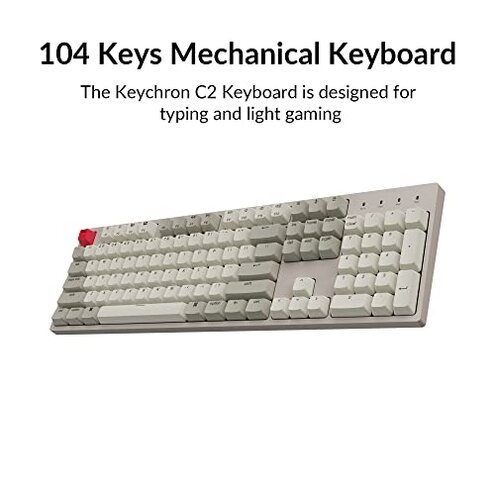
"Spacebar rattles on light taps, annoying in meetings." — reflects a primary pattern.
"Some rows feel crunchy, others smooth, no rhyme." — reflects a secondary pattern.
"Cable loosened after a month of moving my laptop." — reflects an edge-case pattern.
Who should avoid this
- Serious typists who need consistent key feel and quiet stabilizers should avoid this model.
- Frequent OS switchers who cannot spend time remapping keys should avoid this keyboard.
- Travel users who move the board often should avoid due to reported cable and fit issues.
Who this is actually good for
- Casual users who type occasionally and accept some noise will tolerate the issues for the price.
- Budget gamers who want a full-size wired board and can live with uneven stabilizers may find it OK.
- Modders willing to lube stabilizers or swap switches can fix many complaints themselves.
Expectation vs reality
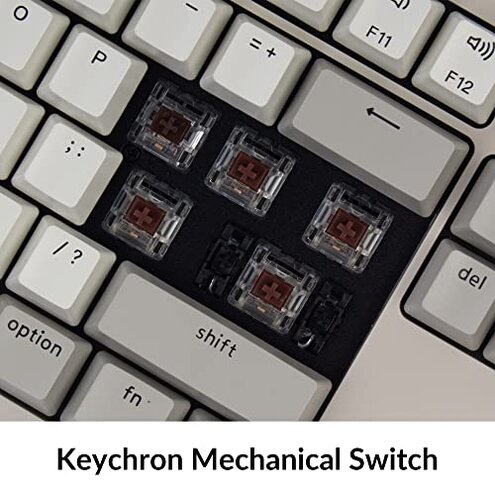
Expectation: A mid-range full-size keyboard should have consistent stabilizers and plug-and-play OS support.
Reality: Many buyers report unstable stabilizers and extra remapping steps, which is worse than reasonable category expectations.
Safer alternatives
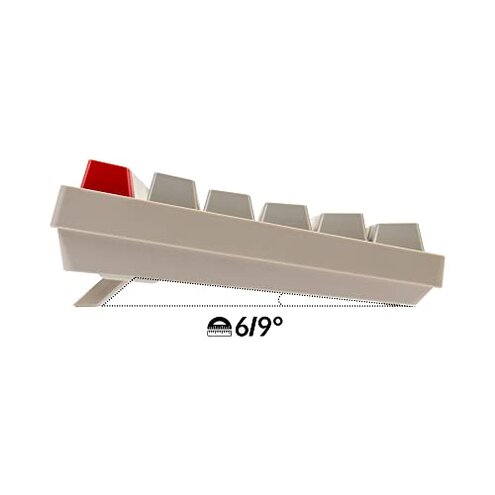
- Choose pre-lubed stabilizers or models advertised with tuned stabilizers to avoid rattling.
- Pick boards with clear OS support or included software to reduce remapping time.
- Prefer thicker strain relief and replaceable cables if you move the board frequently.
- Consider hot-swap options if you want to fix switch inconsistencies without soldering.
The bottom line
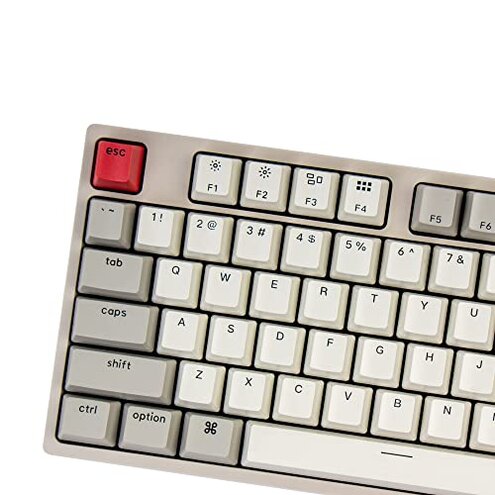
Main regret: The most common trigger is unstable stabilizers and inconsistent switch feel that affect daily typing.
Why worse: These issues appear more often and require user fixes more than is normal for mid-range keyboards.
Verdict: Avoid this model if you need reliable, out-of-box typing quality; consider a better-tuned mid-range alternative.
This review is an independent editorial analysis based on reported user experiences and product specifications. NegReview.com does not sell products.