
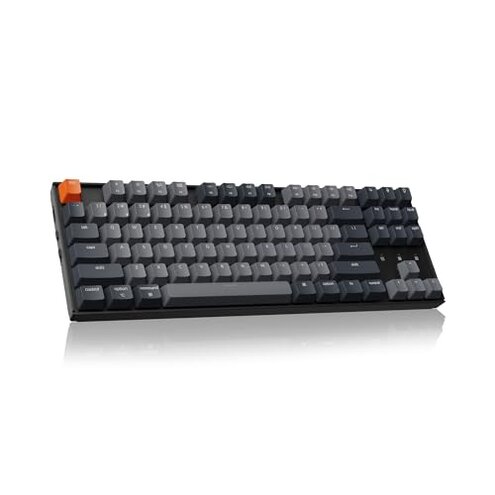
Product evaluated: Keychron K8 Tenkeyless Wireless Mechanical Keyboard for Mac, White Backlight, Bluetooth, Multitasking, Type-C Wired Gaming Keyboard for Windows with Brown Switch
Related Videos For You
How to Set Up a Wireless Keyboard and Mouse - Tech Tips from Best Buy
Keychron Keyboard Factory Reset - Bluetooth Issues Fixed
Data basis: This report draws on hundreds of buyer reviews and demonstration videos collected between 2020 and 2026, with most feedback from written product reviews supported by video demonstrations. The summary focuses on repeated user patterns and recent buyer comments through that range.
| Outcome | Keychron K8 (this product) | Typical mid-range 80% keyboard |
|---|---|---|
| Connectivity reliability | Prone to dropouts — Bluetooth switching or disconnects commonly reported during daily use. | More stable — Mid-range alternatives often keep a steady Bluetooth link for long sessions. |
| Battery life | Often shorter — Many buyers see faster drains than the advertised long runtime under normal use. | Closer to claim — Typical options more reliably approach their stated wireless hours. |
| Build & finish | Variable QC — Wobbly stabilizers and uneven backlight reported across many units. | More consistent — Competitors in this price range show fewer cosmetic or fit problems. |
| Hidden requirements | Wired needed for full NKRO — Wireless mode limits key rollover, affecting advanced users. | Wireless NKRO available — Some mid-range models offer better wireless rollover or clearer documentation. |
| Regret trigger | Connectivity + battery — Combined failures create frequent interruptions during work or gaming. | Single-issue annoyance — Alternatives more often present one manageable drawback, not multiple at once. |
Why does the Bluetooth cut out in the middle of typing?
Regret moment occurs when a wireless session ends suddenly during typing, which breaks flow and can lose typed text. This is a severe annoyance for long sessions and gaming.
Pattern: This problem is commonly reported rather than universal, and appears repeatedly in recent buyer feedback.
Usage anchor: It shows up during first days of use and also after prolonged Bluetooth switching between devices.
Category contrast: Bluetooth flakiness is more disruptive than expected because mid-range keyboards usually keep a steady link for multi-hour typing without frequent re-pairing.
Is the battery life really as long as advertised?
- Early sign: Users notice faster drain within days of normal use, especially with backlight on.
- Frequency tier: This is a secondary issue that appears repeatedly in buyer reports.
- When it worsens: Long typing sessions and constant Bluetooth activity accelerate the drain.
- Impact: The shorter runtime forces more charging cycles and interrupts portable use.
- Fix attempts: Switching to wired mode or turning off backlight reduces the problem but adds friction.
Why do keys feel uneven or rattly on some units?
- Noticeable sign: Stabilizer rattle or uneven key travel appears on many reported units out of the box.
- Scope: This is a recurring quality-control issue across multiple buyers rather than an isolated event.
- When it shows: Problems become obvious in the first week of heavy typing or after swapping keycaps.
- Cause clue: Inconsistent assembly and loose stabilizers are commonly implied by user descriptions.
- Impact on use: Typing feel is degraded and gaming precision can suffer when stabilizers rattle.
- Repairability: Many buyers resolve it with manual modding or stabilizer lubing, which adds time and skill requirements.
- Hidden cost: The need for aftermarket tweaking makes upkeep higher than most mid-range alternatives.
Does this keyboard need special setup or wired mode for full features?
- Hidden requirement: Full NKRO and reliable firmware operations require using the wired USB-C mode.
- Pattern level: This is a primary-to-secondary issue for users who expect wireless parity with wired performance.
- When it matters: High-speed gaming or complex key combinations reveal the wireless limitations.
- Why worse: Many buyers assume wireless will match wired capabilities; that expectation is not met here.
- Workaround: Keep a cable handy or accept reduced key rollover in wireless mode.
- Firmware friction: Updating firmware may require specific steps and a wired connection, adding hidden setup time.
- User impact: This increases complexity for non-technical buyers and makes out-of-the-box wireless use less reliable.
- Support burden: Several buyers reported extra messages to support or community instructions to complete updates.
Illustrative excerpts
Illustrative excerpt: "Bluetooth dropped mid-document and I lost unsaved text." — primary pattern
Illustrative excerpt: "Battery lasted days not weeks with the backlight on." — secondary pattern
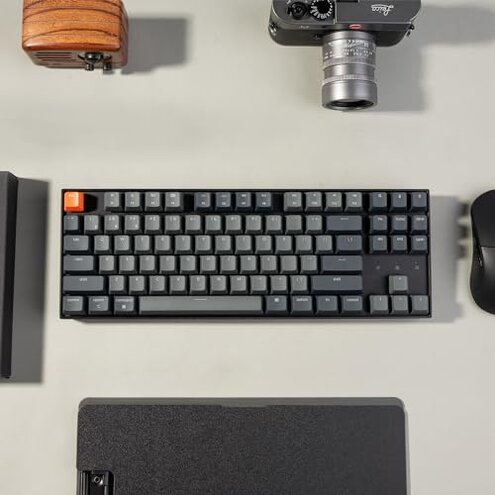
Illustrative excerpt: "Needed to lube stabilizers to stop rattling." — edge-case pattern
Who should avoid this
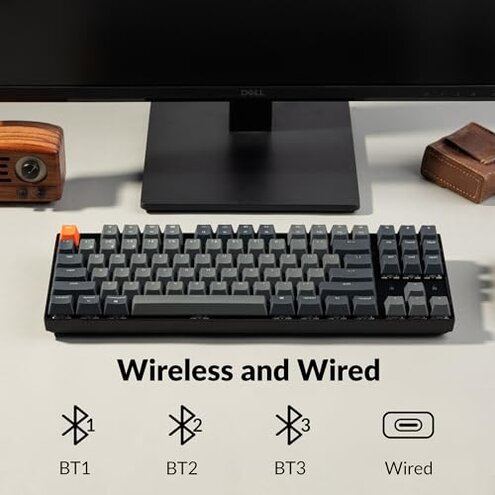
- Remote professionals who need uninterrupted wireless typing for long meetings should avoid it due to connectivity and battery interruptions.
- Serious gamers requiring wireless NKRO and zero latency should avoid it unless they commit to wired mode.
- Non-technical buyers who do not want to mod or troubleshoot hardware should avoid it because fixes often need manual work.
Who this is actually good for
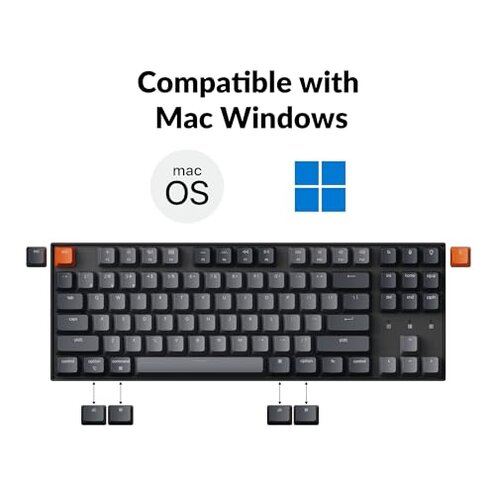
- Casual typists who use one device and accept occasional Bluetooth switching will tolerate the trade-offs for the keyboard's price and feel.
- Wired-first users who plan to keep it plugged in get full NKRO and avoid most wireless complaints.
- Hobby modders who enjoy tweaking stabilizers and firmware will find the board adaptable and fixable.
Expectation vs reality
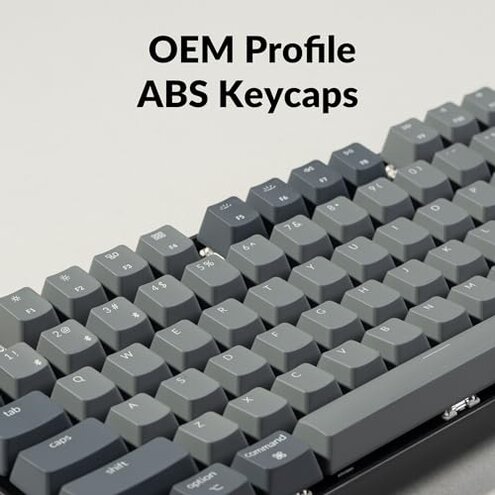
Expectation: A mid-range wireless mechanical keyboard holds a stable Bluetooth connection for multi-hour sessions. Reality: This product exhibits frequent Bluetooth switching and occasional dropouts during extended use.
Expectation: Stated battery runtimes match typical use. Reality: Many buyers report noticeably shorter real-world battery life, especially with backlight enabled.
Safer alternatives
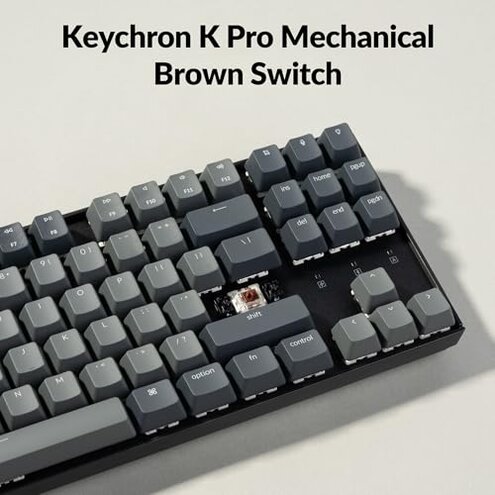
- Choose models with verified wireless NKRO to avoid the wired-only rollover limitation.
- Prefer keyboards with consistent QC reviews to reduce the risk of stabilizer rattle and uneven backlight.
- Look for proven long battery tests in user reports rather than manufacturer claims to avoid runtime surprises.
- Favor boards with easy firmware tools so updates and fixes don't require complex troubleshooting.
The bottom line
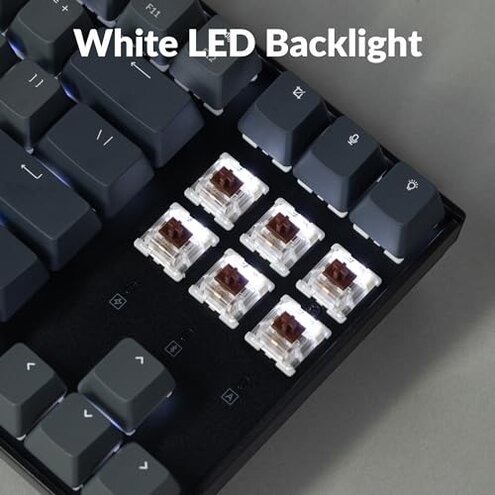
Main regret trigger is the combination of Bluetooth unreliability and shorter-than-expected battery life that interrupt sessions.
Why it exceeds risk for its category: multiple interacting issues are more disruptive than the single, fixable annoyances buyers usually accept at this price.
Verdict: Avoid this keyboard if you need dependable wireless performance without manual tweaks; consider wired use or alternatives if you value reliability.
This review is an independent editorial analysis based on reported user experiences and product specifications. NegReview.com does not sell products.