
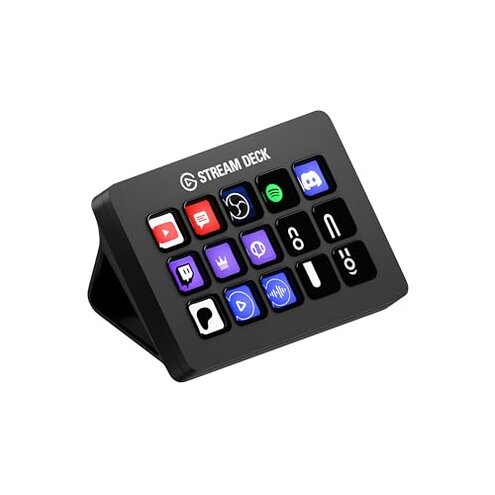
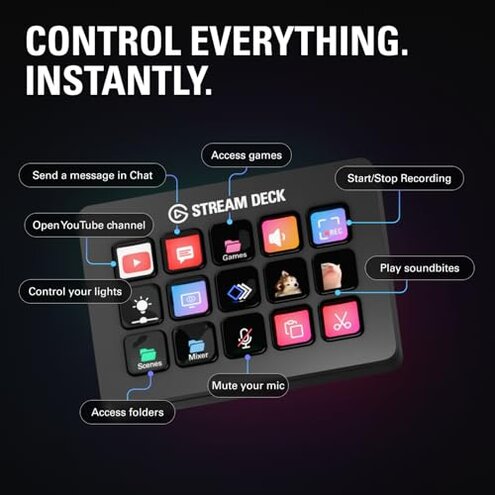
Product evaluated: Elgato Stream Deck MK.2 – Studio Controller, 15 macro keys, trigger actions in apps and software like OBS, Twitch, YouTube and more, works with Mac and PC
Related Videos For You
What Can I Do With Elgato Stream Deck?
2022 Setup | Learn EVERYTHING about Elgato Stream Deck 🔍 Become a PRO in 10 MINUTES
Dozens of user reports were examined between July 2021 and January 2026 from written reviews and video demonstrations. Most feedback came from written reviews, supported by demo videos and Q&A posts. The sample focuses on real-world setup and daily use problems.
| Outcome | This product | Typical mid-range controller |
| Daily reliability | Interruptions are commonly reported during long sessions and after updates. | More stable operation is typical for mid-range alternatives under the same conditions. |
| Setup & software | High risk—many users need the desktop app running constantly and report post-update regressions. | Lower risk—competitors often work with simpler drivers or less intrusive apps. |
| Physical keys | Key failures appear repeatedly over months for some users. | More durable keys are common in similarly priced controllers. |
| Value | Pricey for buyers who face software or reliability issues. | Better value options exist when long-term reliability matters. |
| Regret trigger | Recurring disconnects and software resets that disrupt live use. | Less frequent need for troubleshooting in everyday streaming. |
Why do keys stop responding during a stream?
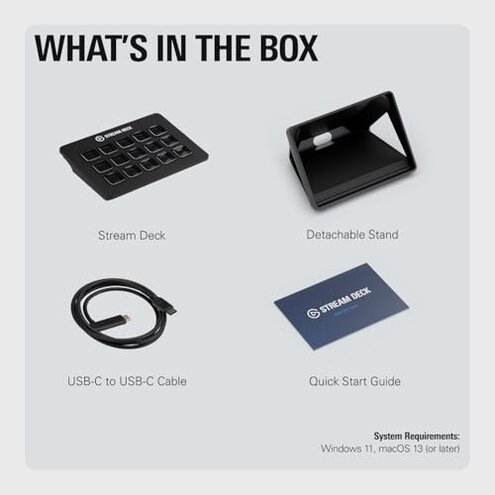
Typical regret is losing key responses mid-stream, which breaks scenes, alerts, or audio controls. This is a primary issue that appears repeatedly across reports.
When it shows up: usually during long streaming sessions or immediately after software updates. The problem worsens if the desktop app restarts or the USB connection glitches.
Category contrast: similar controllers usually tolerate long sessions better, so this becomes a more disruptive regret than buyers expect for this price.
Why does setup feel more complex than advertised?
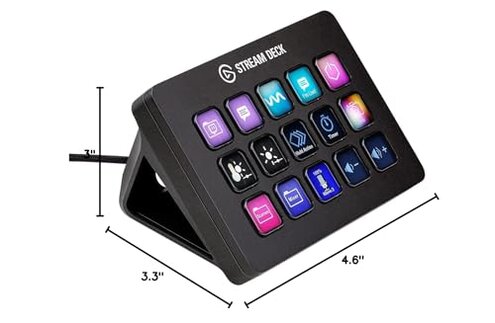
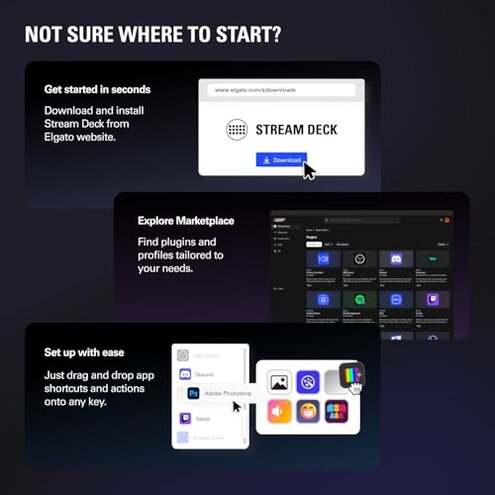
- Hidden requirement Many users discover the device needs the companion app always running to function fully.
- Early sign Initial setup completes but advanced actions fail until the desktop software is open.
- Frequency tier This is a primary pattern in newcomers who expect plug-and-play.
- Impact The extra app increases background CPU use and adds a step to every boot.
- Fixability Workarounds exist but require manual app restarts or reconfiguration after updates.
Why do software updates create new problems?
- Recurring pattern Post-update regressions are commonly reported and not isolated.
- When it happens Failures often start right after an automatic update.
- Cause Updates can reset key assignments or remove custom icons unexpectedly.
- Impact Stream layouts and macros can break, costing preparation time.
- Attempts Users try reinstalling, rolling back, or re-importing profiles to recover.
- Category contrast Mid-range alternatives usually have less intrusive update behavior.
- Hidden cost Frequent fixes add maintenance time that buyers often overlook.
Why might this feel like a poor long‑term purchase?
- Physical wear Some owners report button degradation after months of daily use.
- Early sign Sticky or inconsistent key travel shows up with frequent heavy-handed presses.
- Frequency tier This is a secondary pattern, less common than software issues but still persistent.
- Impact Broken keys force expensive repair or replacement sooner than expected.
- Attempts Cleaning or swapping keys helps short-term but sometimes fails.
- Compatibility Some fixes need the official software, adding complexity.
- Category contrast Comparable controllers often tolerate heavy daily use better.
- Value effect The combination of wear and software problems makes the total cost of ownership higher than buyers expect.
Illustrative excerpts
"Keys stopped working mid‑stream, app restart fixed it briefly." — illustrative; reflects a primary pattern.
"Update wiped my custom icons and scenes; had to rebuild everything." — illustrative; reflects a primary pattern.
"After months a few buttons felt mushy and inconsistent." — illustrative; reflects a secondary pattern.
Who should avoid this
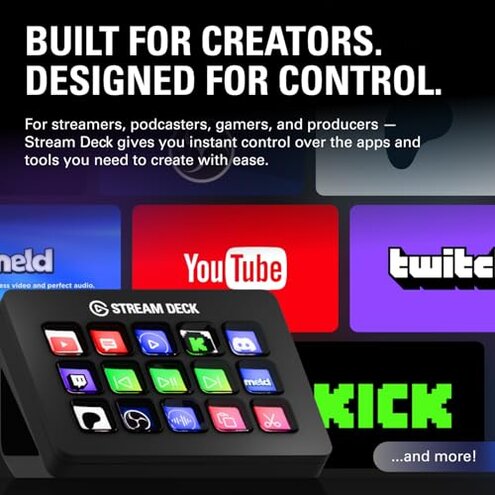
- Live professionals who cannot tolerate mid‑stream disconnects or time lost rebuilding scenes.
- Non-technical users who expect plug-and-play and don’t want a constantly running desktop app.
- Heavy daily users worried about premature button wear and extra maintenance time.
Who this is actually good for
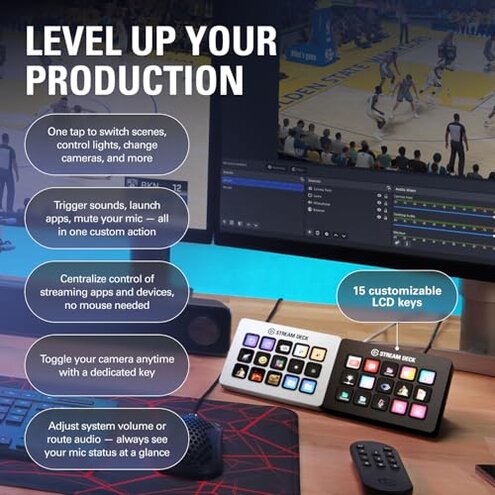
- Hobby streamers who can accept occasional restarts and have time to rebuild profiles.
- Customization fans who value deep app integrations and can manage software quirks.
- Short-session creators who stream briefly and avoid long runs that expose reliability faults.
Expectation vs reality
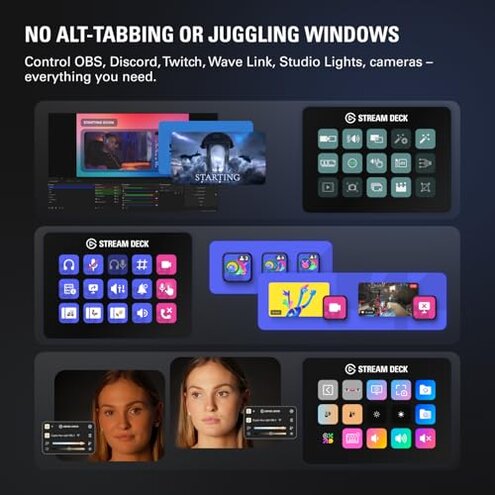
Expectation Reasonable for this category: a controller should work reliably across sessions without frequent restarts.
Reality Many users face recurring software resets and USB/app dependence that interrupt long sessions and add upkeep.
Expectation A premium feel in daily use.
Reality Some buyers report physical key wear sooner than comparable devices, increasing replacement risk.
Safer alternatives
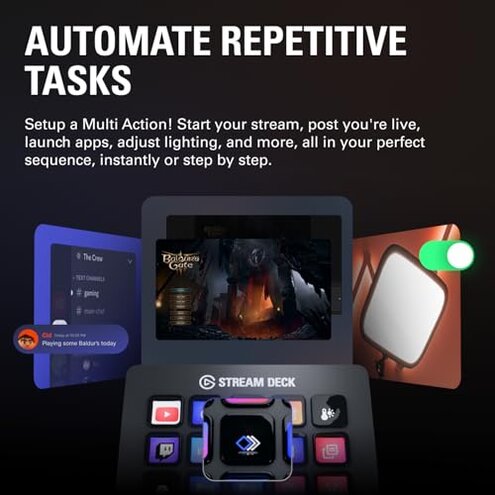
- Pick devices with offline or driver‑light operation to avoid app dependency.
- Check update history and community feedback for recent post-update regressions.
- Prefer durable keys rated for heavy use to reduce the chance of button wear.
- Prepare backup profiles export and quick restore routines before spending time customizing.
- Try before buying when possible to catch setup and software friction early.
The bottom line
Main regret is recurring software and USB/app dependence that interrupts streams and demands extra maintenance.
Why worse than normal: these problems are more disruptive than typical mid-range controllers and add hidden time costs.
Verdict Avoid this unit if you need rock‑solid, low‑maintenance reliability for frequent or professional live use.
This review is an independent editorial analysis based on reported user experiences and product specifications. NegReview.com does not sell products.