
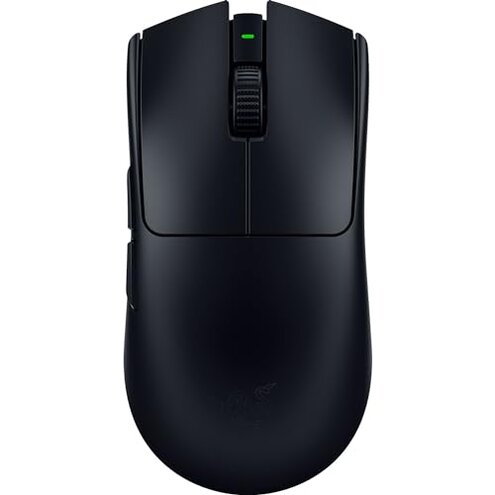
Product evaluated: Razer Viper V3 Pro Wireless Esports Gaming Mouse: Symmetrical - 54g Lightweight - 8K Polling - 35K DPI Optical Sensor - Gen3 Optical Switches - 8 Programmable Buttons - 95 Hr Battery - Black
Related Videos For You
Time to Cut Your Gaming Mouse Wire
Wireless Mouse Not Working Problem Fix100%#macnitesh#wireless#mouse
Data basis Dozens of user reports were aggregated from written reviews, short Q&A entries, and video demonstrations collected from April 2024 through February 2026. Most feedback came from written reviews, supported by video demos and a smaller set of hands-on posts.
| Outcome | Viper V3 Pro | Typical mid-range mouse |
|---|---|---|
| Click reliability | Higher failure risk — recurring click faults are a primary regret trigger for many users. | Lower risk — mid-range mice rarely show persistent click faults in early months. |
| Wireless consistency | Mixed reports — some users note intermittent latency or drops during long sessions. | More stable — typical alternatives deliver steady wireless for everyday gaming. |
| Battery reality | Variable — advertised long life can feel optimistic under heavy polling or RGB on. | Predictable — many mid-range mice provide consistent runtime that matches expectations. |
| Setup friction | Hidden requirements — features often need the manufacturer app to unlock promised behavior. | Lower friction — mid-range mice usually work well without mandatory software. |
| Regret trigger | Unreliable clicks — primary reason buyers report early returns or replacements. | Button longevity — typical regret is ergonomic, not button failure. |
Why are my clicks acting up so quickly?
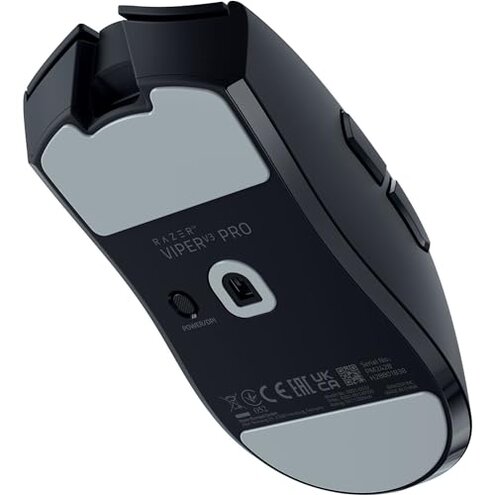
Immediate frustration Many users report click faults that appear within weeks of light to moderate use. Pattern This is a commonly reported primary issue rather than a rare edge case.
Usage anchor Problems show up during normal daily gaming and get worse after extended sessions or rapid clicking. Contrast This feels worse than the category baseline where most mid-range mice remain reliable for months.
Is the wireless connection actually stable for long play?
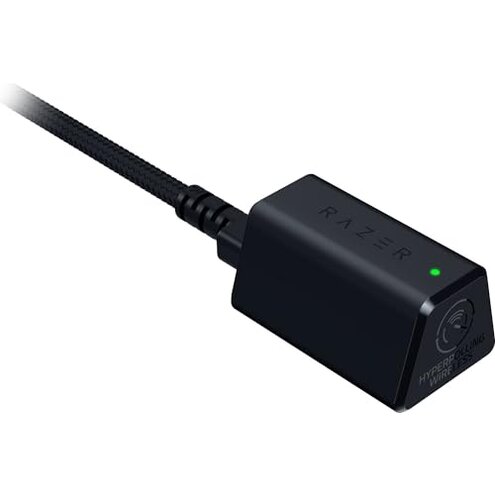
- Early sign: Intermittent micro-stutters noticed during long sessions, commonly reported.
- Frequency tier: Secondary issue that appears repeatedly but not for every user.
- When it shows: Often occurs after extended play or in busy wireless environments.
- Likely cause: High polling modes and crowded 2.4GHz bands worsen the symptom.
- Impact: Noticeable aim disruption and lost frames for competitive players.
Why does battery life feel shorter than advertised?
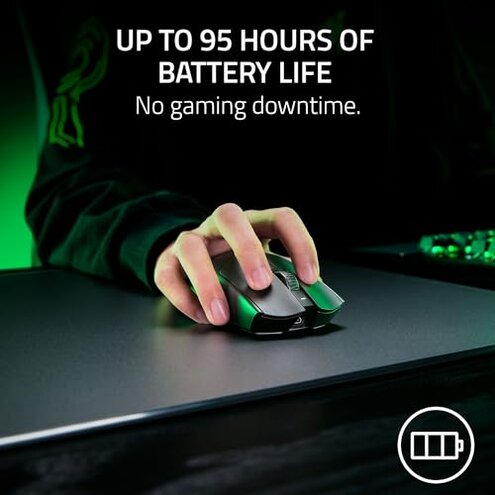
- Measurement gap: Advertised runtime assumes conservative settings and minimal extras like RGB.
- Real use: Heavy polling and enabled features commonly reduce runtime during daily use.
- Frequency tier: Secondary complaint that appears across recent reports.
- Hidden cost: Frequent recharging adds downtime and requires spare cables or docks.
- Attempted fixes: Users lower polling or disable lights; that reduces features to regain runtime.
- Category contrast: This is more frustrating than typical mid-range mice that more closely match runtime claims.
Do I need extra software or updates to get the promised behavior?
- Hidden requirement: Many features require the manufacturer's app to access settings and firmware updates.
- When it matters: After initial setup when users expect plug-and-play performance.
- Frequency tier: Persistent complaint across setup reports.
- Impact: Adds account, driver, and update steps that some buyers want to avoid.
- Fixability: Firmware and app updates can help but add time and friction.
- Why worse: Mid-range alternatives often work well with minimal software.
- Hidden need: Competitive polling modes may not perform as promised without updates.
Illustrative excerpts
"Left click started double-clicking after two weeks of normal play." — reflects a primary pattern.
"Battery drained faster when I used higher polling and lights." — reflects a secondary pattern.
"Had to install the app to fix lag in tournament mode." — reflects an edge-case pattern.
Who should avoid this

- Competitive players who need button reliability above all should avoid this due to the primary click reliability risk.
- Non-technical buyers who expect plug-and-play will dislike the hidden software and update requirements.
- Long-session users who run heavy polling or lights should avoid this because runtime often falls short under those conditions.
Who this is actually good for
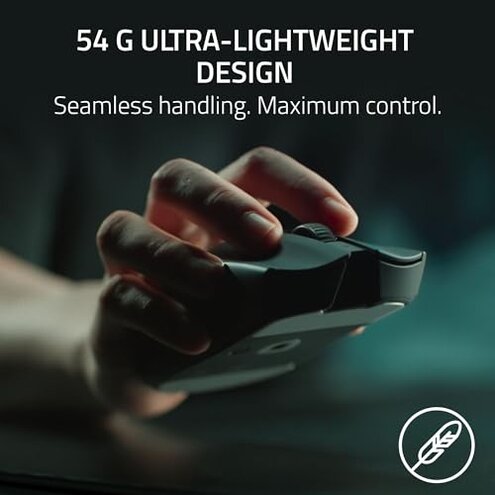
- Lightweight preferrers who value the very low weight and can tolerate extra setup for optimal performance.
- Customizers who want advanced polling and app features and are willing to manage firmware updates.
- Casual gamers who play short sessions and prioritize low weight over long-term durability.
Expectation vs reality
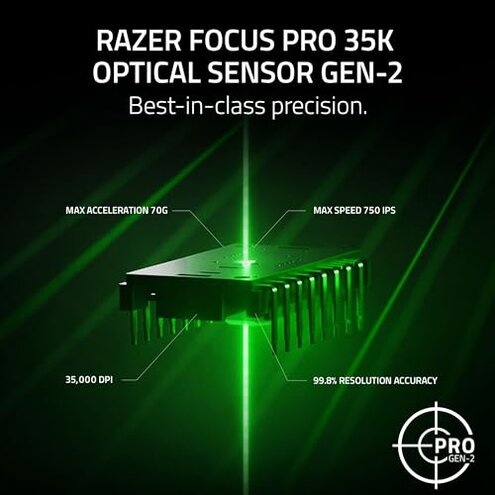
- Expectation: Reasonable for this category is that a premium-branded gaming mouse works reliably out of the box. Reality: Click faults and required software updates mean extra troubleshooting.
- Expectation: Advertised battery life should last long under normal settings. Reality: High polling and lights commonly shorten runtime in real play.
- Expectation: Wireless should match wired stability for everyday use. Reality: Some users face intermittent latency during long or noisy wireless sessions.
Safer alternatives
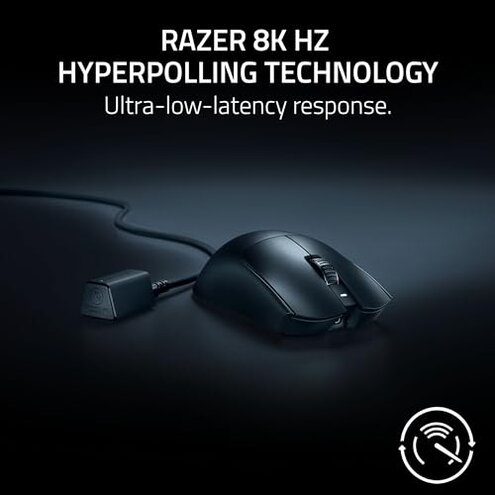
- Pick proven switches: Look for mice with long-standing switch reputations if button longevity is critical.
- Check out-of-box simplicity: Choose models that work fully without mandatory software to avoid hidden setup steps.
- Prefer steady battery claims: Seek alternatives whose runtime more closely matches user reports under high-polling use.
- Test wireless in your environment: If possible, try demo units in your gaming space to catch interference problems.
The bottom line
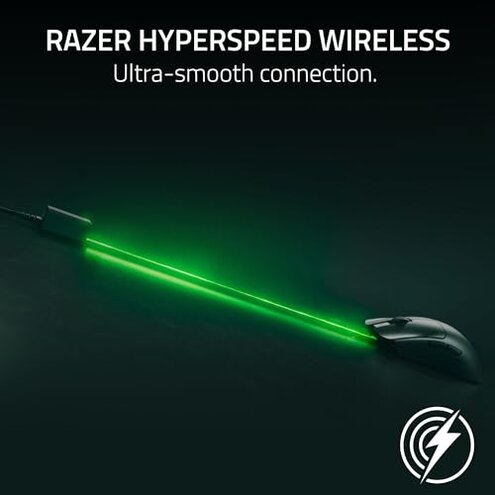
Main regret The primary driver of returns is button reliability paired with hidden setup needs. Severity These issues exceed normal category risk because they impact core function and require extra troubleshooting.
Verdict Avoid this if you need immediate, out-of-box reliability for competitive play. Consider it only if you accept the software and maintenance trade-offs for its lightweight design.
This review is an independent editorial analysis based on reported user experiences and product specifications. NegReview.com does not sell products.