
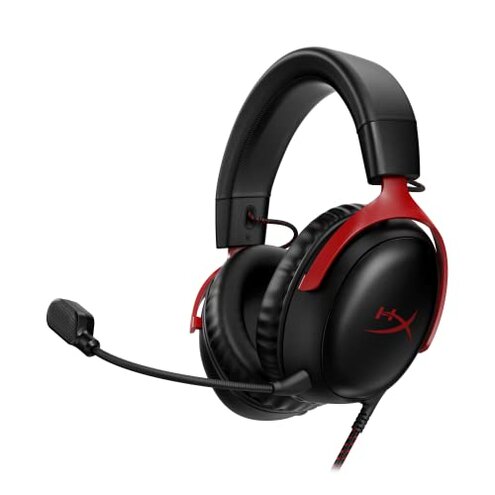
Product evaluated: HyperX Cloud III – Wired Gaming Headset, PC, PS5, Xbox Series X|S, Angled 53mm Drivers, DTS Spatial Audio, Memory Foam, Durable Frame, Ultra-Clear 10mm Mic, USB-C, USB-A, 3.5mm – Black/Red
Related Videos For You
Gaming Headset Setup Guide - DO THIS FIRST!
Why Doesn't My Headset Mic Work & How to Fix it (3.5mm audio cable)
Data basis: This report used dozens of written reviews and several video demonstrations collected between July 2023 and January 2026, with most feedback coming from written reviews and supported by videos.
| Outcome | HyperX Cloud III | Typical mid-range headset |
|---|---|---|
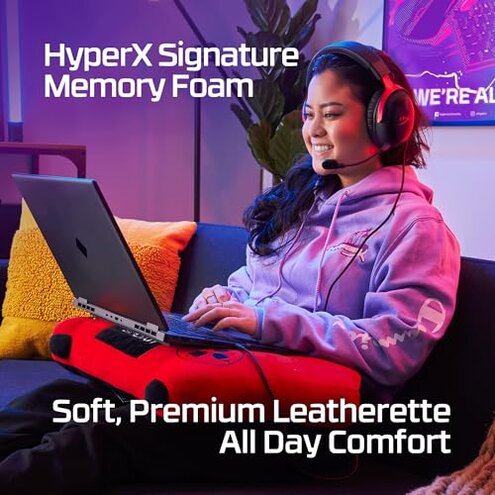
| Comfort for long sessions | Comfort generally praised initially, but some buyers report soreness after extended play. | Baseline usually offers even cushioning that lasts through long sessions. |
| Microphone reliability | Mic has recurring clarity and drop issues reported repeatedly in written and video feedback. | Baseline mid-range mics are more consistently reliable for repeated voice chat. |
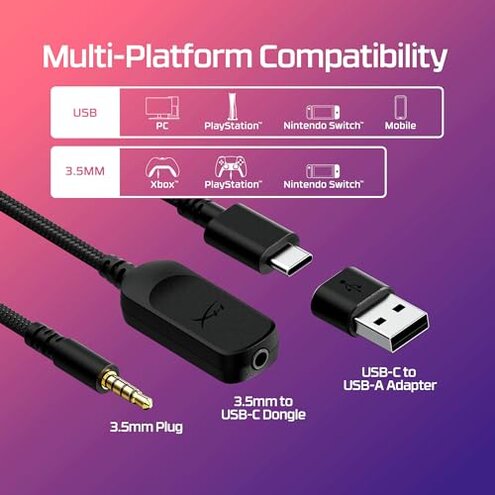
| Connectivity friction | Connection switching between USB-C, USB-A, and 3.5mm adds extra setup steps and confusion. | Baseline often provides simpler plug-and-play with fewer adapter quirks. |
| Durability over time | Durability concerns appear repeatedly after months of travel or daily handling. | Baseline mid-range models usually show steadier wear patterns. |
| Regret trigger | Primary microphone and connection issues create real regret for voice-first users. | Typical mid-range regret is usually cosmetic, not functionality-critical. |
Will the mic stay clear during your game chat?
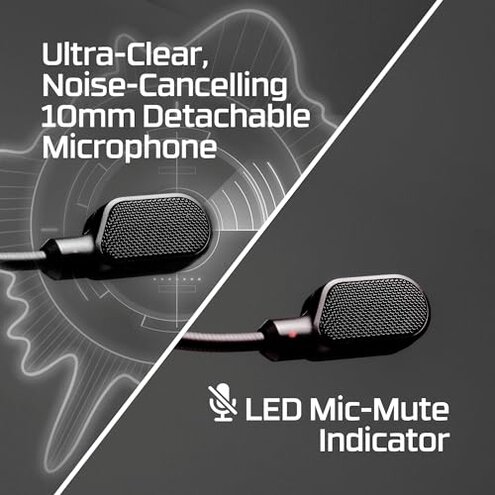
Mic reliability is among the most common complaints, appearing repeatedly across written reviews and video demos.
Usage context shows the issue mainly during live voice chat or long stream sessions, and it can appear right after setup or after several uses.
Category contrast feels worse than normal because mid-range gaming headsets usually offer more consistent call clarity, so intermittent mic drop is more disruptive than expected.
Does switching plugs cause setup headaches?
- Adapter confusion appears repeatedly when users switch between USB-C, USB-A, and 3.5mm connections.
- Hidden requirement some setups require specific port power or adapters to enable full microphone features.
- Initial setup can demand extra steps and firmware toggles compared with typical plug-and-play headsets.
- When it worsens the friction is worse for multi-device players who swap consoles, PC, and phones daily.
- Buyer impact this increases time-to-use and can break party chat in the middle of sessions.
Will this survive daily use and travel?
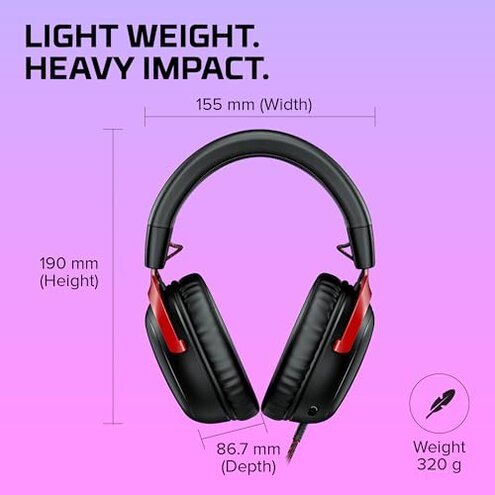
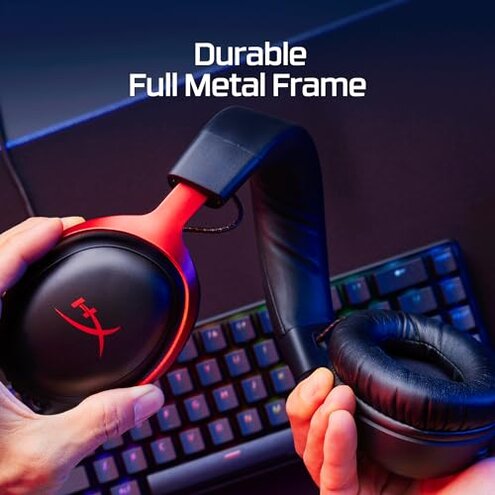
- Early signs include loosening headband tension and creaking after repeated packing or rough handling.
- Frequency tier durability concerns are a secondary issue but persistent among active, traveling users.
- Likely cause repeated mechanical stress and daily removal/putting on appears to accelerate wear compared with peers.
- Repair attempts often require contacting the manufacturer or replacing parts, adding downtime.
- Impact decreased headset fit or cracked finishes reduce long-term comfort and aesthetics.
- Fixability is limited for many buyers and can mean paying for replacements sooner than expected.
Does the spatial audio and software behave reliably?
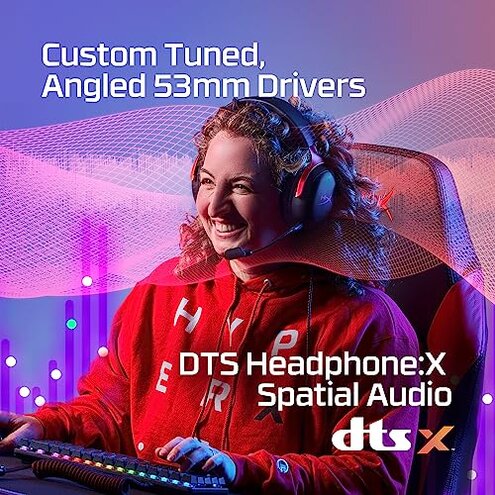
- Activation friction DTS Spatial Audio setup appears repeatedly in videos as an extra activation step.
- Inconsistent effect some buyers report the surround effect feels different across platforms and games.
- When noticed the problem is most obvious in competitive, audio-localization moments like footsteps or distant shots.
- Category contrast this inconsistency is more troubling than expected from a headset that advertises lifetime DTS activation.
- Attempted fixes include toggling drivers or software, which commonly restores function temporarily.
- Hidden need proper software access and occasional firmware updates are required to keep spatial audio consistent.
- Buyer trade-off you get immersive promises but may spend extra time troubleshooting instead of gaming.
- Edge-case users with locked-down consoles may not access full DTS features at all.
Illustrative excerpts (not direct quotes)
Excerpt: "Mic cuts out mid-match, forces team to repeat calls constantly."
Pattern: Primary — reflects the most common complaint about live chat interruption.
Excerpt: "I needed a special adapter to get the mic to work on my PC."
Pattern: Secondary — shows the recurring adapter and setup friction pattern.
Excerpt: "After a few months of travel the headband started creaking and loosening."
Pattern: Secondary — points to durability wear among mobile users.
Who should avoid this
- Voice-first players who need rock-solid mic performance for team calls or streaming.
- Multi-device users who switch ports daily and cannot tolerate adapter and setup friction.
- Frequent travelers who expect durable hardware that survives daily packing and rough handling.
Who this is actually good for
- Casual single-device gamers who use one console and tolerate occasional mic quirks.
- Comfort seekers who value initial padding and short-session comfort over long-term ruggedness.
- Users who accept troubleshooting and can apply software fixes to enjoy DTS Spatial Audio intermittently.
Expectation vs reality
Expectation (reasonable for this category): Plug-and-play wired headsets usually give immediate voice chat without extra adapters.
Reality here: Connection and mic features often require adapters, settings, or firmware, which adds setup time and frustration.
Safer alternatives
- Choose simpler connectivity look for headsets that advertise single-cable plug-and-play to avoid adapter friction.
- Prioritize robust mics pick models with documented mic consistency and user reports of stable voice chat.
- Check durability reports prefer listings that highlight reinforced frames if you travel often.
- Prefer platform-tested audio select headsets with verified spatial audio support for your specific console or PC.
The bottom line
Main regret is recurring microphone and connection friction that interrupts voice chat and gameplay.
Risk this exceeds normal category risk because it requires extra adapters, settings, or fixes to work reliably.
Verdict avoid this headset if you depend on consistent mic performance or multi-device plug-and-play.
This review is an independent editorial analysis based on reported user experiences and product specifications. NegReview.com does not sell products.