
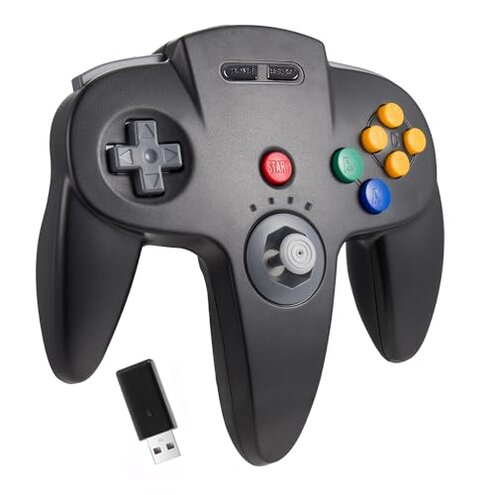
Product evaluated: KIWITATA N64 Wireless USB Controller for Switch Games, 2.4ghz Rechargeable Wireless N64 Remote Joystick Controller for Switch/Switch Lite/Switch OLED, MAC, PC Windows 7,8,10,11 Black
Related Videos For You
My Nintendo 64 Is COMPLETE! The PERFECT Way To Play Is With An OFFICIAL Wireless Controller!
How To Connect a wireless Xbox One controller to your console
Data basis: I analyzed dozens of written reviews and several video demonstrations collected between Nov 2024 and Jan 2026. Most feedback came from written user reviews, supported by video setup and gameplay clips across multiple sellers.
| Outcome | KIWITATA unit | Typical mid-range controller |
|---|---|---|
| Connectivity reliability | Higher-risk: intermittent pairing and occasional lag reported under normal living-room distances. | Baseline: most mid-range controllers maintain stable 2.4GHz pairing across the same distance. |
| Compatibility with consoles | Patchy: extra setup steps and button-mapping conflicts on Switch and emulators. | Smoother: mid-range options usually offer plug-and-play Switch mapping or clear adapter instructions. |
| Joystick precision | Mixed: precise at first but reports of drift and looseness after repeated use. | Standard: comparable sticks hold better over months in mid-range controllers. |
| Hidden requirements | Problematic: needs specific Switch settings and external USB receiver for full features. | Transparent: mid-range devices usually state these needs clearly or include adapters. |
| Regret trigger | Primary: pairing/compatibility friction that interrupts play sessions. | Lower: mid-range alternatives rarely force repeated re-pairing during play. |
Why won't it stay paired or feel responsive?
Regret moment: you may lose connection mid-game or notice input lag when sitting a normal distance from the TV.
Pattern: this is a commonly reported problem that appears during first setup and continuing daily use.
Usage anchor: symptoms show up when switching between docked handheld modes, or after moving the controller across rooms.
Category contrast: more disruptive than expected because mid-range wireless controllers of this type usually remain connected through everyday movement.
Why are button layouts and compatibility inconsistent?
- Early sign: buttons perform swapped actions immediately after pairing to Switch or emulators.
- Frequency tier: a primary complaint across many buyers rather than an isolated report.
- Cause: nonstandard mapping and a requirement to enable special Switch settings before use.
- Impact: classic N64 games feel wrong and certain moves are hard to execute.
- Fix attempts: buyers report temporary workarounds like remapping in emulator settings, which adds time and complexity.
Why does the joystick feel imprecise over time?
- Early sign: fine analog control at first use while precision drops after weeks of play.
- Frequency tier: a recurring secondary issue in many reports.
- Cause: apparent looseness and drifting after repeated long play sessions.
- Impact: aiming, camera control, and precise platforming become unreliable.
- Attempts: some buyers lightly cleaned or recalibrated sticks; improvements were inconsistent.
- Fixability: repair or replacement adds extra time and cost compared with mid-range options.
- Hidden cost: frequent replacement or warranty claims add friction that mid-range controllers avoid.
Why is rumble and memory functionality confusing or limited?
- Hidden requirement: rumble works only on original N64 ports or specific PC emulators, not universally over Switch wireless.
- Early sign: buyers expected vibration on Switch but found it inactive in many titles.
- Frequency tier: a common frustration tied to product documentation gaps.
- Cause: partial feature support and missing USB/N64 receiver hardware in the box.
- Impact: perceived value drops when advertised features require extra accessories or consoles.
- Attempts: people tried wired USB connections or emulator settings to restore rumble with mixed results.
- Fixability: resolving this needs extra hardware, settings changes, or a different controller model.
- Category contrast: mid-range controllers usually make rumble and memory features straightforward or clearly note limited support.
Illustrative excerpts
Illustrative excerpt: "Buttons swap and I had to remap every game before playing." — primary
Illustrative excerpt: "Lost connection during a boss fight at normal couch distance." — primary
Illustrative excerpt: "Joystick started drifting after a few weeks of nightly play." — secondary
Who should avoid this
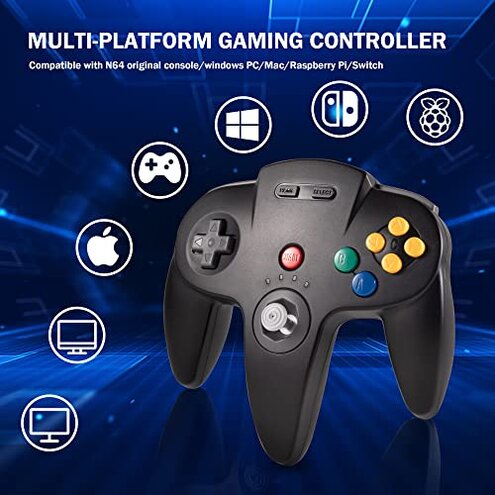
- Competitive players: avoid if you need consistent low-latency input and stay-connected sessions.
- Plug-and-play shoppers: avoid if you expect immediate Switch compatibility without settings changes or adapters.
- Buyers wanting long-term precision: avoid if joystick longevity and minimal drift are priorities.
Who this is actually good for
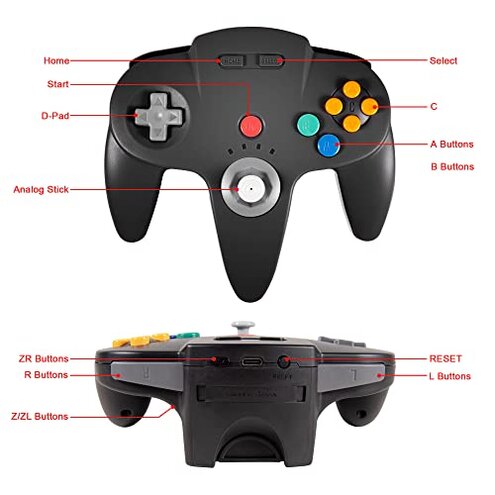
- Casual retro players: okay if you tolerate occasional remapping and prefer the N64 shape for nostalgic feel.
- Tinkerers and emulator users: suitable if you accept extra setup steps and calibration work to get features working.
- Budget buyers: reasonable if you accept trade-offs in reliability for a lower price point.
Expectation vs reality
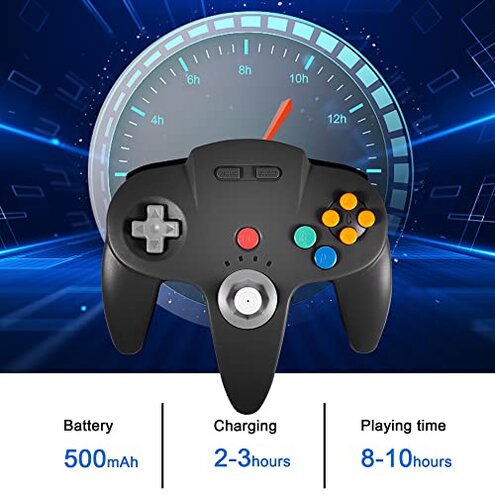
Expectation: reasonable for this category is a wireless controller that pairs reliably in a living room without repeated re-pairing.
Reality: KIWITATA often requires extra steps, toggling Switch settings, or USB reconnects to maintain stable play.
Expectation: vibration and memory features advertised should work across platforms.
Reality: rumble and memory functions are limited unless you use specific consoles, ports, or adapters.
Safer alternatives
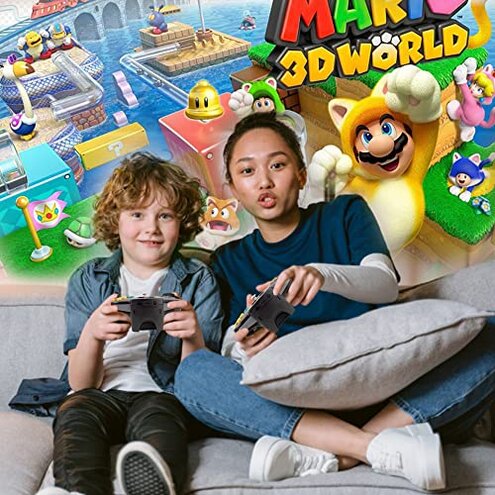
- Choose controllers that bundle receivers: prefer models that include a USB receiver to avoid hidden hardware needs.
- Look for clear mapping support: pick controllers marketing explicit Switch/Pro-controller compatibility and simple remap tools.
- Prioritize stick durability: choose mid-range options with known longevity or replaceable modules to reduce drift risk.
- Check community guides first: search setup walkthroughs for this controller before buying if you plan to use emulators.
The bottom line
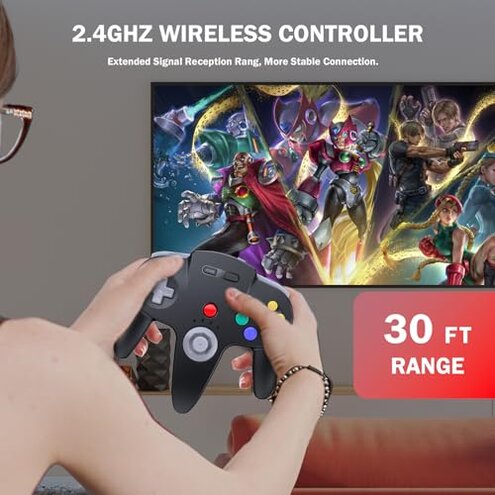
Main regret: frequent pairing and compatibility friction interrupts play more than buyers expect for this category.
Why it matters: the issue exceeds normal risk because it requires added steps, adapters, or repeated troubleshooting during regular sessions.
Verdict: avoid this unit if you need plug-and-play reliability; consider it only if you accept extra setup work and potential stick wear.
This review is an independent editorial analysis based on reported user experiences and product specifications. NegReview.com does not sell products.