
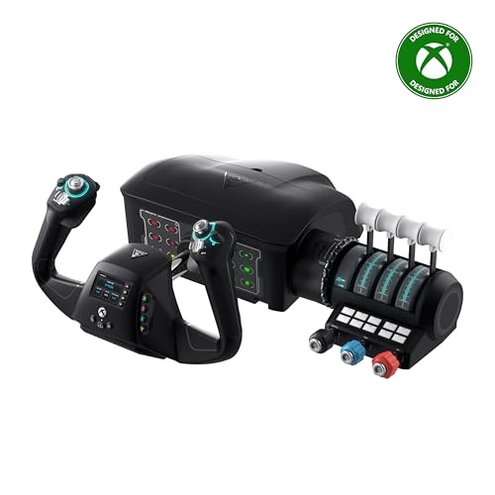
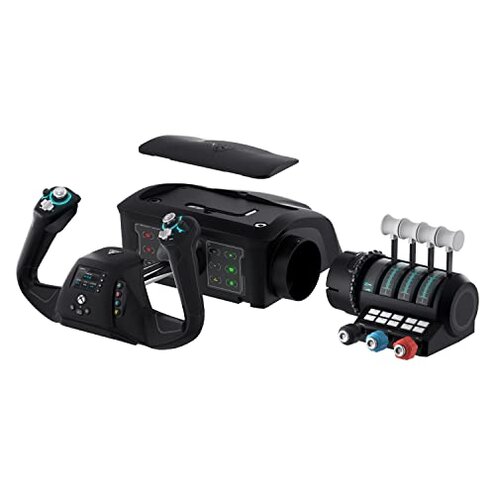
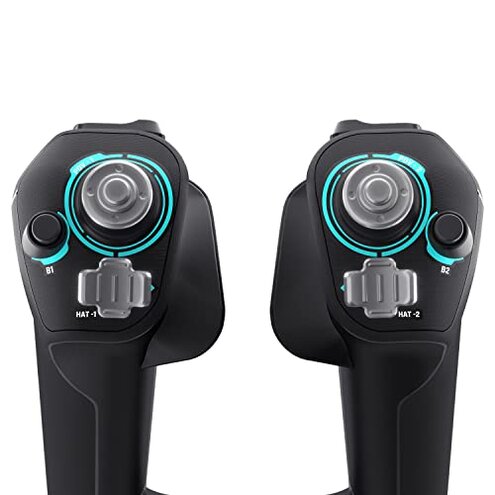
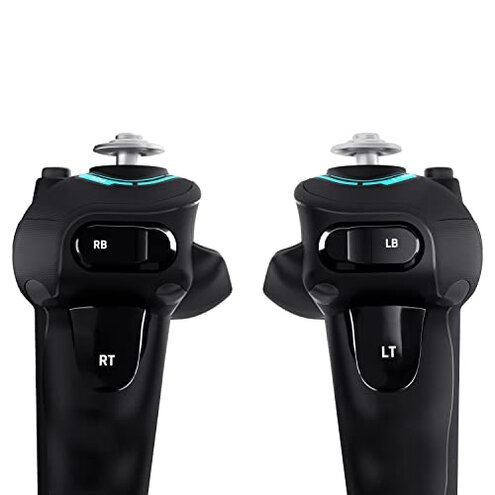
Product evaluated: Turtle Beach Stealth Pivot Wireless Smart Game Controller Officially Licensed for Windows PC – Rotating Modules, Display Dashboard, Hall-Effect Sticks, Remappable Buttons, Bluetooth, 20-Hour Battery
Related Videos For You
Xbox Wireless Adapter VS Bluetooth VS Wired Input Lag Test On PC
How to Connect PS5 Controller to PC [Easy Method]
Data basis: This report is drawn from dozens of written and video feedback collected before and after the product's launch in November 2024. Most insights come from detailed written reviews, supported by user demonstration videos, providing a balanced view of real-world use within weeks of release.
| Aspect | Turtle Beach Stealth Pivot | Typical Mid-Range PC Controller |
|---|---|---|
| Wireless latency | Higher latency causing noticeable input delay | Lower latency with more responsive controls |
| Battery life | 20-hour battery, but frequent charging mentioned | Similar battery life, more consistent performance |
| Customization ease | Complex button remapping; steep learning curve | More intuitive customization options |
| Durability | Thumbsticks prone to drift over time | Better long-term stick stability |
| Regret trigger | Latency and drift issues impacting gameplay | Less frequent control issues |
Why does wireless latency disrupt gameplay on this controller?
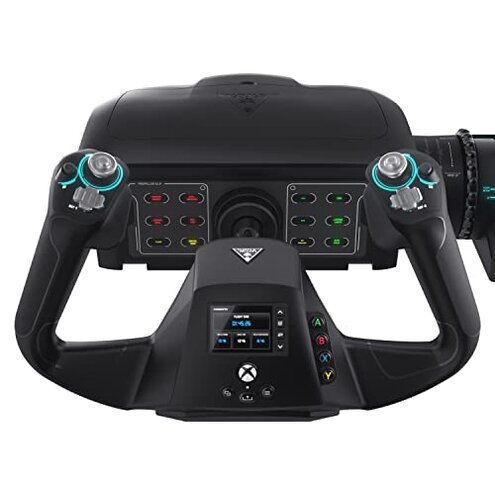
Buyers often notice input delay during gaming sessions, especially in fast-paced games requiring quick reactions. This latency is a persistent issue appearing from first use and worsens in wireless mode compared to typical mid-range controllers. It leads to frustration and reduced competitive performance.
Compared to usual category expectations, this latency is more disruptive than expected in wireless controllers priced similarly, where responsiveness is typically a priority. The extra delay can feel like a major handicap for serious PC gamers.
What causes thumbstick drift and how common is it?
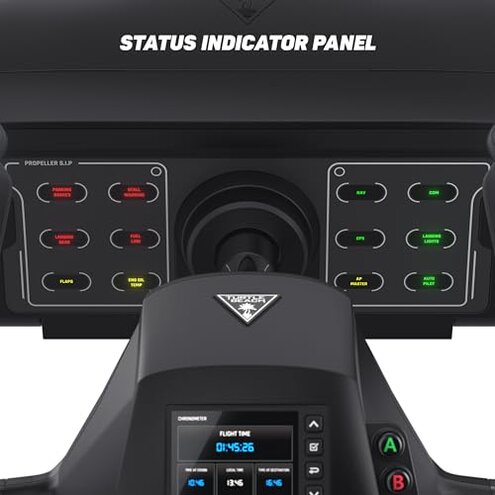
- Frequent drift reports: Thumbsticks begin to register movement without input after weeks of use.
- Usage context: Occurs mostly after extended daily gaming sessions.
- Cause: Hall-effect sticks seem sensitive but prone to miscalibration.
- Impact: Persistent cursor or in-game movement making precise control difficult.
- Fix attempts: Calibration and resets offer temporary relief only.
- Category contrast: Drift happens more often and earlier than usual for controllers in this price range.
- Hidden requirement: Requires frequent recalibration and firmware updates to maintain playability.
Why is customization more complicated than expected?
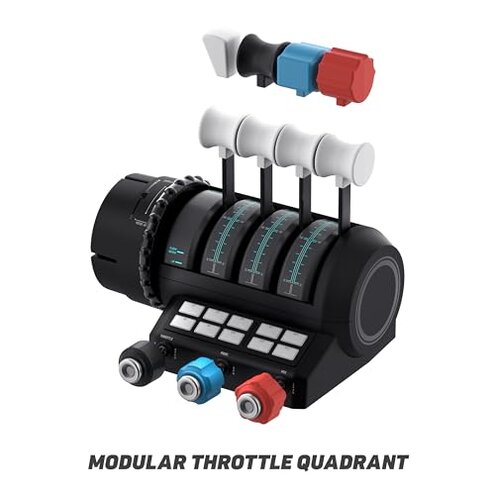
- Steep learning curve: The Control Center 2 app is reported as unintuitive by many users.
- Setup frustration: Mapping buttons and adjusting triggers take multiple attempts over several sessions.
- Frequent complaint: Not a universal issue but common enough to slow down initial use.
- Category comparison: More complex than typical PC controllers, which feature simpler software.
How does the battery life compare in real use?
- 20-hour claim: Battery life matches advertised specs but users report needing frequent charging in practice.
- Worsening factors: High vibration feedback and display features drain battery faster.
- Comparative impact: Less forgiving than some alternatives which optimize power better.
- Secondary issue: Minor but adds to overall dissatisfaction when combined with other flaws.
Illustrative buyer excerpts:
- "Noticeable lag ruins my reaction time in shooters." (Primary latency issue)
- "My thumbstick started drifting after just a few weeks." (Primary drift pattern)
- "Took me hours to figure out button remapping." (Secondary customization difficulty)
- "Battery dies faster than expected with vibration on." (Secondary battery observation)
- "Calibration helps but problem always comes back." (Edge-case fixability challenge)
Who should avoid this
- Competitive gamers who need minimal input lag will find latency frustrating.
- Users wanting plug-and-play simplicity may dislike the complicated customization software.
- Those seeking long-term durability should avoid the risk of early thumbstick drift.
- Players sensitive to battery interruptions might experience frequent recharges due to power-hungry features.
Who this is actually good for
- Casual gamers who tolerate minor latency for the sake of innovative features like rotating modules.
- Tech enthusiasts interested in customizable displays and vibration willing to manage software complexity.
- Windows PC users wanting official licensing and Bluetooth connectivity despite quirks.
- Players with patience who accept recalibration as part of extended use.
Expectation vs reality
Expectation: Wireless PC controllers at this price usually offer responsive controls and intuitive setup.
Reality: Turtle Beach Stealth Pivot shows higher latency and complex customization causing early user frustration.
Expectation: Thumbsticks typically remain stable for months under normal use.
Reality: Drift appears sooner and more often than category norms, requiring ongoing adjustment.
Safer alternatives
- Look for low-latency wireless tech confirmed by user feedback to avoid input delay.
- Prioritize proven thumbstick durability especially for extended gaming hours.
- Choose controllers with simple, user-friendly software for button remapping and settings.
- Consider battery life reviews focusing on realistic use especially with vibration enabled.
The bottom line
Main regret: Persistent wireless latency and thumbstick drift seriously impair gameplay.
Risk level: These issues exceed normal category problems for mid-range PC controllers and often lead to buyer dissatisfaction.
Verdict: Avoid if you prioritize responsiveness and reliability; better suited for casual users willing to accept trade-offs.
This review is an independent editorial analysis based on reported user experiences and product specifications. NegReview.com does not sell products.