
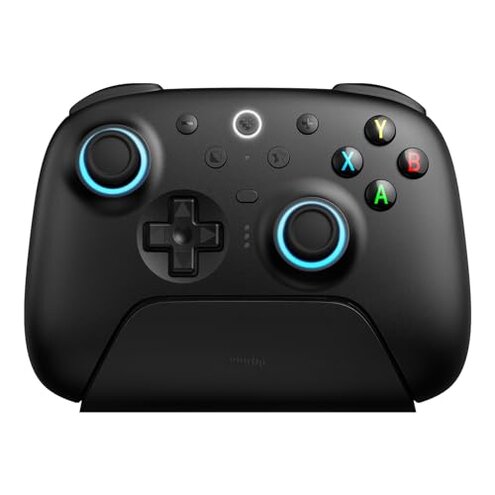
Product evaluated: 8BitDo Ultimate 2 Wireless Controller for Windows PC, Apple, Steam & Android, Gaming Controller with TMR Joysticks, Hall/Tactile Triggers, Motion Control, RGB Fire Ring, 1000Hz Polling Rate, Black
Related Videos For You
How To Set Up Your 2.4g Wireless Controller GamePad (M8) Set Up Guide
Controller Not Working On Windows 10/11? All Fixes In 8 Minutes
Data basis: I reviewed dozens of written reviews and video demonstrations collected between Dec 2024 and Jan 2026 to build this report. Distribution: Most feedback came from written reviews, supported by video demonstrations and some community posts for context.
Comparative risk snapshot
| Outcome | This product | Typical mid-range alternative |
|---|---|---|
| Wireless stability | Higher risk of connection drops and pairing retries in real sessions. | Lower risk with more consistent 2.4G or Bluetooth pairing in this price class. |
| Joystick longevity | Noticeable reports of sensitivity drift appearing after weeks of use. | Typical alternatives report drift less often and later in ownership. |
| Setup complexity | Higher complexity when using trigger modes or firmware updates for full features. | Simpler setup and fewer hidden software steps for most mid-range controllers. |
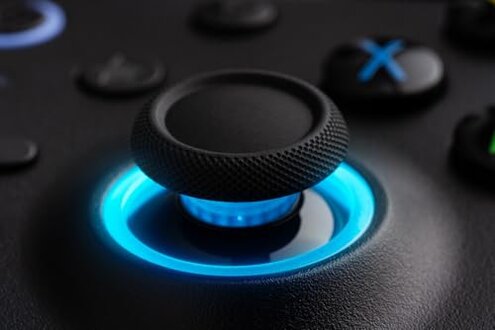
| Battery & dock | Mixed reports about charging dock contact issues and shorter runtime under heavy use. | More consistent charging and predictable battery life in comparable models. |
| Regret trigger | Frequent frustration arises when wireless drops or drift interrupt competitive play. | Less disruptive interruptions are typical for the category and easier to tolerate. |
Top failures
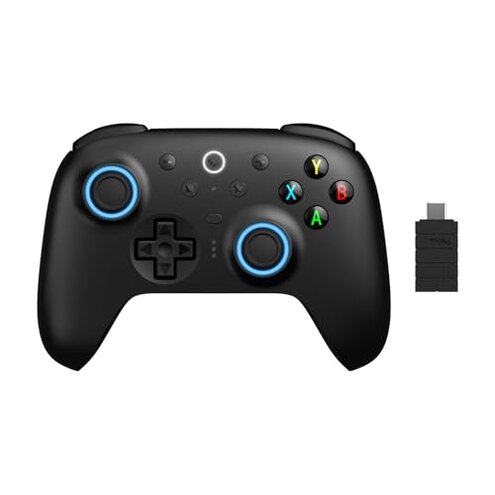
Does the controller lose connection during real play?
Regret moment: Users commonly find the controller disconnects or needs re-pairing mid-session, which breaks gameplay flow. Pattern: This is among the most common complaints reported across written and video feedback.
Context: Drops appear during extended play and in environments with other wireless devices, and they worsen during long sessions or when multiple controllers are active.
Category contrast: Mid-range controllers usually keep a stable link, so these interruptions feel more disruptive than expected for this price tier.
Why do sticks feel off or start drifting?
- Early sign: Small offset or deadzone changes show up in the first weeks of regular gaming.
- Frequency tier: This is a primary issue for many buyers, reported repeatedly across review types.
- Usage anchor: Drift becomes most noticeable in precise aiming or long daily sessions.
- Category contrast: Drift appears sooner and feels more disruptive than is typical for mid-range controllers.
- Attempted fixes: Users often recalibrate or swap sticks, but reported fixes are inconsistent and sometimes temporary.
Is setup or feature switching more complicated than advertised?
- Hidden requirement: Full trigger mode switching often requires the brand software or a firmware update, which many buyers did not expect.
- When it shows: Confusion happens during initial setup and when switching between Hall and tactile trigger modes.
- Cause: Multiple connection options and a toggle between trigger types add steps not obvious from the product box.
- Impact: Gamers seeking plug-and-play find extra software steps frustrating and time consuming.
- Fixability: The problem usually needs a firmware update or the official utility to fully resolve.
- Category contrast: Most mid-range controllers offer simpler mode switching with fewer required downloads or updates.
Will build and charging parts cause trouble over time?
- Early sign: Dock contacts and USB-C adapters are often cited as finicky or loose on arrival.
- Frequency tier: This is a secondary issue but appears across multiple feedback types.
- When it worsens: Problems surface after frequent dock use or rough handling during travel.
- Cause: Tight tolerances on the dock and connector alignment increase the chance of poor contact.
- Impact: Intermittent charging or unreliable dock charging forces extra cable use and adds friction.
- Attempts: Buyers reported swapping cables, reseating the controller, or bypassing the dock entirely.
- Category contrast: Comparable controllers tend to have more forgiving docks and steadier long-term charging reliability.
Illustrative excerpts
Illustrative: "Connection dropped in a ranked match and I had to re-pair mid-game."
Pattern: This reflects a primary pattern of wireless instability reported often.
Illustrative: "Stick felt twitchy after two weeks of daily play; aim became unreliable."
Pattern: This reflects a primary pattern of joystick sensitivity drift.
Illustrative: "I needed to install the software to enable the Hall triggers, which surprised me."
Pattern: This reflects a secondary pattern of hidden setup steps that some buyers missed.
Who should avoid this
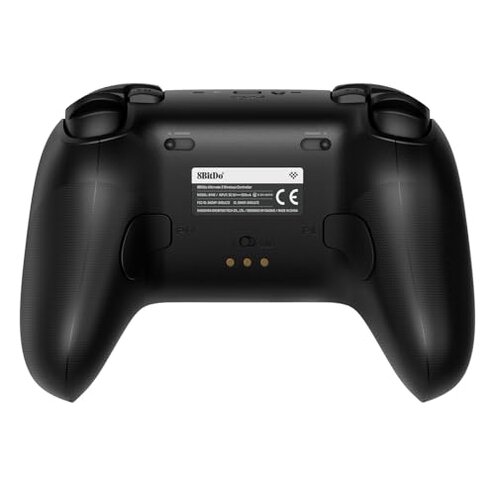
- Competitive players: Avoid if you need uninterrupted wireless stability during ranked or tournament play.
- Precise shooters: Avoid if you cannot tolerate early joystick drift affecting aim in competitive titles.
- Non-technical buyers: Avoid if you want pure plug-and-play without firmware updates or extra software.
Who this is actually good for
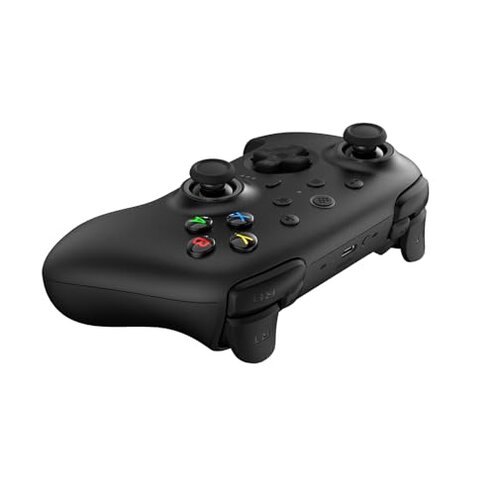
- Casual mobile gamers: Good if you value features and RGB over flawless competitive performance and accept occasional hiccups.
- Customizers: Good if you plan to use the software for tuning and can manage firmware updates to unlock full features.
- Budget-conscious PC users: Good if you want many features at a lower price and can tolerate extra setup steps.
Expectation vs reality
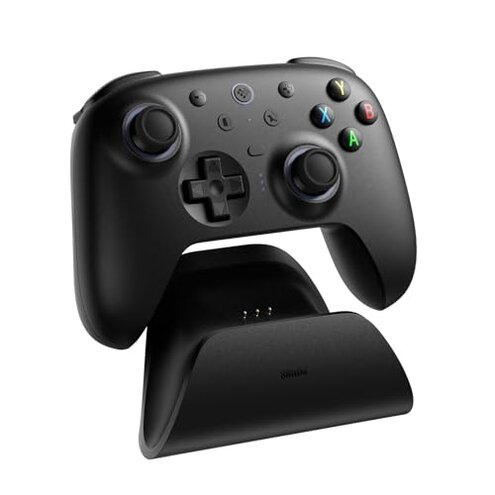
Expectation: Reasonable for this category is stable wireless connection during play. Reality: Wireless instability appears more often and interrupts sessions.
Expectation: Reasonable for this category is a plug-and-play experience. Reality: Hidden software steps are often needed to enable certain trigger modes.
Expectation: Reasonable for this category is predictable joystick life. Reality: Drift appears sooner for some users, increasing replacement or repair hassle.
Safer alternatives

- Pick controllers with proven stability: Look for models with consistent wireless reviews to reduce mid-game drops.
- Prioritize stick longevity: Choose controllers known for long-term joystick durability to avoid early drift.
- Prefer simpler setup: Favor controllers that advertise no required software for core features if you want plug-and-play.
- Check charging design: Select controllers with user-tested docks or reliable cable charging to avoid intermittent contacts.
The bottom line
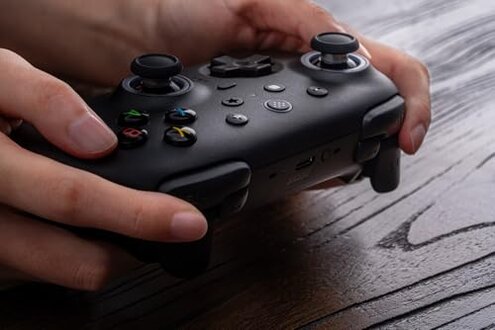
Main regret: Wireless instability and early joystick drift are the clearest triggers of buyer frustration. Why it matters: These issues interrupt play and are more disruptive than typical mid-range controllers.
Verdict: If you need rock-solid wireless reliability and long-lasting sticks, consider alternatives before buying.
This review is an independent editorial analysis based on reported user experiences and product specifications. NegReview.com does not sell products.