
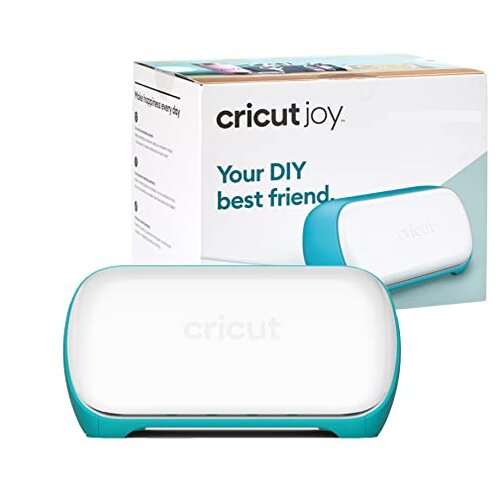
Product evaluated: Cricut Joy Machine & Digital Content Library Bundle
Related Videos For You
How to use Cricut Cutting Machines (For Beginners!)
📄DIY Mini Paper Cutter🫧!? #papercraft #cutecrafts #minicraft #crafts #craft #diy
Data basis: This report is based on hundreds of buyer comments gathered from written feedback and video-style demonstrations collected across 2023 to 2026. Most input came from written reviews, with added context from short setup walkthroughs and troubleshooting clips, which helps separate first-day excitement from repeated use problems.
| Buyer outcome | Cricut Joy bundle | Typical mid-range alternative |
|---|---|---|
| First-day setup | Higher friction because account steps, app pairing, and digital-content claiming can add extra time before the first cut. | Usually simpler with fewer entitlement steps and less account confusion. |
| Small-project speed | Fast once running, but setup delays can cancel out the benefit for occasional users. | More balanced because startup is often less fussy. |
| Design flexibility | More limited by size and app-driven workflow during daily use. | Usually broader workspace and fewer workflow limits. |
| Category risk | Above normal for app dependence, which feels worse than expected if Bluetooth or login steps fail. | Moderate app dependence, but often less punishing when the connection is unstable. |
| Regret trigger | Buying for easy crafting and then losing time to setup, pairing, and software steps before simple labels or cards. | Usually regret starts later, not on the first project. |
Why does a simple craft machine feel hard to start?
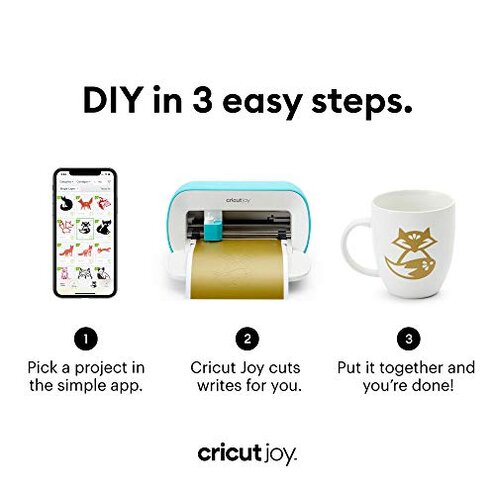
This is the primary issue. The regret moment usually hits on first use, when buyers expect a quick unbox-and-make experience but get account setup, app installation, Bluetooth pairing, and content registration steps instead.
The pattern appears repeatedly. This is not universal, but it is among the most common complaints, and it feels more disruptive than expected for a compact machine sold around convenience.
Hidden requirement: The machine is strongly tied to the Design Space app and wireless setup flow, so buyers who wanted a more direct plug-in-and-go tool often feel blocked before they begin.
Category contrast: App setup is normal in this category, but the friction feels higher here because the product is marketed around speed and ease for small projects.
Illustrative: “I wanted one quick label, not an hour of signing in.”
Pattern: This reflects a primary setup-friction pattern.
Why do cuts and projects feel more limited than expected?
- Frequency tier: This is a secondary issue that shows up after setup, when buyers start trying more than basic labels and small decals.
- Usage moment: The limit becomes obvious during daily use when project ideas outgrow the small format.
- Scope: The complaint appears across multiple feedback types, especially from buyers who expected one machine to handle most home crafting tasks.
- Impact: Buyers often end up resizing plans, splitting jobs, or deciding the machine cannot do the project they had in mind.
- Why worse here: Size limits are category-expected, but the disappointment is sharper because the machine looks capable enough to become a main craft tool.
- Workaround: It works better if you stay with small repetitive jobs, but that reduces the value for multi-purpose shoppers.
Illustrative: “Cute machine, but my project ideas got bigger fast.”
Pattern: This reflects a secondary size-and-scope pattern.
Why does the wireless app workflow become annoying later?
- Pattern: This is a persistent complaint, less frequent than first-day setup trouble but more frustrating when it interrupts a project already in progress.
- When it happens: It tends to show up after setup during repeated sessions, especially when users just want to reopen the app and make a quick cut.
- Buyer-visible issue: The machine can feel over-dependent on the app and Bluetooth path for a device meant to save time.
- Worsening condition: The frustration grows during short crafting sessions, because even brief reconnection or app-navigation delays erase the convenience advantage.
- Real impact: Buyers report losing momentum, rechecking settings, or spending more time confirming the workflow than making the item.
- Category contrast: Many cutting machines use apps, but this feels less forgiving than typical mid-range options because small-project buyers value speed more than deep feature menus.
- Fixability: Stable habits help, but the machine still asks for software comfort that some casual crafters did not expect.
Illustrative: “Every tiny project still needs too much app babysitting.”
Pattern: This reflects a secondary workflow-friction pattern.
Why does the bundle perk not always feel like real value?
- Ranking: This is an edge-case issue, but it creates sharp disappointment because it affects the bundle’s main upgrade claim.
- When: The problem appears during initial registration, when buyers expect the digital library to show up automatically.
- Pattern: The issue is not universal, yet it appears often enough to matter for shoppers choosing this listing instead of a plain machine.
- Buyer-visible result: Some users feel unsure whether the included content was properly attached to their account.
- Why it stings: Bundle confusion is more frustrating than normal because the extra content is a direct reason many buyers pay attention to this version.
- Attempted fix: Rechecking accounts and setup steps can help, but that adds extra verification to what should feel automatic.
- Hidden requirement: Buyers need to be comfortable with account-based entitlements, not just the physical machine itself.
- Category contrast: Bonus content is common, but access uncertainty feels worse than expected when the product promise is immediate creativity.
Illustrative: “I bought the bundle, then had to prove the extras existed.”
Pattern: This reflects an edge-case bundle-value pattern.
Who should avoid this
- Avoid it if you want a truly direct first-day experience, because setup friction is the primary regret trigger.
- Avoid it if you dislike app accounts, Bluetooth steps, or cloud-style workflows, since the machine is more software-dependent than many expect.
- Avoid it if you want one machine for many project sizes, because the small-format limit becomes restrictive faster than some buyers anticipate.
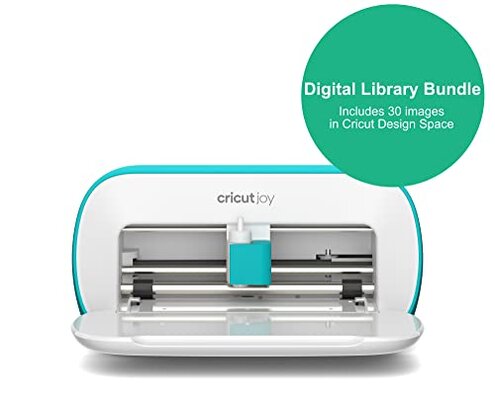
- Avoid it if the bundle bonus is your main reason to buy, because digital-content claiming can add uncertainty.
Who this is actually good for

- Good fit for crafters making small labels, cards, and short vinyl jobs who accept setup overhead in exchange for compact size.
- Good fit for buyers already comfortable with app-based tools, because the software dependence will feel less surprising.
- Good fit for people with limited space who want a light machine at about 3.9 pounds and can stay within small-project limits.
- Good fit for hobby users who value portability more than flexibility, and who can tolerate a narrower use case.
Expectation vs reality
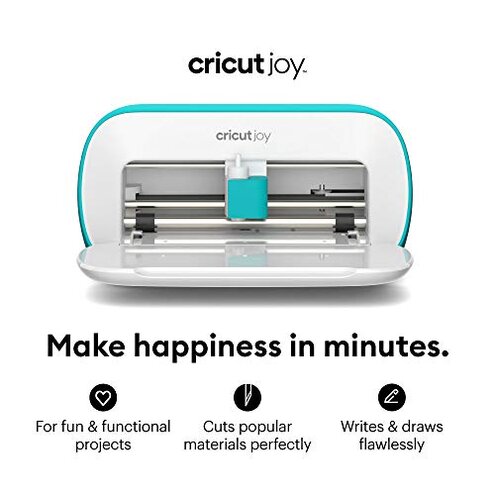
Expectation: A compact craft machine should let you make a quick project in minutes.
Reality: Setup can take extra steps first, which feels worse than expected for a convenience-focused product.
Expectation: App use is reasonable for this category.
Reality: Here, the app and Bluetooth path can feel more central than expected, so simple tasks may not feel simple.
Expectation: A bundle should add easy value.
Reality: The digital extras may require enough checking and registration that the bonus feels less immediate.
Expectation: A cutting machine should grow with your craft ideas.
Reality: The small format works for narrow tasks, but it can be outgrown faster than a typical mid-range alternative.
Safer alternatives
- Choose simpler setup if you want first-day ease, and look for a machine known for fewer account and entitlement steps.
- Choose larger capacity if your ideas already include signs, bigger decals, or mixed-size crafts, so you avoid outgrowing the machine quickly.
- Choose lower app dependence if you craft in short bursts, because that reduces the chance that software friction wipes out convenience.
- Choose plain bundles only if the included digital content is clearly managed, so the bonus does not become a support chore.
The bottom line
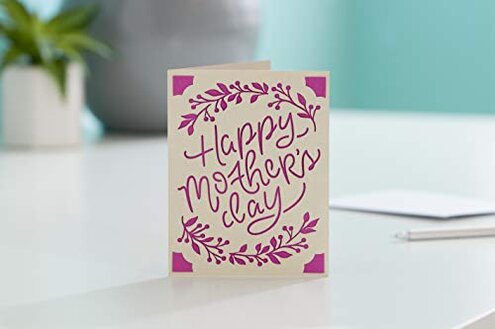
Main regret trigger: buyers expect easy instant crafting, but the first experience can be slowed by setup, app reliance, and account-based extras. That exceeds normal category risk because this machine’s main promise is convenience for quick, small jobs.
Verdict: If you want a compact tool and already like app-based crafting, it can fit. If you want low-friction creativity from the first box opening, this is a product many cautious shoppers should skip.
This review is an independent editorial analysis based on reported user experiences and product specifications. NegReview.com does not sell products.