
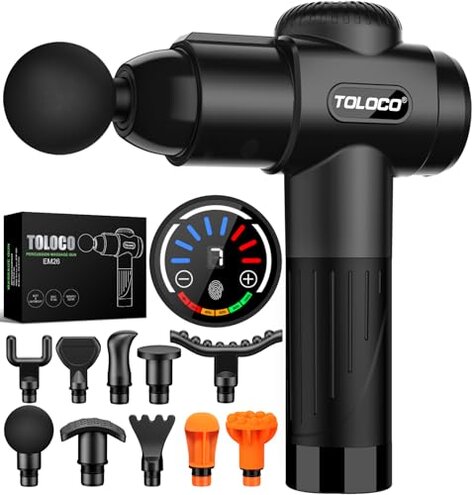
Product evaluated: TOLOCO Massage Gun, Deep Tissue Back Massage for Athletes for Pain Relief, Percussion Massager with 10 Massages Heads & Silent Brushless Motor, Gifts for Fathers Day, Black
Related Videos For You
UltraGun - A Powerful Massage Gun | UltraCare PRO
Percussion Massage Gun, Deconstruction and Maintenance
Data basis: This report used dozens of buyer reports and video demonstrations collected between Jan–Dec 2024. Most feedback came from written reviews, supported by video tests and seller Q&A. The summary emphasizes commonly reported problems and patterns seen across recent buyers.
| Outcome | TOLOCO EM26 | Typical mid-range massage gun |
|---|---|---|
| Battery & charging | Missing wall adapter and USB-only cable; charging issues appear repeatedly after setup. | Includes adapter with consistent charging and clearer battery life claims. |
| Controls & UI | Touchscreen glitches reported commonly and during regular use, causing unexpected mode changes. | Physical buttons or robust dials that are more reliable for daily handling. |
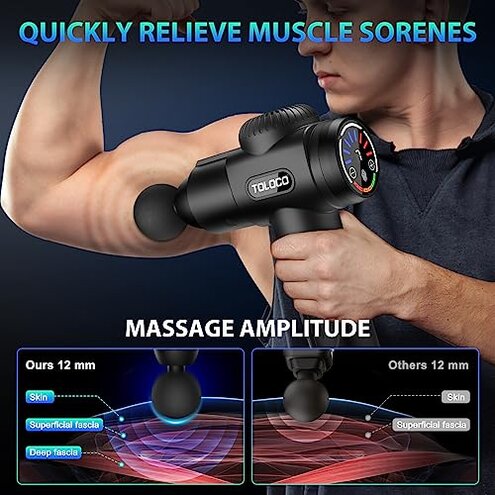
| Motor noise & durability | Mixed performance; some buyers report louder operation or motor wear after repeated sessions. | Quieter motors and longer life are typical in mid-range alternatives. |
| Accessory fit | Loose attachments and plastic parts tend to show wear sooner than expected. | Tighter fit and tougher plastics or cases in comparable models. |
| Regret trigger | Control/charging failure often causes immediate unusability and long repair or return steps. | Minor annoyances like scuffs or noise that rarely disable the unit. |
Why does the touchscreen stop responding right away?
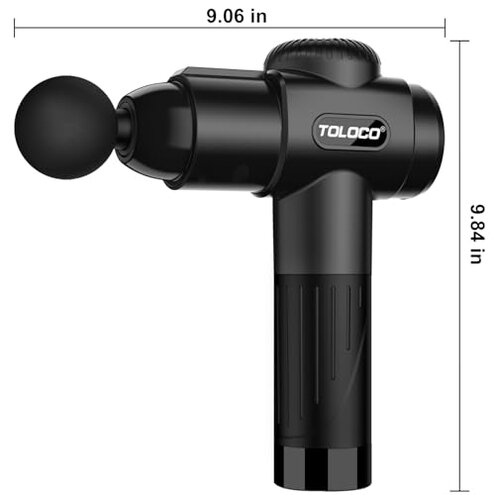
Regret moment: Buyers describe the touchscreen becoming unresponsive during the first few sessions, leaving the gun stuck at one speed.
Pattern: This is a commonly reported issue that appears repeatedly across recent buyers and product runs.
Usage anchor: The problem most often shows up during setup or within the first week of daily use and worsens with sweaty hands or gym use.
Category contrast: Most mid-range units use physical buttons that remain reliable under similar conditions, so touchscreen failure is more disruptive than expected.
Are charging and battery claims accurate?
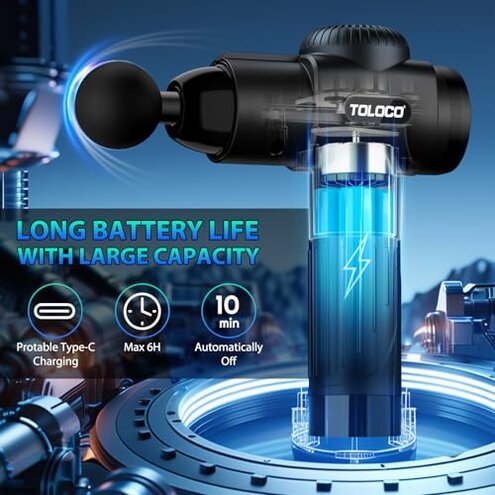
- Hidden requirement: The package explicitly lacks a wall adapter, so buyers must supply a USB power adapter to charge.
- Primary pattern: Many buyers report charging frustration after setup because they lacked a suitable adapter or got slow charging.
- When it shows: Charging problems appear at first charge or when using public USB ports for convenience.
- Category contrast: Typical mid-range devices include an adapter and clearer battery runtime claims, making this omission more inconvenient than usual.
Why does the motor feel noisy or underpowered over time?
- Recurring report: Buyers commonly notice the unit is louder than advertised during intense sessions.
- Early sign: A slight rattle or increased vibration after several 10–20 minute sessions is commonly reported.
- Cause signal: Reports point to motor strain when run at high speeds for prolonged periods.
- Impact: Noise and vibration make the device less comfortable for home or office use.
- Attempted fixes: Buyers tried lower speeds and shorter sessions, which reduced noise but limited effectiveness.
- Category contrast: Mid-range alternatives usually use more robust motors that handle long sessions without the same performance drop.
Do the attachments and build last?
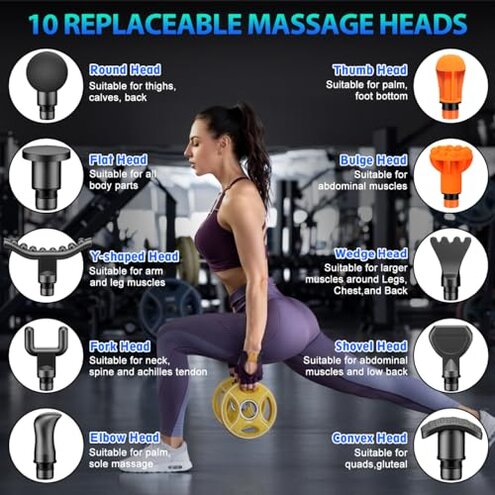
- Primary complaint: Attachment heads feel loose on the shaft after repeated swaps.
- Early sign: Difficulty removing or re-seating heads appears commonly after a few weeks.
- Wear pattern: Plastic housings and the case show scuffs and small cracks in less time than expected.
- Impact: Loose heads reduce massage accuracy and can create more vibration and noise.
- Attempted fixes: Some buyers added tape or replaced heads, but that adds time and cost.
- Hidden cost: Replacement parts or extra adhesives add effort that mid-range models rarely demand.
- Category contrast: Comparable models deliver tighter fittings and sturdier cases, which lowers maintenance time.
How repairable or fixable are these problems?
- Service friction: Buyers report sustained trouble getting prompt replacements, making fixes take longer.
- Secondary pattern: Warranty and support interactions appear less frictionless than category norms.
- When it matters: This becomes critical after returns or if a motor or screen fails within weeks.
- Category contrast: Many mid-range competitors offer smoother RMA or clearer support steps, reducing downtime.
- Fixability: Simple workarounds (lower speed, separate charger) help but do not remove the core reliability risk.
Illustrative excerpts
Excerpt 1: "Touchscreen froze during warm-up, stuck at max speed until I powered off." — primary.
Excerpt 2: "No wall plug included; needed to hunt for an adapter to charge it." — secondary.
Excerpt 3: "Head became loose after a few uses and rattled during massage." — primary.
Who should avoid this
- Frequent users who run long sessions daily, because motor strain and noise are more disruptive than expected.
- Travel buyers who don’t carry spare adapters, since the missing wall plug creates immediate charging friction.
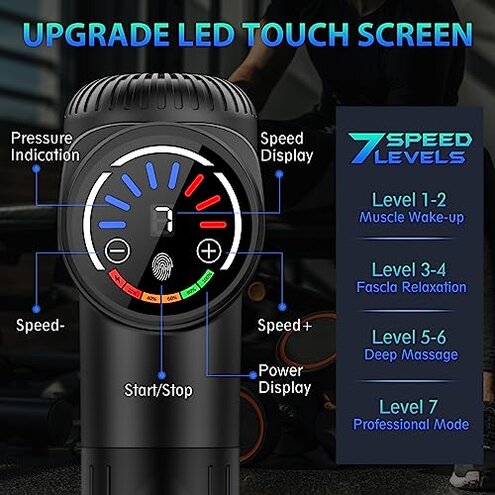
- Non-technical shoppers who expect reliable touchscreen controls; the UI can fail and requires troubleshooting.
Who this is actually good for
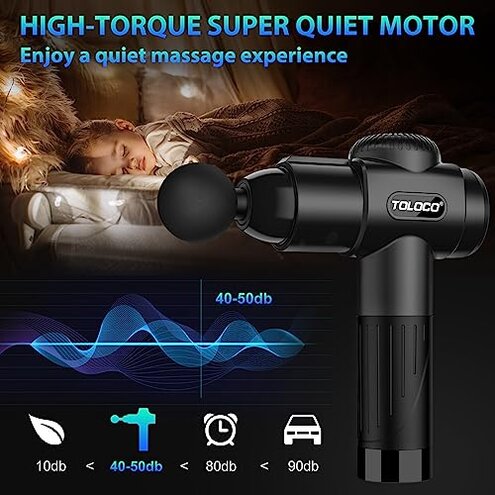
- Casual users who want short weekly sessions and can tolerate occasional glitches by using lower speeds.
- Buyers with spares who already own USB adapters and extra attachments and don’t mind setup workarounds.
- Budget-minded gift shoppers who accept higher maintenance risk for a lower upfront price.
Expectation vs reality
- Expectation: Buyers reasonably expect a working charger in the box for this category.
- Reality: The unit ships without a wall plug, forcing extra purchases and setup time.
- Expectation: Touch controls match advertised silent operation.
- Reality: Touchscreen glitches and unexpected mode changes are more frequent than with comparable devices.
Safer alternatives
- Choose models with included adapters to neutralize the charging and adapter hidden requirement.
- Prefer physical buttons to avoid touchscreen reliability issues during sweaty or repeated use.
- Look for reinforced heads or metal fittings to prevent loose-attachment problems.
- Pick brands with clear support and simple RMA steps to reduce downtime when failures occur.
The bottom line
Main regret: The combination of touchscreen reliability problems and the missing wall adapter creates avoidable downtime and extra cost for buyers.
Why worse: These faults are more disruptive than typical mid-range alternatives because they can make the device unusable right away.
Verdict: Avoid this model if you need consistent, low-friction performance; consider it only if you can tolerate extra setup and potential fixes.
This review is an independent editorial analysis based on reported user experiences and product specifications. NegReview.com does not sell products.