
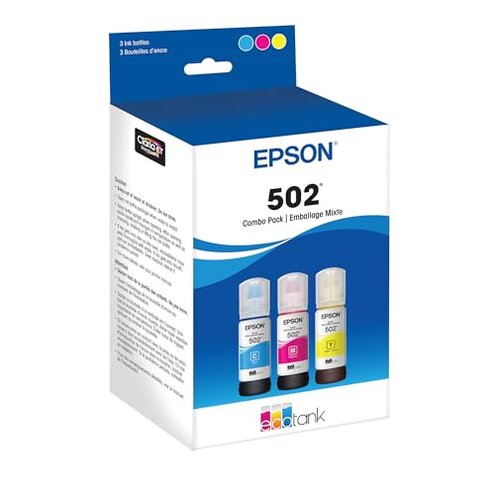
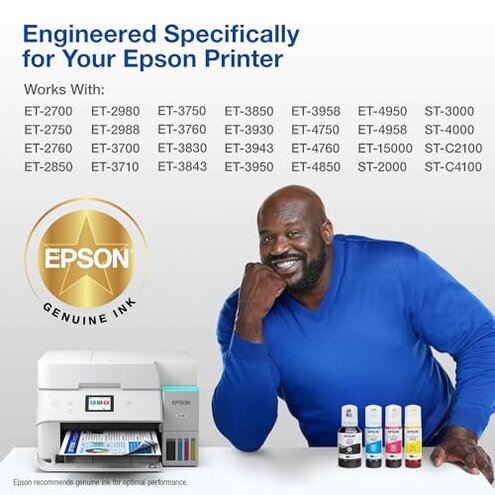
Product evaluated: EPSON 502 EcoTank Ink Ultra-high Capacity Bottle Color Combo Pack Works with ET-2750, ET-2760, ET-2850, ET-3750, ET-3760, ET-3850, ET-4850, and other select EcoTank models
Related Videos For You
How to Refill Ink in an Epson EcoTank Printer
How to Fix a Clog on an Epson EcoTank Printer
Data basis: This report synthesizes feedback from dozens of user reviews and video demonstrations collected between 2017 and 2025. Most feedback came from written reviews, supported by real-world video demos. The summary emphasizes commonly reported problems and setup moments where buyers hit trouble.
| Outcome | This product | Typical mid-range alternative |
|---|---|---|
| Refill cleanliness | High mess risk during bottle-to-tank fills with occasional drips. | Lower mess for cartridge or sealed-syringe systems. |
| Recognition & errors | Reported misreads or error states after refills that need resets. | More consistent ink-level tracking on many mid-range printers. |
| Setup friction | Extra steps to prime bottles and align keys during first fill. | Simpler setup is common in mid-range printers using cartridges. |
| Maintenance burden | Higher upkeep reported for cleanup and occasional nozzle checks. | Typical baseline expects occasional maintenance but less cleanup. |
| Regret trigger | Refill mess plus recognition errors cause immediate buyer regret at first use. | Regret is usually lower with cartridge systems that avoid open refills. |
Why did my refill become a mess?
Refill spills are the most visible regret moment for buyers during the first fill. This is a primary issue and appears repeatedly in feedback, especially during initial setup.
Usage anchor occurs when users remove the cap and tip the bottle into the tank; poor seating or fast pours increase drips. Compared with a typical mid-range cartridge, this feels more disruptive because cleanup takes extra time and can stain surfaces.
Why does the printer show errors after a refill?
- Pattern - This is a secondary issue that appears repeatedly after some refills.
- When - It usually happens immediately after a refill or after restarting the printer.
- Cause - Misalignment of the bottle keying or incomplete priming commonly triggers the error state.
- Impact - The error often requires resetting the printer or repeating the refill sequence, adding extra time.
- Category contrast - Mid-range alternatives rarely need this repeated intervention, making this product less forgiving for casual users.
Is there a hidden trick to getting reliable fills?
- Hidden requirement - The bottles require precise orientation and gentle pressure to engage the auto-stop feature reliably.
- Early sign - If ink drips from the nozzle, the bottle is likely mis-seated.
- Frequency tier - This is a primary to secondary problem depending on user care and experience.
- Attempts - Users often need to reinsert the bottle or wipe contacts to clear the issue.
- Fixability - It can be fixed in most cases, but it adds setup time and skill compared with the category baseline.
- Impact - For households without a dedicated setup area, the extra steps increase the chance of stains and frustration.
Will long-term use stay hassle-free?
- Pattern - Long-term nozzle checks and occasional cleanings are a secondary burden seen over months of use.
- When - Issues surface after repeated refills and heavy printing sessions.
- Cause - Open refills and drips increase the need for manual cleanup and maintenance.
- Impact - Users reported more frequent maintenance than expected for this category.
- Attempts - Solutions include extra wiping, protective mats, and routine nozzle checks.
- Hidden cost - Time spent cleaning is a real ongoing cost compared with sealed cartridge systems.
- Category contrast - This product demands higher upkeep than many mid-range alternatives, causing regret for low-maintenance buyers.
Illustrative excerpts
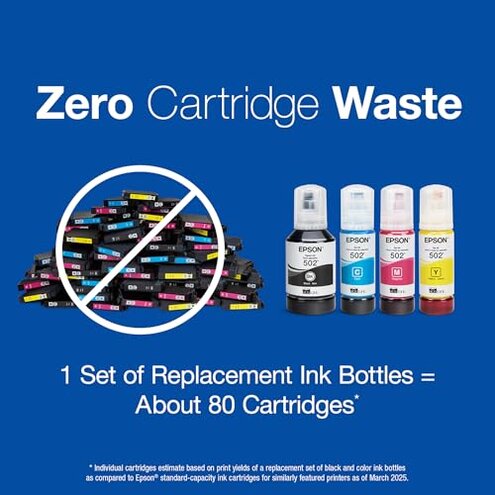
Excerpt: "Ink dripped across my desk during the first refill, ruined a sleeve." — primary pattern.
Excerpt: "Printer showed 'ink error' after refill and needed a hard reset." — secondary pattern.
Excerpt: "Had to reseat bottle twice before auto-stop engaged, messy setup." — primary pattern.
Excerpt: "Rarely, a color printed faint after many refills, needed head cleaning." — edge-case pattern.
Who should avoid this
- Small-space users who cannot tolerate refill mess or ink stains on furniture.
- Hands-off buyers who want printers that just work without extra priming or resets.
- Low-maintenance households that find regular cleaning and nozzle checks unacceptable.
Who this is actually good for
- Budget-focused users willing to accept messier refills for lower long-term ink cost.
- Dedicated workspace owners who can set up a protected area and tolerate extra steps during refills.
- Technically patient users who don’t mind occasional resets and priming to avoid cartridge costs.
Expectation vs reality
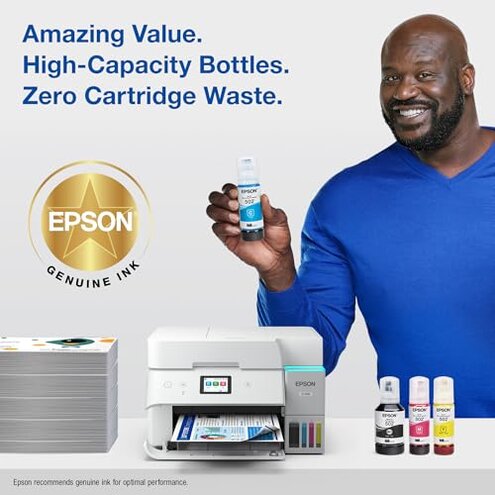
Expectation (reasonable for this category): Buyers expect clean, straightforward bottle refills that save money over cartridges.
Reality: Many buyers encounter leaks, reseating, and error states that make the first fill and some refills time-consuming and messy.
Safer alternatives
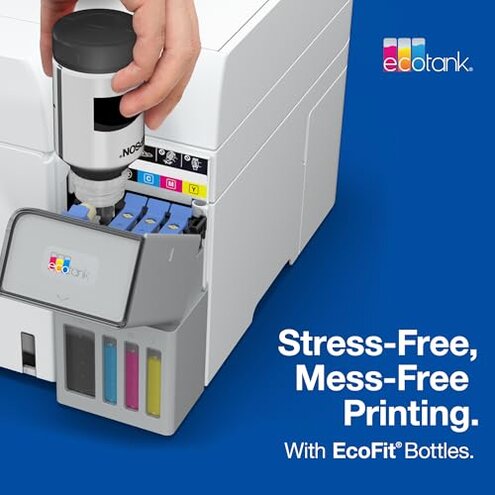
- Choose sealed systems like cartridge-based printers to avoid open refill mess.
- Prepare a refill station with towels and a tray to neutralize the spill risk.
- Check model support for clear priming steps to reduce recognition errors.
- Buy extra bottles to practice and reduce stress during the first fill.
The bottom line
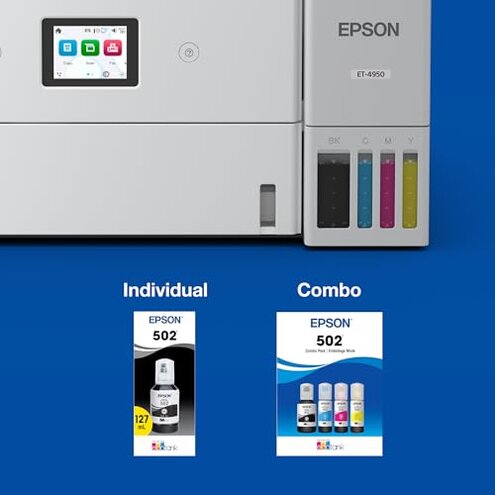
Main regret centers on the combo of refill mess and occasional recognition errors that hit buyers at first use. This exceeds normal category risk because it adds cleanup time and repeated resets not typical of mid-range alternatives. If you dislike hands-on refilling or need a spotless setup, avoid this product; otherwise, a prepared buyer can accept the trade-off for lower ink costs.
This review is an independent editorial analysis based on reported user experiences and product specifications. NegReview.com does not sell products.