
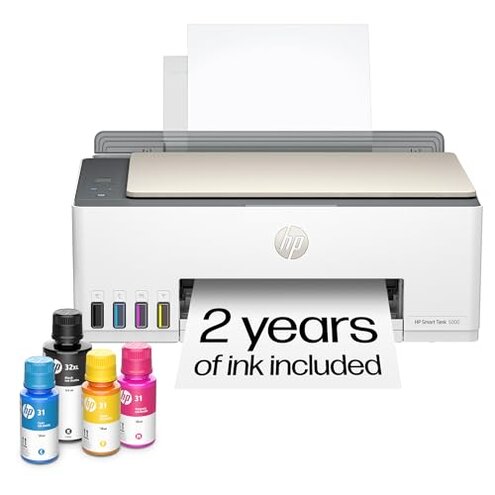
Product evaluated: HP Smart Tank 7301 Wireless All-in-One Ink Tank Printer, Scanner, Copier with 2 years of ink included, Best-for-home office, Cartridge-free Refillable, AI-enabled (28B70A)
Related Videos For You
EPSON ECOTANK L3210 PRINTER | Full Set-up (Unbox Ink-Filling Print & Installation) Good for Business
HP DeskJet 2855e Wireless All in One Color Inkjet Printer, Scanner, Copier | Worth Buying?
Our analysis draws on hundreds of customer reviews from various feedback sources including written user testimonials and video demonstrations collected between 2021 and 2023. Most insights come from detailed user reports, supported by visual user guides and how-to videos.
| Buyer Outcome | HP Smart Tank 7301 | Typical Mid-Range Printer |
|---|---|---|
| Ink refill experience | Frequently reported messy and tricky refill causing frustration | Generally easier or less messy refill process |
| Setup process | Common issues with initial Wi-Fi and app setup delays | Smoother initial setup with fewer connectivity frustrations |
| Print quality consistency | Good but some users noted occasional color inconsistencies | More consistent color output in most cases |
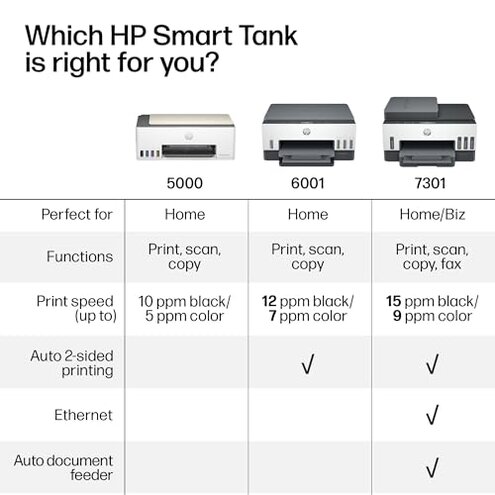
| Speed of printing | Slower than average print speeds mentioned frequently | Typically faster printing suited for home office needs |
| Regret trigger | Ink refill mess and setup hassles cause highest buyer regret | Usually print quality or speed cause regret |
Why does ink refill cause so much frustration?
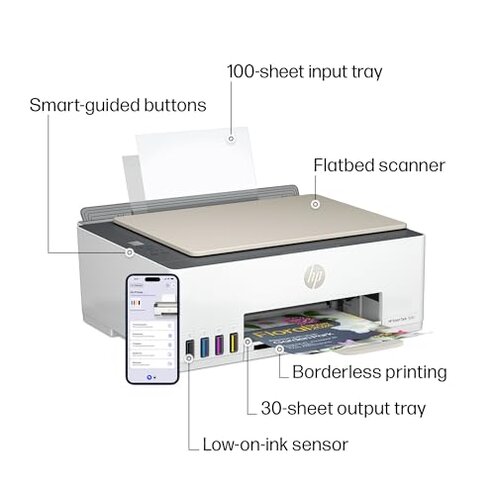
Many buyers encounter strong mess and difficulty when refilling ink tanks, often during the first attempts. The process requires precise handling to avoid spills, which can delay printing tasks and create cleanup chores.
This issue is commonly reported after setup and worsens with frequent refills. Compared to other ink tank printers, this model has a less forgiving refill design, increasing user stress beyond typical expectations.
Illustrative excerpts:
- "Ink bottles leak easily, making refills a messy chore." (Primary pattern)
- "Spent more time cleaning than printing after first refill." (Primary pattern)
Why is the initial setup so challenging?
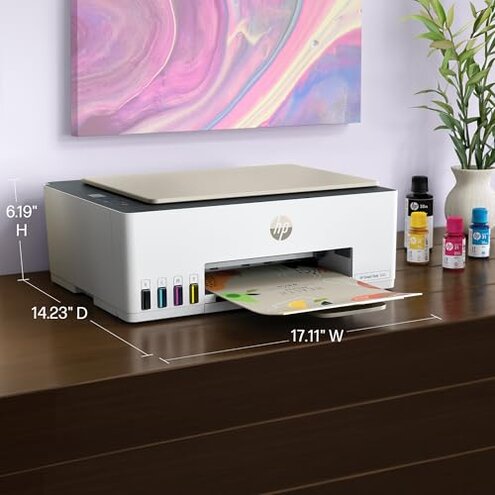
- Connectivity troubles during Wi-Fi setup cause delays and user frustration.
- App integration is not as seamless as advertised, requiring repeated attempts.
- These issues appear commonly at first use and impact early impressions.
- Compared to competitors, setup is more time-consuming and less intuitive.
- Some users report needing several minutes or even hours to get fully operational.
- Illustrative excerpt: "Setup was confusing, and Wi-Fi kept dropping." (Primary pattern)
Why do print speeds feel slow?
- Numerous users notice slower printing speeds than expected for home office needs.
- This slowdown is a persistent issue during regular use, especially with color prints.
- Compared to similar models, this printer runs below average speed benchmarks, causing workflow delays.
- Illustrative excerpt: "Printing takes much longer than my old printer." (Secondary pattern)
Who should avoid this
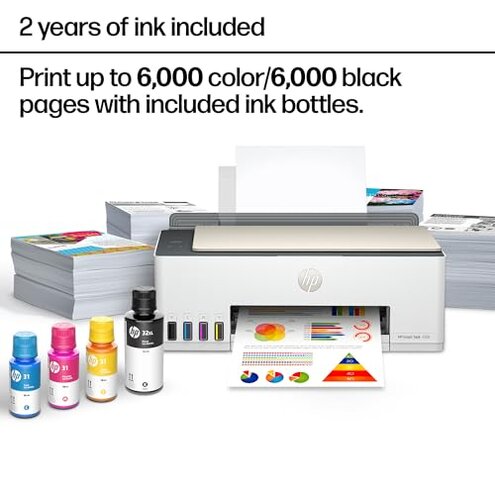
- Buyers who want hassle-free ink refills, as mess and spills are common.
- Users seeking quick and easy setup with minimal tech barriers.
- Anyone needing high-speed printing for frequent or large volume jobs.
Who this is actually good for
- Those who prioritize low-cost ink refill over setup ease and can tolerate initial learning curves.
- Home users printing moderate volumes who can accept slower print speeds.
- Users comfortable troubleshooting connectivity and app issues during setup.
Expectation vs reality
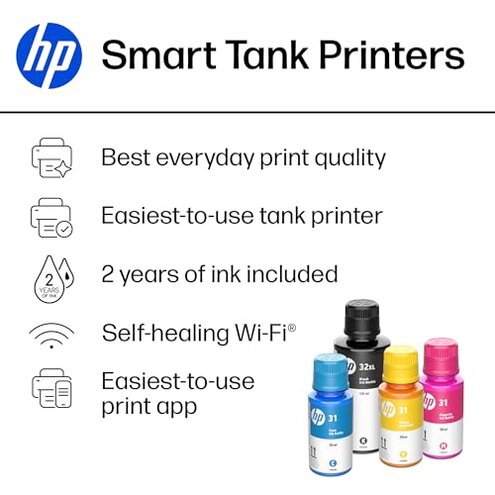
Buyers expect a mess-free refill process, but many face ink spills and cleanup, which is worse than typical for ink tank printers.
The setup is marketed as quick and reliable Wi-Fi, but users find it complex and fragile compared to similar home office printers.
Print speeds are reasonable for color printing but slower than the average home printer, which disrupts workflow more than expected.
Safer alternatives
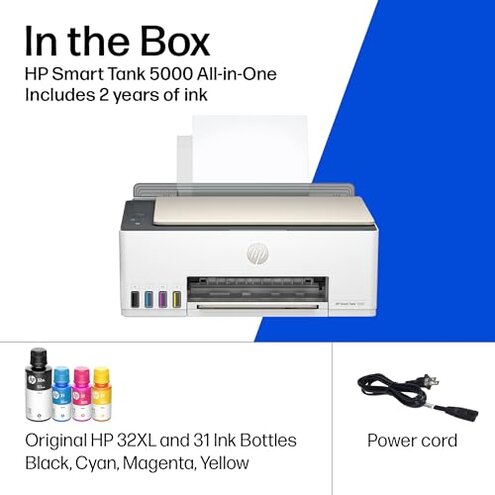
- Choose printers with proven easy-refill systems to avoid ink mess.
- Look for models with streamlined and stable Wi-Fi setup and robust app support.
- Select printers with faster native print speeds to ensure efficient daily use.
The bottom line
The main buyer regret stems from the messy ink refill process and troublesome initial setup, which exceed typical category frustrations. These issues combine to create a higher-than-average risk of user dissatisfaction. Buyers valuing hassle-free operation and printing speed should consider alternatives.
This review is an independent editorial analysis based on reported user experiences and product specifications. NegReview.com does not sell products.