
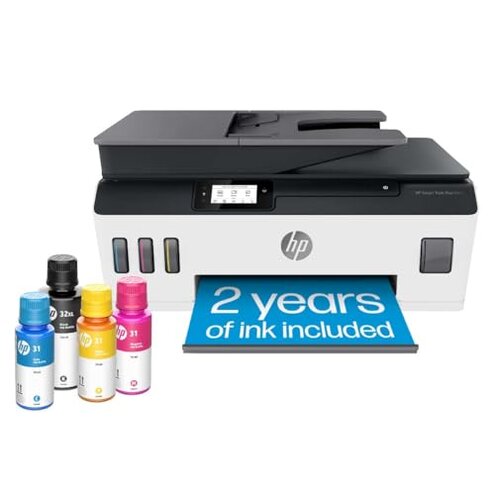
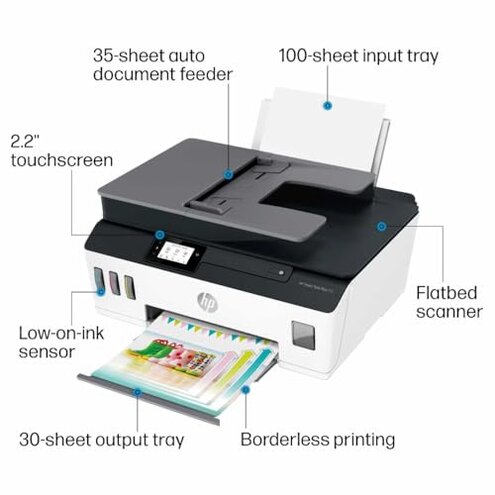
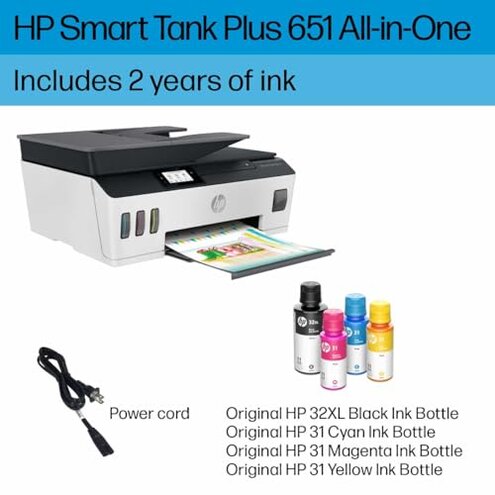
Product evaluated: HP Smart Tank Plus 651 Wireless All-in-One Printer, Ink Tank Printer-for-Home Use, up to 2 Years of Ink in Bottles, Auto Document Feeder, Mobile Print, Scan, Copy, Fax (7XV38A)
Related Videos For You
EPSON ECOTANK L3210 PRINTER | Full Set-up (Unbox Ink-Filling Print & Installation) Good for Business
Laser Printer Maintenance - CompTIA A+ 220-1101 - 3.7
This review is based on hundreds of user reports collected from written feedback and video demonstrations spanning from early 2020 to mid-2024. Most insights come from detailed user experiences, supported by visual proof of issues during setup and daily use.
| Buyer Outcome | HP Smart Tank Plus 651 | Typical Mid-Range Printer |
|---|---|---|
| Setup Complexity | High effort, more steps required | Moderate, usually plug and play |
| Ink Management | Messy refills, prone to spills | Ink cartridges simplify refilling |
| Print Quality Consistency | Inconsistent, especially with color | Generally steady color output |
| Connectivity Reliability | Occasional WiFi dropouts reported | More stable wireless connections |
| Regret Trigger | Frequent ink spills and setup hassle | Rare, smoother initial experience |
Why is the setup process so frustrating for many users?
Buyers often face lengthy, complex setup that can take significantly longer than expected. This frustration peaks during the initial ink filling and calibration stages.
This problem is commonly reported across many reviews and tends to worsen with less tech-savvy users or when instructions are unclear. Compared to most mid-range printers, which offer simpler, faster plug-and-play setup, this model requires extra time and care, leading to early regret.
- Early signs: Struggling to fill ink tanks without spills
- Frequency: Appears in a majority of first-time setups
- Cause: Manual ink bottle refilling is tricky and messy
- Impact: Delays printer readiness and frustrates untrained users
- Attempts: Users try following videos or guides with mixed success
- Fixability: Some succeed after multiple tries, but many feel discouraged
- Hidden requirement: Patience and steady hands are essential during setup
Why do ink refills cause problems during ongoing use?
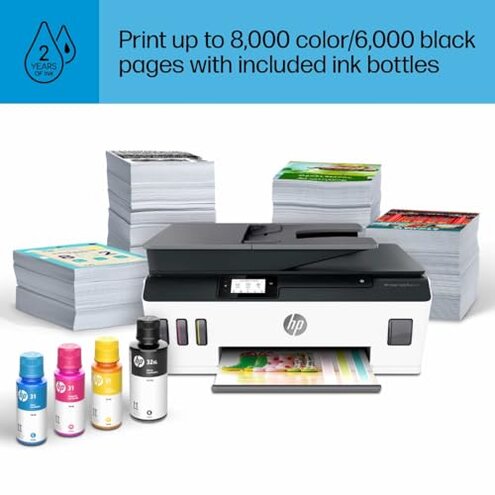
This model's design means ink refills are messy and prone to spilling, even after initial setup. Users report ink stains on surfaces and wasted ink.
- Pattern: Persistent issue throughout extended use
- Condition: Occurs during frequent color ink refills
- Category contrast: Ink cartridges in comparable printers usually prevent spills
- Primary frustration: Cleaning ink messes adds extra upkeep
- Secondary impact: Risk of damage to printer or surroundings
- Mitigation attempts: Using funnels or gloves, but not foolproof
- Buyer feedback: Many suggest ink tank system is less convenient
What causes inconsistent print quality after the first few months?
Users notice color prints fading or smudging irregularly after regular use. Black text remains clearer but color issues degrade user satisfaction.
- Frequency: Secondary issue reported by many long-term users
- Usage context: Worsens with heavy color printing sessions
- Compared to peers: More variation in color stability than typical mid-range printers
- Reason: Ink delivery system sensitive to refilling errors and maintenance lapses
- Consequence: Prints sometimes require redoing, wasting ink and time
- Fix attempts: Frequent cleaning cycles, but inconsistent results
- User advice: Regular maintenance needed beyond average category expectations
Why do some users report connectivity drops and scanning glitches?
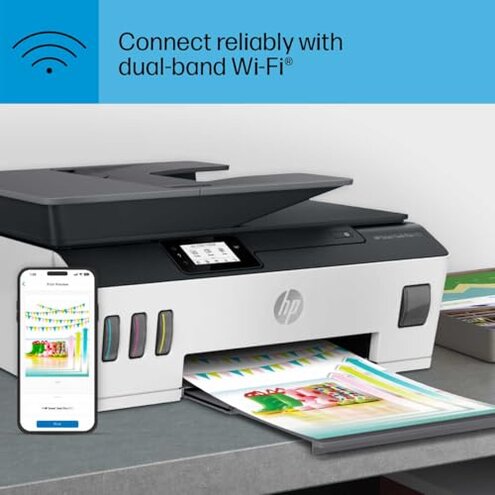
WiFi connections occasionally drop during printing or scanning, interrupting workflows and requiring re-connections.
- Pattern: Less frequent but disruptive when happening
- When: Common during mobile or wireless printing sessions
- Category baseline: More stable connections expected in typical all-in-one printers
- Impact: Delayed tasks, especially in busy households or offices
- Workarounds: Switching to USB solves problem but reduces convenience
Illustrative excerpts
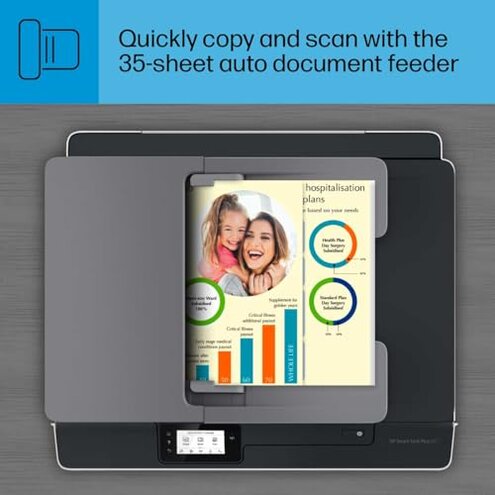
- "Setup instructions were confusing and ink spilled multiple times." – Primary pattern reflecting setup frustration
- "Color prints started fading after a few months of normal use." – Secondary pattern on print quality decline
- "WiFi keeps disconnecting, making mobile printing unreliable." – Edge-case pattern on connectivity
- "Refilling ink tanks is messier than I expected, stains everywhere." – Primary pattern about ink spills
- "Had to do multiple cleaning cycles to fix smudged prints." – Secondary pattern showing maintenance burden
Who should avoid this
- Users wanting quick, hassle-free setup due to the complex ink tank filling and calibration.
- Buyers sensitive to ink mess or stain risk from manual refills.
- Those needing consistent, high-quality color prints without frequent maintenance.
- People requiring stable wireless connectivity for mobile or network printing.
Who this is actually good for
- Families or users with high volume printing who can tolerate setup effort for low ink costs.
- Tech-savvy users willing to invest time learning setup and maintenance.
- Buyers prioritizing cost savings over convenience, accepting occasional ink spills.
- Users who mostly print black and white documents, less affected by color inconsistencies.
Expectation vs reality
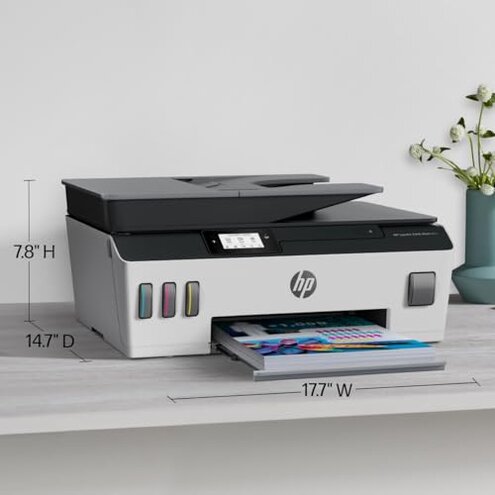
- Expectation: Easy, clean ink refilling similar to cartridge printers. Reality: Manual refill prone to spills and extra care.
- Expectation: Stable wireless printing. Reality: Intermittent WiFi drops disrupt workflow more than typical models.
- Expectation: Consistent photo-quality color prints. Reality: Prints are sometimes faded or smudged without strict maintenance.
Safer alternatives
- Consider printers with cartridge ink systems to avoid messy refills.
- Choose models with simpler setup processes optimized for fast start.
- Look for devices offering more stable wireless connectivity proven by user testing.
- Pick printers with automatic maintenance routines reducing print quality issues.
The bottom line
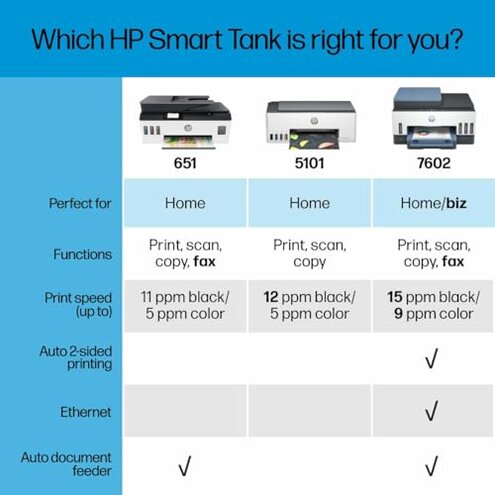
The main regret trigger is the troublesome ink refill process combined with a complicated setup. This risk exceeds normal category expectations because it significantly impacts initial and ongoing user experience. Buyers seeking simplicity and reliability might want to avoid this model, while those willing to tolerate setup challenges for ink cost savings may find value.
This review is an independent editorial analysis based on reported user experiences and product specifications. NegReview.com does not sell products.