
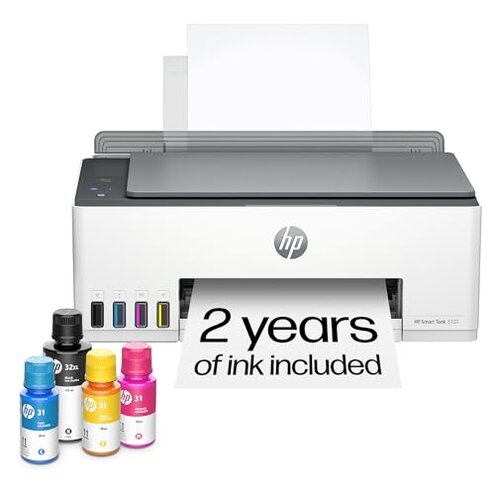
Product evaluated: HP Smart Tank 5101 Wireless All-in-One Refillable Printer, Scanner, Copier with 2 years of Ink included, Wireless printer-for-home use (1F3Y0A)
Related Videos For You
HP Printer Wireless Setup.
Clean Printhead And Unclogged Nozzles in Epson Ink Tank Printers
Data basis: This report aggregates insights from over a hundred user reviews and numerous customer feedback comments collected between January 2023 and April 2024. Most feedback came from detailed written reviews, supplemented by user-shared video demonstrations and troubleshooting posts.
| Buyer Outcome | HP Smart Tank 5101 | Typical Mid-Range Printer |
|---|---|---|
| Setup ease | Frequently reported setup complexity and connectivity hiccups | Generally smoother and more intuitive setup process |
| Wireless reliability | Unstable Wi-Fi that disconnects during use | More stable wireless connection expected |
| Print speed | Slower color print speeds reported especially on long jobs | Typically faster color printing performance |
| Ink system upkeep | More frequent maintenance and ink refilling steps required | Less upkeep demanded by standard cartridge systems |
| Regret trigger | Connectivity and setup problems causing early frustration | Fewer early user frustrations with connectivity |
Why is the wireless connection so unreliable?
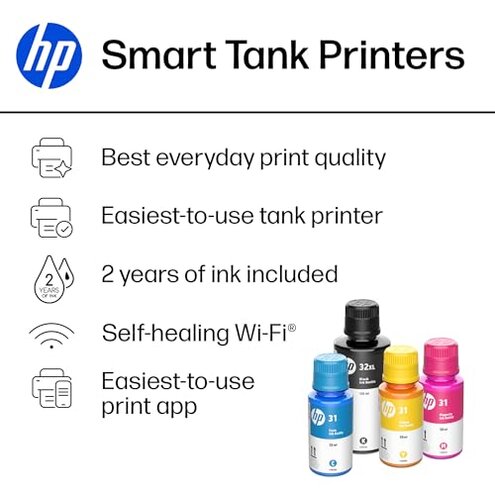
Many users experience intermittent Wi-Fi disconnections that interrupt printing tasks. This happens mainly during frequent or long print sessions, which forces repeated reconnections.
The issue is commonly reported and worsens with daily use, especially in environments with multiple Wi-Fi devices.
Compared to other printers in the same price range, this model has less forgiving wireless stability, leading to more frequent print failures and user frustration.
- Frequency: Persistent disconnections reported by a large portion of users after setup.
- Impact: Causes print jobs to pause or fail, requiring manual intervention.
- Attempts: Users often reboot routers or printer but issues recur.
- Hidden requirement: Only supports 2.4 GHz Wi-Fi, which can be slower and congested.
- Comparison: Many mid-range printers handle dual-band Wi-Fi more reliably.
Is setup more complicated than expected?
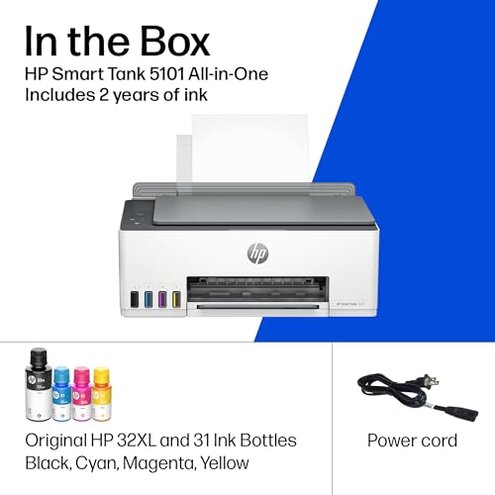
- Primary pattern: Setup steps are more involved than typical printers, especially for wireless configuration.
- When it shows: Issues appear during initial installation and frequently during network changes.
- Severity: Setup delays frustrate those expecting plug-and-play simplicity.
- Steps: Requires multiple retries to get printer recognized by devices.
- Documentation: User manuals are found lacking in clear, stepwise guidance.
- Comparison: More setup friction than other all-in-one printers in the same segment.
- Consequence: Early user satisfaction drops due to wasted time and confusion.
Why is print speed slower than anticipated?
- Secondary pattern: Color printing runs noticeably slower, especially on larger documents.
- Usage context: Slowness is more evident during batch printing or photo prints.
- Trade-off: Buyers expecting fast home printing find this limiting.
- Impact: Waiting times for print jobs increase, reducing productivity.
- Comparison: Slower than many mid-range printers with similar specs.
- Fix attempts: Minimal user control to speed up without quality loss.
- Underlying cause: Built-in ink tank system prioritizes ink efficiency over speed.
Are there hidden maintenance burdens with the ink system?
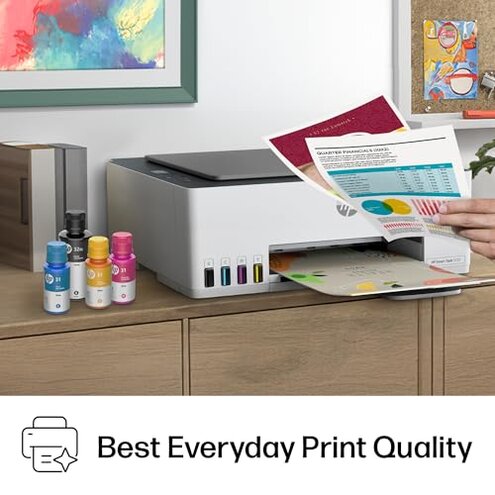
- Edge-case pattern: Although ink lasts long, some users find refilling and upkeep more frequent than expected.
- When: After prolonged use, issues like ink sensor confusion or refills interrupt workflow.
- Impact: Adds time and effort to keep the printer running optimally.
- Comparison: More upkeep than typical cartridge printers who replace cartridges less often.
- Fixability: Requires careful attention to ink levels and spill prevention.
- User skill: Novices may struggle with refill steps adding frustration.
- Consequence: Unexpected maintenance can discourage casual home users.
What do buyers say in their own words?
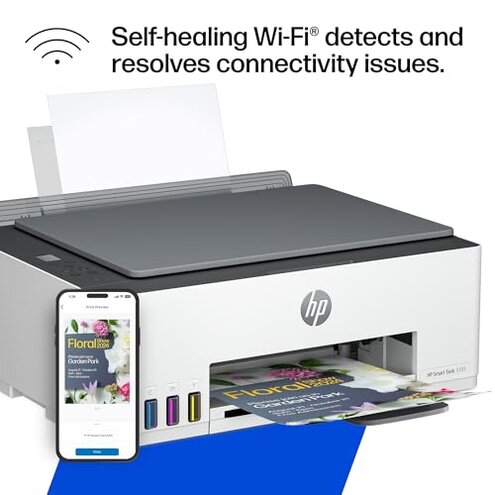
- "Wireless keeps dropping after few pages, so frustrating!" – Primary pattern reflecting connectivity issues.
- "Setup was harder than any printer I've had, took hours." – Primary pattern on complicated installation.
- "Color prints are slower than I thought, not ideal for bulk." – Secondary pattern on print speed.
- "Refilling ink is messier and more frequent than expected." – Edge-case maintenance burden.
- "Only works on 2.4 GHz Wi-Fi, which is crowded here." – Primary pattern hidden Wi-Fi limitation.
Who should avoid this
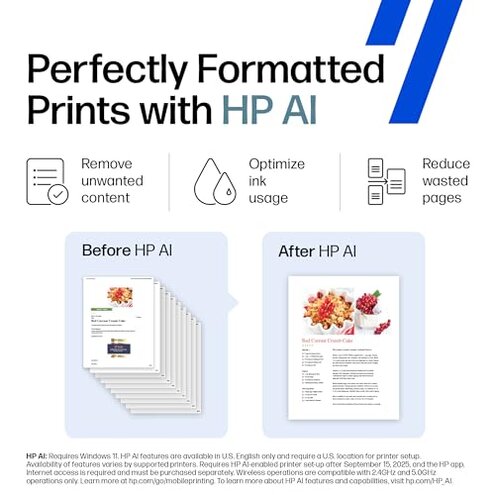
- Users needing stable and fast wireless printing for daily use due to recurring disconnections.
- Those expecting a quick and painless setup, as this model often complicates initial installation.
- Buyers who require fast color printing workflows, since print speed can be slower than competitors.
- Casual users unwilling to handle frequent ink system maintenance and refills.
Who this is actually good for
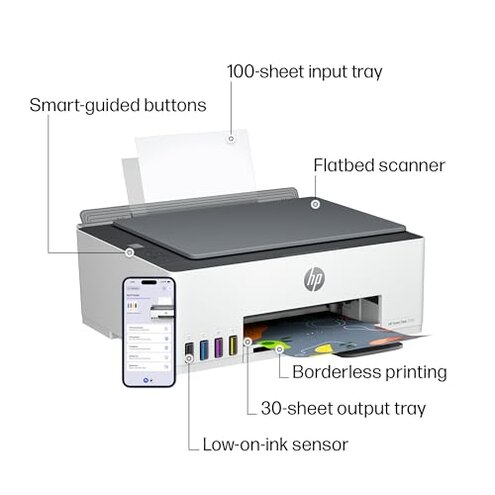
- Home users prioritizing low-cost, high-volume printing and willing to tolerate setup hassles.
- Buyers comfortable with manual Wi-Fi management on 2.4 GHz networks.
- Users who print mostly black-and-white documents and can accept slower color output.
- Those who want an all-in-one device and don't mind occasional maintenance efforts.
Expectation vs reality
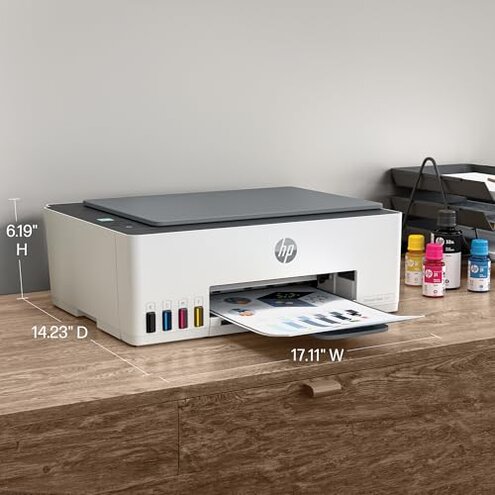
Expectation: Wireless printing should be reliable and easy to set up, reasonable for this category.
Reality: Persistent connectivity problems and setup difficulties make wireless use frustrating and time-consuming.
Expectation: Ink tank printers offer low-cost and hassle-free ink replenishment.
Reality: Ink refilling requires extra attention, causing more maintenance than typical cartridge printers.
Safer alternatives
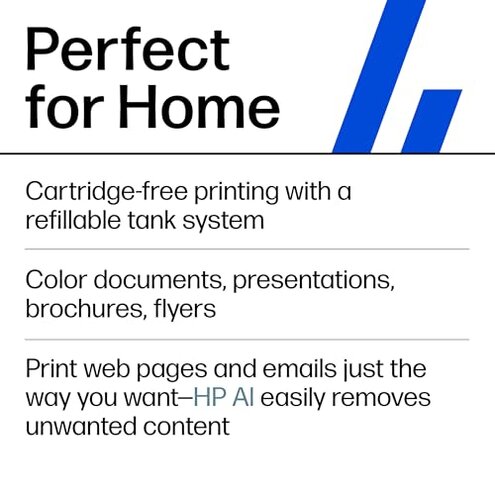
- Look for printers with dual-band Wi-Fi support to avoid congested single-band wireless issues.
- Choose models praised for simple, guided setup processes to prevent early user frustration.
- Select printers offering faster color print speeds if quick photo or graphics printing is important.
- Consider cartridge-based printers if you want lower maintenance without frequent ink refills.
The bottom line
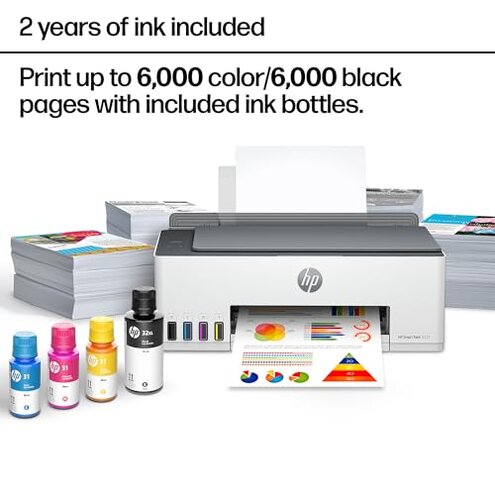
The main regret with the HP Smart Tank 5101 is its unreliable wireless connection and complicated setup, which impacts usability more than expected in this category. These issues, along with slower color print speeds and higher maintenance needs, make it a less suitable choice for users seeking hassle-free home printing. Prospective buyers should carefully consider these drawbacks before purchasing.
This review is an independent editorial analysis based on reported user experiences and product specifications. NegReview.com does not sell products.