
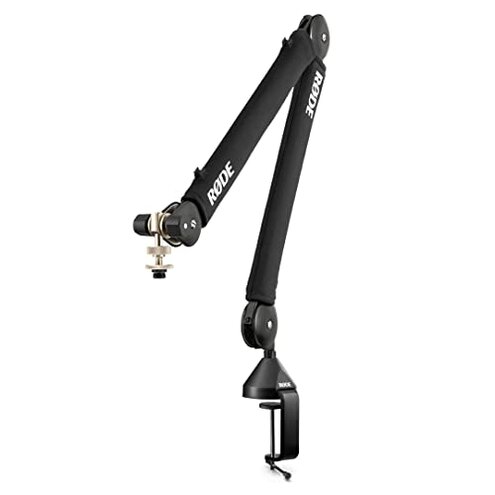
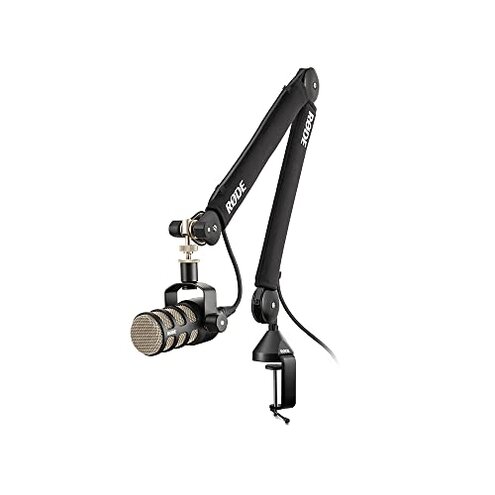
Product evaluated: RØDE PSA1 Professional Studio Arm
Related Videos For You
RODE PSA1 Boom Arm Review and Setup
How To Adjust The Blue Compass Boom Arm
Data basis Dozens of buyer reports and product demonstrations were reviewed between 2019–2026, with most feedback coming from written reviews and supporting video demonstrations. The distribution was primarily written reviews, backed by several hands-on videos and unpacking clips.
| Outcome | RØDE PSA1 | Typical mid-range arm |
|---|---|---|
| Stability | Higher sag risk under medium-to-heavy mics; reported to droop over hours of use. | More stable for the same mic weight in common mid-range arms. |
| Mechanical noise | Audible creaks when adjusting or when desk vibrates, noticed during recordings. | Quieter adjustment is typical; fewer in-recording noises for similar price arms. |
| Mounting fit | Hidden desk needs (thickness/grommet) and tight clamp pressure often required. | More forgiving clamp options on many mid-range competitors. |
| Setup effort | Extra steps for thread adapters and cable routing are commonly needed. | Simpler setup is common in the mid-range category. |
| Regret trigger | Higher-than-normal for studio arms: instability during live recording is a frequent cause of regret. | Lower risk of mid-session instability with alternatives. |
Top failures
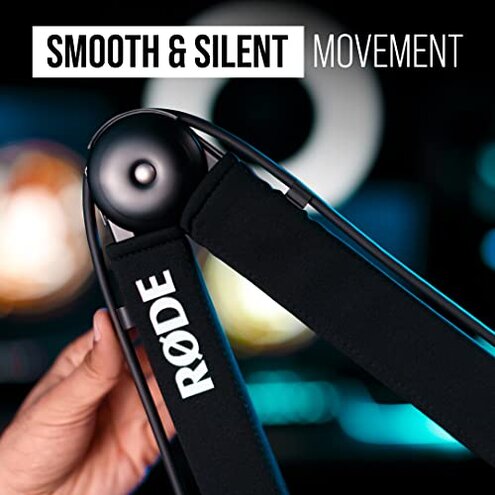
Why does my microphone slowly droop?
Sagging Many buyers report the arm sags with heavier microphones or after repeated positioning. This pattern is commonly reported and appears across multiple user accounts.
Usage anchor It shows up during first use or within weeks when a heavier condenser mic is mounted and adjusted frequently. The problem worsens with long recording sessions and repeated repositioning.
Category contrast This is worse than typical mid-range arms because the PSA1 often needs extra tightening or boosters to reach stability that competitors deliver out of the box.
Can the clamp damage or fail on my desk?
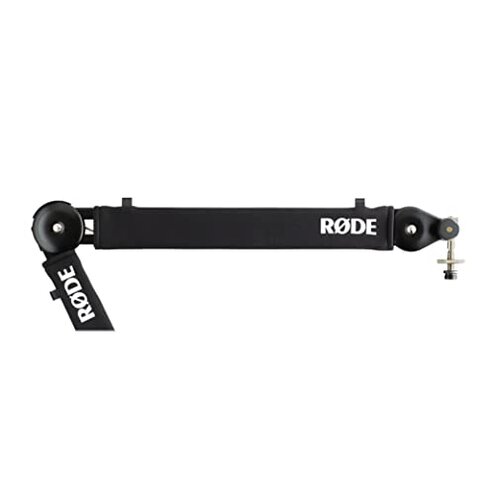
- Clamp fit Hidden requirement: many desks need a grommet hole or thicker edge to secure the clamp properly.
- Desk marks Users commonly notice scuffs or pressure marks when the clamp is tightened hard to stop sagging.
- Compatibility The clamp is less forgiving than category peers for thin or beveled desks.
- When it shows up Problems appear at setup when trying to mount on unconventional surfaces or thin desks.
- Fixability Some buyers solved it with additional pads, a grommet mount, or an aftermarket clamp adapter.
Why does the arm make noise while recording?
- Audible creaks Adjustment noises and micro-creaks are reported during live sessions and recordings.
- Frequency tier This is a secondary issue that appears repeatedly in many accounts but not everyone experiences it.
- Cause Noise often occurs when cables rub the arm or when joints need tightening after shipping.
- When it worsens The issue is worse during long sessions or when the desk transmits vibration from typing.
- Impact The noise is more disruptive than expected for a professional arm in recording conditions.
- Attempts Users report temporary fixes like felt padding, re-tightening, or lubricant, but results vary.
- Hidden need Good cable management is required to reduce this noise, which some buyers did not anticipate.
Is setup and thread compatibility a hidden hassle?
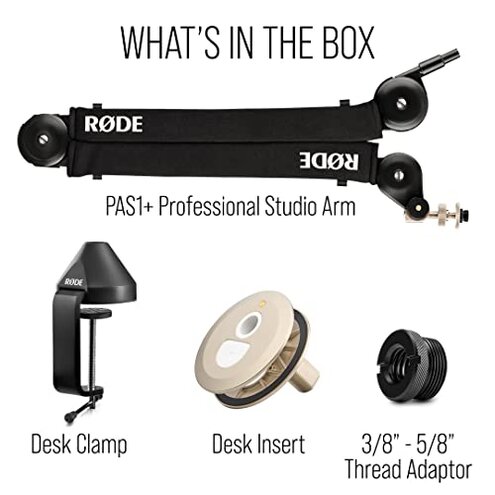
- Thread adapters Several buyers needed extra adapters for certain mic shock mounts or stands.
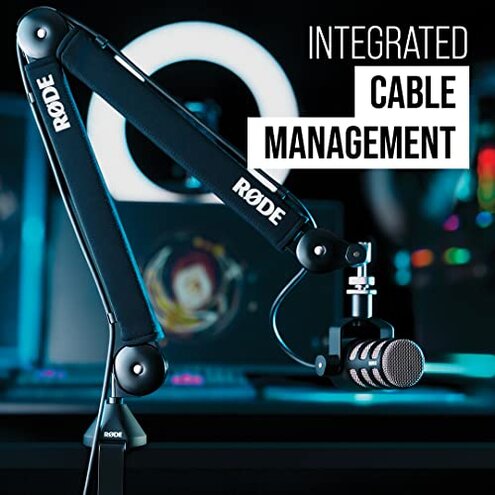
- Cable routing The built-in cable guides are limited and often require extra ties or clips.
- Setup time Initial setup can take longer than expected if you must add adapters or padding.
- Edge-case Some specialty mics or heavier shock mounts expose the limits of the arm's mounting hardware.
- Frequency This is a tertiary pattern; not universal but persistent enough to affect buyers who use varied gear.
- Workaround Aftermarket adapters and better cable clips usually fix the issue but add cost and time.
- Why it hurts The extra purchases and time make ownership less plug-and-play than many expect in this price tier.
Illustrative excerpts (not actual quotes)
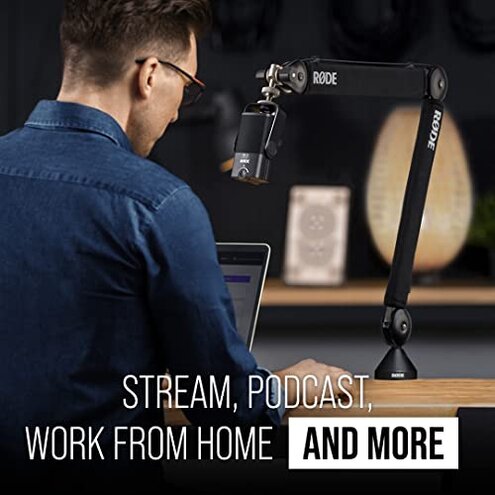
"Arm drooped mid-session and I had to retighten constantly" — reflects a primary pattern.
"Clamp left a dent on my inexpensive desk edge" — reflects a secondary pattern.
"Heard creaks during a podcast recording, annoying on-air" — reflects a primary pattern.
"Needed an extra thread adapter for my shock mount" — reflects an edge-case pattern.
Who should avoid this
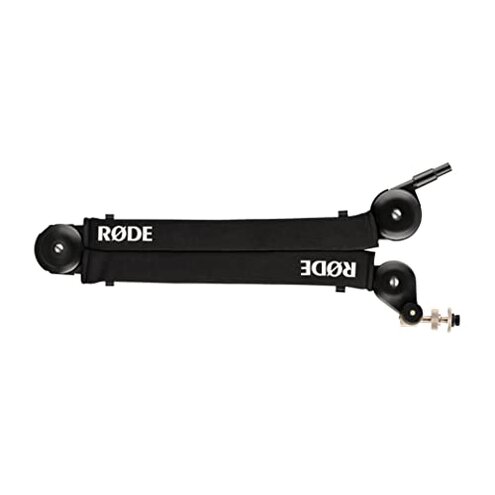
- Heavy-mic users If you use heavier condenser mics, the sagging risk exceeds normal category tolerance.
- Live podcasters If you need silent, on-air adjustments, audible creaks are more disruptive than expected.
- Thin-desk owners If your desk edge is thin or finished, the clamp may require adapters or cause marks.
Who this is actually good for
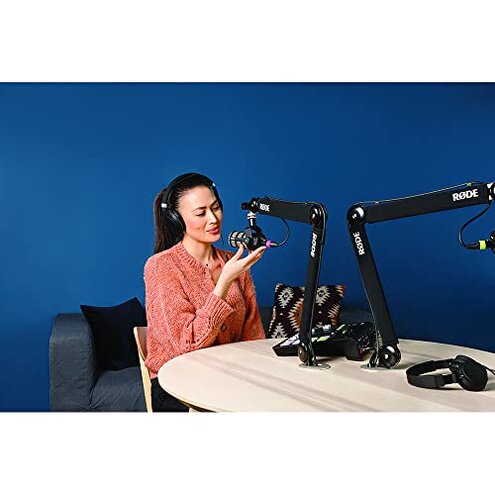
- Light dynamic mic users If you use lightweight dynamics, you may tolerate minor sag and the arm will perform well.
- Studio rigs with grommets If you have a grommet mount or a sturdy C-clamp, mounting stability improves significantly.
- DIY fixers If you accept extra pads, adapters, or cable clips, you can neutralize most noise and fit issues.
Expectation vs reality
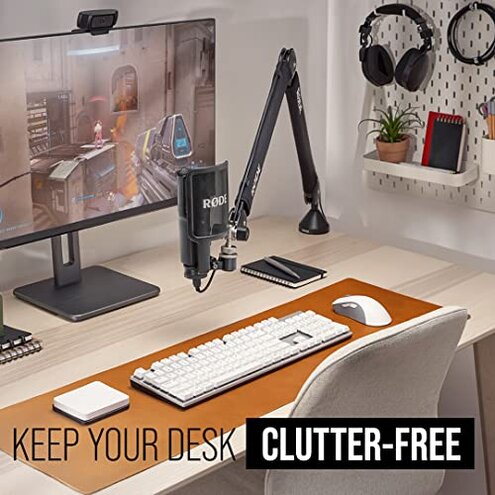
Expectation Reasonable for this category: buyers expect a desk arm to hold common broadcast mics steadily.
Reality Many found the PSA1 needs extra tightening or accessories so it performs like a true studio arm, increasing time and cost.
Expectation Reasonable for this category: quiet adjustments during recording.
Reality Audible creaks and cable vibration occasionally occur and can require aftermarket fixes.
Safer alternatives
- Choose higher-rated arms Look for explicit weight capacity that exceeds your mic plus shock mount to avoid sag.
- Prefer grommet-ready mounts If you have a delicate desk, pick arms with a grommet option or protective clamp pads.
- Check noise tests Seek hands-on demos or videos showing adjustments to verify quiet operation before buying.
- Budget for adapters Plan for extra thread adapters and cable ties if you use non-standard shock mounts or heavy cables.
The bottom line
Regret trigger The main issue is instability (sagging) and audible clamp/arm noise during recording. This risk is more disruptive than typical for mid-range studio arms.
Verdict Avoid this arm if you need out-of-the-box, long-term, vibration-free stability; buy only if you can add adapters or accept extra setup work.
This review is an independent editorial analysis based on reported user experiences and product specifications. NegReview.com does not sell products.