
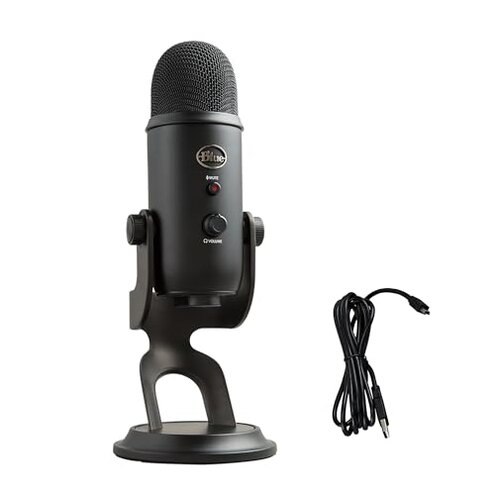
Product evaluated: Logitech G Yeti GX Dynamic RGB Gaming Microphone, Podcast Microphone with LIGHTSYNC, Blue VO!CE, G HUB Control, USB Plug and Play - Black
Related Videos For You
USB Microphone vs Audio Interface Head to Head
Make Any Mic Sound Expensive In OBS | Mic Settings & Filters (2024)
Data basis: This report synthesizes dozens of buyer comments and demonstrations collected from launch in Sept 2023 through Jan 2026. Feedback came from written reviews and video demonstrations. Most feedback came from written reviews, supported by video demonstrations, giving a mixed distribution of hands-on and long-run impressions.
Comparative risk snapshot
| Outcome | This product | Typical mid-range USB mic |
|---|---|---|
| Voice clarity | Clear when tuned but often needs software tuning to sound full. | Generally consistent out of the box with less tuning required. |
| Setup time | Longer setup due to required software for features. | Quicker plug-and-play in most mid-range alternatives. |
| Software dependency | Higher-than-normal risk: core features are gated behind vendor software. | Lower risk: features usually work without vendor apps. |
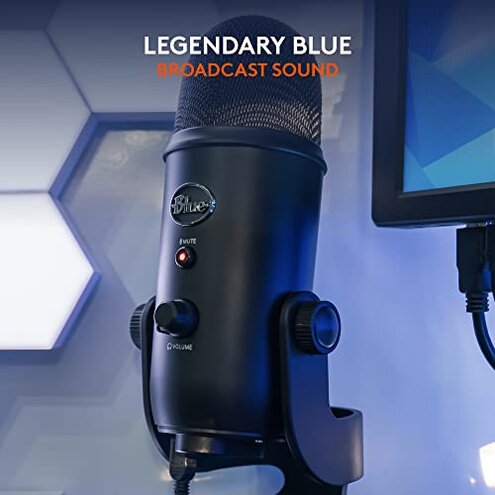
| Handling & placement | Stiffer placement and handling noise unless you buy extra mounts. | More flexible mounting options or included shock mounts are common. |
| Regret trigger | Software + low gain together create repeated setup and performance surprises. | Regret is rarer because features feel more plug-and-play. |
Top failures
Why does the mic need vendor software to behave?
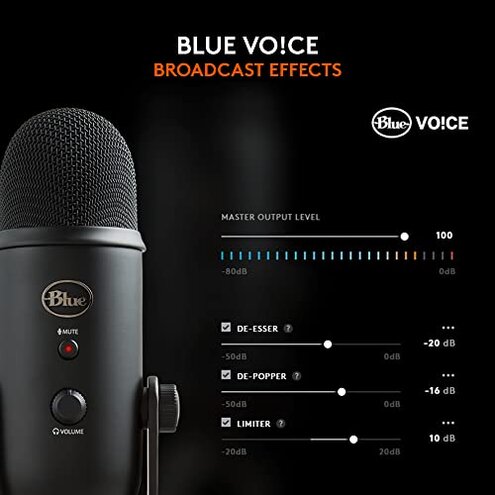
Regret moment: Buyers report that the mic's signature features like filters and RGB require the vendor app to work.
Severity: This is commonly reported and often appears at first setup when users expect plug-and-play function.
Category contrast: Most mid-range USB mics offer useful sound right away, so this feels like an extra cost in time and friction.
Why is the microphone quieter than I expected?
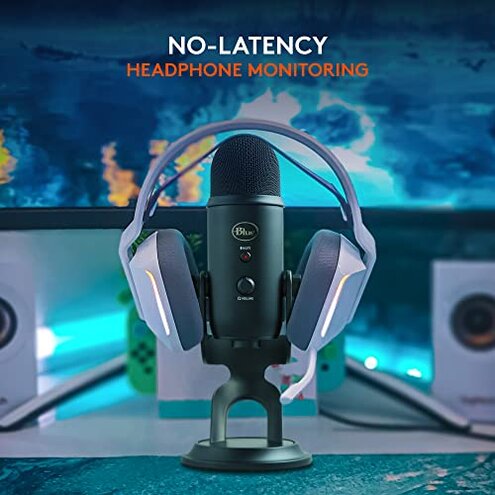
- Early sign: The voice sounds thin unless you raise system gain or enable processing.
- Pattern: This is a primary complaint and appears repeatedly in practical use by desktop streamers and podcasters.
- When it happens: Most often noticed during first recordings and worsens in long sessions when automatic processing interacts with gain.
- Category contrast: More frustrating than average because mid-range condensers usually need less gain for-full voice presence.
Why does the mic sometimes sound processed or pump?
- Primary pattern: Users commonly report audible artifacts when Smart Audio Lock or other filters are enabled.
- Usage anchor: Artifacts show up during live streams, calls, or recorded takes when background dynamics change.
- Cause: The real-time downward expander and limiter can react aggressively to speech and ambient sounds.
- Impact: This is more disruptive than typical auto-gating on similar mics because it alters voice character.
- Attempts to fix: Users try toggling filters, lowering thresholds, or using external EQ, with mixed success.
- Fixability: Partial; you may need manual EQ or to disable features, which removes advertised benefits.
- Hidden requirement: Better results often require familiarity with audio tools or a secondary microphone workflow.
Why is mounting and handling more annoying than I expected?
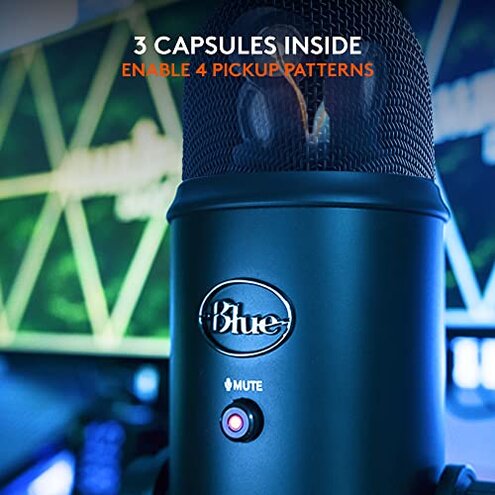
- Early sign: The stock position feels top-heavy on desks and transmits knocks easily.
- Pattern: This is a recurring complaint among users who move the mic or record from different angles.
- When it shows up: Handling noise appears during setup changes, long streaming sessions, and when repositioning.
- Frequency tier: Secondary to software complaints but very noticeable during live content and gameplay.
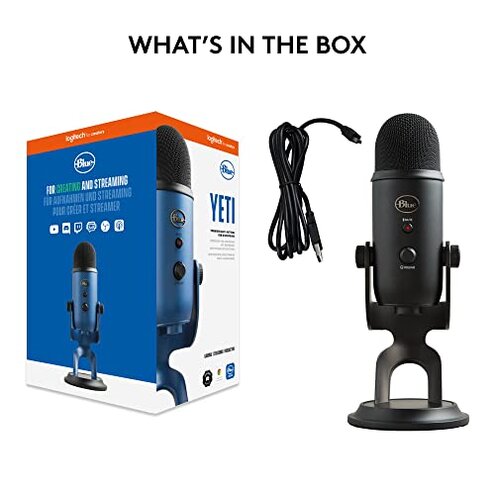
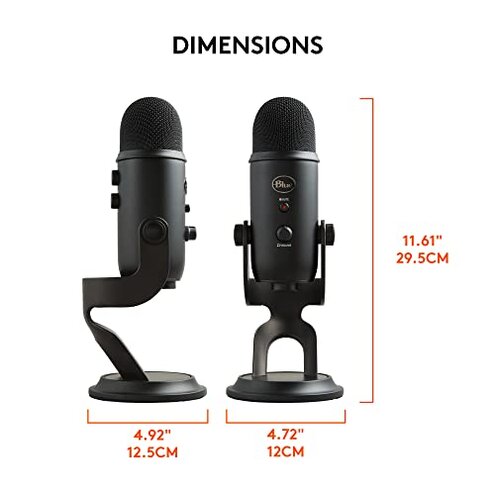
- Cause: No included high-end shock mount or easy arm adapter increases dependency on add-ons.
- Impact: Users report extra cost and time buying mounts, which makes the package feel less complete than peers.
- Attempts to fix: Aftermarket arms and shock mounts reduce noise but add setup complexity and expense.
- Category contrast: Worse than typical mid-range mics that often include better mounting or anti-vibration features.
Illustrative excerpts (not actual quotes)
Excerpt: "Setup took longer; features only worked after installing the app." — primary pattern
Excerpt: "Voice sounded thin until I cranked gain and added EQ." — primary pattern
Excerpt: "Processing made my voice pump during long streams." — secondary pattern
Excerpt: "Mount creaks and picks up every desk tap unless I buy extras." — secondary pattern
Who should avoid this
- Non-technical buyers who expect true plug-and-play sound without using extra apps.
- Live streamers who need totally stable, unprocessed audio during long sessions without fiddling.
- Budget buyers who do not want extra spending for mounts or software training.
Who this is actually good for
- Tech-savvy creators who are willing to learn G HUB and tweak filters to shape sound.
- RGB-focused setups where synchronized lighting and look matter more than instant plug-and-play audio.
- Casual gamers who tolerate extra setup and occasional artifacts for the branded feature set.
Expectation vs reality
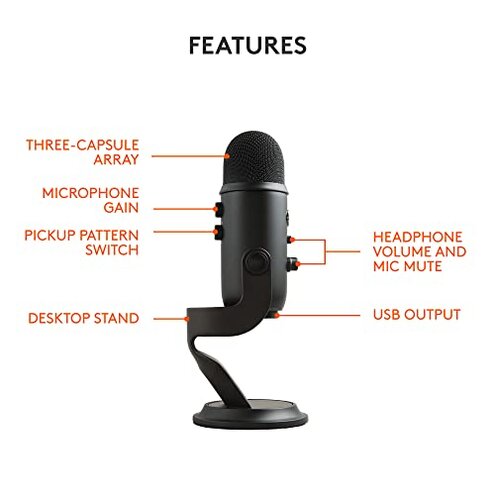
Expectation: Reasonable for this category to include simple on-mic controls and good baseline volume.
Reality: This mic often needs the vendor app to reach that baseline, which adds time and complexity.
Expectation: Live filters will improve audio without side effects.
Reality: Smart Audio Lock and expanders can create pumping or thin tone during dynamic speech.
Safer alternatives
- Pick a true plug-and-play USB mic if you want minimal setup and consistent baseline volume.
- Choose a mic with included shock mount to avoid additional accessory costs and handling noise.
- Prefer simpler onboard controls over software-heavy feature sets if you dislike app dependency.
- Test for gain and processing in return windows by recording a long, live-test session before finalizing.
The bottom line
Main regret: The combination of software dependency and lower-than-expected gain is the most common trigger for buyer frustration.
Why worse: These issues create more setup time and extra costs than is typical for mid-range USB mics.
Verdict: Avoid this model if you want plug-and-play reliability or dislike extra software and accessory spending.
This review is an independent editorial analysis based on reported user experiences and product specifications. NegReview.com does not sell products.