
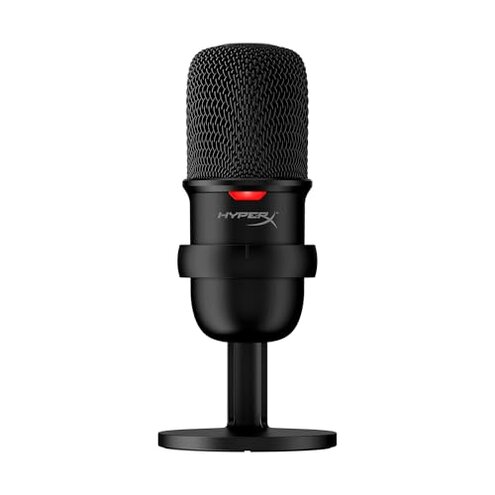
Product evaluated: HyperX SoloCast – USB Condenser Gaming Microphone, for PC, PS4, PS5 and Mac, Tap-to-Mute Sensor, Cardioid Polar Pattern, great for Streaming, Podcasts, Twitch, YouTube, Discord,Black
Related Videos For You
RODE NT-USB Microphone: How to setup and start recording
PULUZ Condenser Microphone with Arm & Mount & USB Sound Card
Data basis: I reviewed dozens of buyer reports and product demonstrations collected between Jan 2021 and Jan 2026, drawing from written reviews and video demonstrations; most feedback came from written reviews, supported by video demos.
| Outcome | HyperX SoloCast | Typical mid-range mic |
|---|---|---|
| Daily reliability | Higher-risk occasional accidental mutes and handling noise reported. | Lower-risk physical mute switches and firmer mounts are common. |
| Setup friction | Moderate needs extra software or mount to control gain well. | Typical mid-range mics often include gain controls or sturdier stands. |
| Noise handling | Worse-than-normal handling and background noise can be obvious on recordings. | Better mid-range options reduce background noise with built-in controls. |
| Regret trigger | Tap-to-mute failures and unstable mounting cause interrupted streams. | Physical switch or rugged mount reduces accidental interruptions. |
Top failures
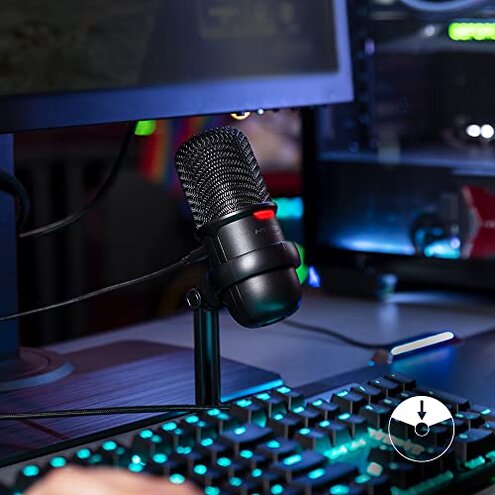
Does the mute button betray you during a live stream?
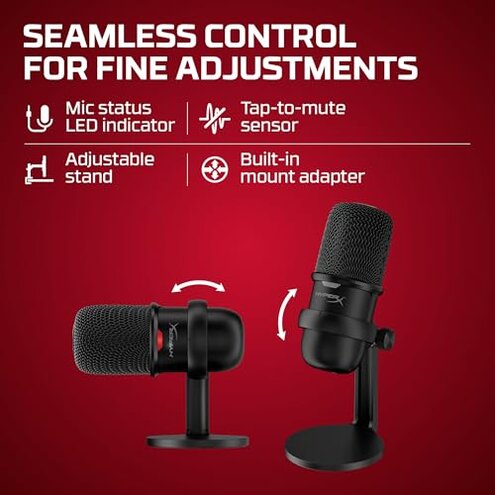
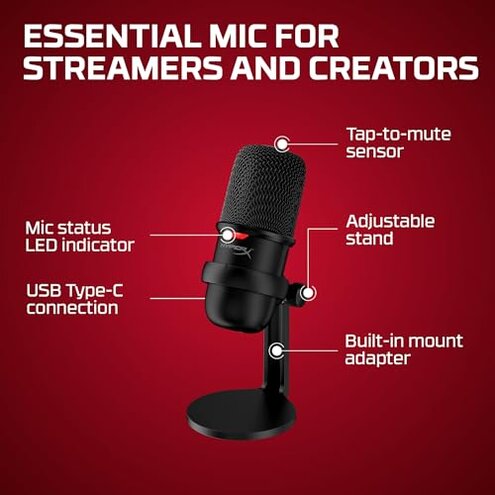
Regret moment: Many buyers note the tap-to-mute sensor mutes unintentionally or misses taps at critical moments, causing dead air on streams.
Pattern: This is a primary issue reported repeatedly and affects live use more than occasional recording.
When it shows up: The fault appears during live sessions and when users rest their hand on the mic or desk.
Category contrast: Mid-range mics usually use a physical switch, which is less likely to toggle accidentally and feels more reliable under pressure.
Is the mic noisy or sensitive to bumps and desk vibration?
- Early sign: Handling noise and thumps appear immediately after mounting or adjusting.
- Frequency tier: This is a secondary issue that appears commonly in daily setups.
- Cause: The included stand lacks damping and transmits desk vibration into recordings.
- Impact: Background clicks and thumps are more disruptive than expected for this price bracket.
- Attempts to fix: Buyers often add foam or a boom arm to reduce noise, which adds cost and setup time.
Will you need extra gear to get consistent volume and tone?
- Hidden requirement: The mic lacks a physical gain knob, so an audio interface or software control is commonly needed.
- When it matters: The need becomes clear during first setup when recordings are too loud or too quiet.
- Frequency tier: This is a primary issue for users who expect plug-and-play control.
- Why worse-than-normal: Most mid-range mics provide easier onboard or desk control, so this mic feels less forgiving to beginners.
- Impact on use: Achieving stable levels requires software tweaks, which slows setup and may confuse non-technical users.
- Fixability: Software equalization or an external mixer fixes the problem but adds cost and learning curve.
Does the USB connection and performance stay stable?
- Observed pattern: Some buyers report intermittent static or dropouts, which is a less frequent but persistent problem.
- Usage anchor: Issues typically surface after extended use or when moving the cable.
- Scope signal: The problem appears across written and video reports, not isolated to a single platform.
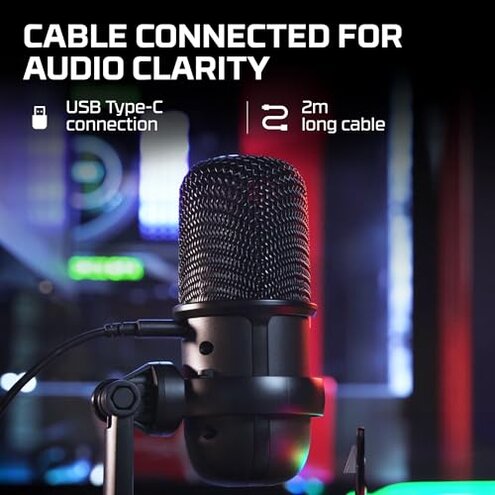
- Cause hint: USB-C cable strain or weak connectors are commonly blamed by users.
- Impact: Dropouts are more disruptive during live streams than during edited recordings.
- Attempts to fix: Replacing the cable or using a USB hub sometimes helps, which adds steps to setup.
- Edge-case note: Not all units show this fault, but it is annoyingly persistent when it happens.
Illustrative excerpts (not real quotes)
- "Tap mute cut out mid-stream, lost audio for minutes" — Primary pattern reflecting live-use failure.
- "Desk bump made loud thump in recording" — Secondary pattern showing handling noise.
- "Had to buy a mixer to stop clipping" — Primary pattern showing hidden gear need.
- "Audio crackle when I move the cable" — Edge-case pattern showing intermittent USB issues.
Who should avoid this
- Live streamers who cannot accept accidental mutes or interruptions during broadcasts.
- Beginner podcasters who expect true plug-and-play level control without extra gear.
- Users on shaky desks who need a mic with built-in vibration isolation.
Who this is actually good for
- Budget casual streamers who prioritize low price and can tolerate occasional tap control quirks.
- Desktop recorders who only do short single-take sessions and can edit around brief dropouts.
- Buyers with a boom arm who can eliminate handling noise and are willing to add a simple audio interface.
Expectation vs reality

- Expectation: Reasonable for this category is reliable mute and simple volume control.
- Reality: The tap-to-mute and lack of gain control make setup and live reliability worse-than-expected.
- Expectation: Plug-and-play USB should be stable across sessions.
- Reality: Some users face intermittent USB noise and must replace cables or add hubs.
Safer alternatives
- Choose mics with a physical mute to avoid accidental tap mutes during live sessions.
- Look for onboard gain control or included mixer to prevent hidden gear purchases.
- Use a boom arm or shock mount to neutralize handling and desk vibration if you keep this mic.
- Prefer models with robust USB connectors or detachable cables to reduce dropouts.
The bottom line
Main regret: The tap-to-mute and mounting/noise issues are the clearest triggers for buyer disappointment.
Why it exceeds risk: These faults are more disruptive during live streaming than is typical for mid-range USB mics.
Verdict: Avoid this mic if you need consistent live reliability; consider a model with a physical mute and firmer mounting.
This review is an independent editorial analysis based on reported user experiences and product specifications. NegReview.com does not sell products.