
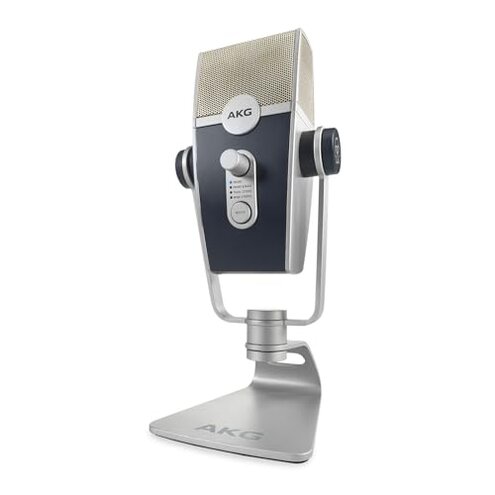
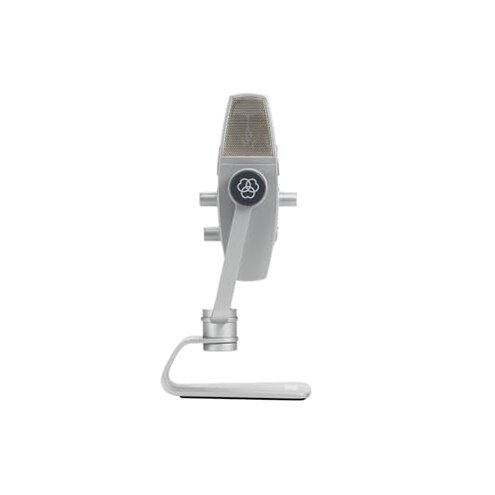
Product evaluated: AKG Pro Audio Lyra Ultra-HD, Four Capsule, Multi-Capture Mode, USB-C Condenser Microphone for Recording and Streaming with Pop Filter, Extension USB Cable, and 4-Port USB Hub Bundle
Related Videos For You
RODE NT-USB Microphone: How to setup and start recording
Fix USB Microphone Not Working On Windows 11/10 [SOLVED]
Data sample: This report draws on dozens of user reviews and several video demonstrations collected from late 2020 through early 2024. Source mix was mostly written feedback, supported by demo videos and Q&A posts. Distribution shows most feedback came from recent buyers and first-time set-ups.
| Outcome | AKG Lyra (this) | Typical mid-range USB mic |
|---|---|---|
| Initial setup | Unreliable recognition reported during plug-and-play for many users. | Mostly plug-and-play with occasional driver prompts. |
| Daily stability | Intermittent audio dropouts appear during longer sessions for some owners. | Stable during long sessions unless using poor USB hubs. |
| Audio quality | Clear but prone to clipping in higher-gain modes for multiple reports. | Smoother automatic handling of loud sources in many peers. |
| Accessory reliability | Bundled hub issues and extra cables added friction for some setups. | Fewer bundled extras but simpler, more reliable connections. |
| Regret trigger | Connection and stability failures that interrupt recording or streaming. | Minor setup delays that rarely stop a session. |
Top failures
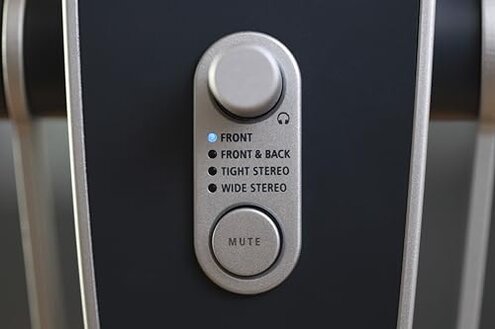
Why does the mic sometimes disappear mid-session?
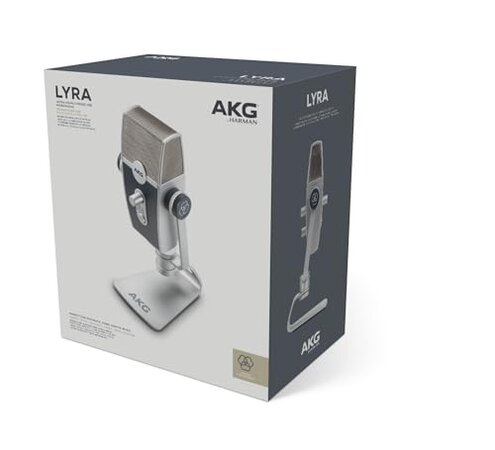
Recognition loss is a recurring regret moment for buyers who expect plug-and-play reliability. Severity ranges from annoying reboots to lost takes during live streaming. Pattern appears repeatedly in written reviews and video demos.
When it shows up: usually during first setup or after several minutes into long recording sessions. Worse conditions include using unpowered hubs or laptop sleep/wake cycles. Category contrast: this is worse than many mid-range USB mics, which more often hold steady without extra hardware steps.
Why does audio clip or distort unexpectedly?
- Early sign Users notice sudden sharp peaks when switching to louder sources.
- Frequency tier This is a primary complaint among audio-quality issues.
- Likely cause High-gain or certain capture modes increase clipping risk.
- Impact Distortion ruins takes and forces retakes in editing.
- Attempts Many try gain reduction or software fixes with mixed results.
Why is setup more fiddly than expected?
- Hidden requirement Some users need a direct, high-power USB port rather than a passive hub.
- Device scope Problems seen across laptops and desktop USB-C ports in recent feedback.
- When it appears: during initial configuration and when adding the bundled hub or extension cable.
- Why worse Many competing mics work reliably through inexpensive hubs.
- Fixability Workarounds include direct connection or different cable but add time and cost.
- Cost impact Users sometimes buy a powered hub or replace cables to restore stability.
Why do bundled extras create new problems?
- Accessory friction The included 4-port hub and extension cable aim to help but sometimes add failures.
- Frequency This is a secondary but persistent theme across bundle reports.
- Early sign USB hub ports show intermittent device drops during multi-peripheral use.
- Impact Added troubleshooting time and worse user experience for non-technical buyers.
- Workarounds Users remove the bundled hub and connect directly to the computer.
- Category contrast Typical bundles are simpler and less likely to interfere with detection.
- Hidden cost Some buyers end up buying separate, higher-quality hubs or cables.
Illustrative excerpts
Excerpt: "Mic lost during a live stream and would not reconnect." — primary
Excerpt: "Sound clipped when I spoke louder in front of it." — primary
Excerpt: "Needed a different cable to stop dropouts." — secondary
Excerpt: "Hub caused my DAW to freeze until removed." — edge-case
Who should avoid this
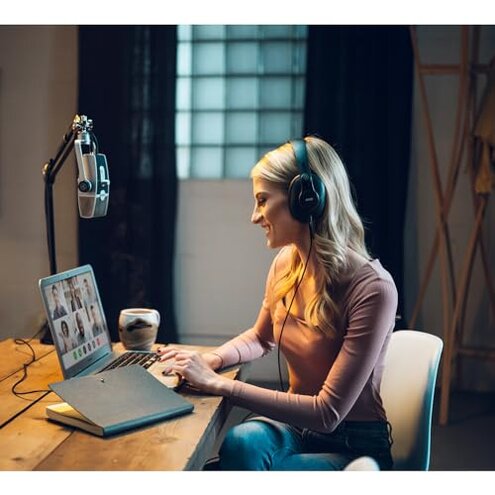
- Live streamers who cannot tolerate mid-session disconnections or dropped audio.
- Non-technical buyers who expect true plug-and-play with no extra cables or hubs.
- Recordists of loud sources who need consistent anti-clipping handling without manual gain juggling.
Who this is actually good for
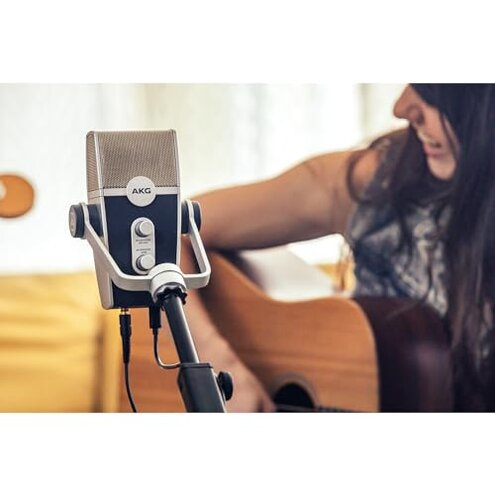
- Home podcasters willing to trade occasional setup work for a multi-pattern mic sound.
- Content creators who can test gear ahead of live sessions and accept extra troubleshooting.
- Users with direct USB ports who plan to plug directly into a computer and avoid hubs.
Expectation vs reality
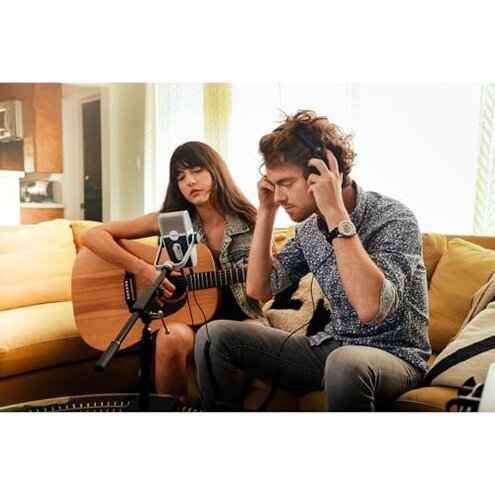
Expectation: A USB mic should be plug-and-play for most computers. Reality: Recognition failures are more common than expected, requiring cable swaps or direct ports.
Expectation: Bundled accessories will simplify setup. Reality: The hub sometimes adds connection points that introduce instability and troubleshooting.
Safer alternatives
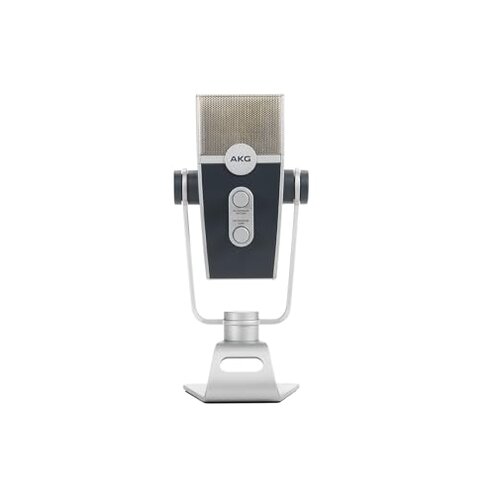
- Buy a microphone with proven plug-and-play to avoid device recognition issues without extra hardware.
- Use a powered USB hub if you must use a hub; this directly addresses dropouts tied to passive hubs.
- Prefer simpler bundles with fewer cables to reduce accessory-caused failures.
- Test before going live and check different capture modes to expose clipping before recording.
The bottom line
Main regret: Connection and stability problems that interrupt sessions are the clearest cause for avoidance. Why worse: These failures are more disruptive than typical mid-range USB mics and often need extra hardware fixes. Verdict: Avoid if you need reliable, worry-free plug-and-play for live work without extra expense.
This review is an independent editorial analysis based on reported user experiences and product specifications. NegReview.com does not sell products.