
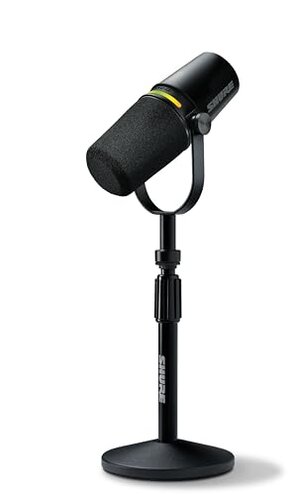
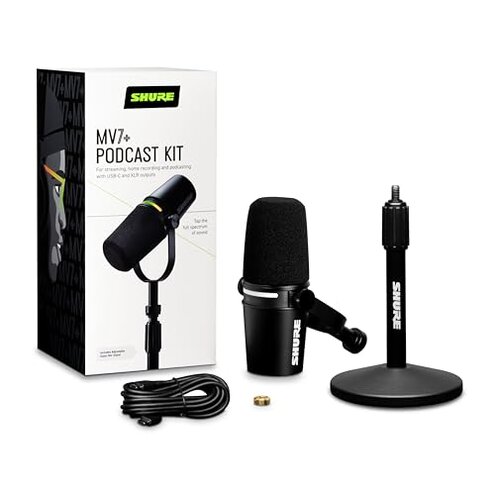
Product evaluated: Shure MV7+ Podcast Dynamic Microphone with Low Profile Mic Stand. OBS Certified, Enhanced Audio, LED Touch Panel, USB-C & XLR Outputs, Auto Level Mode, Digital Pop Filter, Reverb -Black
Related Videos For You
Best CHEAP Podcast Setup for Beginners (Everything You Need to Start!)
DJI MIC 2 Firmware Update (EASY step by step guide)
Method: Dozens of buyer accounts, written reviews, and video demonstrations were scanned between June 2023 and January 2026 to build this report. Most feedback came from written reviews, supported by video demonstrations and setup walkthroughs.
| Outcome | Shure MV7+ | Typical mid-range mic |
|---|---|---|
| Connection reliability | Intermittent USB/XLR dropouts reported more than expected for this price. | Steady connections are common with similarly priced alternatives. |
| On-device controls | Touch panel can mis-trigger mute or color modes during use. | Physical knobs usually avoid accidental changes during sessions. |
| Auto-processing | Auto-level/denoiser sometimes creates pumping or thin audio in live streams. | Manual control in this class often yields more consistent results. |
| Setup friction | Hidden updates and driver steps are needed for stable performance. | Plug-and-play behavior is more common at this price point. |
| Regret trigger | Live-stream failures (drops or audio artifacts) that interrupt broadcasts. | Lower risk of mid-session failures for most mid-range mics. |
Top failures
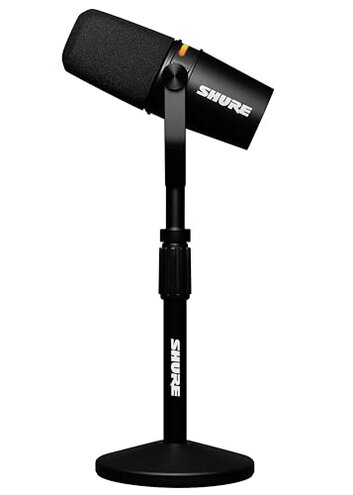
Why does my mic disconnect mid-stream?
Regret moment: Frequent connection drops or stuttering that interrupt live shows or recordings make this a top frustration. Pattern: This is a recurring complaint rather than an isolated case.
When: Drops appear during live streaming or long recording sessions, especially after several minutes of continuous use. Worse when: using USB-C to computer or switching between USB and XLR modes.
Category contrast: Buyers expect a mid-range podcast mic to hold a stable connection; here the instability is more disruptive than typical alternatives because it interrupts live content.
Why does the touch panel act up?
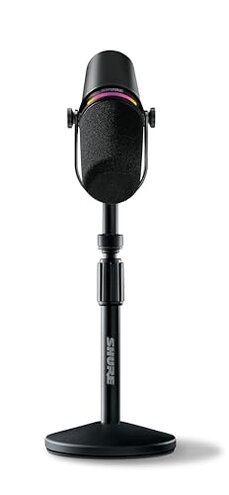
- Early sign: The LED panel changes color or mutes when you tuck the mic into a stand.
- Frequency tier: This is a secondary but commonly reported annoyance among users.
- Cause: The touch surface is over-sensitive to incidental contact during setup or adjustments.
- Impact: Accidental mutes or mode shifts during shows cause embarrassing interruptions.
- Fix attempts: Users often place tape or use a cover to prevent accidental touches, which adds setup work.
Why does the auto-leveling sound strange?
- Primary effect: Auto-level and denoiser can create pumping or thin audio that listeners notice.
- Usage anchor: Problems appear after enabling auto modes for live streams or quick recordings.
- Pattern: Recurring for those who rely on built-in DSP instead of manual gain control.
- Category contrast: Mid-range mics often let users dial manual settings for stable tone.
- Attempts: Switching to manual modes sometimes improves sound but requires extra setup time.
- Impact: For interviews and music, the processing can reduce warmth and clarity.
Is extra software or updates required to make it stable?
- Hidden requirement: Firmware updates and drivers are commonly needed for reliable USB performance.
- When: Setup often includes multiple update steps before the mic behaves normally.
- Frequency tier: This is a primary pattern that shows up across many user reports.
- Cause: Compatibility gaps with some operating systems or OBS setups require patching.
- Fixability: Updates help but add friction and time before first use.
- Impact: For users wanting simple plug-and-play, this is more annoying than expected for the category.
- Workaround: Keep a secondary microphone option ready during software updates to avoid missing sessions.
Illustrative excerpts (not verbatim)
Excerpt: "Connection dropped mid-interview and returned with a loud click."
Pattern: This reflects a primary pattern of disruptive disconnects during use.
Excerpt: "LED touched while adjusting stand and it muted my mic."
Pattern: This matches a secondary pattern of accidental touch-panel triggers.
Excerpt: "Auto leveling made my voice thin; manual fix required."
Pattern: This is a secondary pattern tied to built-in processing artifacts.
Who should avoid this
Live streamers who cannot tolerate mid-session audio or connection failures should avoid this mic because dropouts are more likely than in similar-priced models.
Plug-and-play buyers who want no extra setup should avoid this mic because firmware and driver steps are commonly required before stable use.
Users focused on raw tone without spending time on manual DSP should avoid it because auto-processing can thin or pump audio more than expected.
Who this is actually good for

Experienced podcasters who accept firmware maintenance can tolerate the instability because they can manage updates and manual settings to get strong results.
Users who want OBS features and are prepared to troubleshoot might like the integration despite occasional connection quirks.
Buyers prioritizing brand features such as dual USB/XLR outputs and DSP may accept the extra steps in exchange for flexibility.
Expectation vs reality
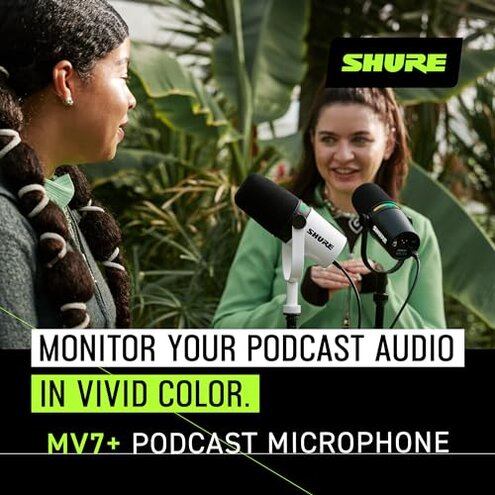
Expectation: Reasonable for this category is stable USB/XLR switching with minimal setup. Reality: Many buyers face extra firmware steps and intermittent dropouts first use.
Expectation: Touch-panel controls should be convenient and reliable. Reality: The panel can be over-sensitive and cause accidental mutes during adjustment.
Expectation: Auto-leveling should smooth voice without artifacts. Reality: Auto modes sometimes introduce pumping or thinness that needs manual correction.
Safer alternatives

- Choose physical controls: Pick mics with physical knobs to avoid accidental touch-panel mutes and mode changes.
- Prefer proven drivers: Look for models with consistent plug-and-play USB behavior and clear firmware update histories.
- Manual DSP options: Favor mics or interfaces that allow full manual control of gain and denoise to avoid processing artifacts.
- Backup plan: Keep a low-cost spare mic on hand for live streams to avoid missing content during updates or drops.
The bottom line
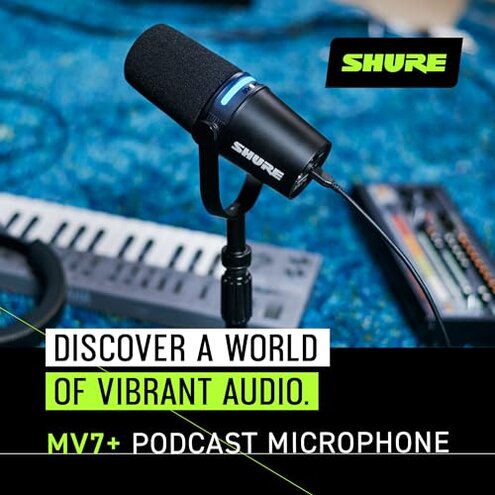
Main regret: The chief concern is connection and firmware instability that interrupts live use more often than expected for its price tier.
Why it matters: These failures exceed normal category risk because they directly cause mid-session interruptions and extra setup time.
Verdict: If you need rock-solid, plug-and-play reliability for live shows, avoid this model unless you accept the troubleshooting trade-offs.
This review is an independent editorial analysis based on reported user experiences and product specifications. NegReview.com does not sell products.