
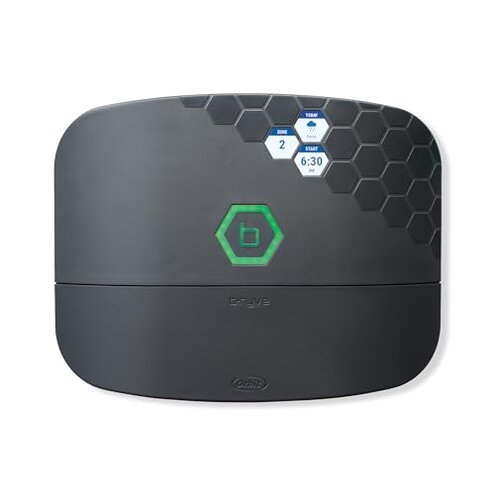
Product evaluated: Orbit 57985 B-hyve XR 8-Zone Smart Indoor/Outdoor Sprinkler Controller
Related Videos For You
Orbit b-hyve WIFI Sprinkler Timer install and app review - Smart Controller
How to Troubleshoot and Fix a Sprinkler Zone that isn't Working + Printable Guide
Data basis: This report used dozens of buyer accounts and comments plus video demonstrations collected between 2021 and 2025, with most feedback coming from written reviews supported by videos.
| Outcome | Orbit 57985 | Typical mid-range |
|---|---|---|
| Connectivity reliability | Unreliable connections reported during setup and daily use more often than expected. | Generally stable WiFi and occasional app drops are the category norm. |
| App usability | Confusing app flows and login resets appear repeatedly in buyer feedback. | Smoother apps with clearer setup steps are typical at this price point. |
| Setup time | Lengthy initial setup often needs extra steps or network fixes. | Shorter setup is common for other mid-range controllers. |
| Regret trigger | Missed schedules or forced manual watering when the app or WiFi fails. | Occasional manual override but less frequent schedule loss. |
Top failures
Why won’t the app stay connected?
Regret happens when the controller loses its WiFi link during setup or routine updates and scheduled runs fail to trigger.
Pattern is among the most common complaints and shows up during initial setup and daily use, not just on older units.
Category contrast feels worse than expected because most mid-range controllers keep a stable connection without repeated re-pairing.
Does setup require unexpected steps?
- Early sign: the app asks to re-enter credentials or re-scan networks during the first setup attempt.
- Frequency tier: this is a primary issue for many buyers, commonly reported across reviews.
- Cause: local WiFi strength and app session timeouts often trigger repeats.
- Impact: setup can take much longer than the product page claims.
- Fixability: some users solved it with a router reboot or phone hotspot during setup.
Will it leave zones dry unexpectedly?
- Primary pattern: missed or skipped watering runs are commonly reported after setup or network interruptions.
- When it appears: often noticed the first week of use and after firmware or app updates.
- Worsens under: homes with weak outdoor WiFi or frequent router changes.
- Cause: lost cloud sync or failed local fallback causes missed commands.
- Impact: plants and lawns risk dehydration unless manually checked.
- Hidden requirement: this controller effectively needs a strong outdoor WiFi signal or an extender to avoid failures.
Is support and firmware dependable?
- Pattern: customers report inconsistent firmware updates that sometimes reset settings.
- Context anchor: resets often happen after an app update or a cloud sync attempt.
- Severity: more disruptive than expected because stored schedules can be lost.
- Attempts: many buyers tried reconfiguring schedules multiple times with mixed success.
- Scope: this is a secondary complaint but it amplifies the primary WiFi issue when it occurs.
- Support signal: warranties exist but response times and fixes are inconsistent based on buyer reports.
- Hidden time cost: expect multiple hours over several days to stabilize the controller for reliable use.
Illustrative excerpts
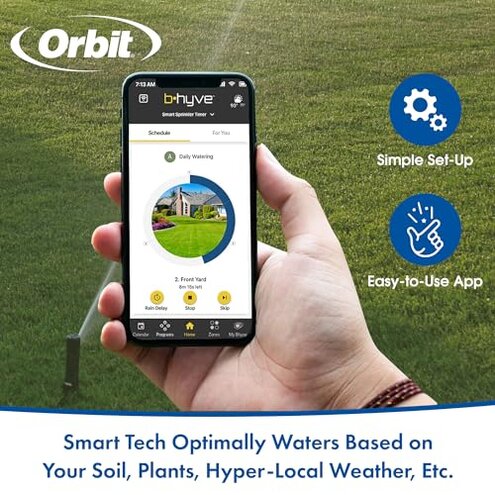
Excerpt: "App kept dropping my controller and schedules missed multiple days." (primary)
Excerpt: "Setup required a temporary phone hotspot to get it connected." (secondary)
Excerpt: "Firmware update wiped my custom zones and I had to re-enter them." (secondary)
Excerpt: "Worked fine inside garage but lost signal at the valve box outside." (edge-case)
Who should avoid this
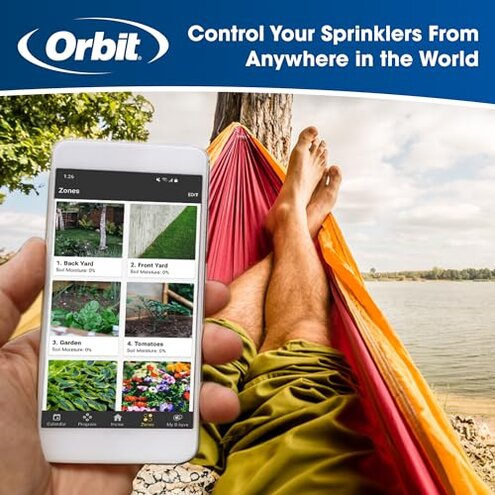
- Remote-dependent users: avoid if you need reliable remote control without on-site checks.
- Weak-WiFi homes: avoid if your outdoor WiFi is marginal and you can’t add an extender.
- Low-maintenance buyers: avoid if you don’t want repeated setup or firmware troubleshooting.
Who this is actually good for
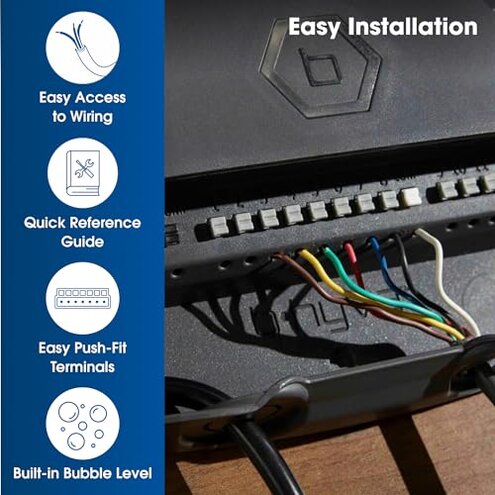
- Tech-tolerant users: OK if you accept occasional re-setup and can troubleshoot network issues.
- Hands-on gardeners: OK if you manually check zones and can tolerate missed automatic runs.
- Strong-WiFi properties: OK if your valve box has solid outdoor WiFi or you will install an extender.
Expectation vs reality
Expectation: a mid-range smart controller should maintain a stable WiFi link and run schedules reliably.
Reality: this model shows repeated connection drops and occasional schedule loss that exceed the normal risk for the category.
Safer alternatives
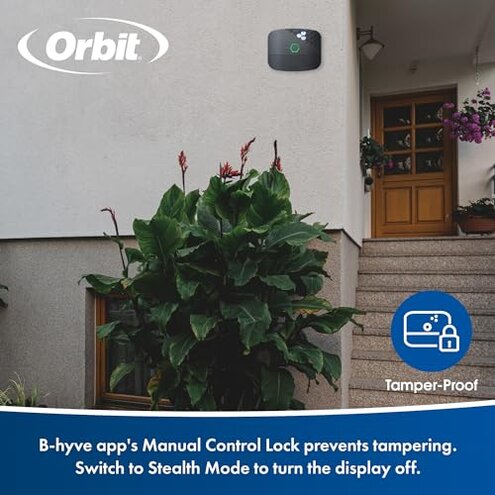
- Pick robust WiFi models: choose controllers marketed for stronger outdoor connectivity to avoid missed runs.
- Prefer local fallback: look for controllers that run schedules locally when the cloud is inaccessible.
- Check app stability: favor devices with consistent app update records and clear setup guides.
- Plan for extenders: if buying this type, budget for a WiFi extender to cover the valve location.
The bottom line
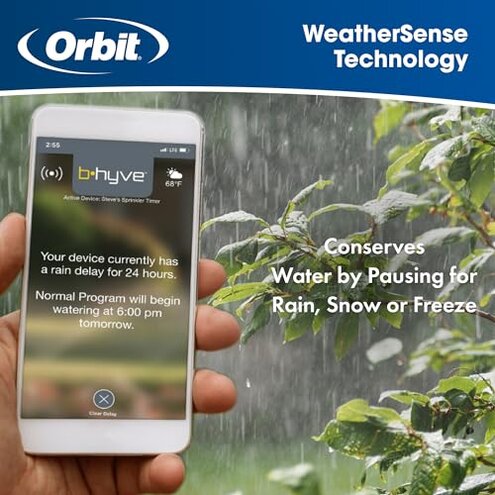
Main regret: frequent WiFi and app connectivity problems that can cause missed watering schedules.
Why worse: this exceeds normal category risk because it often requires repeated setup, network fixes, or added hardware.
Verdict: avoid this Orbit controller unless you can guarantee strong outdoor WiFi and accept hands-on troubleshooting.
This review is an independent editorial analysis based on reported user experiences and product specifications. NegReview.com does not sell products.