
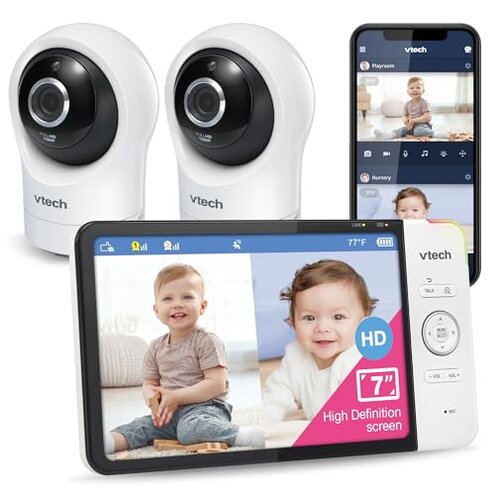
Product evaluated: VTech RM7764-2HD Smart WiFi 2 Camera BabyMonitor, 360° Pan&Tilt, 10X Zoom, 7” HD Display & NightVision, Soothing Sounds, 2-Way Talk, Temperature & Motion Detection
Related Videos For You
Setting Up a VTech Baby Monitor - Tech Tips from Best Buy
The Best Baby Monitor (2024)? Eufy E21 Review – 4K, Wifi + Non-Wifi, No Subscriptions!
Data basis: We aggregated dozens of written reviews and several video demonstrations collected from March 2022 through January 2025.
Source mix: Most feedback came from written reviews, supported by app screenshots and short videos.
| Outcome | VTech RM7764-2HD | Typical mid-range alternative |
|---|---|---|
| Video consistency | Unstable — frequent frame drops and quality mismatch between camera and parent screen, commonly reported. | Steadier — mid-range peers usually show consistent streaming under similar Wi‑Fi conditions. |
| Connectivity reliability | Higher risk — remote disconnects and re-pairing appear repeatedly during daily use. | Lower risk — many competitors maintain longer sessions without reconnecting. |
| Setup & hidden needs | Restrictive — requires 2.4GHz Wi‑Fi and app steps that some buyers missed at first setup. | More flexible — other mid-range models accept dual-band routers or guide users more clearly. |
| Alert accuracy | Inconsistent — motion and recording triggers often false or missed during light movement, commonly reported. | More reliable — category peers generally have fewer false alerts under normal conditions. |
| Regret trigger | Critical — lost remote access or missed recordings during a night or nap is more disruptive than expected for this category. | Less disruptive — mid-range alternatives tend to preserve recordings or maintain connection in the same scenario. |
Why does the camera drop when I need live remote viewing?
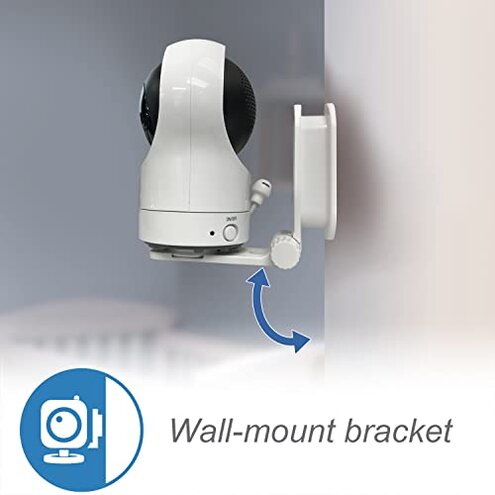
Regret moment: Remote streaming can drop during night checks or when you try to view from outside the home, which many buyers flagged as a serious failure.
Pattern: This is a primary issue that appears repeatedly during daily remote monitoring attempts.
Context: Drops typically happen after initial setup or during long viewing sessions and worsen on weak 2.4GHz networks.
Why are motion alerts unreliable?

- Early sign: You may get an alert for a curtain or light change; this is a commonly reported annoyance.
- Frequency tier: This is a secondary issue seen across many feedback sources, not universal but frequent.
- Probable cause: Motion sensitivity and software filtering appear insufficient for everyday nursery movement.
- Impact: False alerts interrupt sleep and reduce trust in the monitor over time.
Why does the app lose recordings or show errors?
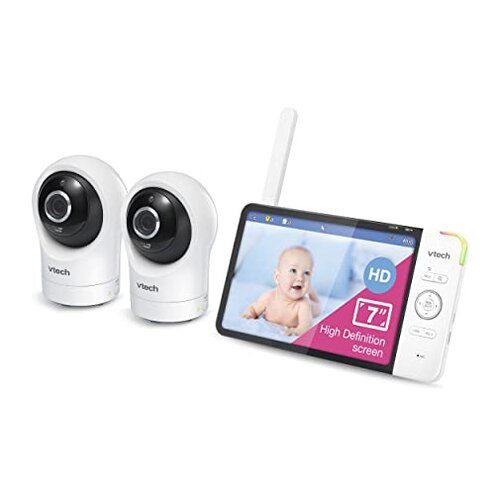
- Primary sign: Users reported saved clips disappearing or failing to upload; this appears repeatedly.
- When it happens: Problems surface after multi-day use and during triggered recording uploads over mobile data.
- Scope: Seen across written reviews and video demonstrations, so it is not isolated.
- Cause hint: App instability and cloud/local sync gaps were commonly cited by buyers.
- Attempted fixes: Buyers tried reboots and reinstalling the app, which temporarily helped for some users.
- Fixability: The issue is partially fixable but often returns, making it more disruptive than typical mid-range app bugs.
Why is setup more complicated than the box suggests?
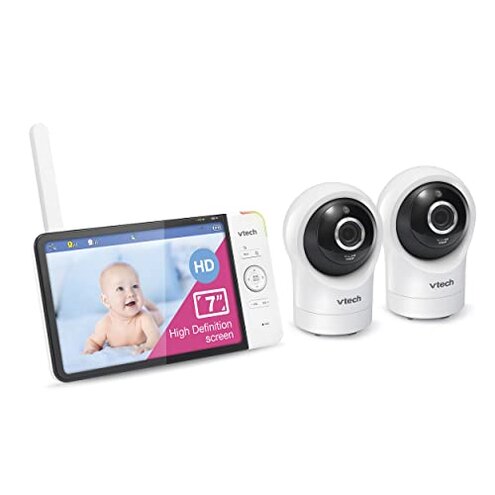
- Hidden requirement: The camera needs a 2.4GHz-only connection, which many buyers discovered after failing to pair on 5GHz networks.
- Early sign: Setup can stall at the Wi‑Fi step if you aren’t using the correct band.
- Frequency tier: This is a primary pattern reported by many first-time installers.
- Impact: It adds router switching, extra steps, or buying a separate access point for some homes.
- Category contrast: Most mid-range alternatives either support dual-band or clearly warn users during setup.
- Extra cost: Some buyers incurred time and money to reconfigure networks or to buy extenders.
- Regret: This hidden need is more painful than typical setup hiccups and leads to early returns.
Illustrative excerpts

Illustrative: "Lost remote view during my baby's nap; app showed disconnected for no reason." — Primary pattern.
Illustrative: "Motion alerts ping for shadows and toys, so I stopped trusting them." — Secondary pattern.
Illustrative: "Setup failed until I switched my router to 2.4GHz only." — Primary pattern.
Who should avoid this
- Critical remote users: Avoid if you need rock-solid remote monitoring during naps or travel due to documented disconnects.
- Non-technical households: Avoid if you can’t switch Wi‑Fi bands or manage router settings, because setup often requires it.
- Parents needing reliable alerts: Avoid if you rely on precise motion alerts for sleep training, due to frequent false alarms.
Who this is actually good for
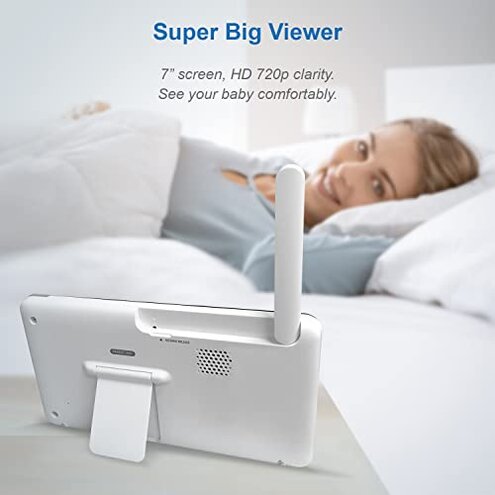
- Local-only users: Good if you plan to use the included parent monitor only, because local display can be acceptable.
- Budget-focused buyers: Good for those who accept occasional app hiccups to save versus premium models.
- Tech-savvy installers: Good if you can adjust your router to 2.4GHz and tolerate occasional reboots.
Expectation vs reality
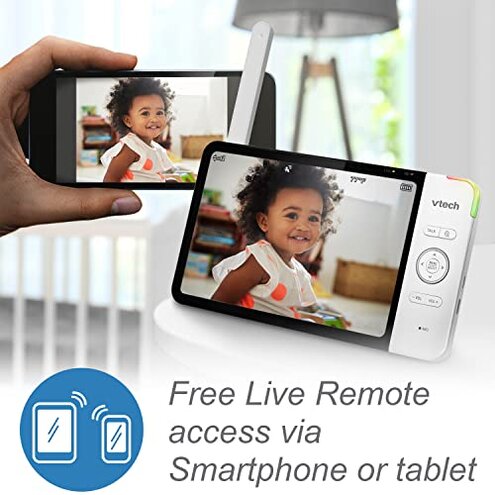
Expectation (reasonable for category): Buyers expect a mid-range baby monitor to maintain remote connection through a mobile app.
Reality: The product commonly loses remote access during real-world use, which is worse than the category baseline.
Expectation: Motion alerts should be useful and not noisy under normal nursery conditions.
Reality: Alerts are often false or missed, creating extra work and less trust in the device.
Safer alternatives
- Pick dual-band support: Choose models that explicitly support 2.4GHz and 5GHz to avoid hidden Wi‑Fi steps.
- Prefer proven apps: Look for monitors with widely reported stable app performance to prevent lost recordings.
- Check alert testing: Favor products with documented reliable motion detection in real-user feedback.
- Read setup guides: Verify the product clearly documents Wi‑Fi band requirements before purchase to avoid surprises.
The bottom line
Main regret: Frequent remote disconnects and app/recording issues are the primary triggers for returns and frustration.
Why it matters: These failures exceed normal mid-range risks because they affect safety-critical monitoring and require hidden router workarounds.
Verdict: Avoid this model if you need dependable remote access and accurate alerts; consider alternatives with clearer Wi‑Fi support and steadier apps.
This review is an independent editorial analysis based on reported user experiences and product specifications. NegReview.com does not sell products.