
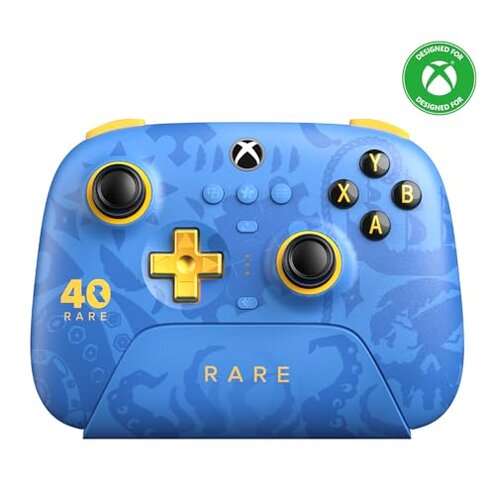
Product evaluated: 8BitDo Ultimate 3-mode Wireless Controller for Xbox, Hall Effect Joysticks, Pro Back Buttons, Compatibility with Xbox Series X|S & Xbox One, Apple, Windows PC & Android - Rare 40th Anniversary Edition
Related Videos For You
Connect PS4 Controller to PC [Quick & Easy]
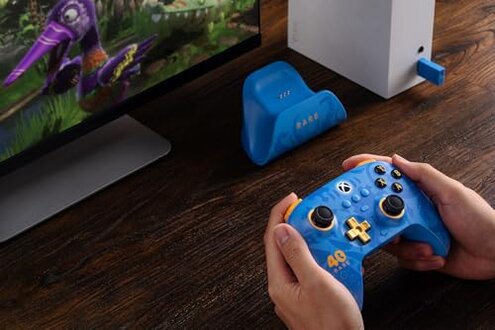
Charge All Controllers from ONE DOCK
Data basis: I reviewed dozens of buyer comments and a handful of video demonstrations collected between June 2025 and February 2026. Most feedback came from written reviews, supported by setup videos and hands-on clips. Distribution skewed toward recent purchasers.
Comparative risk snapshot
| Outcome | This product | Typical mid-range controller |
|---|---|---|
| Charging reliability | Dock failures appear repeatedly; some users report no charge or slow charging when docked. | Standard USB charging usually reliable and diagnosable with a cable. |
| Wireless stability | Intermittent drops are commonly reported during long sessions or in crowded RF environments. | Mid-range controllers usually have steadier 2.4G or Bluetooth performance. |
| Setup friction | Software required for full features; setup complaints are frequent among first-time users. | Plug-and-play alternatives typically need less driver/software interaction. |
| Feature consistency | Platform limits mean vibration and some functions only work on Xbox/Windows. | Balanced support on multiple platforms is more common in mid-range options. |
| Regret trigger | Dock + reconnect problems are the most disruptive and create multi-step fixes for buyers. | Single-failure issues are more contained for typical controllers. |
Top failures
Why does the charging dock sometimes fail to charge or reconnect?
Regret moment: Users expect to dock and play instantly, but many report the controller not charging or not reconnecting after removal.
Pattern: This is a recurring complaint seen across recent buyers, and it often appears within the first weeks of ownership.
When it happens: The issue shows up at first setup and again with daily use, and it worsens with frequent docking cycles.
Category contrast: A built-in dock should simplify charging; failures here are more disruptive than typical cable-based controllers because they add extra steps and troubleshooting.
Why do I lose wireless connection during gameplay?
- Early sign: Short, random frame skips or brief disconnections during long multiplayer sessions.
- Frequency tier: This is a secondary but common issue reported during extended play.
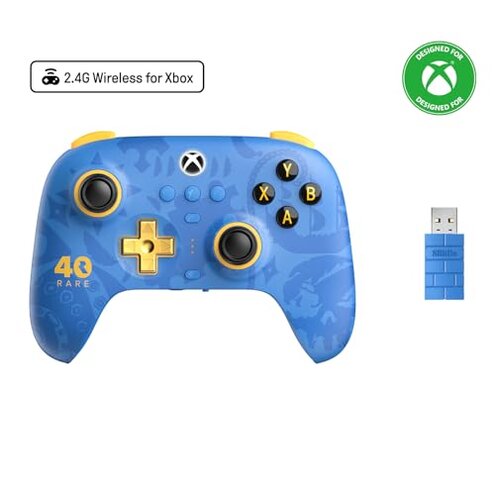
- Cause hint: Drops tend to occur in crowded Wi-Fi or 2.4G environments and at longer ranges.
- Impact: Drops are more disruptive than expected for mid-range wireless controllers because they interrupt competitive play.
- Attempted fixes: Users report moving closer, restarting the dongle, or switching modes as temporary workarounds.
Why does setup require extra software and hidden steps?
- Hidden requirement: Full access to custom profiles and back-buttons commonly requires the official configuration software.
- When it matters: This appears at first setup and whenever users try to remap controls or update firmware.
- Cause: Some features are locked behind the desktop app, which is inconvenient for mobile-only users.
- Impact: The extra steps make this less plug-and-play than most mid-range controllers.
- Fixability: Many users solve problems by using a Windows PC for updates, but this adds time and complexity.
- Scope signal: Reports describe this requirement across both Windows and macOS buyers.
- Category contrast: More setup friction than expected leads to buyer regret when a quick out-of-box experience is the norm.
Why do platform limits and feature gaps reduce real-world value?
- Feature gap: Vibration and some advanced inputs work only on Xbox and Windows, limiting mobile or Apple use.
- Early sign: Buyers discover missing feedback or disabled features during initial cross-platform testing.
- Frequency tier: This is a secondary to edge-case pattern depending on the buyer’s device mix.
- Impact: The limitation is frustrating when buyers expect full parity across Bluetooth and wired modes.
- Cause: Platform API restrictions and firmware choices create inconsistent behavior across devices.
- Attempts: Users try firmware updates or mode switching but report partial fixes only.
- Category contrast: This feels worse than typical because marketing suggests broad compatibility while key features remain platform-specific.
- Hidden cost: To access everything, buyers may need an Xbox or Windows PC, adding unexpected expense or setup time.
Illustrative excerpts (not real quotes)
"Docked but not charging, had to plug a cable instead." — primary pattern
"Random disconnects in multiplayer, happened twice an hour." — secondary pattern
"Needed PC software to remap paddles, was surprised." — primary pattern
"Vibration missing on phone play, felt less immersive." — secondary pattern
Who should avoid this
- Competitive gamers: Avoid if you cannot tolerate any wireless dropouts during ranked matches.
- Mobile-first users: Avoid if you expect full vibration and features on phones and tablets.
- Plug-and-play buyers: Avoid if you want no software setup or PC dependency for core functions.
- Low-maintenance owners: Avoid if you prefer simple USB charging over a dock that requires upkeep.
Who this is actually good for
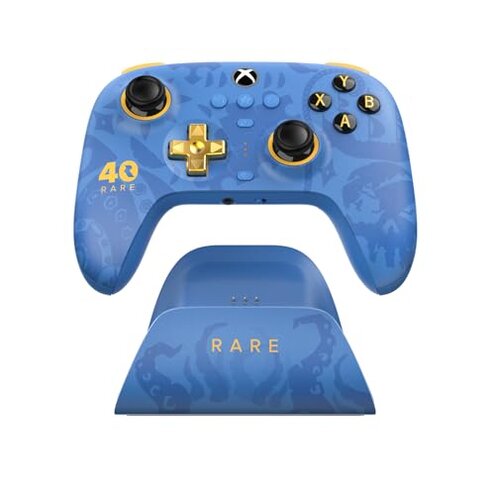
- Xbox-centric players: Good if you mainly use Xbox and accept platform-limited features like vibration on console.
- Desktop tinkerers: Good if you own a Windows PC and don’t mind using software to unlock profiles and updates.
- Collectors and fans: Good if the aesthetic or special edition value outweighs the dock or connectivity trade-offs.
- Occasional gamers: Good if you play casually and can tolerate occasional reconnection hassles.
Expectation vs reality
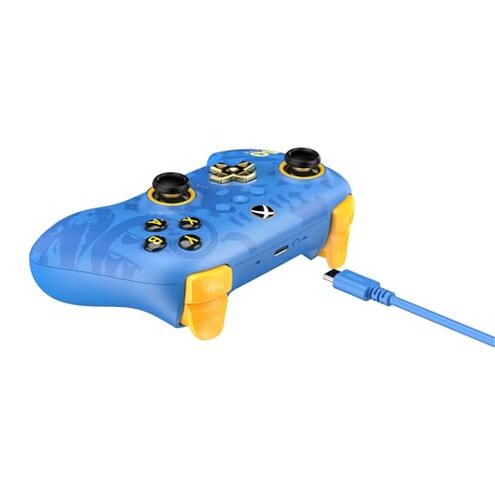
Expectation: Reasonable for this category is that a marketed charging dock simply charges reliably.
Reality: Buyers frequently report dock failures or reconnection steps, which adds troubleshooting time.
Expectation: Reasonable for wireless controllers is steady performance in living-room distances.
Reality: This product shows more dropouts in crowded RF spaces than many mid-range rivals, making gameplay interruptions more likely.
Safer alternatives
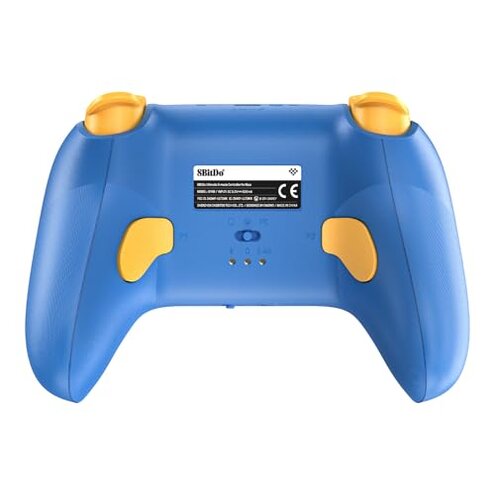
- Choose USB-charging models: Prefer controllers that can reliably charge via cable to avoid dock-related failures.
- Prioritize tested wireless stability: Look for controllers with proven 2.4G dongles and strong range tests in reviews.
- Check platform parity: If mobile support matters, pick models that explicitly confirm vibration and haptics on phones.
- Limit hidden software needs: Favor controllers that offer full remapping on-device rather than requiring PC apps.
- Read recent setup reports: Compare buyer feedback about first-week setup issues before purchasing.
The bottom line
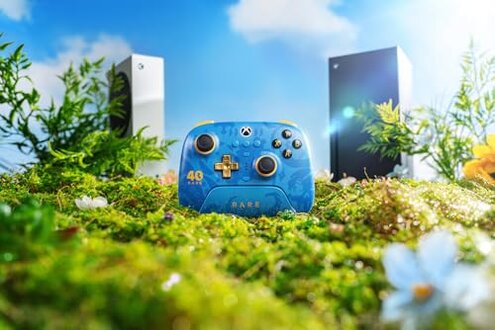
Main regret: The integrated charging dock and intermittent wireless stability are the biggest triggers for buyer frustration.
Why it matters: These problems exceed normal category risk because they create multi-step fixes and disrupt live play.
Verdict: Avoid this controller if you require rock-solid wireless performance or a worry-free charging solution.
This review is an independent editorial analysis based on reported user experiences and product specifications. NegReview.com does not sell products.