
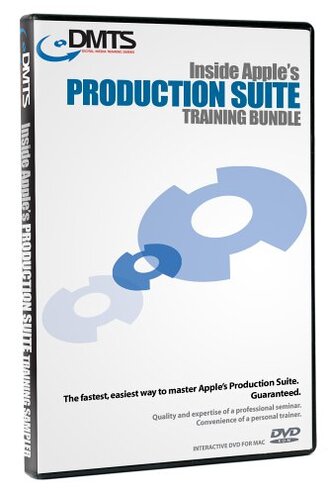
Product evaluated: DMTS Inside Apple Production Suite Training DVD Bundle
Related Videos For You
Total Beginner’s Guide to Video Editing
Adobe and Apple DVD-ROM Training
Data basis: This report is based on dozens of buyer comments and product impressions collected from written feedback and video-style demonstrations between 2004 and 2026. Most feedback came from longer written experiences, with lighter support from visual walkthroughs, which helps surface recurring problems during setup and actual learning use.
| Buyer outcome | This product | Typical mid-range alternative |
| Getting started | Higher friction because the training targets older Apple software versions and older workflows. | Lower friction when lessons match currently used software and systems. |
| Day-one usefulness | Uneven if your setup does not match Final Cut Pro HD/4.5, DVD Studio Pro 3, and Motion. | More reliable for general learners using current or near-current tools. |
| Learning transfer | Lower-than-normal risk only for buyers using legacy systems, but higher-than-normal risk for everyone else. | More flexible across updated software versions and common editing habits. |
| Time cost | More disruptive after setup because buyers may need to translate old menus into modern ones. | Less extra work beyond following the lesson. |
| Regret trigger | Paying premium money for training that may only fit a narrow legacy workflow. | Usually regret comes from teaching style, not version mismatch. |
Do you need training that actually matches what is on your screen?
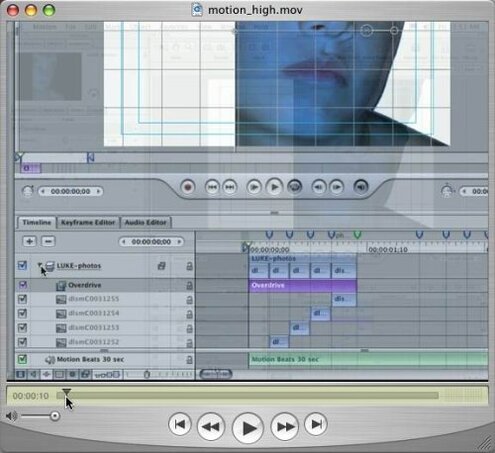
This is the primary issue. The biggest regret moment appears at first use, when buyers realize the lessons are built around Final Cut Pro HD/4.5, DVD Studio Pro 3, and Motion from an older Apple production era.
The pattern looks persistent. This is more disruptive than expected for training media because version mismatch can make even basic steps look wrong, missing, or renamed during normal learning sessions.
- Pattern: Recurring complaints center on the bundle being tied to clearly older software versions listed on the package details.
- When it hits: Right away during installation or the first lesson, especially if the buyer expects guidance for current editing tools.
- Why it worsens: Long sessions become frustrating when each screen must be mentally translated to a different interface.
- Category contrast: Worse than normal because training products usually stay useful longer when they teach concepts, but this bundle is heavily workflow-specific.
- Impact: Extra time goes into guessing menu changes instead of learning editing, DVD authoring, or motion graphics.
- Fixability: Limited unless you intentionally use the exact older Apple software environment the discs were designed for.
- Hidden requirement: Legacy setup is not optional if you want the lessons to match step by step.
Illustrative excerpt: “I expected editing help, but the screens do not match my program at all.” Primary pattern.
Are you paying mostly for content that may be trapped in a past workflow?
- Severity: Among the most common concerns is value risk, because the listed price is high for a training bundle tied to software released in 2004.
- Context: Before purchase it can look like a broad Apple training set, but after opening it becomes clear that usefulness depends on a narrow use case.
- Trade-off: Project-based lessons can still be helpful, but only if your goals match the old Apple Production Suite workflow closely.
- Comparison: More frustrating than typical mid-range training options because outdated lessons age out faster than general editing instruction.
- Impact on regret: Price pain feels higher when even one disc becomes irrelevant to your current system.
- Who feels it most: New learners are hit harder than collectors because they usually need current, not archival, guidance.
Illustrative excerpt: “The package looked complete, but it only makes sense for older studio setups.” Secondary pattern.
Will the DVD format add setup headaches before you even start learning?
This is a secondary issue. The bundle uses DVD-ROM, which creates a real access problem at setup time for buyers using newer computers without an optical drive.
It is not universal. But when it happens, it is more annoying than expected for this category because you need extra hardware before the course can even begin.
- Early sign: No drive means the discs are unusable until you add an external reader or older computer.
- Frequency tier: Persistent secondary issue for modern-device users, especially those on newer laptops.
- Worsening condition: Multi-disc use adds more swapping and more friction during repeated study sessions.
- Category contrast: Higher upkeep than typical training alternatives that now use downloads or streaming access.
- Impact: Delayed start turns a learning purchase into a hardware-compatibility project.
- Attempted workaround: External drives can help, but they add cost and desk clutter.
- Fixability: Partial only because format access does not solve the older-software mismatch above.
Illustrative excerpt: “I forgot my computer cannot even read DVDs anymore.” Secondary pattern.
Do you want concept training, or step-by-step clicking that ages badly?
- Core problem: Appears repeatedly that this bundle leans on hands-on project steps using included media files, which is useful only while the app behavior stays familiar.
- When it shows up: During lessons that ask you to work alongside the instructor and mirror exact on-screen actions.
- Why it feels worse: Less forgiving than broader editing courses, because project-based training breaks down faster when tools move or disappear.
- Impact: Confidence drops when the buyer cannot tell whether the mistake is theirs or the age of the lesson.
- Scope: Seen across feedback types whenever buyers expect transferable skills instead of legacy button paths.
- Best-case mitigation: Useful archive if you are restoring old workflows or studying the history of Apple pro apps.
- Worst-case outcome: Abandonment happens faster than with typical training because friction starts before skill building becomes rewarding.
- Edge-case note: Collectors may value it more than active editors, but that is a narrow exception.
Illustrative excerpt: “It teaches exact clicks, and those clicks no longer exist on my system.” Primary pattern.
Illustrative excerpt: “Fine as a historical reference, not fine as my main learning tool.” Edge-case pattern.
Who should avoid this
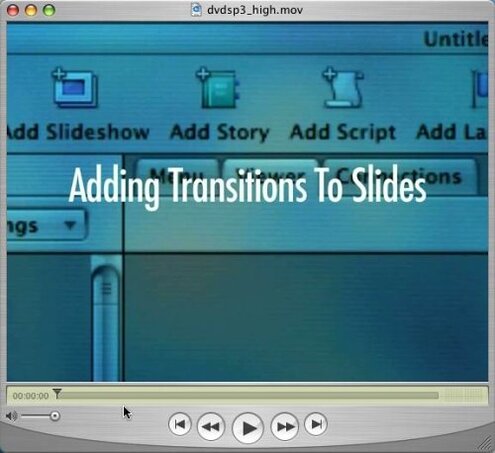
- Current users of modern video editing software should avoid it, because the version mismatch is a primary issue that exceeds normal training-media aging.
- Beginners should skip it if they need clear day-one guidance, since setup and screen differences add more confusion than a typical mid-range course.
- Laptop owners without DVD drives should avoid it unless they already have external disc hardware and accept the extra steps.
- Value shoppers should be cautious, because the price creates a sharper regret trigger than usual when only part of the bundle is usable.
Who this is actually good for
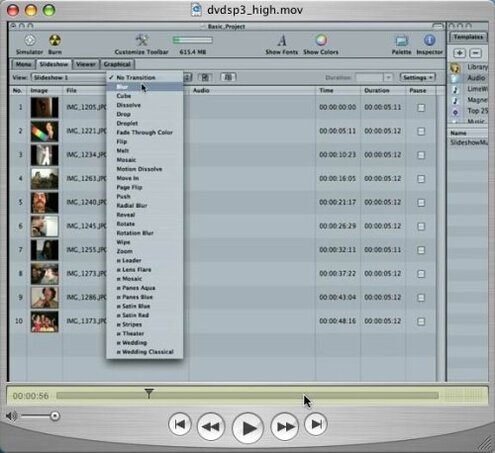
- Legacy editors using the exact older Apple software can tolerate the age problem because the lesson screens should align more closely.
- Collectors of Apple pro training media may accept the limited practical value because they want archival material, not current instruction.
- Media historians can justify it if they specifically want to study how Final Cut Pro HD/4.5, DVD Studio Pro 3, and Motion were taught.
- Restoration users working on an older machine may find the DVD format and old workflow acceptable because it matches their environment.
Expectation vs reality
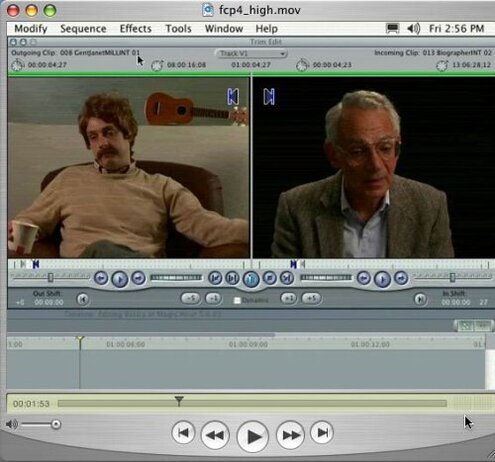
- Expectation: A bundled Apple training set should cover skills you can use on a normal current setup.
- Reality: Version lock makes usefulness much narrower, and that is worse than expected for this category.
- Expectation: Project-based learning should help you move faster.
- Reality: Extra translation slows learning when your menus and tools do not match the lesson.
- Expectation: Physical training media should at least be simple to access.
- Reality: DVD-only access adds a hardware requirement that many buyers no longer expect.
- Expectation: It is reasonable for this category to age somewhat.
- Reality: This ages harder than typical because it teaches exact legacy workflows, not just durable editing concepts.
Safer alternatives
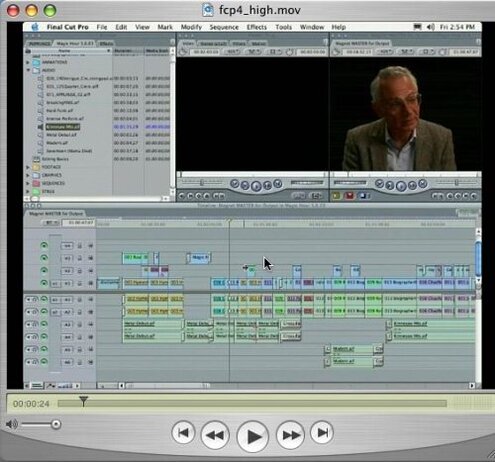
- Match versions before buying any software training, and pick lessons that name the same app generation you actually run.
- Choose streaming or downloadable training if you use a newer computer, which avoids the DVD access problem completely.
- Prefer concept-led courses when possible, because they hold up better than step-by-step button tours tied to one old interface.
- Price-check age against release date, especially for training products, since older niche courses can carry collector pricing without broad usefulness.
- Look for modern samples of the lesson screens first, which helps confirm that what you see will match your real working environment.
The bottom line
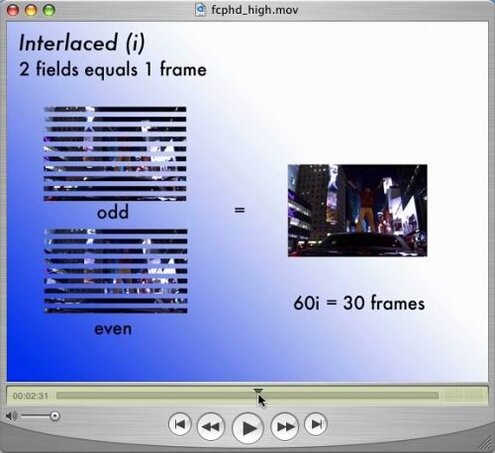
Main regret trigger: buyers pay a high price, then discover the training is tightly bound to older Apple software and DVD-ROM access. That exceeds normal category risk because the bundle can fail before the learning value starts.
Verdict: Avoid it unless you specifically need legacy Apple Production Suite instruction on compatible older hardware and software.
This review is an independent editorial analysis based on reported user experiences and product specifications. NegReview.com does not sell products.