
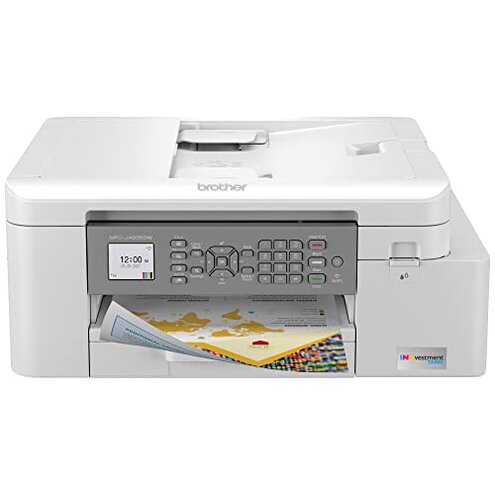
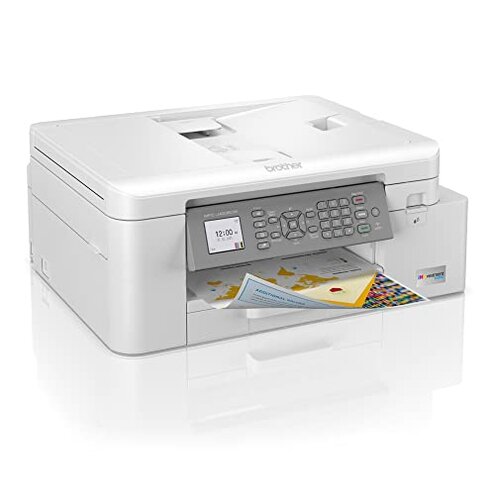
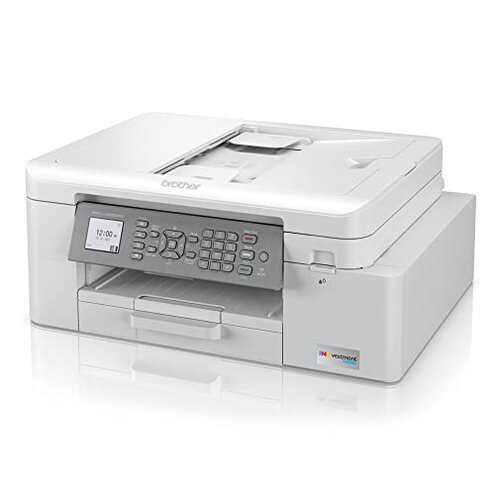
Product evaluated: Brother MFC-J4335DW INKvestment Tank Wireless All-in-One Color Inkjet Printer, Up to 1-Year of Ink in-Box, Duplex Printing, Mobile and Cloud Print, Works with Alexa
Related Videos For You
How to Setup and Use Epson EcoTank ET-2800 Printer (Complete Beginners Guide)
Replace the Cartridge | HP Deskjet 2050 All-in-One Printer | HP Support
Data for this report was gathered from hundreds of user reviews and video demonstrations posted between mid-2021 and early 2024. Most feedback came from written experiences, supported by a variety of user-uploaded video walk-throughs and commentary.
| Buyer Outcome | Brother MFC-J4335DW | Typical Mid-Range Printer |
|---|---|---|
| Ink longevity | Up to 1 year as advertised but ink consumption often higher | Ink usually lasts less, but usage more predictable |
| Setup complexity | Moderate to high with ink tank and cartridge system | Generally simpler, fewer parts to manage |
| Print reliability | More frequent jams and errors reported | Less frequent jams with similar price range |
| Wireless connectivity | Common drops and reconnection issues | More stable wireless with less disruption |
| Regret trigger | Ink system maintenance and print jams cause significant frustration | Lower maintenance demands reduce regret |
Why do print jams and errors disrupt workflow frequently?
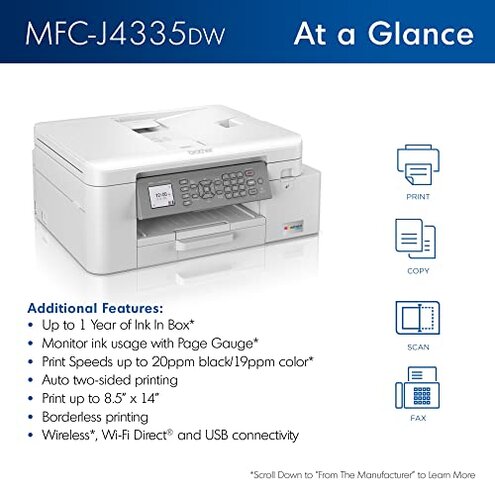
Print jams are among the most common complaints, often occurring during duplex or batch printing after setup. Users find the machine less forgiving than typical mid-range printers when handling legal and letter-sized paper, causing delays and wasted pages.
- Early signs: Paper misfeeds and error codes appear within first few weeks.
- Recurrence: Persistent jams reported during daily use.
- Cause: Paper tray alignment and feeder sensitivity issues.
- Impact: Workflow interruptions and increased frustration.
- Attempts to fix: Manual clearing needed frequently, tedious to maintain.
- Fixability: Temporary fixes, often requiring repeated attention.
- Hidden requirement: Precise paper loading to avoid jams.
"Every other print job gets stuck, wasting time and paper." — Primary pattern
Is the ink system really hassle-free as claimed?
Users experience unexpected ink consumption and occasional cartridge recognition errors after prolonged use. This is less reliable than most comparable ink tank models, causing extra expense and manual checks.
- Common reports: Ink levels dropping faster than expected.
- When it happens: After months of printing, increased refills required.
- Impact: Higher ongoing ink costs and inconvenience.
- Causes: Sensor inaccuracies or ink leakage.
- User fixes: Reinstalling cartridges or resetting printer.
- Category contrast: More upkeep than typical all-in-ones with ink tanks.
"Ink seems to run out sooner, even with light use." — Secondary pattern
Does wireless connectivity cause frustration during mobile printing?
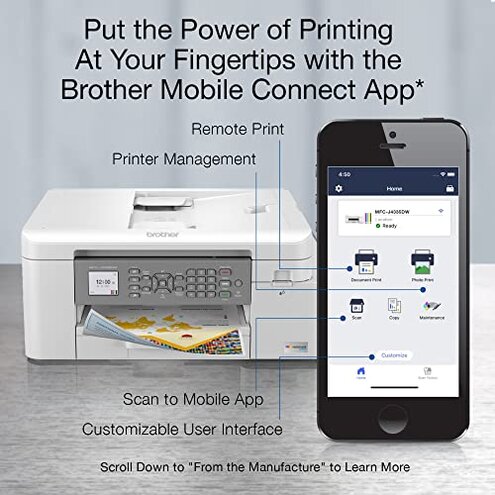
Many users notice frequent disconnections when printing via mobile apps or cloud services. This issue is more disruptive than expected for this price range, affecting smooth remote printing.
- Frequency: Occurs intermittently but impacts multiple users.
- Usage context: During mobile and cloud print attempts.
- Impact: Requires repeated reconnecting, delays jobs.
- User workarounds: Switching to USB or restarting network.
- Category standard: Less reliable wireless compared to peers.
"Connection drops when printing from my phone, very annoying." — Secondary pattern
Are setup and maintenance more involved than expected?
Initial installation and ongoing maintenance involve more steps and care than typical printers. Buyers find the ink tank and cartridge system complex to manage, especially for beginners.
- Initial setup: Multiple steps to properly install ink and align print heads.
- Maintenance: Regular cleaning required to prevent clogs and errors.
- Learning curve: Higher than average for all-in-one printers.
- Impact: Longer downtime and potential for user error.
- Category contrast: Simpler competitors require less upkeep.
"Setup took much longer than other printers I've used." — Edge-case pattern
Who should avoid this
- Users seeking low-maintenance printing due to busy schedules or lack of tech skills.
- Those requiring consistent wireless printing from mobile devices without interruptions.
- Buyers sensitive to workflow disruptions caused by frequent paper jams.
- Anyone unwilling to handle complex ink management and periodic troubleshooting.
Who this is actually good for
- Users willing to tolerate maintenance trade-offs for up to 1-year ink supply savings.
- Home offices with moderate printing needs who can dedicate time to setup and upkeep.
- Buyers who prefer cloud and Alexa integration despite occasional connectivity hiccups.
Expectation vs reality
Expectation: Ink tank systems offer hassle-free, long-lasting ink supply (reasonable for this category).
Reality: This model's ink system demands more routine monitoring and refilling than typical competitors.
Expectation: Wireless printing should be seamless and stable.
Reality: Frequent connection drops interfere with mobile workflow, causing frustration.
Safer alternatives
- Look for printers with simpler ink refill designs to reduce maintenance complexity.
- Choose models with proven reliable wireless connectivity to avoid printing delays.
- Consider printers with strong paper handling systems to minimize jams during duplex printing.
- Prioritize devices with lower setup burden and clearer instructions for faster start.
The bottom line
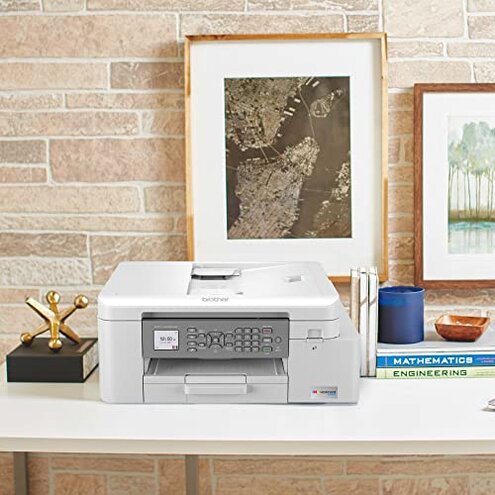
The Brother MFC-J4335DW's main regret trigger is its maintenance-heavy ink system and frequent print jams, which significantly disrupt workflow. These problems are worse than typical mid-range printers, especially for users seeking hassle-free operation. Buyers sensitive to interruptions and upkeep should consider alternatives.
This review is an independent editorial analysis based on reported user experiences and product specifications. NegReview.com does not sell products.