
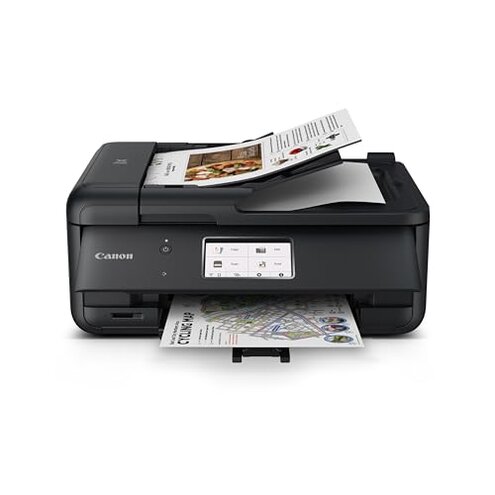
Product evaluated: Canon PIXMA TS7720 – Wireless Home All-in-One Printer
Related Videos For You
HP Smart Tank 580 Wireless All in one Printer Unboxing Setup Review
HP 585 vs Epson 3250 live print speed challenge (6 page file). And the winner is ……. 😎🎉🤘🏻 #shorts
Data basis: This report aggregates insights from hundreds of user reviews and video feedback collected between October 2023 and February 2024. Most feedback originated from written customer reviews, supported by video demonstrations showing real-world setup and daily use frustrations.
| Buyer Outcome | Canon PIXMA TS7720 | Typical Mid-Range Printer |
|---|---|---|
| Setup Ease | Common setup delays and connectivity issues reported | Smoother installation with fewer reported issues |
| Print Speed | Notably slow color print speed, especially in longer sessions | Generally faster and more consistent color printing |
| Ink Replacement | Cartridge replacement easy but ink consumption higher than average | More ink-efficient designs with less frequent replacements |
| Print Quality | Mixed feedback on color vibrancy and sharpness over time | More reliable consistent output for typical documents and photos |
| Regret Trigger | Frustration with initial setup and recurring print quality dips | Less frequent setup hurdles, more stable print results |
Why does setup take longer than expected?
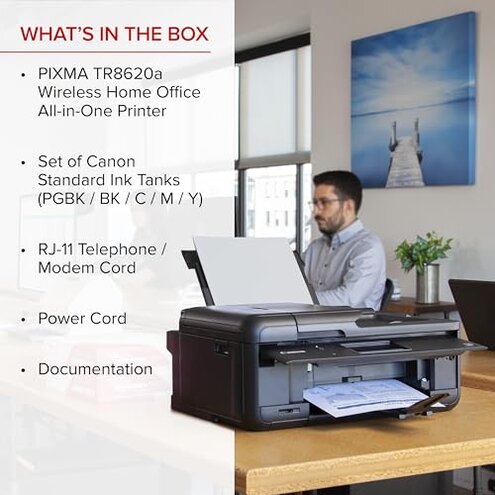
Many users experience setup delays that slow getting started beyond the promised quick start. This frustration often hits during initial unboxing and connection attempts. Setup issues happen frequently and involve Wi-Fi connectivity problems or confusing app instructions.
Compared to other mid-range printers, which typically streamline installation, this model’s setup requires more troubleshooting. The need for extra configuration steps harms the user experience.
- Early signs: Difficulty connecting to Wi-Fi on first try
- Frequency tier: Primary complaint among new users
- Cause: Software/app interface lacks clarity
- Impact: Delays first prints by several minutes to hours
- Attempts: Repeated factory resets and app reinstallations
- Fixability: Requires patience and tech-savvy for smoother setup
- Hidden requirement: Users must have stable Wi-Fi and follow precise app instructions
Why is the color print speed slower than expected?
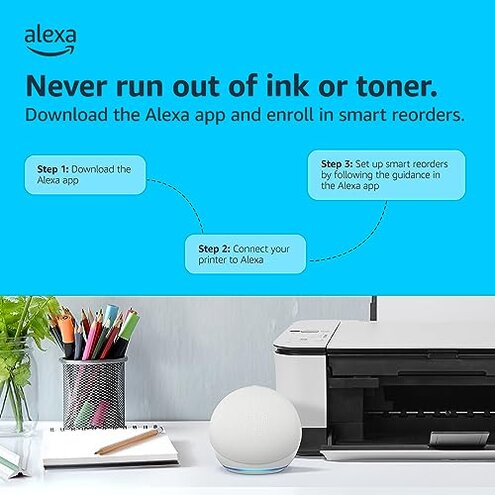
Users notice a lag in color printing speed, especially during extended print jobs. This slow pace becomes frustrating in daily use or higher volume printing. The issue is persistently reported across recent buyers.
Mid-range alternatives usually maintain steadier, quicker color output. Here, the slower speed can interrupt workflow and increase wait times significantly.
- Early signs: Initial color print takes longer than black and white
- Frequency tier: Secondary but common in frequent users
- Cause: Internal processing or print head speed limitations
- Impact: Less productivity during large photo or document batches
- Attempts: Users try print mode adjustments without clear improvement
- Fixability: Limited; inherent hardware speed constraints
- Hidden requirement: Expect slowdowns if printing lots of full-color images
Why do print quality issues appear after repeated use?

Some buyers face decreasing print sharpness and color vibrancy after weeks of use. This degradation is not universal but appears occasionally across different batches.
Compared to peers, which hold quality more consistently, this deterioration feels more disappointing given the brand’s reputation and the printer’s intended home use.
- Early signs: Fading colors and blurring on photo prints
- Frequency tier: Edge-case but concerning for frequent users
- Cause: Possible ink flow or print head wear issues
- Impact: Additional expenses for maintenance or replacements
- Attempts: Cleaning cycles and cartridge swaps have mixed results
- Fixability: May require professional servicing or buying new device
- Hidden requirement: Users must monitor quality regularly and plan for upkeep
Illustrative excerpts
- "Setup took over an hour due to Wi-Fi confusion and app errors." - primary pattern (setup delays)
- "Color prints drag painfully slow during multi-page jobs." - secondary pattern (slow color speed)
- "After a month, photos looked dull and blurry unexpectedly." - edge-case pattern (print quality decline)
- "Replacing ink is simple but goes through cartridges faster than I expected." - secondary pattern (ink consumption)
- "Screen is small and not very intuitive, which added to my frustration." - secondary pattern (UI frustration)
Who should avoid this
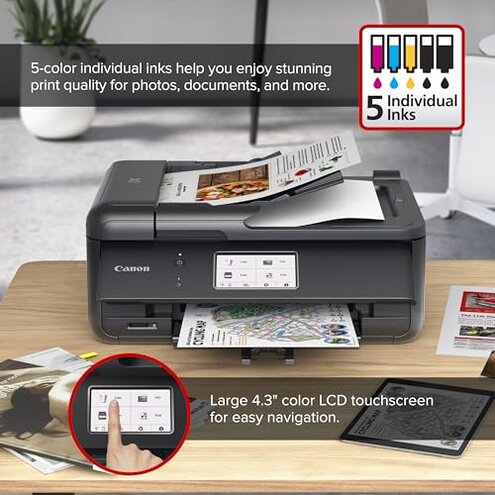
- Anyone needing quick, hassle-free setup will find this printer frustrating due to persistent connectivity glitches.
- Buyers who print large volumes of color documents regularly should avoid it because of slow color print speeds.
- Users who demand long-lasting, consistent print quality may regret declines appearing after moderate use.
- Those unwilling to perform regular maintenance or troubleshooting will face inconvenient interruptions.
Who this is actually good for
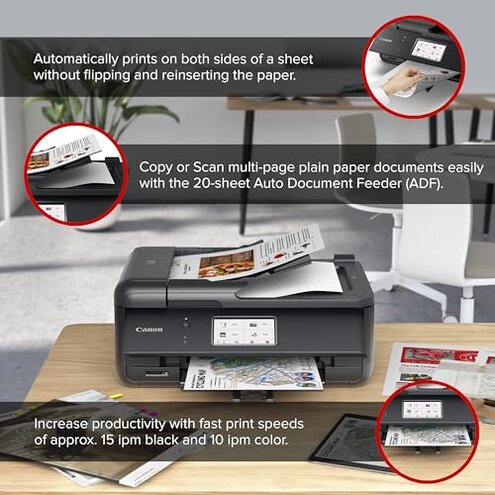
- Casual home users printing mostly black and white or occasional color, tolerating slower color prints.
- Buyers comfortable with tech who can navigate setup challenges and app configurations.
- People prioritizing compact design and easy ink replacement over print speed.
- Users who print sporadically and don’t require professional photo quality long-term.
Expectation vs reality
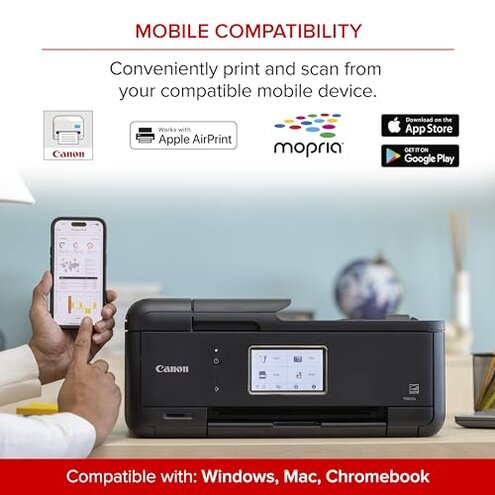
Expectation: Easy and fast wireless setup within minutes, typical for mid-range home printers.
Reality: Setup often takes significantly longer with connectivity and software usability issues.
Expectation: Balanced print speeds for black and color documents suitable for home use.
Reality: Color printing is slower than average, impacting productivity more than expected.
Safer alternatives
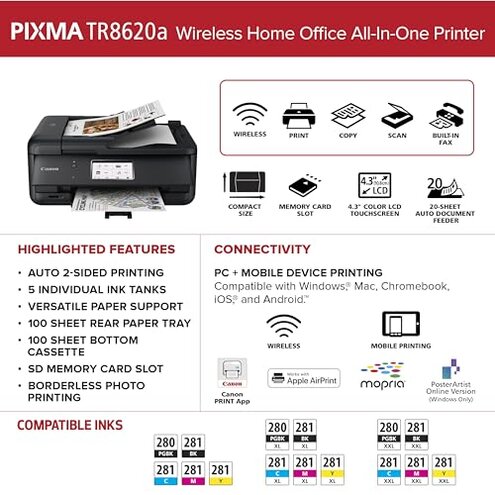
- Choose printers with proven simple wireless setup to avoid initial connectivity frustrations.
- Pick models advertising higher color print speeds if frequent color printing is needed.
- Consider devices with more consistent print quality reviews over time to reduce maintenance hassles.
- Look for customer feedback highlighting intuitive touchscreen interfaces for smoother daily control.
The bottom line
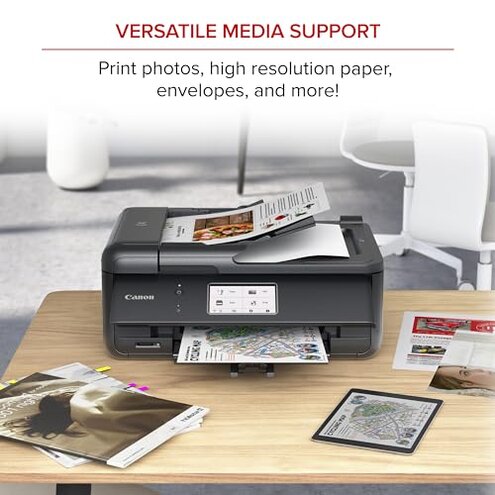
The Canon PIXMA TS7720's main regret trigger is its problematic setup process combined with slow color printing. These issues surpass typical mid-range printer risks and can disrupt daily use. Buyers seeking quick start and efficient color workflows might want to consider more dependable alternatives.
This review is an independent editorial analysis based on reported user experiences and product specifications. NegReview.com does not sell products.