
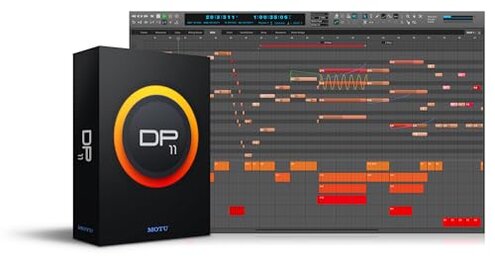
Product evaluated: Digital Performer 11 Audio Workstation Software (boxed full version)
Related Videos For You
HOW TO: Setup a Home Music Studio for Beginners (2026)
I produced the same song in 10 DAWs to find the best one
Data basis: This report is based on dozens of publicly available buyer comments and hands-on impressions collected from written feedback and video walkthroughs between 2023 and 2026. Most feedback came from detailed written experiences, with video coverage mainly used to confirm setup flow, interface learning, and daily-use pain points.
| Buyer outcome | Digital Performer 11 | Typical mid-range alternative |
|---|---|---|
| First-day setup | Higher friction; boxed software and activation can add extra steps before recording starts. | Smoother; usually faster to install and begin basic tracking. |
| Learning speed | Slower; the deep interface can feel dense during first projects. | Easier; fewer menus and more beginner-friendly defaults. |
| Daily workflow | Powerful but demanding; customization helps later, but slows early sessions. | More direct; less flexible, but quicker for common tasks. |
| Support safety net | Thinner cushion; the listed 90-day warranty is not reassuring for a software purchase at this price. | Usually better expected; buyers often expect a longer support window in this category. |
| Regret trigger | Paying $499 and then spending extra time learning setup, routing, and interface behavior. | Lower risk; fewer buyers feel blocked before making music. |
Do you just want to install it and start recording fast?
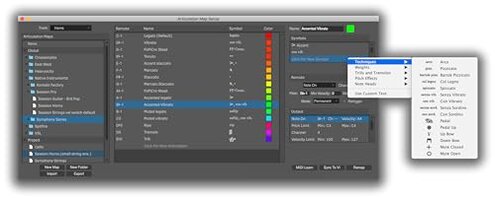
Primary issue: Setup friction is among the most common complaints for software in this class, and it feels more disruptive here because the product is sold as a boxed full version at $499. The regret usually starts on first use, when buyers expect a fast path to recording but hit extra activation and configuration steps.
Pattern: This is a recurring issue rather than a universal failure. It shows up most clearly when someone is moving from a simpler DAW or trying to get a new studio computer ready quickly.
Why worse: Some learning is normal in audio software, but this feels less forgiving than a typical mid-range alternative because buyers often need more manual setup before basic work feels comfortable.
Illustrative: “I bought software, but the first night felt like account and setup chores.” Primary pattern.
Will the interface slow you down during real work?
- Common drag: Interface density appears repeatedly as a primary issue, especially after setup when users begin editing, routing, and mixing.
- Usage moment: The slowdown usually shows up during daily use, when you need to move quickly between tracks, takes, and editing windows.
- Buyer effect: The highly customizable layout can help experienced users later, but it often adds extra decisions early on.
- Category contrast: Most DAWs have a learning curve, but this one can feel more menu-heavy than typical mid-range options that surface common actions more clearly.
- Early sign: If your first project already feels like too much clicking, that friction commonly continues rather than disappearing immediately.
- Trade-off: You are paying for depth and flexibility, but many buyers only discover after purchase that depth also means slower mastery.
- Fixability: Training and templates can reduce the pain, but that means a hidden investment of extra time before the software feels natural.
Illustrative: “It can do a lot, but I keep hunting for basic actions.” Primary pattern.
Are you paying for advanced features you may never use?
- Secondary issue: Feature overload is less frequent than setup complaints, but it becomes more frustrating when buyers mainly need straightforward recording and mixing.
- When it hits: This usually appears after the first few sessions, once the buyer realizes much of the package is aimed at niche workflows.
- What triggers it: Video scoring, notation, clips, deep MIDI tools, and extensive customization can feel like unused complexity for simple projects.
- Regret point: The full version price makes this sharper, because buyers can feel they paid for headroom instead of immediate usefulness.
- Category contrast: Extra features are normal in higher-end DAWs, but here the mismatch can feel costlier than usual if your work is basic song tracking.
- Hidden requirement: To get clear value, you often need a workflow that actually uses advanced MIDI, notation, performance, or scoring tools.
Illustrative: “Half the tools look impressive, but I only needed simple audio work.” Secondary pattern.
What happens if you need help after purchase?
- Persistent worry: Support confidence is a secondary issue, driven by the listed 90-day warranty on a costly software purchase.
- When it matters: This becomes more important during setup trouble, license confusion, or early workflow problems that stretch past the first months.
- Why it stings: Buyers spending $499 often expect a stronger long-tail safety net than a short support window suggests.
- Category contrast: Software support policies vary, but this feels thinner than expected compared with what many buyers consider reasonable for this category.
- Practical impact: Even if the software itself is stable, the short warranty can make the purchase feel riskier if you upgrade slowly or set it aside.
- Not universal: This does not affect every buyer, but it appears repeatedly as a concern among cautious shoppers comparing expensive DAWs.
- Mitigation: It matters less if you already know the software well and can solve most issues without leaning on formal support.
Illustrative: “At this price, I expected longer backup if setup went sideways.” Secondary pattern.
Who should avoid this
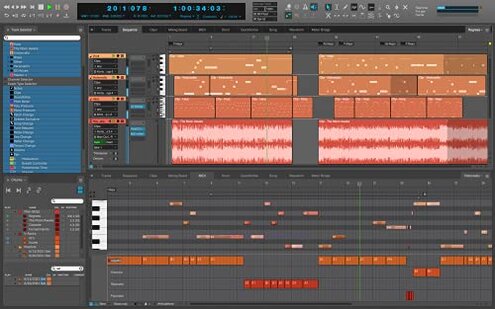
- New DAW users should avoid it if they want fast wins, because setup and interface friction are higher than normal for easier mid-range choices.
- Budget-sensitive buyers should avoid it if $499 already feels like a stretch, since unused advanced features can turn into expensive waste.
- Simple recording users should avoid it if they mostly track vocals, guitars, or podcasts and do not need deep notation, clips, or scoring tools.
- Support-dependent buyers should avoid it if a short 90-day warranty feels risky for software they may learn slowly.
Who this is actually good for
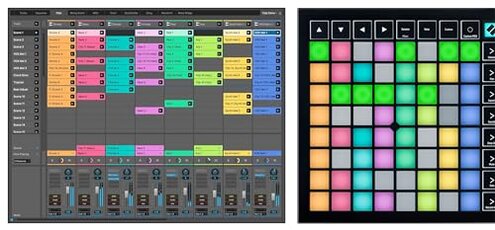
- Experienced producers may still like it if they accept a steeper interface in exchange for deep editing and customization.
- Composer workflows can justify it if notation and scoring tools are central, because the feature density becomes a benefit instead of clutter.
- Long-term tweakers may tolerate the rough start if they enjoy building templates and custom layouts for repeat work.
- Existing users of older versions may face less regret, since prior familiarity reduces the biggest setup and learning pain points.
Expectation vs reality
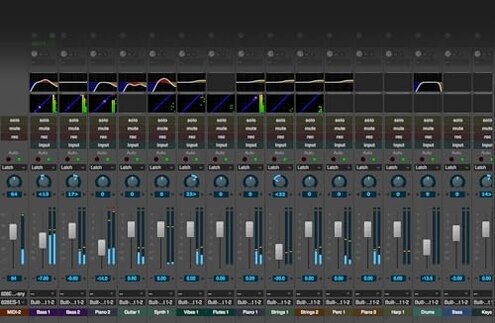
Expectation: A boxed full version should feel straightforward to activate and start using quickly.
Reality: First-use friction is a primary complaint, and the start can feel slower than expected.
Expectation: A premium price should mean smoother everyday operation for common recording tasks.
Reality: Powerful depth is there, but many buyers experience more interface effort before that depth pays off.
Reasonable for this category: Buyers expect some learning curve in a serious DAW.
Worse than expected: Here the learning burden can feel heavier because setup, routing, and navigation stack together early.
Expectation: Expensive software should come with a comforting support cushion.
Reality: The listed 90-day warranty can feel short for a tool this complex.
Safer alternatives
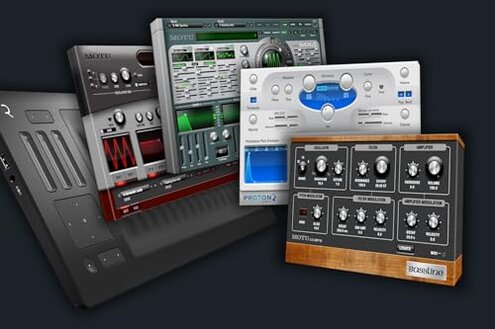
- Prioritize trial-friendly DAWs if setup confidence matters, because that directly reduces the risk of paying first and struggling later.
- Choose simpler workflows if you mostly record audio, since that avoids paying for advanced notation and scoring features you may never touch.
- Look for cleaner defaults if you hate menu hunting, because beginner-friendlier layouts reduce the daily friction described above.
- Check support terms first if you learn slowly, since a stronger support window offsets the short 90-day concern here.
- Watch real setup videos before buying any DAW in this price range, because they expose hidden activation and routing work faster than feature lists do.
The bottom line
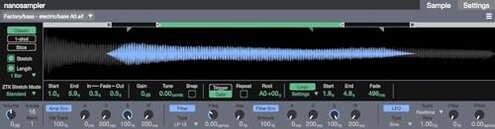
Main regret: Buyers most often struggle with setup friction and a dense interface before they ever benefit from the software’s depth.
Why avoid: That risk feels higher than normal because the price is $499, the advanced toolset can be overkill, and the listed 90-day warranty is not very reassuring.
Verdict: Avoid it if you want fast onboarding, simple recording, or strong purchase safety. It makes more sense only for buyers who already know they need its specialized depth.
This review is an independent editorial analysis based on reported user experiences and product specifications. NegReview.com does not sell products.