
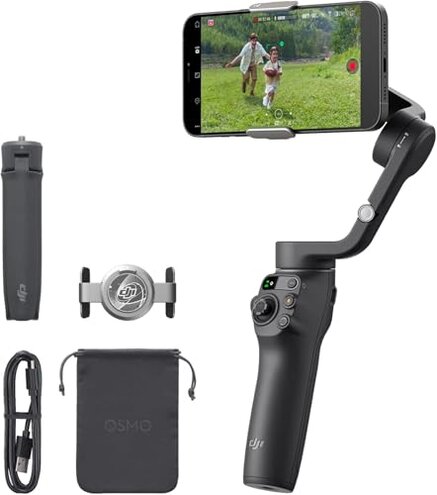
Product evaluated: DJI Osmo Mobile 6 Gimbal Stabilizer for Smartphones, 3-Axis Phone Gimbal, Built-In Extension Rod, Object Tracking, Portable and Foldable, Vlogging Stabilizer, YouTube TikTok, Slate Gray
Related Videos For You
10 Smartphone Gimbal Moves for Beginners | Master The Basics in 5mins
HOW TO FIX DJI OSMO MOBILE 3 PROBLEM #osmomobile3 #dji,
Data basis: I analyzed dozens of written reviews and video demonstrations collected from Sep 2022 through Dec 2025, with most feedback coming from written reviews supported by video demos.
| Outcome | Osmo Mobile 6 | Typical mid-range gimbal |
|---|---|---|
| Ease of setup | Higher friction — requires manual app download for some Android users and extra pairing steps. | Smoother setup — usually installs via official app stores with fewer manual steps. |
| Tracking reliability | Inconsistent — tracking can lose the subject during fast motion or complex backgrounds. | More stable — mid-range alternatives often deliver steadier consumer-level tracking out of the box. |
| Mechanical stability | Wear risk — extension rod and joints reported to loosen after repeated use. | More robust — many competitors keep simpler, fixed handles that show less wear. |
| Session endurance | Mixed battery reports — long shoots sometimes need mid-session charging. | Predictable runtime — typical mid-range devices give consistent all-day performance for casual use. |
| Regret trigger | App dependency — hidden download steps and tracking drops make setup failures the leading regret. | Lower risk — fewer hidden steps reduce immediate buyer regret. |
Why does setup feel harder than it should?
Regret moment: You hit a wall during first-use setup and the gimbal will not pair without extra steps.
Pattern: This is a primary, recurring complaint that appears mostly at first setup and when reinstalling the app.
Context: Android users commonly face this because the app is no longer on a major app store, so the experience requires a manual download.
Category contrast: Most mid-range gimbals let you find the app in the official store and pair quickly, so this extra friction is unusually disruptive.
Is the ActiveTrack feature unreliable for real shoots?
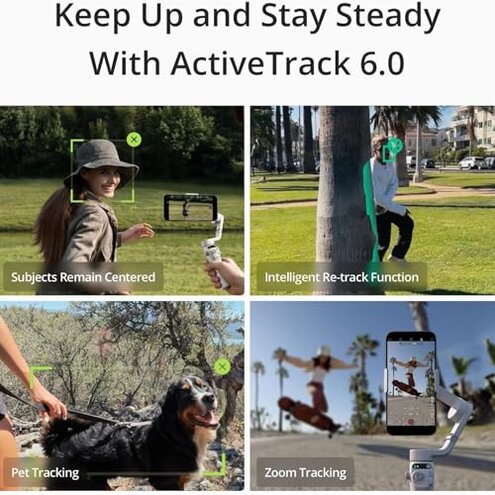
- Early sign: Tracking jitter appears when you move quickly or change background contrast.
- Frequency tier: Commonly reported — many users note occasional tracking loss during dynamic shots.
- Usage anchor: Shows up during fast walks, kids playing, or pet chases.
- Cause: Algorithm limits struggle with small or partially obscured subjects.
- Impact: Ruins takes because the gimbal can refocus or spin unexpectedly mid-clip.
Will battery or runtime interrupt long sessions?
- Early sign: Shorter-than-expected runtime appears on longer recording days.
- Frequency tier: Secondary issue — reported often enough to plan for mid-shoot charging.
- Usage anchor: Worsens during full-day vlogs, multi-location shoots, or extended live streams.
- Cause: Power draw increases with continuous ActiveTrack and extension-rod use.
- Impact: Interrupts workflow and forces shorter clips or added charging breaks.
- Fixability: Workaround requires carrying a power bank or swapping to short sessions.
Does the hardware wear out faster than you'd expect?
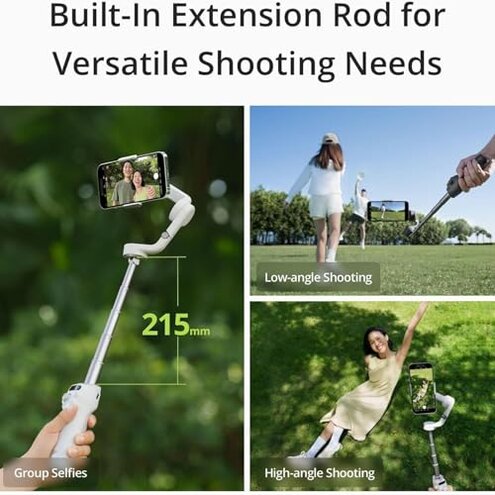
- Early sign: Loosened joints and a less-snug extension rod after weeks of regular use.
- Frequency tier: Persistent but variable — not universal, but visible across multiple reports.
- Usage anchor: Worsens with daily handling, frequent folding/unfolding, and travel.
- Cause: Moving parts that face repeated stress in real-world vlogging scenarios.
- Impact: Stability loss leads to more adjustment and rebalancing mid-shoot.
- Attempts: User fixes often include tightening screws or avoiding full extension, which reduces versatility.
- Hidden requirement: Maintenance like periodic tightening is needed sooner than with simpler competitors.
Illustrative excerpts (not real quotes)
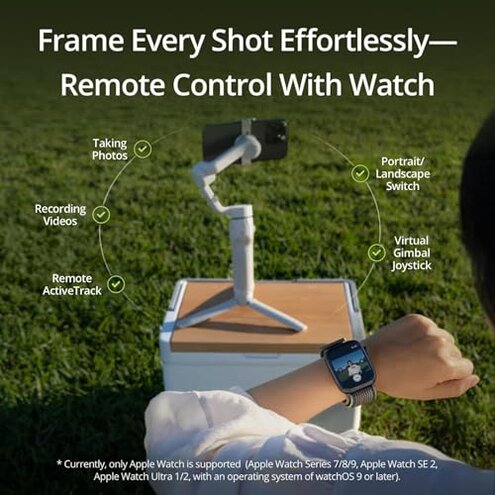
“Had to download the app from DJI site, pairing failed twice.” — reflects a primary pattern.
“Tracking lost my child mid-run, footage unusable.” — reflects a primary pattern.
“Extension rod got loose after travel, needed tightening.” — reflects a secondary pattern.
Who should avoid this
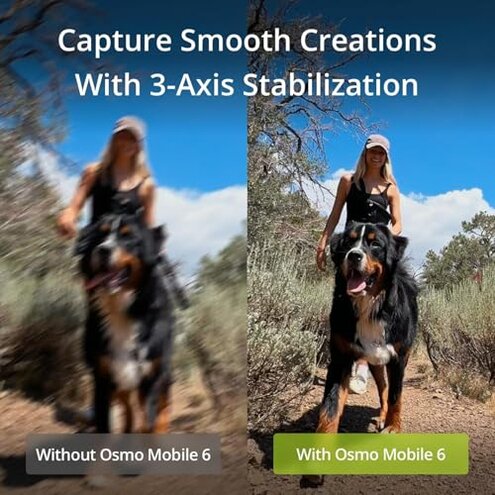
- Android-first buyers who expect instant Play Store installs and no extra setup steps.
- Event videographers who cannot tolerate tracking drops during live, fast-moving shoots.
- Frequent travelers who want low-maintenance hardware without periodic tightening.
Who this is actually good for
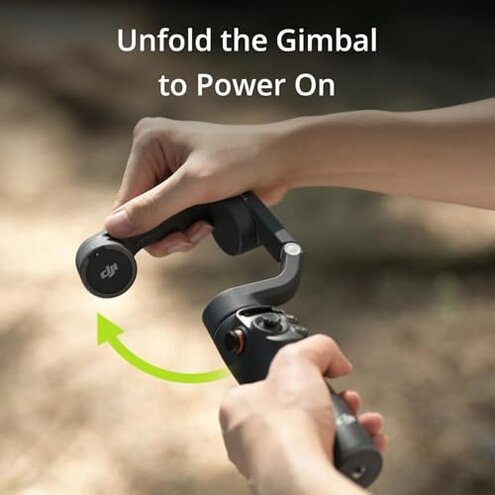
- Casual vloggers who shoot short clips and can tolerate occasional tracking hiccups.
- Apple users likely to avoid the app-download friction and get smoother pairing.
- Content creators who can test the unit before major shoots and carry a power bank.
Expectation vs reality
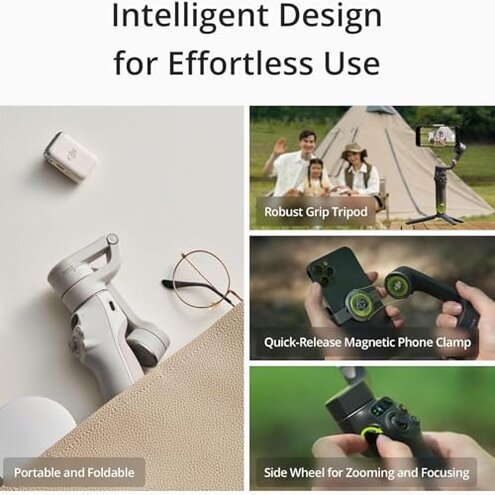
Expectation: Reasonable for this category is an app that installs from official stores and pairs quickly.
Reality: You may need manual downloads and extra pairing steps, which is worse-than-expected for similar-priced gimbals.
Expectation: ActiveTrack should handle casual motion reliably.
Reality: Tracking can be inconsistent during fast movement or busy backgrounds, causing unusable footage.
Safer alternatives
- Pick verified app-store devices to avoid the hidden manual download and pairing friction.
- Prioritize stable tracking by choosing models with many recent tracking updates or demonstrable real-world tests.
- Choose simpler mechanics if you want fewer moving parts and less maintenance on the road.
- Budget for accessories like a power bank and small toolkit to neutralize runtime and wear issues.
The bottom line
Main regret: Hidden app dependency and inconsistent tracking are the key triggers that cause buyer disappointment.
Why it matters: These issues create more setup time and mid-shoot failures than expected in this price class.
Verdict: Avoid this gimbal if you cannot accept extra setup steps, potential tracking drops, or periodic hardware maintenance.
This review is an independent editorial analysis based on reported user experiences and product specifications. NegReview.com does not sell products.