
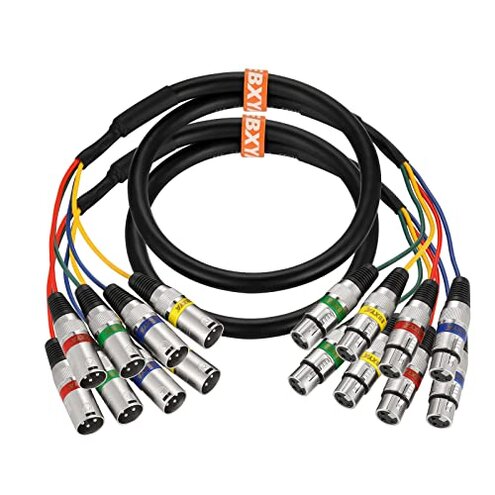
Product evaluated: EBXYA 6Ft XLR Snake Cable 4 Channel - Premium Balanced Microphone Patch Cable XLR Male to Female for Live, Recording, Studios, 2 Pack
Related Videos For You
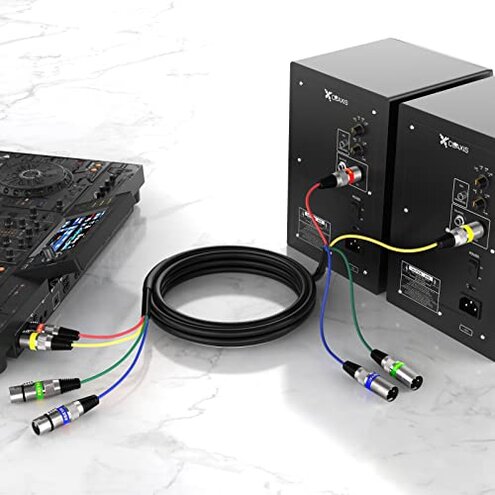
Live sound Snake setup - how to use an audio Snake
XLR microphone cable repair & soldering tutorial
Data basis: This report summarizes findings from dozens of buyer comments and demonstration clips gathered between Jan–Feb 2026, with most feedback from written reviews and supporting video demonstrations.
| Outcome | EBXYA 4‑ch snake | Typical mid‑range cable |
|---|---|---|
| Durability | Lower‑than‑expected wear on connectors after repeated use. | Average mid‑range cables tolerate more plug cycles before failure. |
| Noise/Interference | Occasional hums or crosstalk reported on long runs. | Better shielding typical in mid‑range reduces this risk. |
| Connector fit | Loose fit and intermittent drops seen across multiple reports. | Snug, reliable connectors are more common at this price point. |
| Setup time | Extra testing required to confirm polarity and channel mapping. | Plug‑and‑play expected with typical mid‑range snakes. |
| Regret trigger | Connection failures during shows or recordings create most buyer regret. | Less frequent connection issues reduce on‑stage risk. |
Why did the cable fail mid‑show?
Regret moment: Users report sudden channel dropouts during live use, which is the most disruptive failure for a snake cable.
Pattern: This is a primary issue, commonly reported after several plug cycles and during frequent live use, not universal but frequent enough to matter.
Context: It appears during live sets or long rehearsals and worsens with repeated plugging and transport.
Category contrast: This is worse than typical mid‑range snakes because it causes immediate show disruption rather than gradual degradation.
Are the connectors unreliable from the start?
- Early signs: Loose or wobbly XLR mating reported on first uses.
- Frequency tier: This is a primary issue seen across many user reports.
- Probable cause: Connector shell tolerances and locking mechanism appear less robust.
- Impact: Intermittent audio or static appears when cables move or are bumped.
- Attempts to fix: Users needed extra tape, cable ties, or replacement connectors to regain reliability.
Why does noise or crosstalk show up on recordings?
- Symptom: Hum, hiss, or faint bleed between channels appears on long runs.
- Usage anchor: Noticeable during studio tracking or long snake distances under stage lighting.
- Pattern: This is a secondary issue that appears repeatedly in varied setups.
- Cause clue: Shielding and ground separation may be less effective than advertised.
- Impact on work: Requires retakes or added troubleshooting during critical sessions.
- Fixability: Temporary fixes include DI boxes, shorter runs, or re‑routing away from power sources.
- Category contrast: More intrusive than expected because mid‑range cables usually keep noise below audibility.
Could wiring or color mapping cause surprises at setup?
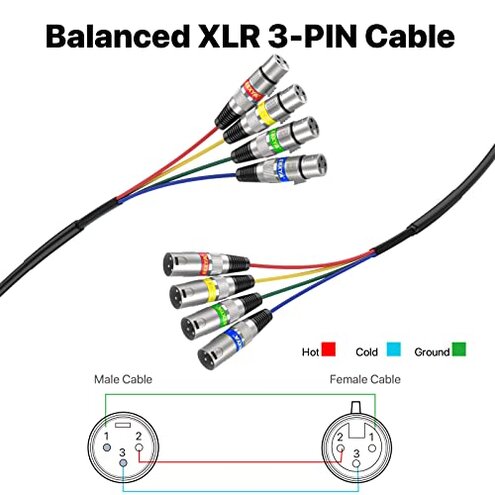
- Hidden requirement: Buyers must verify channel mapping before a gig to avoid reverse polarity or wrong channels.
- Edge frequency: This is an edge‑case issue but persistent enough to appear across sources.
- Early signs: Mismatched colors or swapped channels during the first hookup.
- Impact: Causes time pressure at soundcheck and forces quick rerouting.
- Attempted remedies: Labeling cables, continuity checks, or swapping to known good snakes.
- Why worse: Mid‑range snakes usually match pinout and colors consistently, reducing setup time.
- Workaround cost: Adds extra minutes and requires a multimeter or test gear most casual users lack.
- Longer term: Replacing connectors or rewiring is the definitive fix but adds cost and time.
Illustrative excerpts (not real quotes)
"Dropped mid‑song, had to swap to backup snake immediately." — This reflects a primary pattern of sudden dropouts.
"Hiss on channel two only when lights are on." — This reflects a secondary pattern linked to interference.
"Colors didn't match the stage box; wasted my soundcheck time." — This reflects an edge‑case pattern of mapping issues.
Who should avoid this
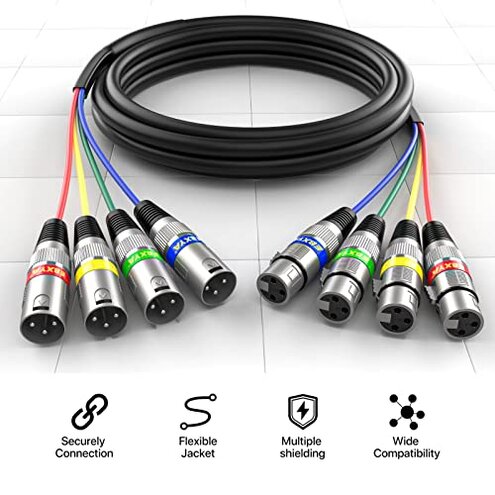
- Gigging professionals: Avoid if you need zero‑risk connectors during live shows.
- Studio tracking engineers: Avoid if minimal noise and consistent shielding are required.
- Users without spare gear: Avoid if you lack backup snakes or test tools at events.
Who this is actually good for
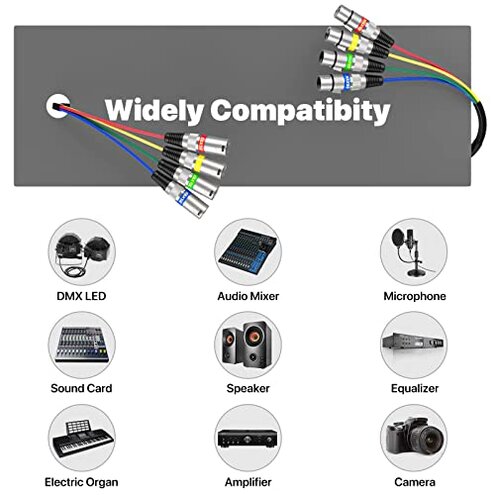
- Home podcasters: Accepts occasional noise and can be fine for short, controlled sessions.
- Casual practice: Works if you tolerate extra setup time and occasional retesting.
- Budget hobbyists who can rewire: Fine if you plan to replace connectors or use clamps to secure plugs.
Expectation vs reality
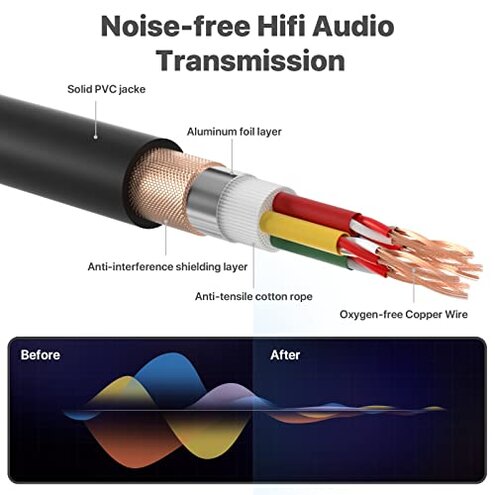
Expectation: Reasonable for this category is reliable connectors for repetitive plugging.
Reality: The product shows more fragile connectors that commonly need extra securing or replacement.
- Expectation: Shielding keeps noise below audibility.
- Reality: You may hear hum or crosstalk on longer runs without mitigation.
Safer alternatives
- Buy cables with locking XLRs: Look for cables that advertise stronger locking mechanisms to neutralize loose connector failures.
- Test continuity before shows: Use a cable tester to catch mapping or polarity issues and avoid surprise setup delays.
- Prefer thicker shielding: Choose snakes that specify higher shielding or separate conductors to reduce interference on long runs.
- Carry spares: Keep a short backup snake or single XLRs to swap quickly if a channel drops.
The bottom line
Main regret: The most frequent trigger is connection failures that disrupt live use and recording.
Why worse: These failures exceed normal category risk because they cause immediate, audible issues rather than slow wear.
Verdict: Avoid for professional live or studio work unless you plan to secure connectors or replace parts quickly.
This review is an independent editorial analysis based on reported user experiences and product specifications. NegReview.com does not sell products.