
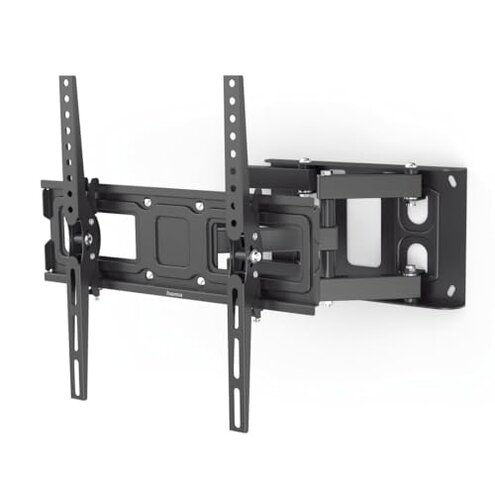
Product evaluated: ECHOGEAR Extendable Tilting TV Wall Mount for 32 to 90" Screens up to 110lbs - Reduce Glare w/ 5.2" Extension for 12 deg Tilt - Universal TV Mount w/ 3-Step Install & Included Hardware – UL Listed
Related Videos For You
Tilting TV Wall Mount Bracket | Assembly (MI-303L)
Mounting a TV on Your Wall - Tech Tips from Best Buy
Data basis: This report draws from dozens of buyer comments collected from product page write-ups and short video-style demonstrations between 2024 and 2026. Most feedback came from written experiences, with supporting installation clips adding context on fit, tilt range, and day-one setup friction.
| Buyer outcome | ECHOGEAR mount | Typical mid-range mount |
| Install effort | Lower on paper, but wall type and TV size can add extra steps fast. | Usually similar, with fewer expectations around easy one-person setup. |
| Tilt access | Can disappoint if you expect full tilt without pulling the TV out first. | Often limited, but buyers usually expect that trade-off upfront. |
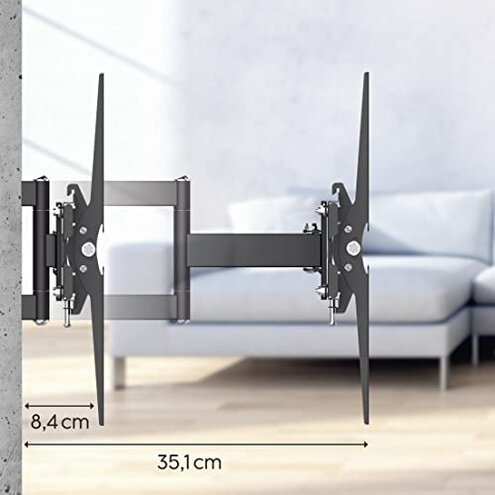
| Wall clearance | Better flexibility, yet the 2.9 inch profile may still feel less flush than hoped. | Usually basic, with less movement but clearer expectations. |
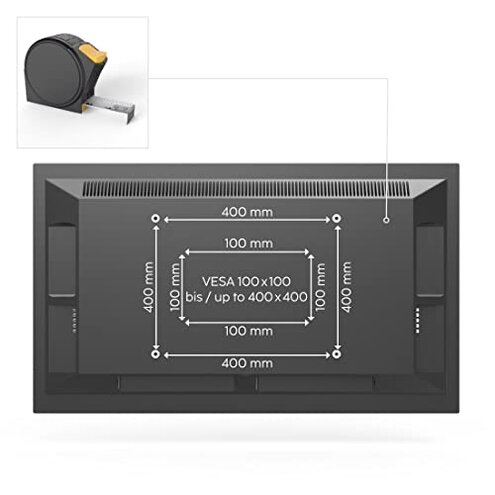
| Large TV handling | Higher-than-normal risk of awkward setup because bigger screens make alignment and lifting less forgiving. | Moderate risk, but many fixed mounts are simpler to level. |
| Regret trigger | Buyer assumes fast install and easy glare fixes, then runs into setup or adjustment hassle. | Buyer expects a plain mount and gets plain performance. |
Do you want a simple install, not a surprise project?
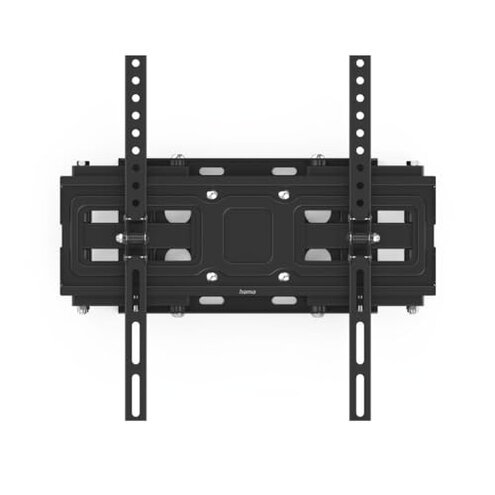
This is the primary issue. The regret usually shows up on day one, when the mount looks straightforward but the real work depends on stud placement, screen size, and careful measuring.
That pattern appears repeatedly. It is not universal, but it feels more disruptive than expected for a mount marketed around a 3-step install and included hardware.
- Early sign: Setup gets slower as soon as you test hole placement and realize the template does not remove the need for careful wall checks.
- Frequency tier: This is a primary issue because install friction is among the most common complaints in this category.
- Context: It tends to hit during first installation, especially with larger TVs that are harder to hold, level, and recheck.
- Why worse: A typical mid-range mount also needs measuring, but this one creates higher expectations of easy setup, which raises disappointment when adjustments take longer.
- Impact: The main cost is extra time, plus the stress of drilling only after several double-checks.
- Hidden requirement: Many buyers will need another person for bigger screens, even if the product sounds DIY-friendly.
- Fixability: The issue is manageable, but only if you treat it like a careful wall project, not a quick accessory install.
Illustrative excerpt: “Looked easy until I had a big TV and needed another set of hands.”
Pattern: This reflects a primary pattern.
Are you expecting easy glare control after mounting?
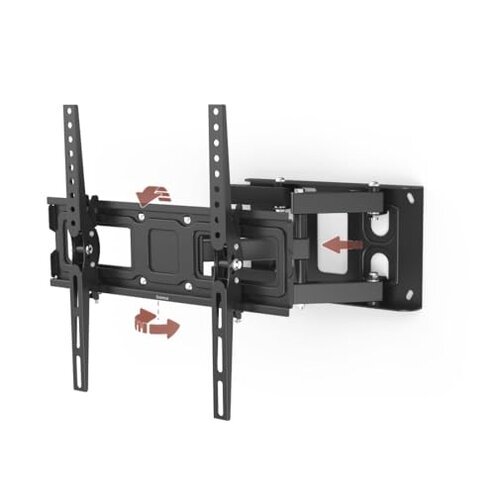
This is a secondary issue. The disappointment appears after setup, when buyers expect quick tilt changes but learn the full range depends on pulling the TV outward first.
The pattern is persistent. It is less frequent than install complaints, but more frustrating when it occurs because glare reduction is a main reason people choose a tilting mount.
That trade-off matters. In this category, some tilt limitation is normal, but needing extra extension first can feel less convenient than typical during daily use.
It gets worse when the TV is mounted higher, used in bright rooms, or adjusted often for new devices and changing seating positions.
Illustrative excerpt: “It tilts, but not the way I expected once the TV was on the wall.”
Pattern: This reflects a secondary pattern.
Do you want a super-flush look with no compromise?
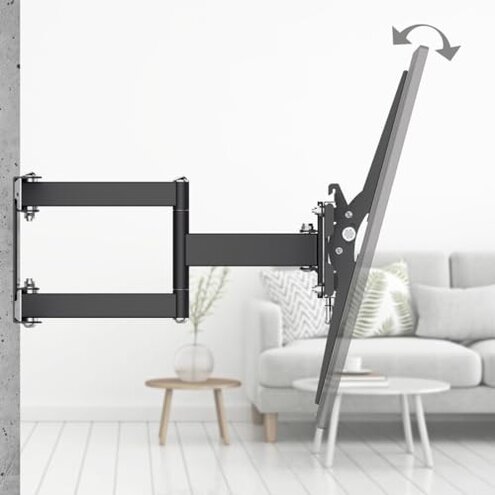
- Frustration point: Some buyers expect a near-invisible wall hug, then notice the low-profile claim still leaves visible spacing.
- Frequency tier: This is a secondary issue, appearing repeatedly among buyers focused on room appearance.
- When it shows: You notice it right after mounting, especially in side-angle views or minimalist rooms.
- Why it happens: A mount that extends for tilt and access has a design trade-off, so it will not look as flush as simpler fixed options.
- Why worse: That compromise is normal, but it can feel more noticeable than expected because the product also emphasizes a slim look.
- Impact: The result is not failure, but style regret if clean wall-hugging appearance was your top priority.
Illustrative excerpt: “It sticks out more than I pictured from the photos.”
Pattern: This reflects a secondary pattern.
Will a big TV make this feel harder than it should?
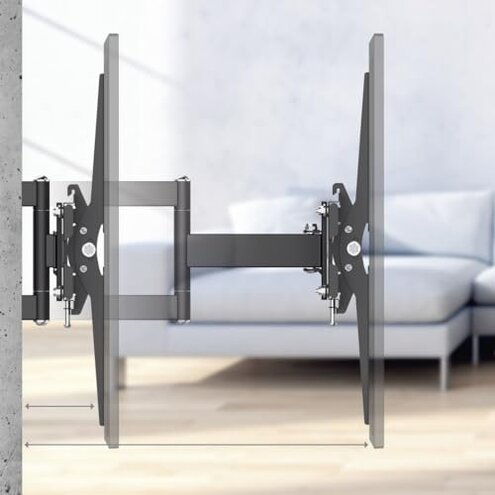
- Core problem: Large screens can make alignment more tedious, even if the mount supports them on paper.
- Frequency tier: This is an edge-case issue for smaller TVs, but a more serious concern with very large screens.
- Usage moment: It shows up during hanging and leveling, when width makes tiny errors easier to spot.
- Worsening condition: The hassle rises if you are working alone or mounting above furniture where repositioning space is limited.
- Category contrast: Any mount gets trickier with larger TVs, but this becomes less forgiving than typical because buyers may expect the easier install message to scale up cleanly.
- Impact: Even when secure, the process can feel more stressful than expected for a mid-priced mount.
- Attempted workaround: Buyers usually solve it with extra measuring and help from another person, which adds time.
- Fixability: The risk is temporary, but the installation experience is where regret tends to happen.
Illustrative excerpt: “Strong enough, yes, but getting it level took way longer than expected.”
Pattern: This reflects an edge-case pattern.
Who should avoid this
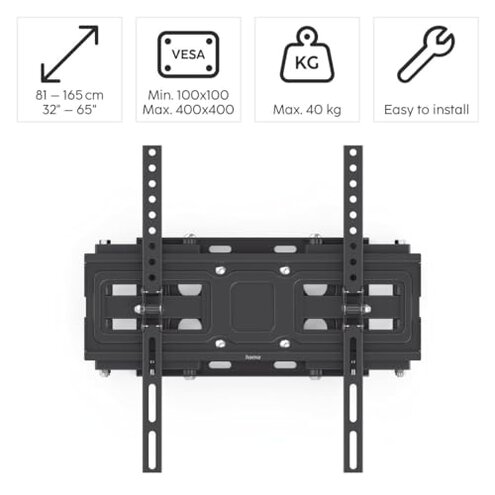
- Avoid it if you want a truly quick solo install, because the main regret comes from setup effort that can exceed normal accessory-level expectations.
- Avoid it if glare control is your top reason for buying, because the tilt convenience can feel less direct than expected during daily use.
- Avoid it if your room depends on a very flush wall look, since the extension feature can make the profile more visible than you want.
- Avoid it if you are mounting a very large TV and have no help, because alignment stress becomes less forgiving than many buyers expect.
Who this is actually good for
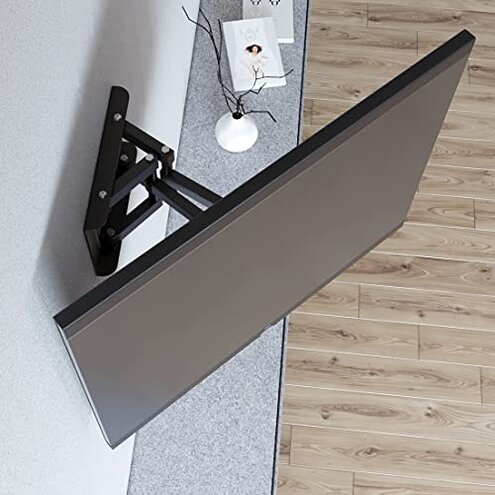
- Good fit for buyers who value broad TV compatibility more than a perfectly flush look.
- Good fit for people willing to tolerate a slower install in exchange for some tilt and extension flexibility.
- Good fit for households that rarely adjust the TV after setup, since the tilt-access annoyance matters less.
- Good fit for buyers who can use a helper during installation and do not mind careful measuring.
Expectation vs reality
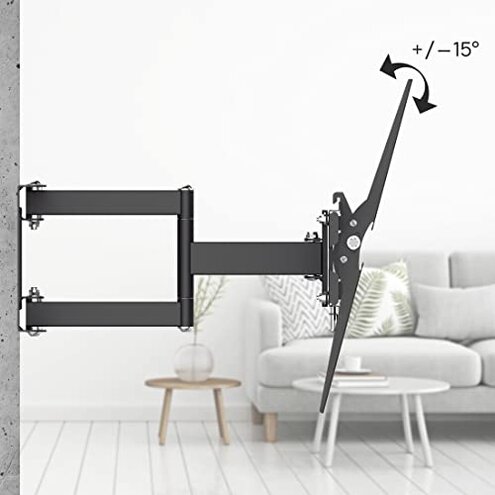
Expectation: A 3-step install sounds like a fast afternoon task.
Reality: Wall prep, leveling, and handling a larger screen can turn it into a more involved project.
Expectation: Tilt should solve glare with one easy adjustment.
Reality: Extension first may be needed to unlock the full tilt range, which adds friction in everyday use.
Expectation: A slim mount should sit almost flat against the wall.
Reality: Profile trade-off remains visible because movement and low profile rarely come without compromise.
Reasonable for this category: Some install effort is normal for TV mounts.
Worse-than-expected reality: The easy-install promise can create more disappointment than a plain mid-range alternative when setup takes longer.
Safer alternatives
- Choose a fixed mount if your main goal is a cleaner wall-hugging look and you do not need regular tilt adjustments.
- Pick a mount with tool-free tilt access if glare changes often in your room and daily convenience matters more than maximum compatibility.
- Look for mounts with wider post-install leveling forgiveness if you are hanging a larger TV and want less alignment stress.
- Prioritize simpler, lighter designs if you will install alone, because they reduce the hidden requirement for a second person.
The bottom line
Main regret comes from the gap between easy-install expectations and the real effort needed once wall conditions and TV size enter the picture. That exceeds normal category risk because the convenience message raises expectations more than a basic mid-range mount does. Verdict: avoid it if you want a quick, flush, low-hassle setup; consider it only if you accept the install trade-offs for compatibility and basic tilt flexibility.
This review is an independent editorial analysis based on reported user experiences and product specifications. NegReview.com does not sell products.