
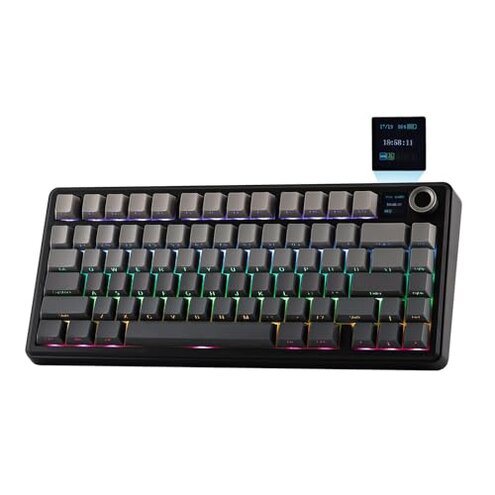
Product evaluated: EPOMAKER X Aula F75 MAX Wireless Mechanical Keyboard with TFT Screen and Knob, Gasket Gaming Keyboard in 75% Layout, Hot Swappable, RGB Backlight, for PC/Mac/Linux (Black Gradient)
Related Videos For You
This can do it ALL!!!! - Keychron K4 V2 Wireless Mechanical Keyboard
How to Program Mechanical Keyboards | VIA Tutorial
Data basis: This report draws on hundreds of written reviews, video demonstrations, and Q&A posts collected through June 2024. Most feedback came from written reviews, supported by hands-on videos, and a smaller share of customer Q&A. The patterns noted below appeared repeatedly across these sources.
| Outcome | EPOMAKER F75 MAX | Typical mid-range keyboard |
|---|---|---|
| Wireless reliability | Unstable — users commonly report Bluetooth or 2.4GHz dropouts during daily use. | Reliable — most mid-range alternatives hold a steady connection for long sessions. |
| Setup friction | High — setup often needs software, firmware updates, and extra steps for the TFT screen. | Low — many competitors work out of box with minimal software steps. |
| Screen & software | Bug-prone — customization requires the app and the app shows inconsistent behavior. | Basic or absent — most mid-range keyboards avoid a fragile display layer. |
| Typing feel & sound | Mixed — some users praise the factory tuning, while others report rattles or uneven stabilizers. | Consistent — similar price keyboards usually show fewer build inconsistencies. |
| Regret trigger | Connectivity failures — more disruptive than expected for a wireless keyboard with a premium display. | Minor — regret usually limited to missing extras rather than core function. |
Top failures
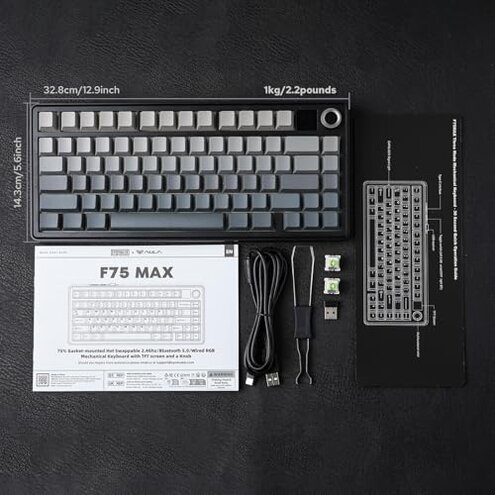
Why does my keyboard keep disconnecting during use?
Regret moment: You lose keystrokes in the middle of work or a game, disrupting flow and forcing reconnection.
Pattern note: This issue is commonly reported and appears repeatedly in written reviews and videos.
Usage anchor: Drops happen during normal daily use, often after the first hour or when other devices are active.
Category contrast: These dropouts are more disruptive than typical mid-range wireless keyboards, which usually stay stable for long sessions.
Why is the TFT screen and software so unreliable?
- Early sign: The companion app is needed to change many screen settings, and users report the app freezes on setup.
- Frequency tier: This is a primary issue for many buyers who tried customization right away.
- Cause: The TFT features create a hidden requirement for frequent firmware or app updates.
- Impact: When the app fails, you lose screen changes and some backlight functions until fixed.
- Fixability: Fixes often require downloading updates and retrying steps that the average buyer did not expect.
Why do keys feel uneven or rattle after weeks of use?
- Build inconsistency: Several users report rattly stabilizers or uneven key feel after initial use.
- Usage anchor: Problems often surface after a few weeks of daily typing or gaming.
- Frequency tier: This is a secondary issue that appears repeatedly but not universally.
- Cause: Assembly and tolerance variance seems likely, given mixed reports of otherwise similar units.
- Impact: The sound and feel degrade enjoyment, and some buyers spend extra time fixing stabilizers or relubing.
- Category contrast: More upkeep than most mid-range keyboards, where quality control usually reduces these fixes.
Why does customization and remapping take so many steps?
- Hidden requirement: Full customization needs the proprietary software, a download, and sometimes a specific OS driver.
- Usage anchor: This shows up during first-time setup and when changing macros or screen GIFs.
- Frequency tier: This is a primary issue for buyers wanting plug-and-play customization.
- Cause: The keyboard’s TFT and macro system add complexity beyond simple key remaps.
- Impact: Non-tech buyers face an extra learning curve and extra time to get intended behavior.
- Attempts: Reports show buyers often retry installs, reboot machines, or use different USB ports to succeed.
- Category contrast: Less forgiving than typical mid-range boards, which often offer simpler or more stable software.
Illustrative excerpts
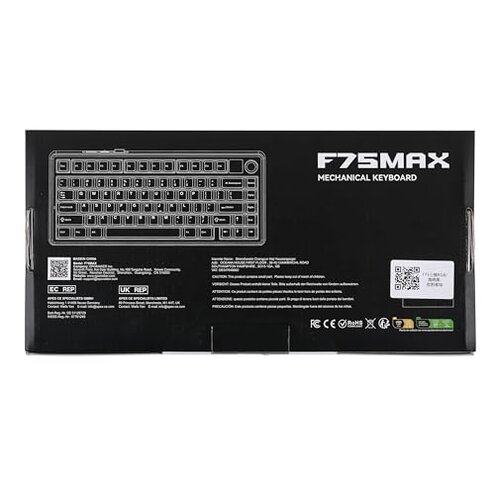
Excerpt 1: "Keys disconnect mid-game, then reconnect randomly after seconds." — primary pattern
Excerpt 2: "App wouldn't show my GIFs and froze during setup steps." — primary pattern
Excerpt 3: "I had to re-lube stabilizers after a month of use." — secondary pattern
Who should avoid this
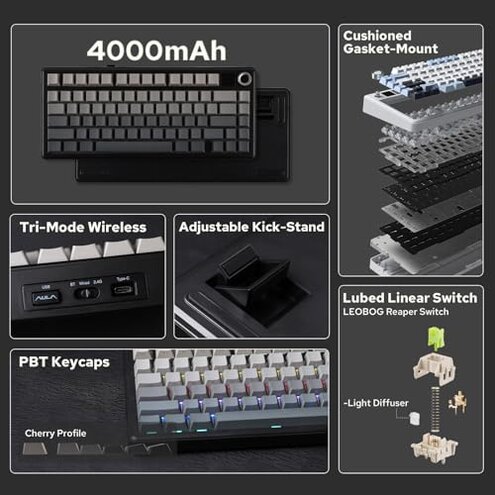
- Avid gamers: Avoid if you need rock-solid wireless performance for long multiplayer sessions.
- Non-technical buyers: Avoid if you expect plug-and-play customization without software fiddling.
- Sound-sensitive users: Avoid if rattles or inconsistent stabilizers ruin your typing experience.
Who this is actually good for
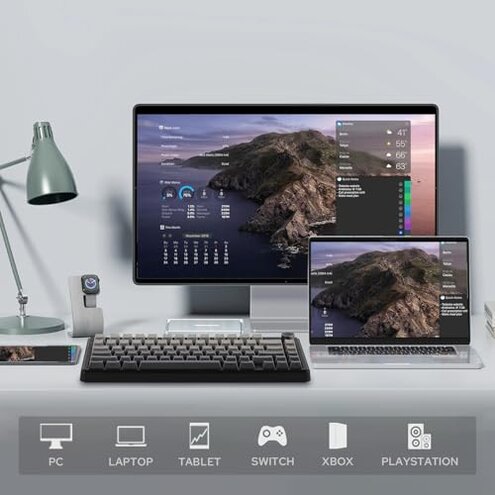
- Customizers: Good if you enjoy tinkering and can accept extra software steps to unlock the TFT features.
- Budget mech fans: Good if you want a feature-rich 75% layout and can tolerate occasional setup fixes.
- Multi-OS testers: Good if you primarily use USB wired mode and want the screen without relying on Bluetooth.
Expectation vs reality
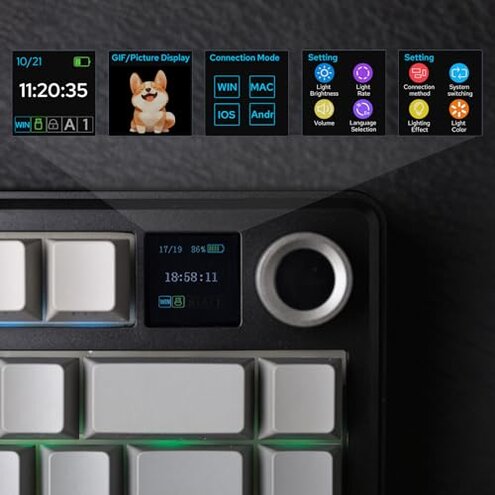
Expectation: A wireless 75% keyboard with a TFT screen should work seamlessly via Bluetooth and app customization.
Reality: In practice, buyers report more connection drops and app issues than expected for this category.
Expectation: Factory tuning means ready-to-use sound and feel.
Reality: Some units still need post-purchase tweaks like stabilizer adjustment or relubing to reach that promise.
Safer alternatives
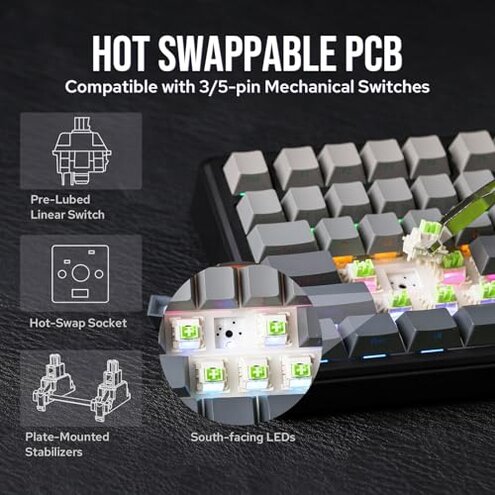
- Prioritize wired stability: Choose wired-first keyboards if you cannot tolerate wireless drops.
- Simple software: Pick models with minimal companion apps to avoid TFT-related bugs.
- Better QC: Favor brands known for consistent stabilizer tuning to reduce post-purchase fixes.
- Test return policy: Buy from sellers with easy returns in case your unit shows early connectivity or build issues.
The bottom line
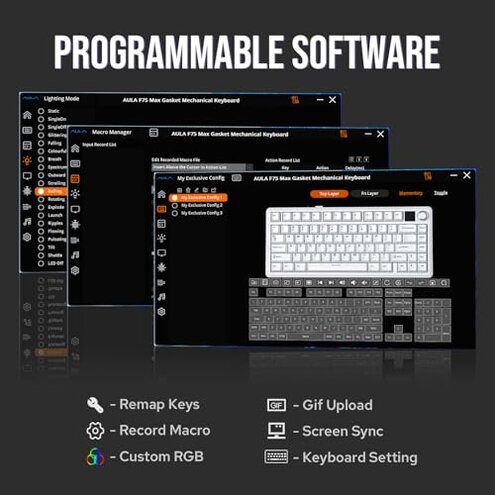
Main regret: The most disruptive trigger is wireless instability combined with buggy screen software.
Risk level: These failures exceed normal mid-range risk because they affect core function, not just extras.
Verdict: Avoid this model if you need dependable wireless performance and plug-and-play customization.
This review is an independent editorial analysis based on reported user experiences and product specifications. NegReview.com does not sell products.