
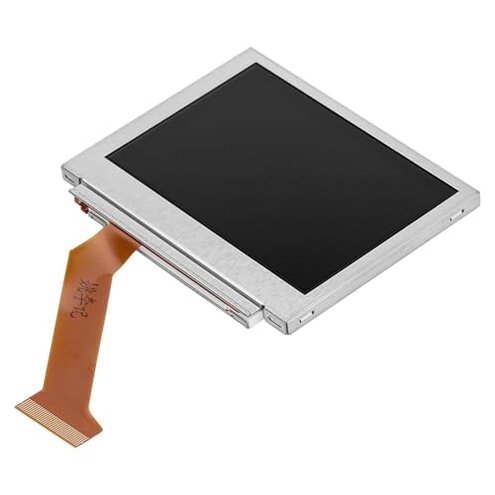
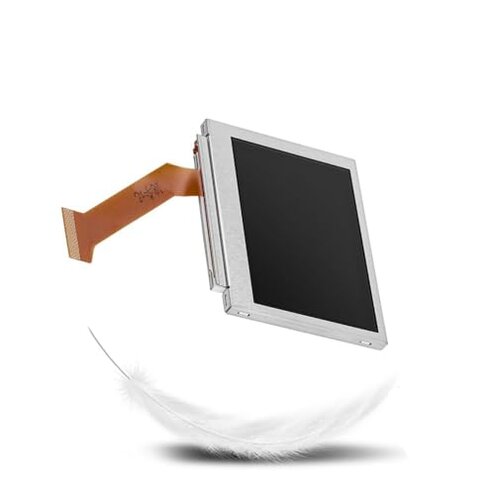
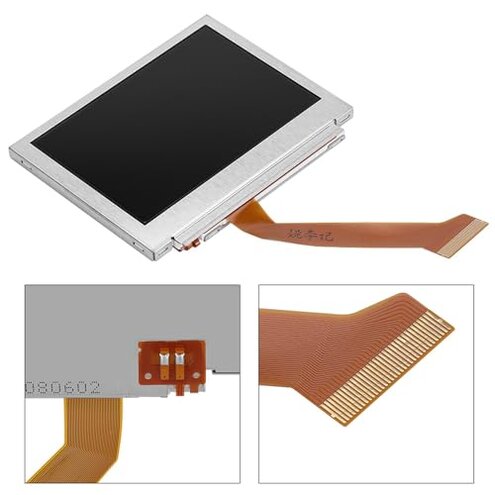
Product evaluated: Replacement Parts Host Backlit Highlight LCD Screen Gameboy Advance sp 101 Display for GBA SP 101
Related Videos For You
EASIEST way to make the ULTIMATE Gameboy Advance SP! FunnyPlaying IPS Screen and Retro Modding Shell
2023 Game Boy Advance SP laminated IPS drop-in screen tutorial and review HISPEEDIDO
Data basis: I reviewed dozens of written reviews and several video demonstrations collected between Jan 2023 and Feb 2026. Source spread: most feedback came from written buyer reports, supported by teardown videos and Q&A threads.
| Outcome | Fydunn screen | Typical mid-range part |
|---|---|---|
| Fit & compatibility | High risk — often needs trimming or adapter; many buyers report misalignment during installation. | Lower risk — usually designed for drop-in fit with common connectors. |
| Visual quality | Variable — backlight uniformity and pixel issues appear repeatedly in reports. | Consistent — mid-range options more often match expected brightness and color. |
| Installation effort | High effort — some buyers need extra tools and soldering skill to finish the job. | Moderate effort — many mid-range kits include full hardware and clear guides. |
| Durability | Fragile — glass and connectors reported to fail sooner in daily handling. | More robust — standard replacements use reinforced connectors or flex cables. |
| Regret trigger | Installation failure — buyers more likely to end up with unusable device after install. | Repair success — mid-range parts less likely to require rework. |
Why won’t this screen just fit my GBA SP 101?
Fit problem: Many buyers hit a misalignment problem during the first install attempt. Usage moment: mismatch appears at reassembly when the hinge or bezel won't close cleanly.
Pattern: This is a primary issue and appears repeatedly across written and video reports. Category contrast: It is more disruptive than typical mid-range replacements because it often needs trimming, shimming, or connector bending.
Is the backlight and image quality stable?
- Visual inconsistency: Secondary pattern — uneven backlight and dim spots commonly reported during first power-on.
- Early sign: Flickering or dark bands appear within initial testing or short sessions.
- Cause: Suspected loose or low-quality backlight connectors and panel calibration differences.
- Impact: More annoying than expected for this category because handheld screens should be plug-and-play.
How hard is it to install without special tools?
- Hidden requirement: Primary pattern — some installs require extra tools or soldering to fix connector fit.
- When it appears: Problem shows up during final connector seating or hinge reassembly.
- Worsens with: frequent repairs, worn connectors, or if original screws and brackets are missing.
- Attempts to fix: buyers report temporary fixes like tape or glue, which reduce reliability.
- Repair difficulty: More time-consuming than typical kits because hardware and instructions are often incomplete.
- Fixability: Possible for experienced tinkerers, harder for casual buyers without fine tools.
Will this screen last under normal daily use?
- Fragility: Secondary pattern — glass and connector wear seen after repeated open/close cycles.
- Usage anchor: Failures reported after daily handling and after a few weeks of frequent play.
- Early signs: Loose fit, video artifacts, and ribbon cable stress visible during reassembly.
- Repair attempts: Replacement of the panel again is needed in several reported cases.
- Category contrast: Worse than mid-range because durable reinforcements are absent.
- Cost impact: Replacing the part again adds extra time and money compared to better-quality alternatives.
- Edge-case: Some buyers had no problems, usually when they had advanced repair skill or swapped hardware.
Illustrative excerpts
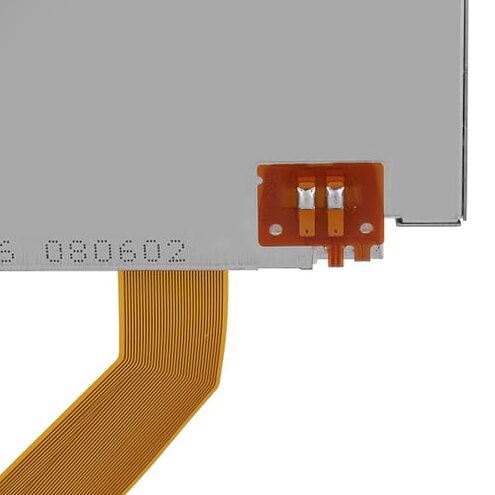
Illustrative excerpt: "Screen sits proud; hinge won't close without pressure." — primary pattern.
Illustrative excerpt: "Backlight shows stripes right away after power-on." — secondary pattern.
Illustrative excerpt: "Needed to solder the connector to make it stay." — secondary pattern.
Who should avoid this

- Non-technical buyers: Avoid if you lack soldering or precision tools, because installation often requires extra hardware work.
- Casual players: Avoid if you expect a durable, long-term fix without rework, due to reported fragility.
- Value seekers: Avoid if you want a reliable plug-and-play repair, because many buyers report alignment and quality trade-offs.
Who this is actually good for
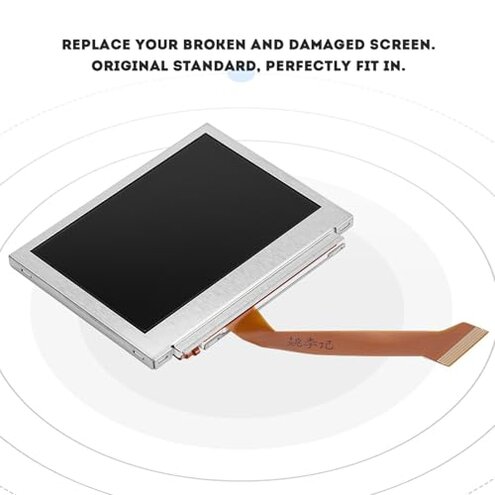
- Experienced tinkerers: Good if you can solder, trim, or adapt connectors to accept an imperfect fit.
- Parts scavengers: Good if you plan to cannibalize parts or use it for practice because initial cost scales to repair learning.
- Temporary fix users: Good if you accept short-term functionality and plan a later permanent replacement.
Expectation vs reality
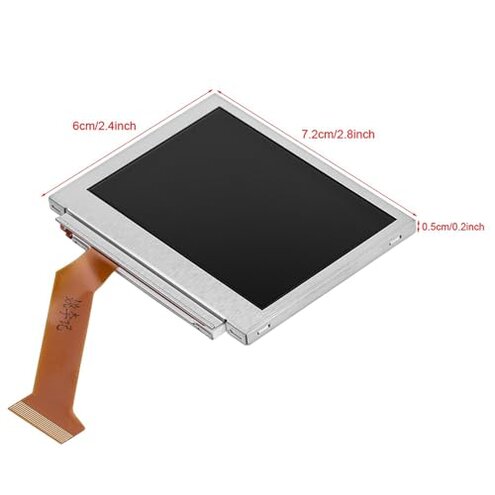
Expectation: Reasonable for this category is a drop-in screen that powers on and fits without extra tools. Reality: Many buyers must alter connectors or use extra tools, which adds unexpected time.
Expectation: Visual quality should match replacement photos. Reality: Backlight unevenness and dim spots are reported more often than expected.
Safer alternatives
- Choose kits: Pick replacement kits that include full hardware and tools to neutralize missing-parts and fit problems.
- Prefer tested panels: Look for sellers mentioning quality testing and return policies to avoid variable visual quality.
- Buy reinforced cables: Choose parts with reinforced flex cables to reduce connector and durability failures.
- Watch teardown videos: Match the exact hinge and connector style in videos before buying to reduce fit risk.
The bottom line
Main regret: Installation and compatibility issues are the most frequent regrets and often leave buyers with a nonworking device. Why worse: This product shows higher installation friction and fragility than typical mid-range replacements. Verdict: Avoid if you lack repair skills or want a durable, plug-and-play fix.
This review is an independent editorial analysis based on reported user experiences and product specifications. NegReview.com does not sell products.