
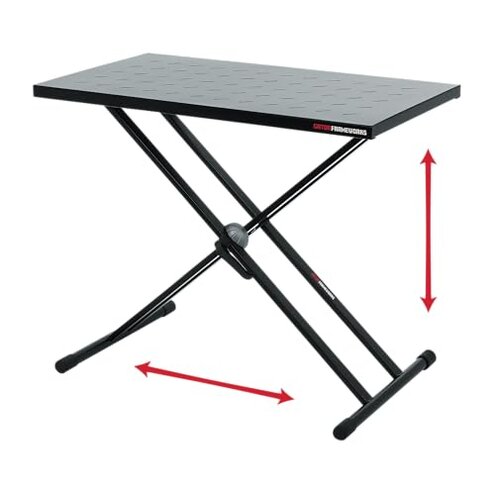
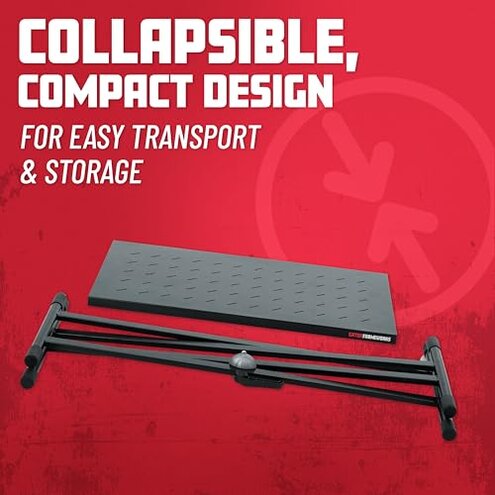
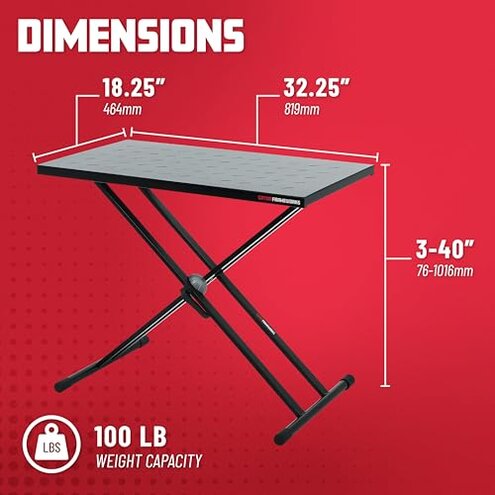
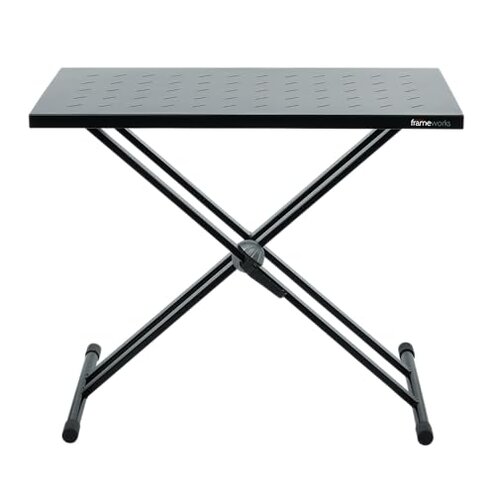
Product evaluated: Gator Frameworks Utility Table Top for Use with X-Style Keyboard Stands, 32" x 18" Surface (GFW-UTL-XSTDTBLTOP)
Related Videos For You
18820 Table-style keyboard stand »Omega Pro«
X or Z Keyboard Stand - Which is Better - Hercules Stands Review
Data basis for this report comes from dozens of aggregated buyer feedback items collected across a multi-year date range, blending written ratings with Q&A style notes and a smaller set of photo/video demonstrations. Most signals came from longer written comments, with supporting evidence from media that shows setup and real-use positioning.
| Buyer outcome | This table top | Typical mid-range option |
| Stability while typing/knob-turning | Higher wobble risk, especially on X-stands | More forgiving under light side-loads |
| Setup fit with your stand | Compatibility can be picky and requires trial positioning | Usually drop-on and align-and-go |
| Daily use convenience | Extra steps to keep centered and secure | Fewer adjustments once dialed in |
| Portability and pack-down | Good size-to-weight feel, but awkward if it shifts | Similar, with fewer “re-seat it” moments |
| Regret trigger | Wobble and “not as universal as expected” fit | Minor flex, but less disruptive in sessions |
Top failures
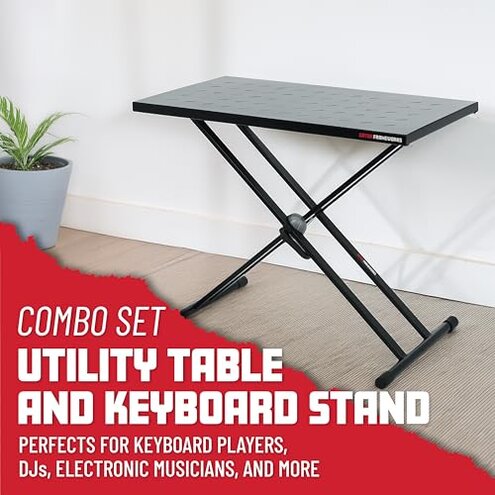
“Why does it feel shaky the moment I start using it?”
Regret tends to hit during the first real session, when you start typing on a laptop or adjusting mixer knobs and the surface feels less planted than expected.
This is a primary complaint pattern that appears repeatedly, especially when the X-stand is at playing height and you apply side pressure.
Context matters because even small side-loads can amplify movement on this stand style, but buyers often say it’s more disruptive than typical mid-range add-on tops.
Category contrast is that some wobble is normal for X-stands, yet feedback suggests this setup can feel less forgiving than many alternatives once you actually interact with gear.
- Early sign is a “rocking” feeling when you press keys on a laptop or tap a controller.
- Primary pattern shows up during first use and keeps showing up in longer sessions.
- Worse condition is when the stand is taller or your device sits off-center.
- Impact is missed clicks, shaky typing, and needing to baby your gear placement.
- Workaround often becomes re-centering the load and reducing side pressure mid-session.
“Why doesn’t it ‘just fit’ my X-stand like the listing implies?”
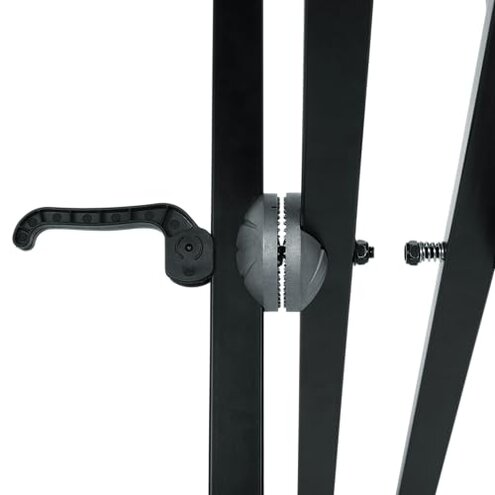
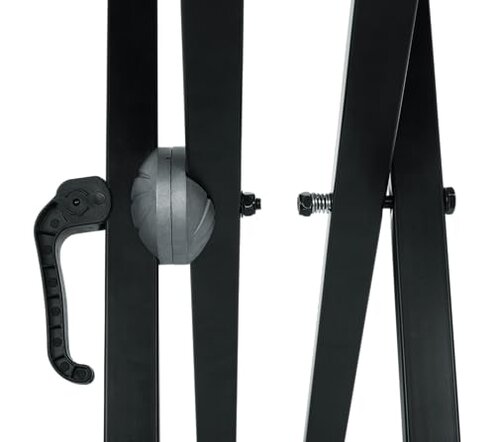
- Recurring frustration is that “X-stand” does not mean every X-stand in real life.
- When it appears is during setup, when you realize the contact points and spacing are finicky.
- Secondary pattern is needing trial-and-error positioning before it feels safe to load gear.
- Hidden requirement is that you may need an X-stand with the right arm width and a stable locking angle.
- Worse condition is frequent tear-down and re-setup, where you repeat the alignment steps.
- Cost risk is discovering you need a different stand or extra securing methods to feel confident.
- Category contrast is that many mid-range table tops are closer to “drop on and go,” while this is reported as less universal.
“Why does it slide or shift when I bump it?”
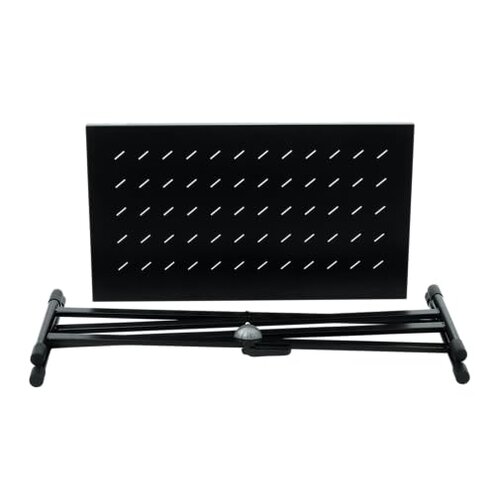
- Primary issue is shifting after setup, which buyers describe as more annoying than expected for a utility surface.
- Usage moment is reaching for a cable, brushing the edge, or moving a laptop slightly.
- Persistent pattern appears repeatedly, though it is not universal across all stand combos.
- Worse condition is smooth stages and hard floors, where tiny bumps become bigger movements.
- Impact is having to keep one hand “guarding” the gear during adjustments.
- Attempted fix commonly includes repositioning and tightening, but the annoyance can return next session.
- Fixability is possible with careful placement, yet it adds extra steps that many didn’t expect.
- Category contrast is that some mid-range alternatives feel more “locked in” with less babysitting during normal bumps.
“Why does the size feel right, but the usable space feels smaller?”
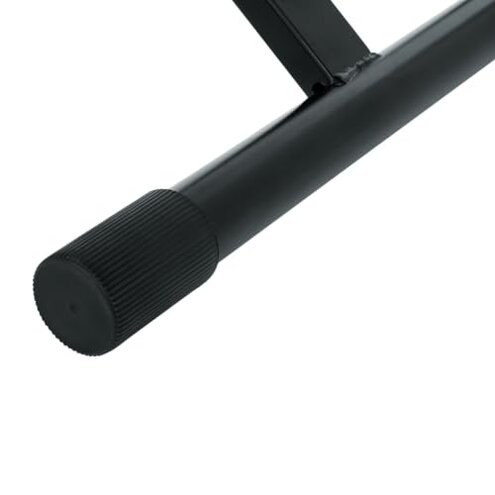
- Secondary complaint is that real layouts can feel constrained once you add a laptop plus audio gear.
- When it appears is after setup, when you start routing cables and placing devices where your hands naturally land.
- Worse condition is larger laptops or wider controllers that push you toward the edges.
- Impact is less comfortable reach and more careful stacking, which slows down live tweaks.
- Workaround becomes minimalist layouts and leaving empty buffer space near the edges.
- Category contrast is that mid-range tops of similar stated size can feel roomier because they’re less fussy about where weight sits.
Illustrative excerpts
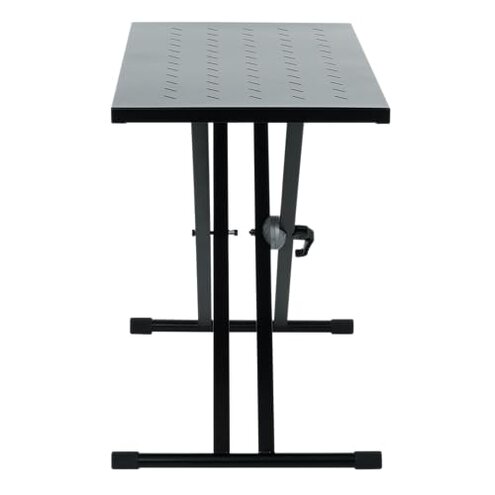
Illustrative: “It works, but I can’t stop it from wobbling when I type.”
Signal: This reflects a primary stability pattern during active use.
Illustrative: “Didn’t fit my X-stand the way I expected, took a lot of fiddling.”
Signal: This reflects a secondary compatibility and setup pattern.
Illustrative: “Any little bump makes the top shift, and I’m worried about my laptop.”
Signal: This reflects a primary shifting concern tied to daily handling.
Illustrative: “Fine for light gear, but my layout feels cramped fast.”
Signal: This reflects a secondary usable-space pattern.
Illustrative: “I thought it was universal, but my stand angle makes it feel sketchy.”
Signal: This reflects an edge-case stand-geometry mismatch.
Who should avoid this
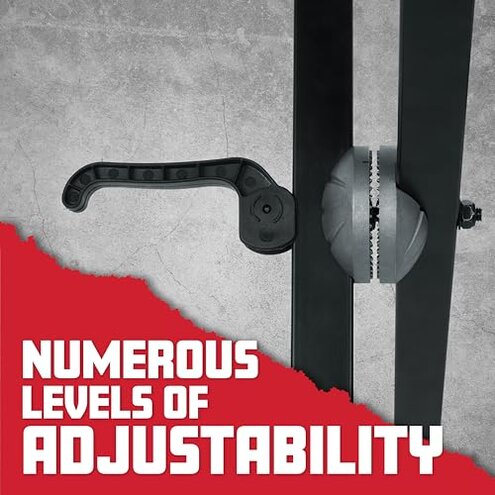
- Live performers who need confident stability when making fast adjustments, because wobble appears repeatedly during active use.
- Heavy typers using it as a laptop desk, because the shaky feel can be more disruptive than mid-range expectations.
- Anyone with a non-standard X-stand shape, because fit can be picky and may require extra securing steps.
- Frequent packers who set up nightly, because the re-alignment effort can become an ongoing annoyance.
Who this is actually good for
- Home users who leave the stand in one spot, because you can tolerate fiddly setup once and stop touching it.
- Light-duty placement like small controllers or notes, because you can accept some movement without risking expensive gear.
- Budget-conscious buyers who already know their X-stand geometry matches, because the compatibility risk is lower for them.
- Producers who work gently and keep weight centered, because they can manage the shift risk with habits.
Expectation vs reality
- Expectation (reasonable for this category): a small amount of flex on an X-stand, but predictable during typing and knob tweaks.
- Reality: feedback shows wobble can feel more disruptive than expected during normal interaction.
Expectation is that “for X-stands” means broad compatibility with minimal thinking.
Reality is that buyers often report a hidden stand-geometry requirement and more trial positioning.
- Expectation: once placed, the top stays put through normal bumps.
- Reality: shifting is a recurring frustration for some setups, especially with frequent handling.
Safer alternatives
- Choose a top with a more positive stand lock-in method to reduce the shifting risk described above.
- Prefer a platform designed for your exact stand type, because this report flags a compatibility mismatch pattern.
- Look for designs that stay stable under side-load, since wobble during typing and tweaking is a main regret trigger.
- If you gig often, prioritize quick setup systems to avoid repeated re-alignment steps between sessions.
The bottom line
Main regret trigger is stability, because wobble and shifting are among the most common disruptive complaints once you start interacting with gear.
This exceeds normal category risk when paired with the repeated fit friction on certain X-stands.
Verdict: avoid if you need “set it and trust it” behavior for a laptop or mixer, and consider a more lock-in style alternative.
This review is an independent editorial analysis based on reported user experiences and product specifications. NegReview.com does not sell products.