
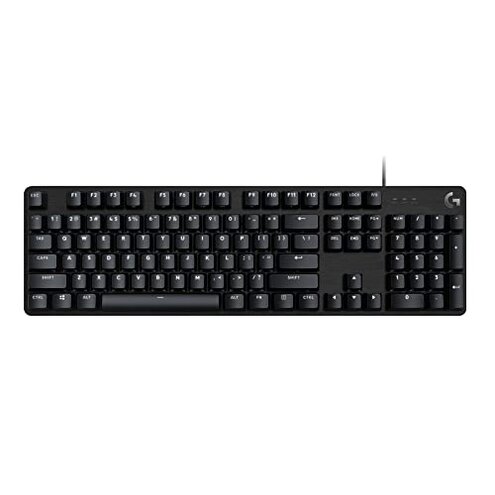
Product evaluated: Logitech G413 SE Full-Size Mechanical Gaming Keyboard - Backlit Keyboard with Tactile Mechanical Switches, Anti-Ghosting, Compatible with Windows, macOS - Black Aluminum
Related Videos For You
Modding My HIGROUND Keyboard #gamingkeyboard #keyboardmod #customkeyboard #tech #gaming
Why Get a Mechanical Keyboard?
Data basis: This report synthesizes feedback from dozens of written reviews and several video demonstrations collected between January 2022 and February 2026. Most feedback came from written buyer reviews, supported by hands-on videos and setup threads. The summary highlights recurring patterns, not isolated praise.
| Outcome | Logitech G413 SE | Typical mid-range keyboard |
|---|---|---|
| Build solidity | Sturdy top case but several reports of rattly stabilizers and inconsistent key feel. | Balanced solidity with fewer reports of wobble or rattling under daily typing. |
| Lighting options | Basic white LED with limited customization and no full RGB effects. | Standard mid-range often offers at least basic RGB and profile presets. |
| Software support | Relies on vendor app that some buyers find unstable or required for custom settings. | Varies but many alternatives provide more stable or optional software tools. |
| Typing reliability | Higher-than-normal risk of inconsistent key response and occasional chatter during daily use. | Lower risk of chatter for comparable mid-range mechanical keyboards. |
| Regret trigger | Unreliable typing during gaming or long work sessions that forces rewiring or returns. | Minor friction that rarely forces returns for typical users. |
Key chatter? Will this keyboard double-type or miss presses during long use?
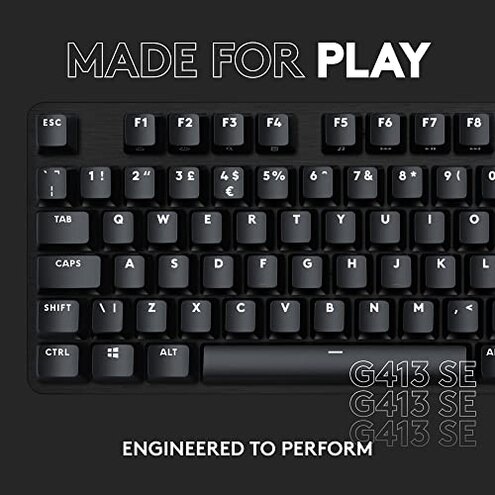
Regret moment: Several buyers report keys that feel inconsistent or occasionally double-type during gaming or long typing sessions.
Pattern & timing: This problem appears most often after setup and during extended daily use, not just first-day typing.
Lighting looks fine but... Is the backlight flexible enough for custom setups?
- Early sign: White-only lighting that many buyers expected to be full-color RGB.
- Frequency tier: This is a primary issue for buyers wanting customization but a secondary annoyance for plain users.
- Cause hint: Limited onboard lighting options and dependence on software for any tweaks.
- Impact: Makes coordination with RGB setups harder and reduces visual customization options.
- Fixability: Workarounds add time and complexity, such as third-party tools or firmware steps.
Hidden software need? Do you need vendor software to get expected features?
- Must-know: Many buyers must install the vendor app to change key assignments or lighting.
- Compatibility note: Software can be unstable or require specific OS versions.
- Usage anchor: Problems show up during initial setup and when updating profiles.
- Attempts: Users tried reinstallation and system updates with mixed results.
- Repair path: Fixes often need software updates rather than simple plug-and-play replacement.
- Hidden requirement: You should expect time spent configuring drivers or apps before the keyboard acts as advertised.
- Severity tier: This is a secondary yet persistent friction for many buyers who prefer plug-and-play.
Rattly keys? Does the keyboard feel premium across all keys and stabilizers?
- First sign: Some keys have a rattle or uneven resistance compared to the rest of the board.
- Frequency tier: This appears as a primary complaint for users expecting uniform mechanical feel.
- When it shows: Noticeable during rapid typing or key holds in gaming sessions.
- Perceived cause: Stabilizer tuning and switch tolerances differ across units.
- User attempts: Common fixes include removing keycaps or swapping stabilizers, which adds time and risk.
- Impact: Reduces typing comfort and can be more distracting than expected for this price class.
- Fixability: Repair often requires parts or supplier intervention, making returns more likely.
- Edge-case: Some units are fine, so quality control inconsistency is the core issue.
Illustrative excerpts
Illustrative excerpt: "Keys started double-typing during long game sessions, very frustrating." — primary pattern
Illustrative excerpt: "I expected RGB; white light felt like a downgrade." — secondary pattern
Illustrative excerpt: "Setup required the app and an OS patch I didn’t want to install." — secondary pattern
Illustrative excerpt: "One of my stabilizers rattles loudly when I type fast." — primary pattern
Who should avoid this
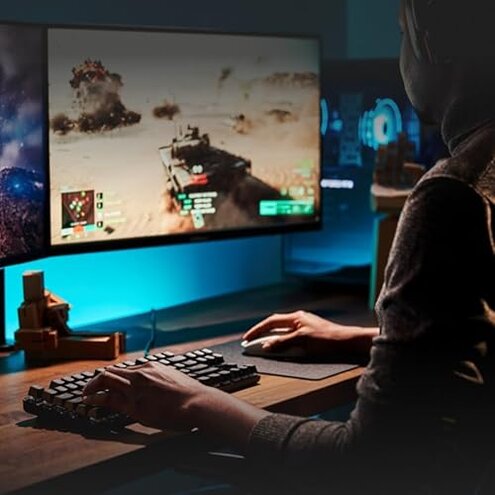
- Competitive gamers who need totally reliable key response during long sessions.
- RGB enthusiasts who expect wide color customization and preset syncing.
- Low-friction plug-and-play users who won't tolerate mandatory software setup or OS tweaks.
Who this is actually good for
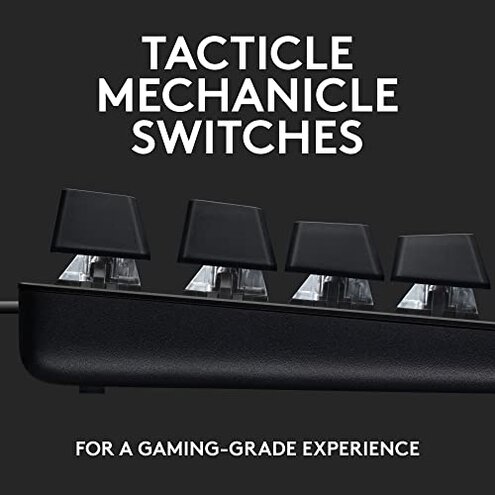
- Budget-conscious typists who prioritize a solid top case and simple backlighting, and can tolerate occasional fixes.
- Casual gamers who play short sessions and don’t rely on per-key macros or full RGB.
- Users comfortable with tinkering who can adjust stabilizers or use software to tune behavior.
Expectation vs reality
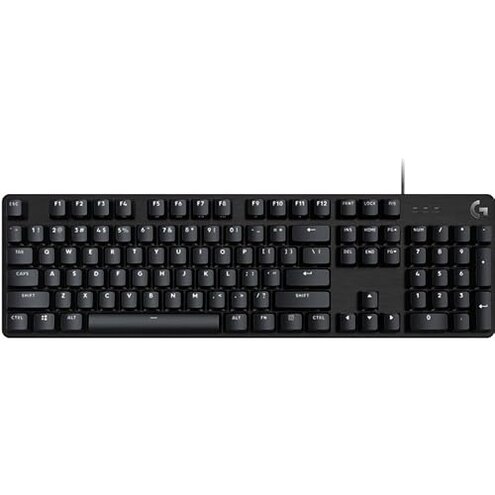
Expectation: Reasonable for this category is a consistent mechanical feel across all keys.
Reality: You may get units with uneven key response or audible stabilizer noise, which is worse than the usual mid-range tolerance.
Safer alternatives
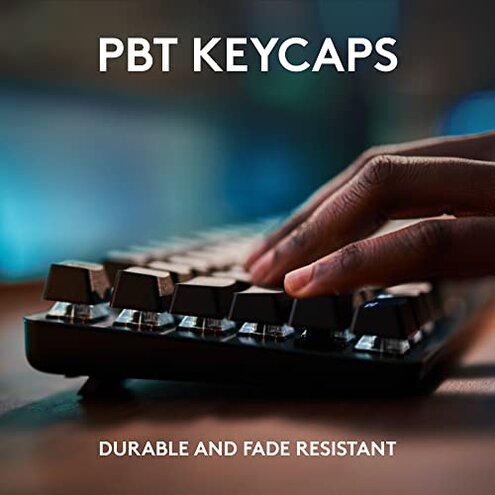
- Pick full RGB options if lighting customization matters; check reviews for color control before buying.
- Choose boards with replaceable cables or detachable features to lower long-term friction.
- Prefer products with optional software rather than required apps to avoid hidden setup steps.
- Look for verified typing stability in hands-on reviews to avoid higher-than-normal chatter risk.
The bottom line
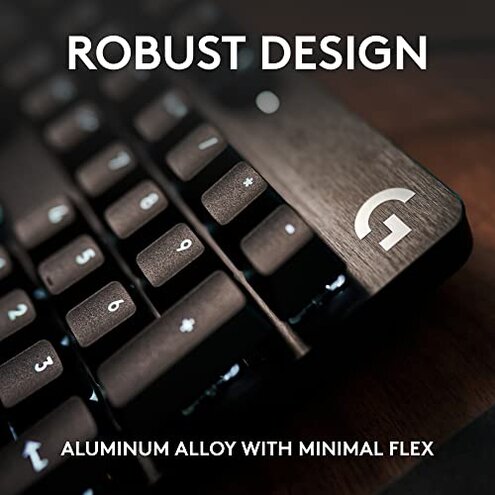
Main regret: The most common trigger is inconsistent key response and limited lighting control that forces extra setup or returns.
Verdict: If you need plug-and-play reliability or RGB customization, this keyboard poses a higher-than-normal risk compared with typical mid-range options and is worth avoiding.
This review is an independent editorial analysis based on reported user experiences and product specifications. NegReview.com does not sell products.