
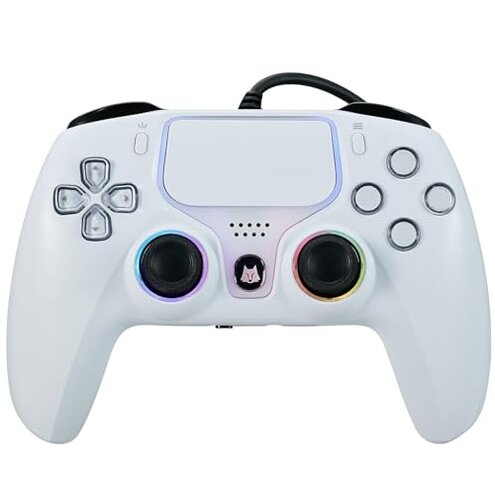
Product evaluated: NBCP Wired PS5 Controller - Gaming Controller for PlayStation 5, PS4, PC/Steam, Turbo & Linear Hall-effect Trigger, Dual Vibration, 3.5mm Audio Jack - White
Related Videos For You
How To Play All PC Games With Any Controller or Generic USB Gamepad
How to FIX AUDIO ISSUES on XBOX ONE & Sound Not Working (3 Common Fixes Fast!)
Data basis: This report is based on dozens of customer reviews and video demonstrations collected between Dec 2024 and Feb 2026. Most feedback came from written reviews, supported by hands-on videos and buyer Q&A posts.
| Outcome | NBCP (this product) | Typical mid-range controller |
|---|---|---|
| Audio reliability | Fragile — requires a PS5 USB audio setting and often fails with common earbuds. | Plug-and-play — most mid-range controllers enable headset audio without extra settings. |
| Compatibility | Limited — works across platforms but shows mapping and recognition quirks after setup. | More consistent — similar-priced alternatives usually have clearer PC/console mapping support. |
| Build quality | Mixed — cable and buttons reported to fail earlier than expected for this price tier. | Durable — mid-range options generally have sturdier cables and switches. |
| Customization | Functional — turbo and remap work but can reset or feel inconsistent after heavy use. | Reliable — mid-range controllers usually hold settings across sessions. |
| Regret trigger | High risk — audio setup and headset incompatibility make this product more likely to cause regret. | Lower risk — alternatives rarely require hidden settings for basic audio. |
Top failures
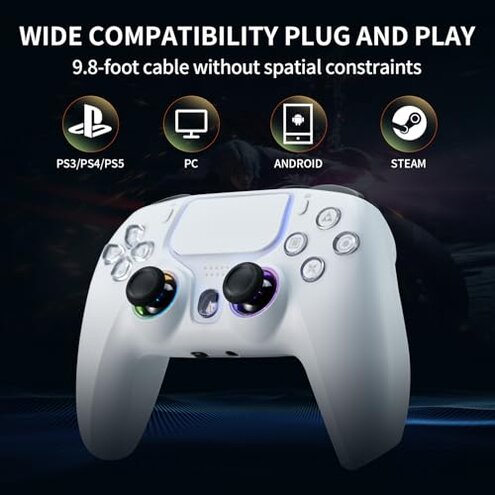
Why won’t my headset audio work out of the box?
Regret moment: Many buyers discover no sound the first time they plug in a headset.
Pattern: This is a primary issue that appears commonly and is often resolved only by changing the PS5 communication method to “Use USB Cable”.
Category contrast: For a mid-range controller, requiring a hidden setting and excluding common earbuds is worse than expected and leads to immediate frustration.
Are the triggers and remap features reliable?
- Early signs: Inputs feel inconsistent after the first few sessions; mapping may not persist.
- Frequency tier: This is a secondary issue that appears repeatedly among active players.
- Likely cause: Firmware or internal calibration steps seem required but are not documented.
- Impact: Competitive players notice miss-registrations during long sessions.
- Fixability: Often needs reconnecting or reconfiguring between play sessions.
Will the cable and buttons last with daily use?
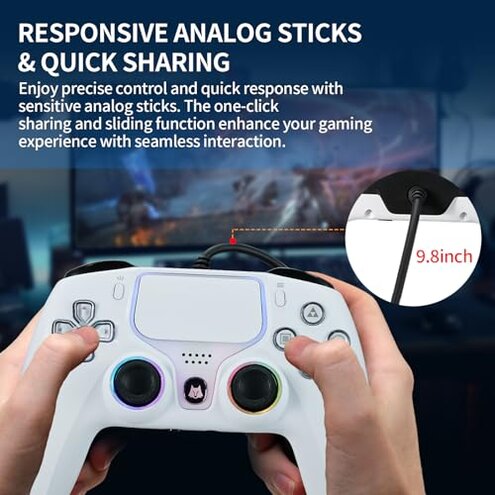
- Durability concern: Cable fraying and loose face buttons reported after repeated daily handling.
- Usage anchor: Problems typically appear after weeks of daily or heavy weekly use.
- Category contrast: This product is less durable than expected for a controller at this price point.
- Visible impact: Stiff or noisy buttons reduce enjoyment and may force replacement sooner.
- Buyer attempts: Users try cable tape or gentle cleaning, which gives only temporary relief.
- Hidden cost: Repairs or replacements add unexpected time and expense.
- Workaround: Using an external USB extension can avoid port stress but doesn’t fix internal wear.
Will this actually be compatible with PC and different headsets?
- Recognition quirks: Windows and Steam sometimes require manual driver steps or remapping after connection.
- Frequency tier: This is a secondary issue appearing across several buyers who switch platforms.
- Platform anchor: Problems arise during setup or after firmware-like resets when moving from PS5 to PC.
- Headset warning: The 3.5mm jack excludes some earbuds (Apple EarPods), a hidden requirement buyers notice only after purchase.
- User impact: Voice chat or game audio may be unreliable in middle of multiplayer sessions.
- Attempts to fix: Changing USB modes or using a separate USB sound card is commonly reported but inconvenient.
- Category contrast: Mid-range alternatives more often provide consistent cross-platform audio without special steps.
- Repairability: Firmware updates or customer support responses are slower or unclear, increasing downtime.
Illustrative excerpts
Illustrative: "No audio until I switched PS5 to Use USB Cable—surprising and annoying." — reflects a primary pattern.
Illustrative: "Triggers felt off after a week of play; remap didn’t stick." — reflects a secondary pattern.
Illustrative: "My earbuds physically fit but produced no sound—Apple buds excluded." — reflects an edge-case pattern.
Who should avoid this
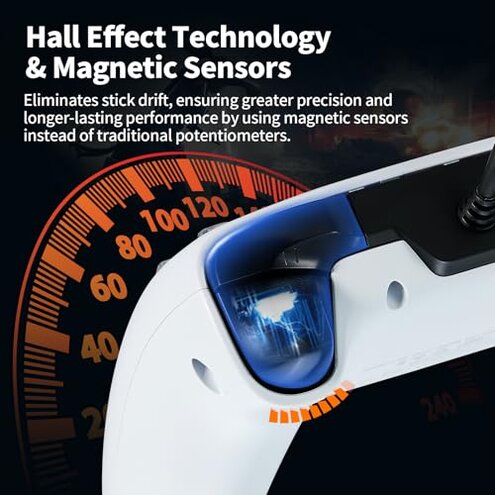
- Competitive players who need reliable button/trigger response every session; triggers and mapping issues are disruptive.
- Plug-and-play buyers who expect headset audio to work immediately; hidden USB setting breaks that expectation.
- Multi-platform users who switch consoles and PC often; recognition quirks add setup time each switch.
Who this is actually good for
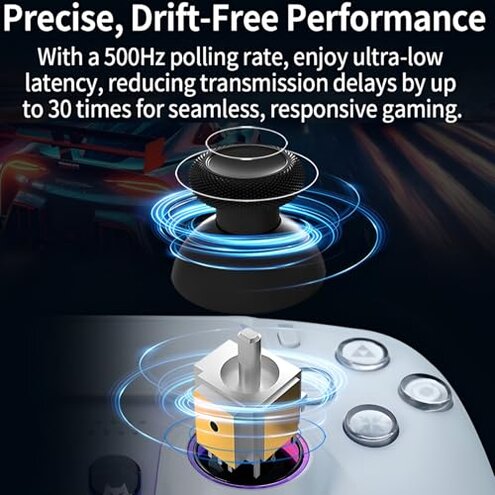
- Budget desktop players who use a dedicated PC setup and can tolerate manual remapping; they can work around audio quirks.
- Casual console users who don't rely on in-headset chat or pro-level response and accept occasional resets.
- Wired-preference buyers who value a long USB cable and low latency and are willing to accept extra setup steps.
Expectation vs reality
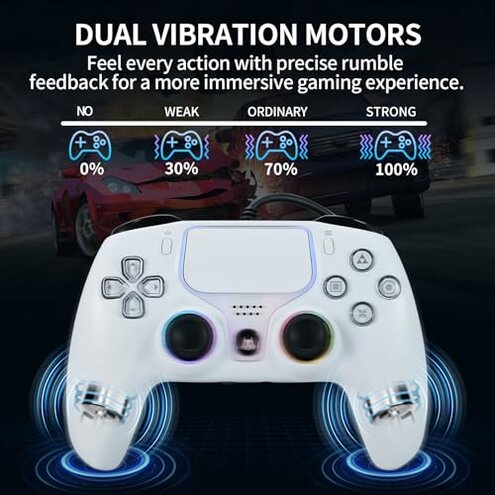
- Expectation (reasonable for category): A wired mid-range controller will support basic headset audio without settings change.
Reality: This unit often needs the PS5 set to "Use USB Cable", making setup less straightforward. - Expectation: Customization settings persist across sessions.
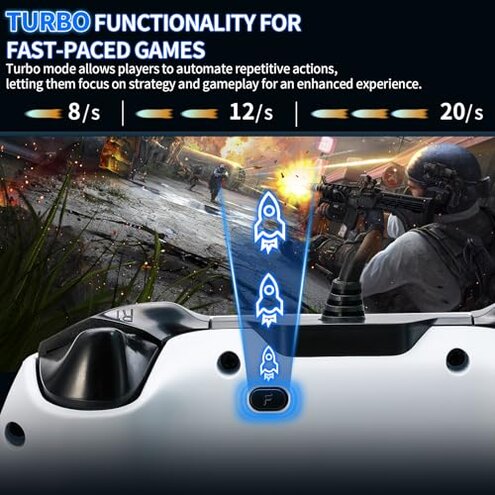
Reality: Many buyers report remap and turbo settings resetting after disconnects. - Expectation: Build quality matches similar-priced controllers.
Reality: Cable and button wear is reported earlier than typical for this tier.
Safer alternatives
- Look for controllers advertising explicit "plug-and-play audio" support to avoid the USB setting trap.
- Choose wired options with replaceable or braided cables to reduce early wear and tear.
- Pick controllers with documented cross-platform driver support to minimize PC mapping headaches.
- Prefer brands that note headset compatibility lists to prevent 3.5mm incompatibility surprises.
The bottom line
Main regret: The dominant issue is audio and compatibility friction that appears immediately for many buyers and during platform switches.
Why worse: Hidden settings, headset exclusions, and inconsistent persistence of customization make this product riskier than typical mid-range controllers.
Verdict: Avoid this if you need reliable plug-and-play audio and long-term durability; consider alternatives with clear audio and cross-platform support.
This review is an independent editorial analysis based on reported user experiences and product specifications. NegReview.com does not sell products.