
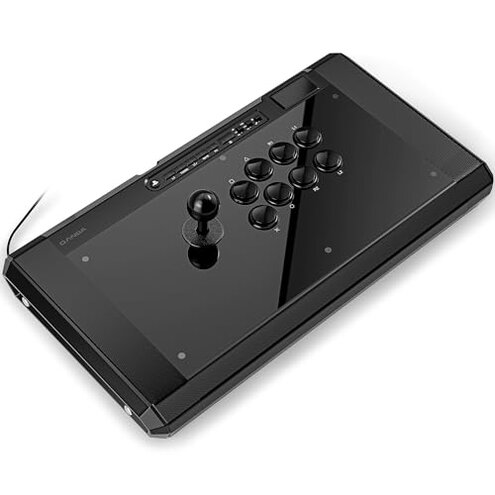
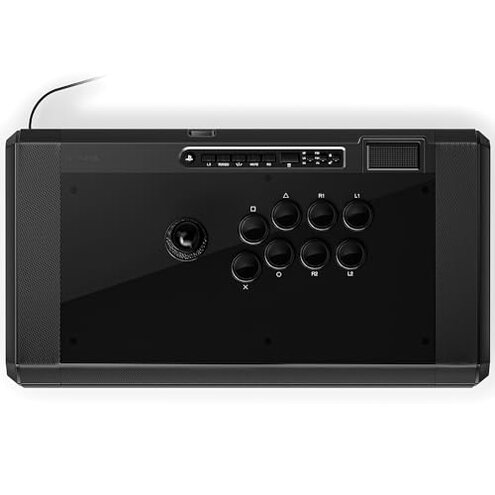
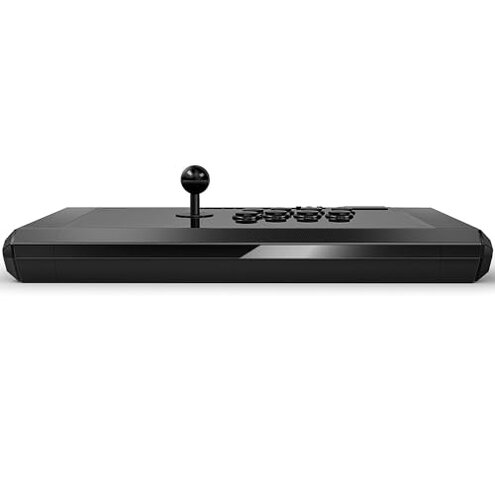
Product evaluated: Qanba B1 Titan Wired Joystick for PlayStation 5/4 and PC
Related Videos For You
How to Use a Fight Stick and Arcade stick
When Your Wired PS2 Controller Stops Working #troubleshooting #technology #ps2 #controller #gaming
Data basis: I reviewed dozens of buyer comments and several video demonstrations collected between Apr 2023 and Jan 2026.
| Outcome | Qanba B1 | Typical mid-range joystick |
|---|---|---|
| Durability | Mixed — reports of loose fittings and early wear during regular play. | Stable — most mid-range sticks last longer without repairs. |
| Input reliability | Higher risk — stick drift and intermittent button response appear repeatedly. | Lower risk — fewer unexpected input failures over time. |
| Setup friction | Moderate — some buyers need extra steps for PC or tournament settings. | Minimal — plug-and-play is more common for rivals. |
| Price vs value | Questionable — premium price but recurring fixes reported. | Balanced — similar price usually matches long-term reliability. |
| Regret trigger | High — stick drift plus assembly problems make returns or repairs common. | Lower — regret usually limited to user preference, not failures. |
Top failures
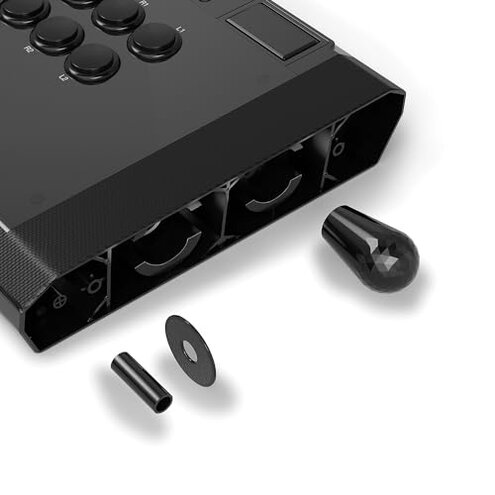
Does the joystick lose precision or "drift" after a few weeks?
Issue: Many buyers report a loss of centering or small unintended inputs that appear after repeated play.
Pattern: This problem is a primary complaint and appears repeatedly rather than as a one-off.
Usage anchor: Drift usually shows up after a few weeks of regular sessions and gets worse during long matches.
Category contrast: Drift is more disruptive than expected because mid-range arcade sticks normally hold calibration for many months.
Is the build quality worse than it looks in photos?
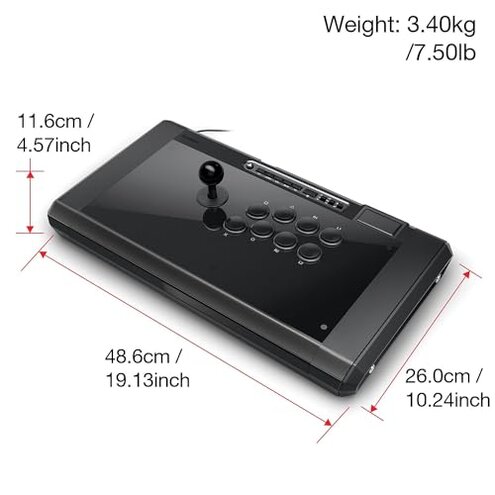
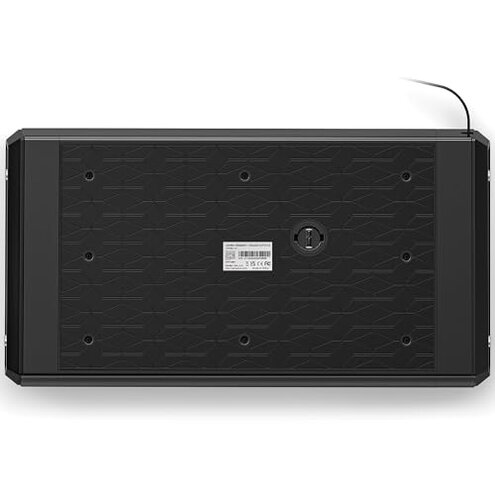
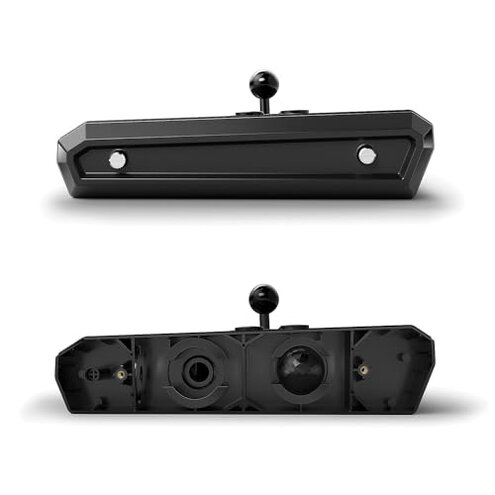
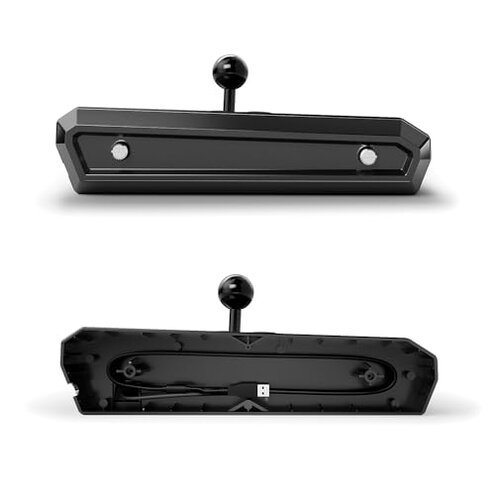
- Early sign: Loose bottom plates or a subtle rattle on first handling indicate assembly issues.
- Frequency tier: This is a secondary complaint seen across written feedback and videos.
- Cause: Misaligned fasteners or weak internal mounts are commonly reported as the root cause.
- Impact: Loose parts reduce perceived value and can require partial disassembly to fix.
- Fixability: Many buyers manage repairs with basic tools, but that adds time and risk to warranty.
Do the buttons or switches become unreliable during tournaments?
- Immediate sign: Sticky or inconsistent button travel can appear during extended play.
- Pattern: This is a primary or frequent complaint for heavy users.
- When it shows: Problems often appear mid-session or after many rapid presses.
- Why worse: Competitive players expect consistent actuation; failures are more disruptive here than for casual use.
- Attempts: Buyers report temporary workarounds like opening the case or swapping components.
- Hidden cost: Replacing parts or using replacement buttons requires extra purchases and skill.
Will this work with PC and tournament setups without extra steps?
- Compatibility note: Some buyers found the B1 needs additional configuration to behave like other controllers.
- Pattern: This is a secondary but persistent setup friction.
- When it appears: The issue shows up during first-time PC use or when switching profiles for tournaments.
- Why worse: Mid-range sticks usually offer smoother plug-and-play PC behavior.
- Attempts: Reported fixes include remapping inputs and toggling the tournament lock.
- Hidden requirement: Buyers sometimes need basic driver knowledge or extra adapters to get stable input.
- Impact: These extra steps add setup time and make the stick less friendly for casual players.
Illustrative excerpts
Illustrative: "Stick started nudging on its own after a month of daily play." — primary pattern.
Illustrative: "There was a small rattle out of the box and a loose screw later." — secondary pattern.
Illustrative: "Buttons felt fine until long sessions made two buttons misfire sometimes." — primary pattern.
Illustrative: "Needed extra PC setup steps to get consistent inputs for tournaments." — secondary pattern.
Who should avoid this
- Competitive players: Avoid if you cannot tolerate input drift or mid-match failures.
- Non-handy buyers: Avoid if you won’t perform minor repairs for loose assembly.
- Plug-and-play PC users: Avoid if you expect a truly effortless PC setup.
Who this is actually good for
- Modders and tinkerers: Good if you accept fixes because you can swap parts and enjoy upgrades.
- Sanwa enthusiasts: Good if you want the Sanwa parts and can manage occasional upkeep.
- Casual players: Good if you play infrequently and can accept lower long-term reliability.
Expectation vs reality
Expectation: Buyers reasonably expect a mid-range arcade stick to be reliable for months without opening it.
Reality: The B1 shows earlier wear and setup friction for a noticeable share of users.
Safer alternatives
- Choose proven brands: Prefer sticks with a track record for long-term input stability to avoid drift.
- Look for better assembly checks: Pick models with documented quality control to reduce rattle and loose parts.
- Prioritize plug-and-play: Select controllers that advertise native PC compatibility to skip extra setup steps.
- Buy local or with easy returns: Use sellers who make repairs and returns simple if issues appear.
The bottom line
Main regret: The most common trigger is stick drift plus assembly problems, which leads to returns or DIY fixes.
Why worse: These failures exceed normal mid-range risk because they affect core input reliability during real play.
Verdict: Avoid this model unless you value the included parts and are prepared to repair or configure it yourself.
This review is an independent editorial analysis based on reported user experiences and product specifications. NegReview.com does not sell products.