
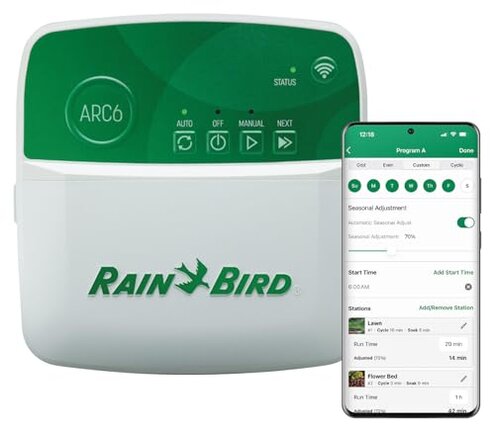
Product evaluated: Rain Bird ARC6 App-Based Indoor Smart Irrigation WiFi Timer/Controller, 6-Zone/Station, EPA WaterSense Certified, Compatible with Alexa
Related Videos For You
Orbit b-hyve WIFI Sprinkler Timer install and app review - Smart Controller
Wi-Fi & App Setup — Rachio 3 Smart Sprinkler Controller
Data basis: This report is drawn from dozens of written customer reviews and several video demonstrations collected between Jan 2022 and Dec 2025. Most feedback came from written reviews, supported by video demonstrations, and a smaller share from Q&A and product images.
| Outcome | Rain Bird ARC6 | Typical mid-range controller |
|---|---|---|
| Connectivity | Unstable — users report repeated WiFi drops and reconnect steps during daily use. | Generally stable — most mid-range units keep schedules with occasional network fixes. |
| Setup friction | High — app account and phone compatibility caused extra setup time for many buyers. | Moderate — typical alternatives have clearer local setup without recurring account steps. |
| Watering accuracy | Variable — weather-skip and program conflicts sometimes led to missed or extra cycles. | Reliable — mid-range controllers more often maintain set programs once configured. |
| Support & updates | Mixed — firmware or app changes reportedly introduced new problems after months of use. | Predictable — many brands offer clearer update logs and faster fixes. |
| Regret trigger | Recurring disconnects — a higher-than-normal category risk that disrupts watering schedules. | Single-issue delays — typical alternatives rarely cause repeated schedule failures. |
Why does the app keep losing connection during routine watering?
Regret moment: Users describe interrupted watering when the controller disconnects mid-cycle, which can leave zones under- or over-watered.
Pattern: This is a commonly reported failure that appears repeatedly during setup and daily use.
Usage anchor: The problem shows up during daily operation and usually worsens with weak home WiFi or when the router restarts.
Category contrast: Mid-range controllers usually maintain local schedules even when cloud links fail, making this behavior more disruptive.
Why is initial setup more painful than expected?
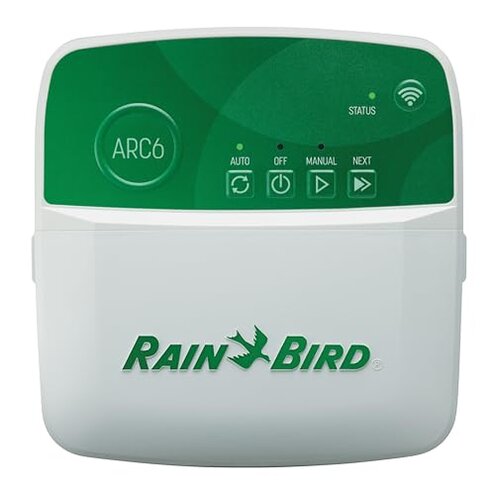
- Hidden requirement: The device needs a mobile app account and compatible phone OS, which added steps for many buyers.
- Early sign: Buyers report seeing account prompts and permissions before the controller will accept WiFi settings.
- Frequency tier: This is a primary setup pain for many new users, not just edge cases.
- Impact: Setup often takes extra time compared with simple local-only controllers.
- Fixability: Some users solved it by using a second phone or factory resets, which adds more steps.
Why do schedules misbehave or skip unexpectedly?
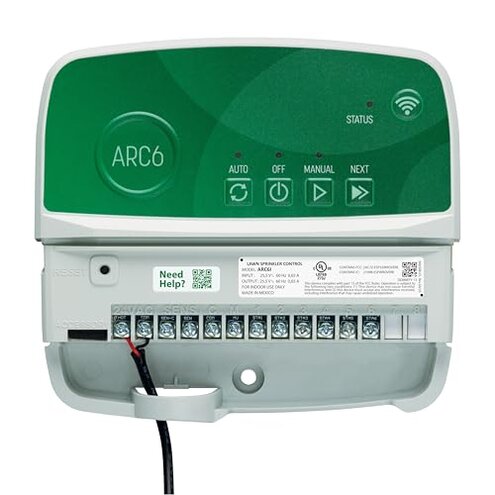
- Symptom: Programs sometimes skip days or run at wrong times after weather adjustments.
- Pattern: This is a persistent secondary issue reported after the first weeks of use.
- When it happens: It appears after setup when local forecast-sync or seasonal adjust is active.
- Cause cue: The controller’s automatic weather adjustments can conflict with manually set cycles.
- Impact: Users found lawns either under-watered or receiving duplicate cycles.
- Attempts: Workarounds include disabling forecast features or reprogramming, which reduces smart features.
- Category contrast: Less forgiving than typical controllers that keep manual settings intact despite cloud features.
Why do firmware and app updates sometimes introduce new problems?
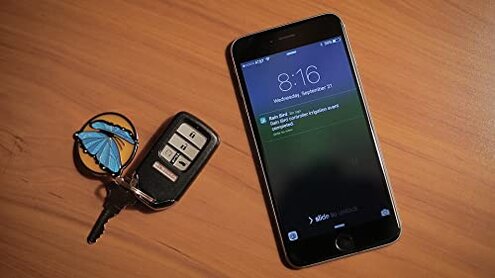
- Observation: Buyers reported that updates occasionally caused re-pairing or loss of settings.
- Scope signal: This issue appears across multiple feedback sources and is mostly from recent buyers.
- When it shows: Problems typically appear after updates or when the app forces a re-login.
- Early sign: Notifications about firmware or required app updates often precede functionality loss.
- Impact: Restoring schedules sometimes requires manual reprogramming or contacting support.
- Hidden cost: Time spent fixing updates is more than typical mid-range controllers demand.
- Fixability: Some users succeed with factory resets, but that erases custom programs and adds work.
- Category contrast: Updates are more disruptive than expected for this product class, making routine maintenance riskier.
Illustrative excerpts (not real quotes)
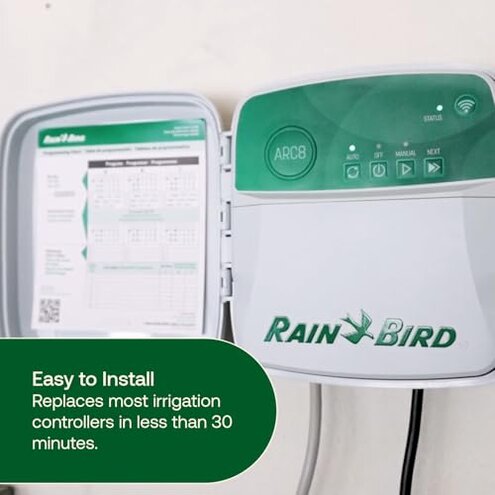
Illustrative: "App dropped connection twice during a single watering cycle this week." — Primary pattern.
Illustrative: "Setup asked for account details and phone permissions before I could finish." — Primary pattern.
Illustrative: "Weather skip turned off my garden watering unexpectedly mid-summer." — Secondary pattern.
Illustrative: "After an update I had to re-enter all zone times manually." — Secondary pattern.
Who should avoid this
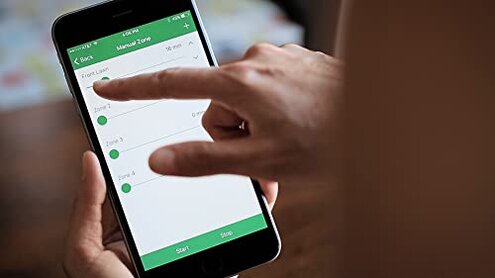
Users needing rock-solid connectivity: Avoid if you cannot tolerate repeated disconnects that disrupt schedules.
Non-technical homeowners: Avoid if you want minimal setup time and no account or phone-workarounds.
Properties with weak WiFi: Avoid if your router signal is unstable; the controller is sensitive to network conditions.
Who this is actually good for
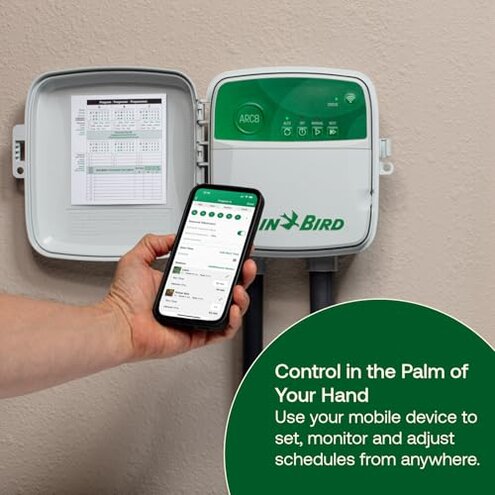
Tech-savvy users: Good if you can tolerate re-pairing and manual fixes after updates.
Those wanting cloud features: Good if you value remote control and can accept occasional app friction.
Users prepared to troubleshoot: Good if you have spare phones or time to manage hidden setup steps.
Expectation vs reality
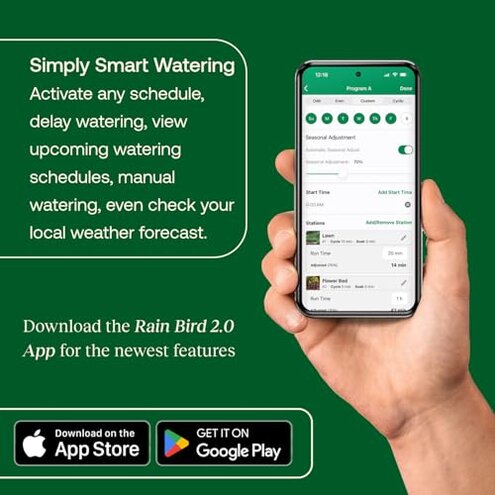
- Expectation: Reasonable for this category to have remote control that just works.
- Reality: The controller can require extra steps more often than typical mid-range alternatives.
- Expectation: Firmware updates should improve stability.
- Reality: Updates sometimes restore problems and force reconfiguration.
Safer alternatives
- Choose local-first controllers: Prefer units that keep schedules locally to avoid cloud disconnect risk.
- Check WiFi needs: Pick a controller that supports both 2.4GHz and 5GHz or explicitly states weak-signal tolerance.
- Look for simpler setup: Favor models with optional app-free setup to avoid the account requirement.
- Prefer clear update logs: Buy brands with transparent firmware notes to reduce update-related surprises.
The bottom line
Main regret: Recurring WiFi disconnects and app setup friction are the dominant regret triggers.
Why it matters: These problems exceed normal category risk by disrupting automated watering and adding repeated manual fixes.
Verdict: Avoid this controller if you need dependable, low-maintenance irrigation control.
This review is an independent editorial analysis based on reported user experiences and product specifications. NegReview.com does not sell products.