
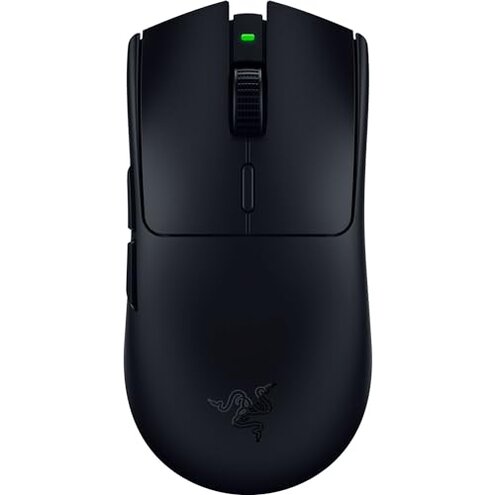
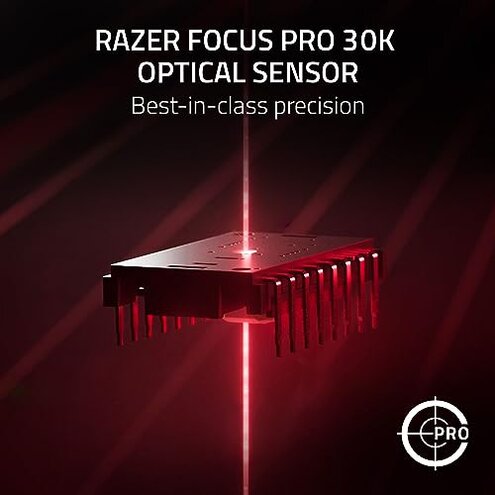
Product evaluated: Razer Viper V3 HyperSpeed Wireless Esports Gaming Mouse: 82g Lightweight - Up to 280 Hr Battery - 30K DPI Optical Sensor - Gen-2 Mechanical Switches - 8 Programmable Controls - Classic Black
Related Videos For You
Time to Cut Your Gaming Mouse Wire
Why is EVERYONE Buying This Gaming Mouse? - Logitech G502 HERO
Data basis I reviewed dozens of buyer-written reviews and several video demonstrations collected between September 2023 and February 2026. Most feedback came from written product reviews, supported by video tests and forum-style comments. The report focuses on repeated patterns rather than isolated praise.
| Outcome | Razer Viper V3 | Typical mid-range mouse |
|---|---|---|
| Battery life | Variable advertised long runtime but several users reported faster drain in daily use. | Stable most mid-range models show consistent multi-week runtime under normal use. |
| Connection reliability | Higher risk occasional drops or lag reported during long sessions and in crowded wireless spaces. | Lower risk many mid-range wireless mice maintain steadier performance in similar environments. |
| Setup & customization | App required full feature access needs the vendor app and account sign-in. | Optional many alternatives allow basic use without cloud sign-ins or extra software. |
| Switch durability | Mixed reports some buyers saw early click issues after weeks of use. | Typical mid-range switches usually need months or years before failure for average users. |
| Regret trigger | Connectivity & setup combined drops plus required app are the most common regret drivers. | Single issue alternatives more often present a single, fixable annoyance rather than multiple frustrations. |
Does the mouse drop or stutter during play?
Regret moment You can lose aim when the cursor stutters or disconnects during long plays. This is disruptive because it happens during critical gaming moments.
Pattern Connection instability appears repeatedly across buyer notes and demonstration uploads. It is not universal but it is among the most common complaints.
When it shows Problems typically appear during long sessions, in busy wireless environments, or after the mouse has been moved far from the dongle.
Category contrast This feels worse than expected because mid-range wireless mice usually keep steady performance in everyday gaming rooms.
Is battery life reliable for long sessions?
- Early signs users reported quicker-than-expected percentage drops during extended scrims.
- Frequency tier This is a primary issue among the reviews analyzed, though not universal.
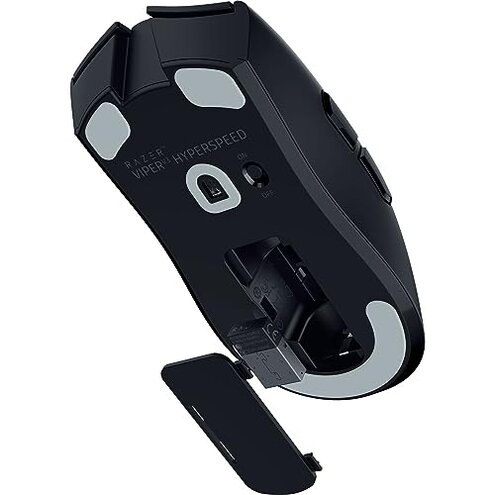
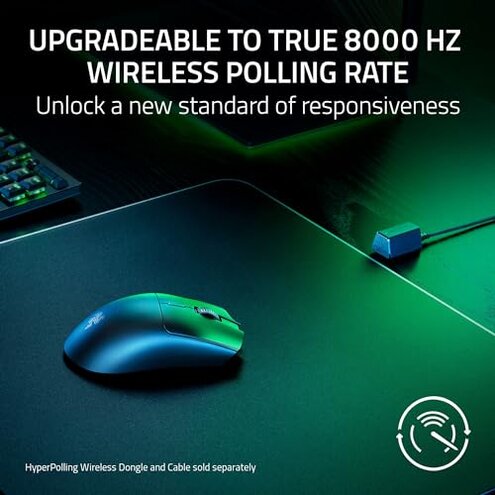
- Cause High polling or lighting options can reduce run time compared to advertised estimates.
- Impact Unexpected mid-week battery swaps add hassle for tournament-style schedules.
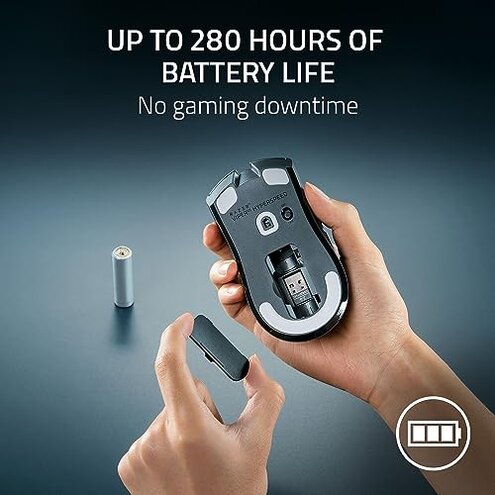
- Fixability Some buyers switched to higher-quality AA batteries or a battery management routine to reduce surprises.
Do the buttons and switches fail or misclick?
- Reported pattern Click issues and double-click-like behavior appear as a secondary but persistent signal.
- Early signs extra clicks or missed clicks often happen after weeks of regular daily use.
- Scope Seen across written reviews and teardown videos, so the problem spans multiple feedback types.
- Impact In-competitive play a single misclick can cost rounds or actions.
- Attempts buyers tried firmware resets and replacement switches where possible, with mixed success.
- Category contrast Switch issues are more frustrating here because many mid-range mice keep reliable click feel for months longer.
- Hidden cost Repair or replacement may require contacting support and extra downtime.
Will setup and customization be straightforward?
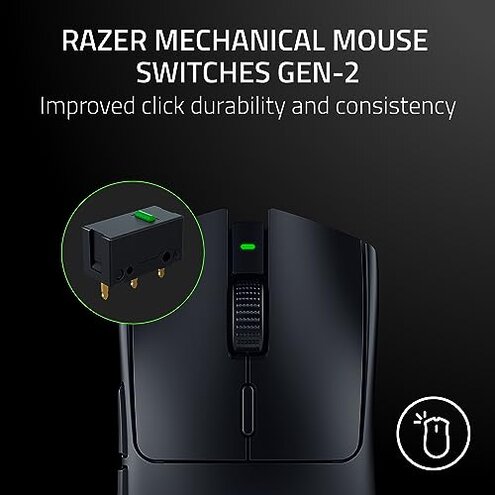
- App dependency Full button remapping and DPI stages require installing the vendor app and creating an account.
- Early signs Buyers noted limited functionality before installing the app during first-use setup.
- Frequency tier This is a primary pattern across many modern gaming mice but felt more burdensome here.
- Impact The app adds steps and an account requirement; this frustrates users who want plug-and-play.
- Compatibility Some users ran into OS permission prompts and driver updates during setup.
- Workarounds Local profiles often work, but cloud-sync features need signing in.
- Category contrast Compared to many mid-range options, this model expects more software interaction to unlock advertised features.
- Hidden requirement Expect to spend extra time on app setup and occasional firmware updates.
Illustrative excerpts
- "Cursor lagged during a ranked match, costing the round." — reflects a primary pattern.
- "Battery dropped faster than I expected after a week." — reflects a primary pattern.
- "Had to install the app before I could remap buttons." — reflects a secondary pattern.
- "One side click felt unreliable after a month of use." — reflects a secondary pattern.
Who should avoid this
- Competitive players who cannot tolerate mid-match cursor hiccups or brief disconnects should avoid this model.
- Traveling gamers who use crowded wireless environments that can worsen drops should look elsewhere.
- Plug-and-play users who refuse to install vendor software or create accounts should avoid it due to its app dependency.
Who this is actually good for
- Light gamers who play casually and can accept occasional battery swaps will tolerate the trade-offs.
- Customizers who want fine DPI and button programming and don’t mind app setup will get value here.
- Budget-focused buyers seeking a very light wireless mouse at a discount may accept the risks for the price.
Expectation vs reality
Expectation Reasonable for this category: wireless mice should run a week or more between battery swaps.
Reality Some buyers found the runtime shorter in daily play, creating extra battery maintenance time.
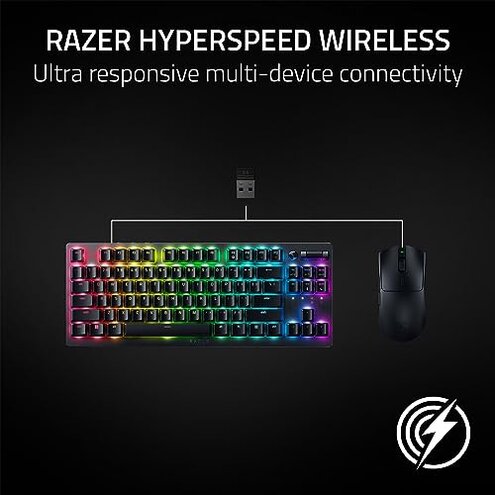
Expectation Reasonable for this category: a stable connection during gaming sessions.
Reality A noticeable subset reported intermittent stutters during long sessions or in busy wireless areas.
Safer alternatives
- Choose a model with proven long runtime reviews to neutralize unexpected battery drain.
- Pick a USB-C charging wireless mouse to avoid AA battery swaps if runtime is critical.
- Look for mice with documented stable connectivity in crowded environments to reduce drop risk.
- Prefer mice that offer full offline customization for buyers who avoid vendor apps.
The bottom line
Main regret The combination of connection instability and required app setup is the central buyer complaint driving regret.
Why worse These issues are more disruptive than single annoyances because they affect play and require extra setup time.
Verdict For serious competitive users or those who want true plug-and-play reliability, this model is best avoided unless the buyer accepts the trade-offs.
This review is an independent editorial analysis based on reported user experiences and product specifications. NegReview.com does not sell products.