
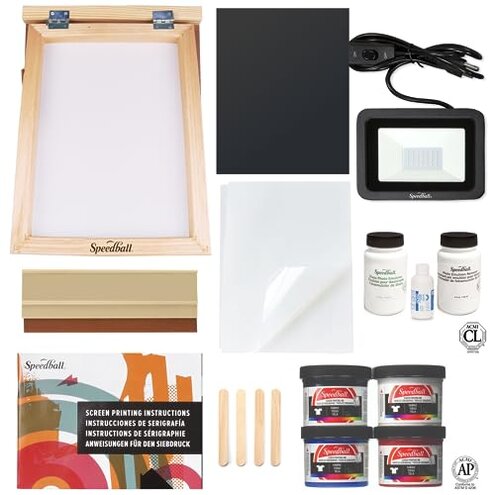
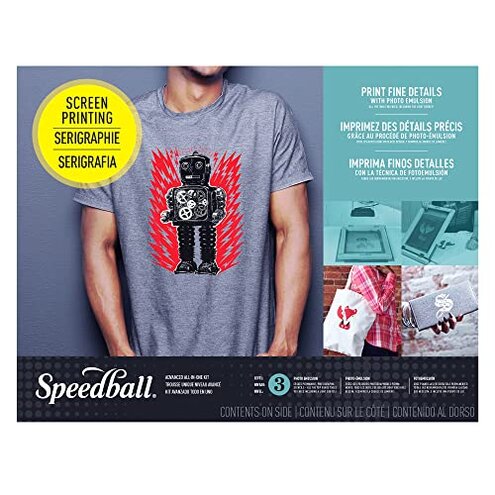
Product evaluated: Speedball Advanced All-In-One Screen Printing Kit, Includes LED UV Exposure Lamp
Related Videos For You
Here's Everything You Need To Start Screen Printing?
Photo Emulsion Method
Data basis: This report summarizes dozens of buyer feedback points collected from written reviews and video demonstrations between 2023 and 2026. Most feedback came from longer written comments, with recurring setup examples supported by visual demos showing first-use problems, exposure misses, and print quality frustration.
| Buyer outcome | This kit | Typical mid-range alternative |
|---|---|---|
| First project success | Less predictable after setup, especially if your exposure timing or artwork prep is off. | More forgiving when instructions and light setup are simpler. |
| Learning curve | Higher effort because photo emulsion adds more steps than many beginners expect. | Moderate effort with fewer setup-sensitive stages. |
| Cleanup burden | More time during failed screens or reclaims, which can stall a project. | Typical cleanup for basic fabric printing kits. |
| Error tolerance | Higher-than-normal risk if room conditions, artwork opacity, or timing are slightly off. | Better tolerance for small beginner mistakes. |
| Regret trigger | Paying kit price and still losing time on setup before getting a clean print. | Usually frustration comes from skill-building, not repeated prep resets. |
Why does the first print take so much effort?
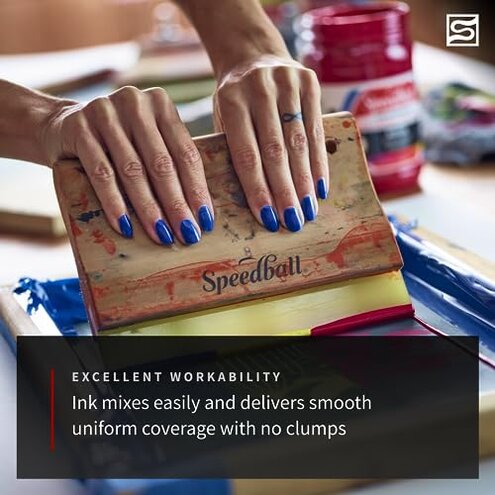
This is a primary issue and among the most common complaints. The regret moment usually comes on first use, when buyers expect an all-in-one start but run into a longer prep chain.
The trade-off is detail potential versus simplicity. In this category, some learning is normal, but this kit feels less forgiving than a typical mid-range option because several setup steps must go right in sequence.
- Pattern: Recurring feedback points to setup taking longer than expected before any usable print appears.
- When: Before printing, buyers have to coat, dry, expose, wash out, and test instead of jumping straight into printing.
- Worsens when: Short sessions make the process feel more frustrating because one mistake can consume the whole work window.
- Cause: Photo emulsion work is sensitive to timing and prep quality, which many casual buyers underestimate.
- Impact: Momentum loss is common because the project shifts from creative work to troubleshooting.
- Hidden requirement: Practice time is needed even though the kit presentation suggests a more ready-to-go experience.
- Fixability: Partly fixable with test runs, but that adds extra setup cycles and materials use.
Why are the results inconsistent even when you follow directions?
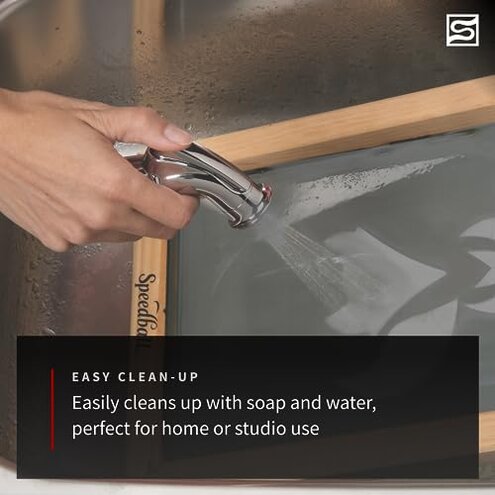
This is another primary issue and more disruptive than expected for this category. It shows up after setup, when the screen exposure or washout does not behave the way a beginner expects.
Not every buyer hits this problem, but it appears repeatedly across multiple feedback types. The frustration feels worse than normal because the kit includes its own exposure gear, which raises expectations for a smoother process.
Early signs often show during washout, when image areas fail to open cleanly or unwanted areas break down. That means the problem starts before the first real print attempt.
Compared with baseline, all photo emulsion kits need some dialing in. This one draws more regret when small mistakes lead to a full restart instead of a minor quality drop.
- Frequency tier: Primary pattern because exposure inconsistency appears repeatedly in buyer frustration.
- Usage moment: During exposure and rinse-out, especially on the first few screens.
- Worsens under: Imperfect artwork or uneven setup conditions, which make weak stencils more likely.
- User-visible effect: Blurry prints, lost detail, or screens that never open correctly.
- Why it stings: Extra rework means repeating prep instead of just reprinting a shirt.
- Attempted fixes: Timing changes can help, but buyers often describe trial-and-error rather than quick correction.
- Category contrast: Less forgiving than many mid-range starter kits that are designed for easier first wins.
Why does the included setup still feel incomplete?
- Pattern: Persistent secondary issue because buyers commonly expect a true all-in-one path and discover extra needs.
- When: During setup, especially when preparing artwork, workspace, and drying conditions.
- Hidden requirement: A suitable workspace matters more than many beginners expect for coating, drying, and exposing screens.
- Another requirement: Good artwork prep is critical, since weak image opacity can ruin exposure results.
- Buyer impact: Extra errands or improvising tools slows down the first project.
- Why worse than expected: All-in-one wording suggests less dependence on outside setup conditions than buyers actually experience.
Why does a failed screen feel so expensive in time?
- Pattern: Secondary issue that is less frequent than setup friction, but more frustrating when it occurs.
- When: After a bad exposure or weak print test, buyers may need to reclaim and restart.
- Worsens with: Repeated attempts, because cleanup and reset time stacks up quickly.
- Visible result: Project delays replace what buyers thought would be a same-day craft session.
- Why it exceeds baseline: Typical kits can be messy, but this process can burn more time before any successful print happens.
- Fixability: Learnable over time, though that helps future sessions more than the first one.
- Regret angle: Price-to-effort mismatch becomes obvious when buyers spend $124.99 and still need multiple dry runs.
Illustrative excerpt: “I thought I could print the same day, but setup took the whole afternoon.” Primary pattern.
Illustrative excerpt: “My image looked fine on film, then washed out wrong anyway.” Primary pattern.
Illustrative excerpt: “It includes a lot, but not the easy start I expected.” Secondary pattern.
Illustrative excerpt: “One bad exposure turned into cleanup and starting from scratch.” Secondary pattern.
Who should avoid this
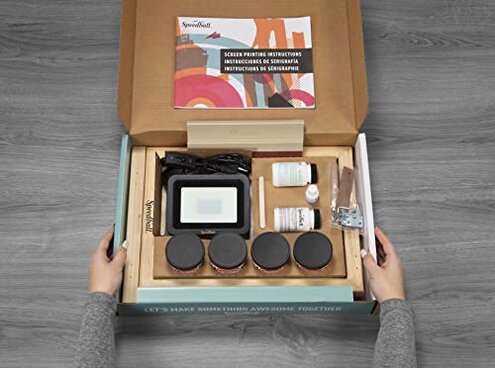
Avoid it if you want a fast first project with minimal learning. The setup chain is longer and less forgiving than many casual buyers expect.
Avoid it if you have a small shared space or limited uninterrupted time. The process works best when you can control prep, drying, and exposure without rushing.
Avoid it if failed attempts make you quit hobbies quickly. This kit has a higher reset cost in time than simpler starter options.
Avoid it if you mainly want basic shirts or simple graphics. The detail upside may not justify the extra process burden.
Who this is actually good for
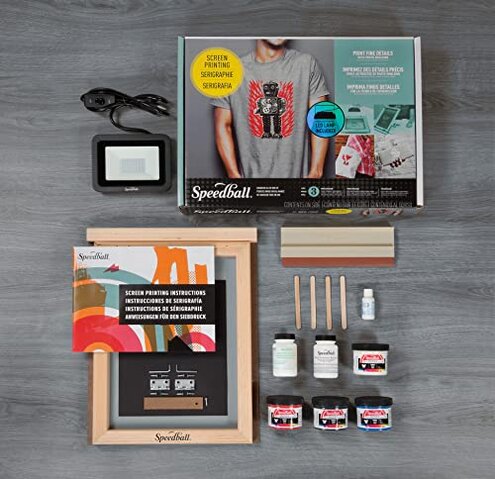
Good fit for buyers who specifically want to learn photo emulsion and accept failed test runs as part of the process.
Good fit for hobby users with a dedicated workspace and enough time to practice exposure settings.
Good fit for people who value image detail more than convenience and are willing to troubleshoot artwork prep.
Good fit for patient makers who see the first sessions as training time, not immediate production.
Expectation vs reality
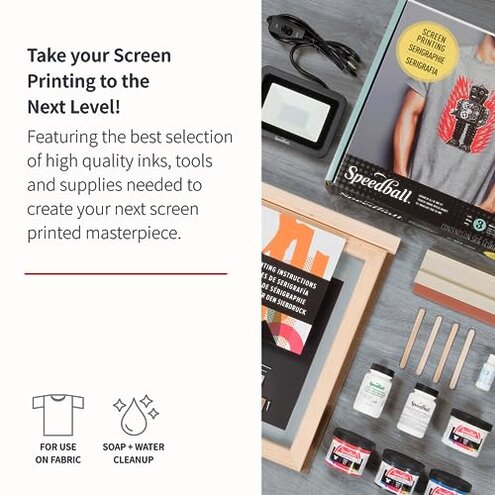
- Expectation: All-in-one kit means you can start printing quickly. Reality: the included tools still depend on careful prep, timing, and workspace conditions.
- Expectation: Reasonable for this category is some learning before clean prints. Reality: the penalty for small mistakes can be worse than expected because it often means restarting the screen.
- Expectation: Included lamp should reduce guesswork. Reality: buyers still report trial-and-error during exposure and washout.
- Expectation: Advanced kit means smoother results. Reality: it can feel advanced mainly because it demands more technique.
Safer alternatives
- Choose simpler kits if you want fast wins, especially ones built around basic stencil methods rather than photo emulsion.
- Look for larger-format guidance with clearer step support if you are new to screen printing and want lower setup risk.
- Prioritize forgiving systems that are marketed for beginners and emphasize first-print success over fine detail.
- Buy supplies separately if you already know your workflow, since that can avoid paying for an included setup that still needs extra trial-and-error.
The bottom line
Main regret trigger: buyers pay for a kit that looks complete, then discover setup sensitivity and failed-screen rework before they get consistent prints. That exceeds normal category risk because the process is not just messy or slow; it is less forgiving than many mid-range beginner alternatives. Verdict: avoid it if you want convenience, and consider it only if you knowingly want a practice-heavy photo emulsion setup.
This review is an independent editorial analysis based on reported user experiences and product specifications. NegReview.com does not sell products.