
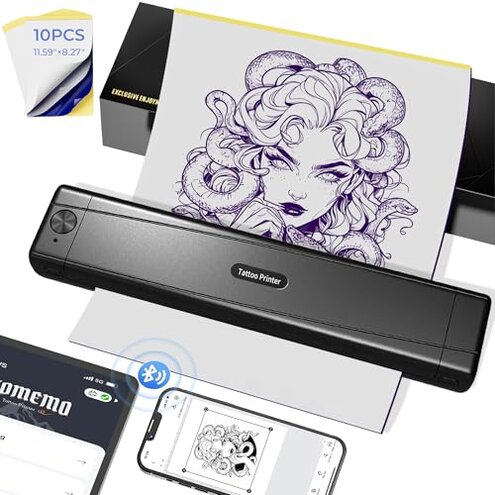
Product evaluated: TATTMUSE 2025 New Version Tattoo Stencil Printer Machine with 10pcs Transfer Paper, Wireless Bluetooth Thermal Tattoo Transfer Printer for Tattooing for Beginner, Compatible with Smartphone & Pad
Related Videos For You
How to use a Thermal Printer for tattoo stencil
Data basis: This report combines dozens of buyer comments collected from written feedback and video-style demonstrations between late 2024 and early 2026. Most input came from written reviews, with supporting patterns from setup clips and hands-on impressions, so the focus here is on repeated real-use problems instead of brand claims.
| Buyer outcome | TATTMUSE | Typical mid-range alternative |
|---|---|---|
| Setup speed | Fast if lucky, but app pairing friction appears repeatedly during first use. | Usually smoother, with fewer app steps and less retrying. |
| Stencil consistency | Higher risk of uneven darkness or partial transfers during daily use. | More predictable output once paper settings are learned. |
| Large design handling | Extra effort because split-printing adds alignment time. | Less fiddly for multi-part designs in this price tier. |
| Portability trade-off | Convenient size, but portability can mean more tolerance for setup quirks. | Bulkier, but often more stable for repeat sessions. |
| Regret trigger | Biggest trigger: buying for speed, then losing time to connection and print retries. | Lower trigger: slower to carry around, but less likely to interrupt workflow. |
Why does it feel slow when you bought it to save time?
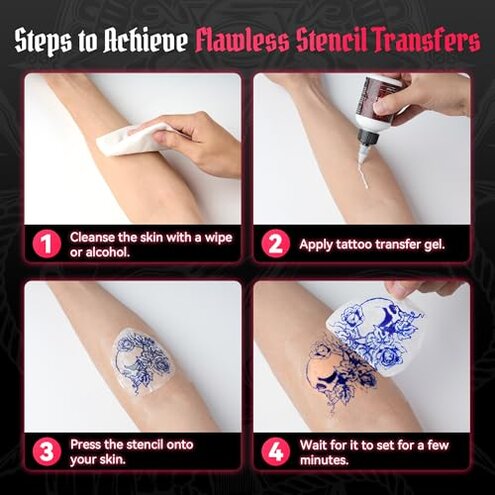
This is a primary issue because the regret shows up at first use, right when buyers expect a simple Bluetooth setup. The problem is not universal, but pairing friction appears repeatedly and feels more disruptive than expected for a modern wireless printer.
During setup, the extra app steps, reconnecting, and device matching can eat into the convenience promise. Compared with a typical mid-range stencil printer, this feels less forgiving for beginners who want fast printing from a phone or tablet.
- Pattern: Connection complaints are commonly reported, especially during the first session.
- Trigger: It tends to show up after downloading the app and trying to pair over Bluetooth.
- Impact: Buyers lose time before the first usable stencil even prints.
- Why worse: Wireless setup is reasonable for this category, but this model seems to need more trial and error than many mid-range alternatives.
- Mitigation: It is easier if you are comfortable testing phone, tablet, and USB options instead of expecting one-tap setup.
Illustrative: “I wanted quick setup, but spent longer pairing than printing.”
Primary pattern: This reflects the main speed-versus-hassle complaint.
Why are the stencils not as clean as expected?
- Primary issue: Print clarity is among the most common complaints because buyers notice it immediately on the first few transfers.
- Use moment: The frustration usually appears after setup, when a design looks usable on paper but transfers less cleanly onto skin.
- Severity: This is more frustrating than simple app friction because it affects the actual tattoo workflow, not just the setup.
- Pattern: Uneven darkness, faint lines, or inconsistent output appear repeatedly across different usage styles.
- Worsens when: It gets harder with detailed artwork, fine lines, or larger images that need clean edges.
- Category contrast: Thermal stencil printers always have some limits, but buyers commonly frame this as less consistent than expected for a $59.99 device.
- Hidden requirement: You may need more testing, paper positioning, and app adjustments than the listing suggests, which adds prep time.
- Fixability: Some users improve results by simplifying artwork and reprinting, but that still means wasted sheets and extra steps.
Illustrative: “The outline looked sharp on screen, then printed too light.”
Primary pattern: This captures the repeated quality gap between expectation and actual stencil output.
Why do bigger designs turn into extra work?
- Secondary issue: Large-image handling is less frequent than basic print clarity problems, but more frustrating when it happens.
- Use moment: The issue appears when buyers try sleeves, larger pieces, or anything that needs split printing.
- Cause: The app offers image splitting, but that convenience also creates alignment work across multiple sections.
- Impact: Matching edges and keeping placement clean adds time right before transfer.
- Worsens when: It becomes more noticeable with detailed art where even small misalignment is easy to see.
- Category contrast: Multi-part printing exists across the category, but this feels more fiddly than typical mid-range options that handle larger layouts more smoothly.
Illustrative: “Printing big art worked, but lining up each part was annoying.”
Secondary pattern: This reflects a recurring workflow complaint, not the most universal one.
Why does the beginner-friendly pitch still feel demanding?
This is a secondary issue tied to expectations, not a single defect. Buyers attracted by the beginner message often discover a hidden requirement: you still need patience with app tools, print testing, and design cleanup.
During early ownership, this matters most if you expected ready-to-go results from the included paper and app library. Compared with typical beginner-focused printers, the learning curve seems steeper than advertised, even if the machine eventually works.
- Pattern: This complaint is persistent, though not as common as connection or print consistency issues.
- Early sign: If you need several tries to get one clean stencil, the beginner promise may not match your experience.
- Trade-off: The portable, compact design is appealing, but convenience on paper does not always mean easier real-world use.
- Attempted fixes: Buyers often try different devices, simplified designs, and repeated prints before getting acceptable results.
- Why worse: A beginner model should reduce uncertainty, not shift extra testing onto the user.
Illustrative: “Portable, yes, but not nearly as plug-and-print as I expected.”
Secondary pattern: This shows the gap between beginner marketing and actual effort.
Who should avoid this
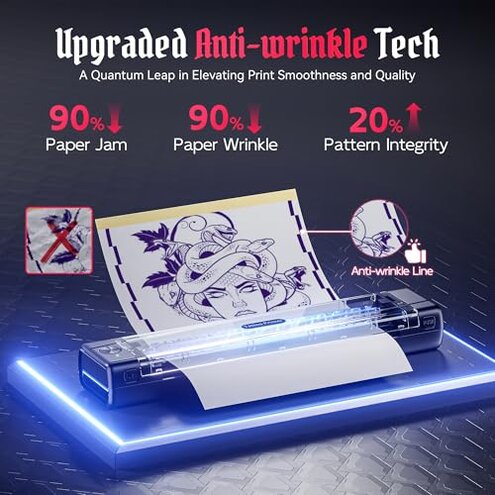
- Skip it if you need dependable first-try Bluetooth setup, because pairing friction is a primary complaint during initial use.
- Avoid it if you do detailed line work often, because inconsistent darkness and faint output feel worse than normal category limits.
- Not ideal if you print larger designs regularly, because split sections can add alignment work and slow down sessions.
- Pass if you are a true beginner who wants near-zero testing, because this machine appears to demand more tweaking than advertised.
Who this is actually good for
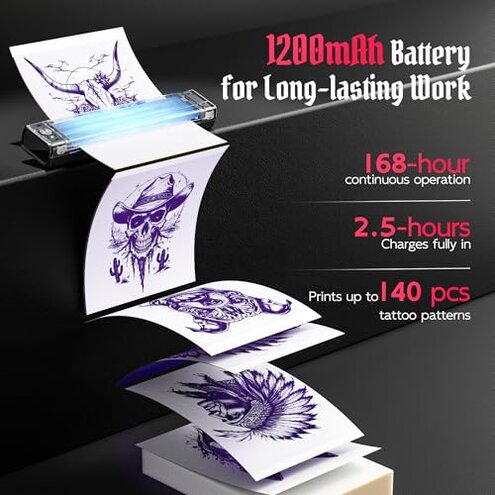
- Suitable for buyers who mainly want a compact portable stencil printer and can tolerate setup retries.
- Better fit for users printing simpler designs, where minor output inconsistency is easier to work around.
- Works best for people comfortable using apps, adjusting artwork, and doing test prints before final transfer.
- Reasonable for casual or backup use, where occasional friction matters less than having a lightweight wireless option.
Expectation vs reality
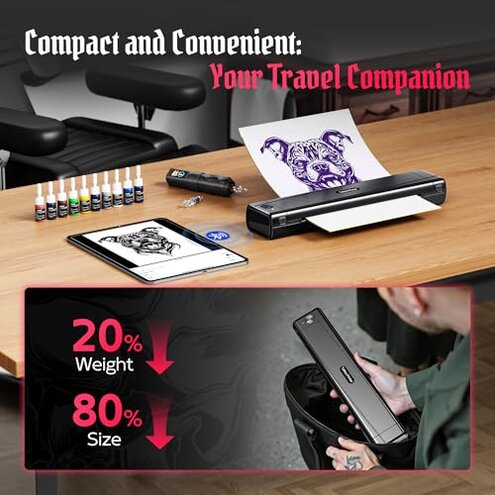
Expectation: A wireless beginner stencil printer should pair quickly and print with minimal setup.
Reality: Pairing can take retries, and the saved time may disappear during the first session.
Expectation: A reasonable category standard is clean enough stencil output for most designs after basic setup.
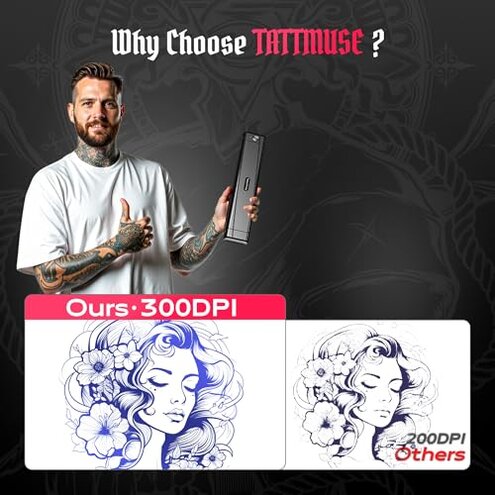
Reality: This model shows a worse-than-expected risk of faint or uneven prints, especially with fine details.
Expectation: Split printing should make large artwork easier.
Reality: It can still create extra alignment work that interrupts workflow.
Safer alternatives
- Choose stability over ultra-portability if you print often, because slightly larger stencil printers are commonly easier to keep consistent.
- Look for simpler app workflows or wired fallback options if Bluetooth hassle would derail your work.
- Prioritize models known for consistent dark output if you do fine-line or detail-heavy designs.
- Check for real-world examples of large stencil handling, because split-print convenience on a listing can still mean extra alignment effort.
- Buy extra paper with any beginner-focused thermal printer if the setup promises sound easy, since repeated test prints are a common hidden cost.
The bottom line
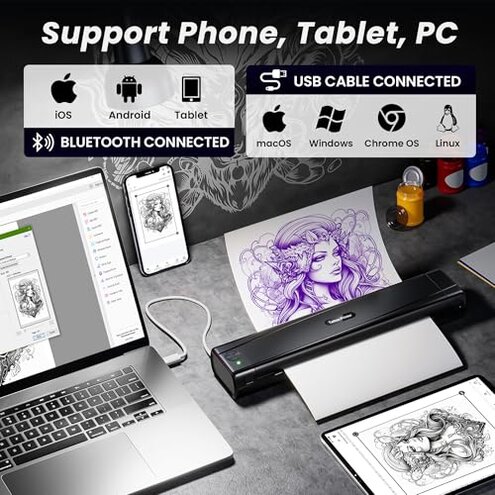
Main regret starts when buyers choose this for speed and simplicity, then run into setup retries and uneven stencil results. That risk feels higher than normal for a mid-range wireless tattoo stencil printer because the problems hit both first use and daily workflow. If you need dependable, low-fuss output, this is a model to approach carefully or skip.
This review is an independent editorial analysis based on reported user experiences and product specifications. NegReview.com does not sell products.