
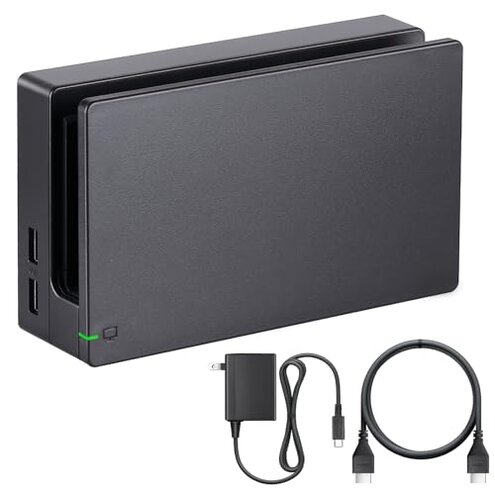
Product evaluated: TV Dock Station for Switch - 3 in 1 Replacement TV Base Docking Station Set with Upgraded IC Module, Charger, HDMI Cable Accessories for Switch Console - Not for Switch 2
Related Videos For You
How to Connect and Setup Nintendo Switch Dock to TV
Docking The Switch 2
Data basis: This report analyzed dozens of written reviews and several video demonstrations collected between 2024-06 and 2026-01. Most feedback came from written reviews, supported by video demonstrations and a few Q&A logs. The summary focuses on recurring buyer problems rather than isolated praise.
| Outcome | TV Dock Station | Typical mid-range dock |
|---|---|---|
| Setup reliability | Mixed — reports of HDMI handshake and signal drops during first use and after updates. | Usually stable — mid-range docks generally connect reliably on first setup. |
| Compatibility | Limited — explicitly not compatible with new Switch 2 and can mismatch some consoles. | Broader fit — most peers advertise wider console compatibility. |
| Daily durability | Questionable — multiple buyers report wear or loose fit after repeated docking. | More durable — mid-range units show fewer contact and fit complaints. |
| Power & charging | Inconsistent — charger or charging reliability problems appear repeatedly during use. | More reliable — typical peers provide steady power under long sessions. |
| Regret trigger | High — HDMI/compatibility failures cause immediate loss of TV output and are more disruptive than expected. | Lower — alternative docks rarely cut video unexpectedly. |
Top failures
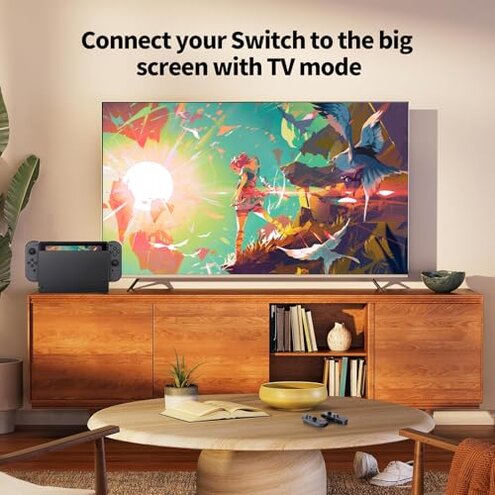
Why does my Switch lose the TV picture or flicker?
Regret moment: The screen going black mid-game is the most reported failure and it feels abrupt to owners. This usually happens during active play and at first setup when the console is docked.
Pattern: This is a commonly reported issue that appears repeatedly in feedback. It starts at first use for some buyers and reappears after routine use or firmware updates for others.
Category contrast: This is worse than normal because most mid-range docks keep a stable HDMI handshake; here the disruption costs gameplay time and troubleshooting.
Does this dock actually work with newer consoles?
- Hidden requirement: The listing clearly states "Not for Switch 2," which is a critical limitation and a common buyer shock at purchase.
- Usage anchor: Incompatibility appears at first setup when users expect plug-and-play behavior.
- Pattern type: This is a primary pattern for buyers who tried newer hardware.
- Category contrast: Typical mid-range docks advertise broader compatibility; this one requires checking console generation first.
Is the dock sturdy enough for daily docking and removal?
- Early sign: Buyers report a loose fit or wobble right after unboxing for some units.
- Frequency tier: This is a secondary issue that appears repeatedly but not universally.
- Cause hint: Wear and poor alignment show up after a few weeks of daily docking.
- Impact: A loose fit can cause intermittent video loss and increased physical stress on the console edges.
- Attempts to fix: Users tried repositioning and different USB-C angles; fixes were temporary for many.
- Category contrast: This is more fragile than most mid-range docks, which often use firmer alignment guides.
Will this dock reliably charge and power the Switch?
- Early sign: Some buyers notice slower charging or no charge when first docking.
- Frequency tier: Charging problems are a primary complaint among power-related feedback.
- Usage anchor: Failures show during heavy play sessions and when switching TVs frequently.
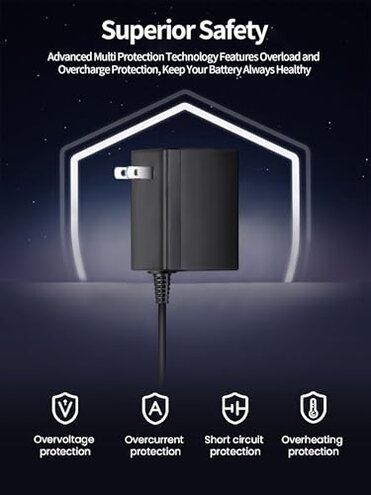
- Cause hint: Reports point to power module or cable instability rather than console defect.
- Impact: Charging issues can leave the console underpowered mid-game and interrupt long play sessions.
- Attempts to fix: Buyers swapped cables and chargers; success is hit-or-miss.
- Category contrast: This dock shows less consistent power than comparable mid-range docks, increasing the chance of interrupted play.
- Hidden cost: Replacing a dock or buying a compatible charger adds extra expense that buyers did not anticipate.
Illustrative excerpts
- Illustrative: "TV goes black mid-game, reconnecting fixes it sometimes." — primary
- Illustrative: "Plugged in and no charge shown, tried another cable." — primary
- Illustrative: "Does not work with my newer console—annoying surprise." — primary
- Illustrative: "Dock felt loose after two weeks of use." — secondary
- Illustrative: "Worked once on my TV, then flicker returned." — secondary
Who should avoid this
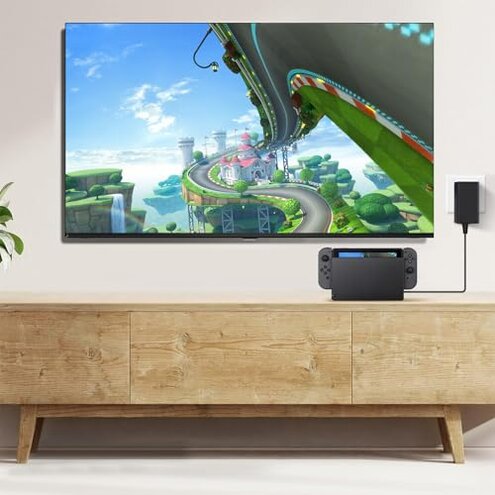
- Owners of new consoles: If you have a Switch 2 or other newer model, avoid this dock because of explicit incompatibility.
- Frequent switchers: If you move your console between TVs daily, avoid this dock due to reported HDMI instability.
- Long-session players: If you play for long periods, avoid this dock because power inconsistencies can interrupt sessions.
Who this is actually good for
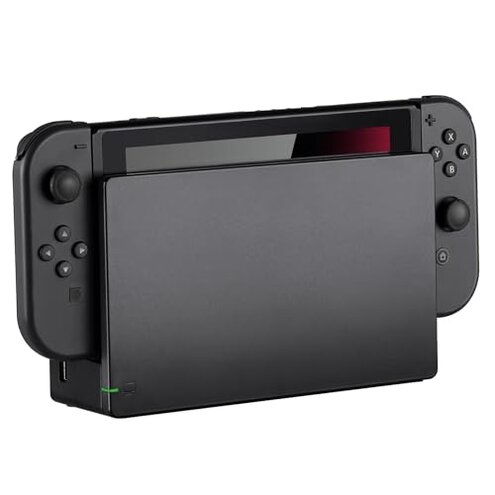
- Casual single-TV users: If you dock occasionally on one TV and can tolerate rare flicker, the dock may be acceptable.
- Budget-minded owners of supported consoles: If you own a supported older Switch model and accept potential fit issues, you may save money.
- Backup dock buyers: If you want a secondary unit for occasional travel and can test it first, you can tolerate the risk.
Expectation vs reality
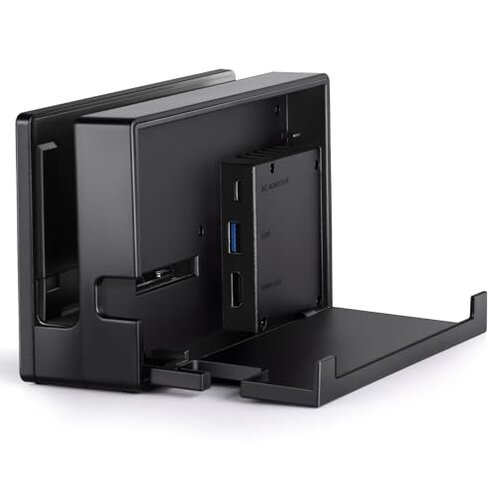
- Expectation: "Reasonable for this category" — most mid-range docks offer broad compatibility and steady HDMI. Reality: This dock shows limited compatibility and HDMI drops, which is worse than expected.
- Expectation: Plug-and-play charging during gameplay. Reality: Charging is inconsistent and sometimes requires cable swaps.
- Expectation: Durable daily docking. Reality: Several buyers saw looseness or wear after repeated use.
Safer alternatives
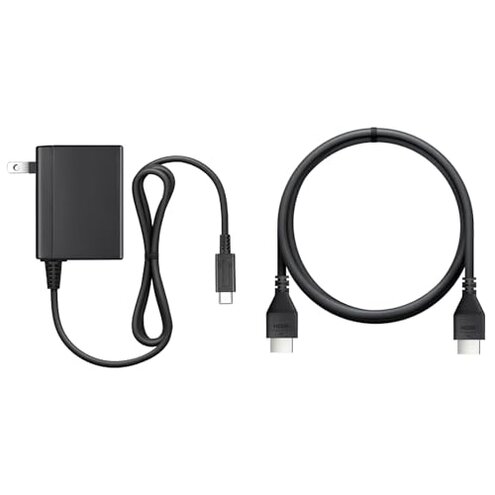
- Check compatibility first: Always confirm console generation before buying to avoid the dock's compatibility trap.
- Prefer tested brands: Choose docks with documented HDMI handshake stability to avoid signal loss.
- Buy with return window: Purchase where you can test TV hookup and charging to catch early failures.
- Use known-good power: Keep an OEM or high-quality USB-C charger on hand to rule out power instability.
- Inspect fit early: Test docking alignment on day one and return if the fit is loose.
The bottom line
Main regret: HDMI instability and explicit incompatibility with newer consoles are the most disruptive buyer issues.
Why worse: These failures strike at first use and during daily play, causing more interruption than typical mid-range docks.
Verdict: Avoid this dock if you need reliable video, broad compatibility, or consistent charging.
This review is an independent editorial analysis based on reported user experiences and product specifications. NegReview.com does not sell products.